

ABMsense – Visitor Identification for B2B Pipeline Growth
ABMsense helps businesses identify website visitors and predict similar organizations to drive B2B pipeline growth with AI-powered insights.
Plugin info
Maintenance & Compatibility
Maintenance score
Stale • Last updated 319 days ago • 3 reviews
Is ABMsense – Visitor Identification for B2B Pipeline Growth abandoned?
Likely maintained (last update 319 days ago).
Compatibility
Similar & Alternatives
Explore plugins with similar tags, and compare key metrics like downloads, ratings, updates, support, and WP/PHP compatibility.
Description
ABMsense helps businesses identify website visitors and predict similar organizations to drive B2B pipeline growth.
The plugin provides accurate visitor insights directly to your inbox, eliminating the need for complicated dashboards or software.
It’s perfect for small and medium-sized businesses (SMBs) looking to enhance their account-based marketing strategies.
ABMsense is simple to install, free to use, and integrates seamlessly with your WordPress site.
With AI-driven predictions, it helps you convert website traffic into qualified leads.
Key Features:
- One-click installation for quick setup.
- Identifies business visitors for detailed insights.
- Weekly visitor intelligence sent to inbox.
- AI-driven predictions for high-quality leads.
- Boosts B2B sales pipeline through insights.
- Smart dashboards
- All insights via email.
- Export data in CSV for analysis.
- Built-in GDPR compliance for privacy protection.
- Lead scoring to prioritize qualified leads.
- Intelligence leads for high marketing ROI.
- Coming soon: Integration with Slack.
- Coming soon: Integration with popular CRMs like Salesforce and HubSpot.
License
This plugin is licensed under GPLv2 or later. For more information, see https://www.gnu.org/licenses/gpl-2.0.html.
Installation
- Go to your WordPress Dashboard.
- Navigate to Plugins > Add New.
- Search for ABMsense.
- Click Install Now, then Activate.
- Configure the plugin settings by going to the ABMsense settings page.
- Enter your email to start receiving weekly visitor insights directly to your inbox.
Frequently Asked Questions
- You can install ABMsense directly from your WordPress dashboard by navigating to Plugins > Add New and searching for ABMsense.
Then, click Install Now and activate the plugin.
- Yes, ABMsense is completely free to use.
- No, ABMsense does not store any visitor data on external servers.
All data is sent directly to your inbox and remains private.
- Yes, ABMsense allows you to export visitor data in CSV format for easy analysis.
- Yes, ABMsense is fully compliant with GDPR and protects user privacy.
- Once the plugin is installed, weekly insights will automatically be sent to your email address.
- Yes, ABMsense allows you to customize tracking settings to suit your business needs.
- Not yet, but coming soon: integration with popular CRMs like Salesforce and HubSpot.
- Yes, ABMsense leverages API, AI LLM technologies, and IP analysis solutions to provide comprehensive and accurate information.
- Yes, ABMsense is designed to be compatible with a wide range of WordPress themes and plugins.
If you encounter any issues, our support team is here to help.
- You’ll receive a CSV file with 15 key parameters, including information about the visitor’s organization, location, and behavior on your site.
- Not at all! ABMsense is designed for easy, one-click deployment.
Simply install the plugin, configure your email preferences, and start receiving insights without any technical hassle.
Review feed
Easy to use
Screenshots
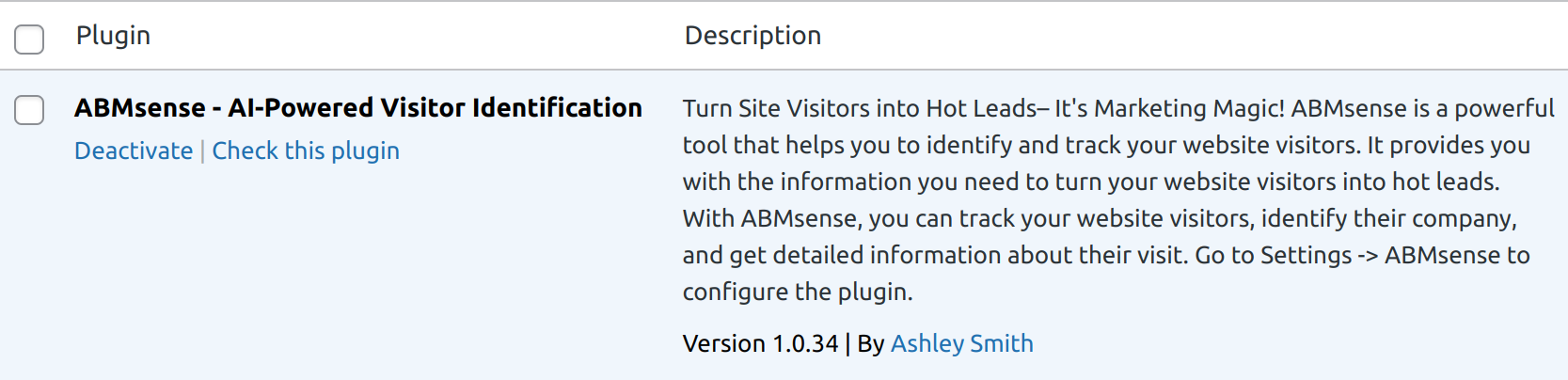
This screenshot shows the main plugin interface
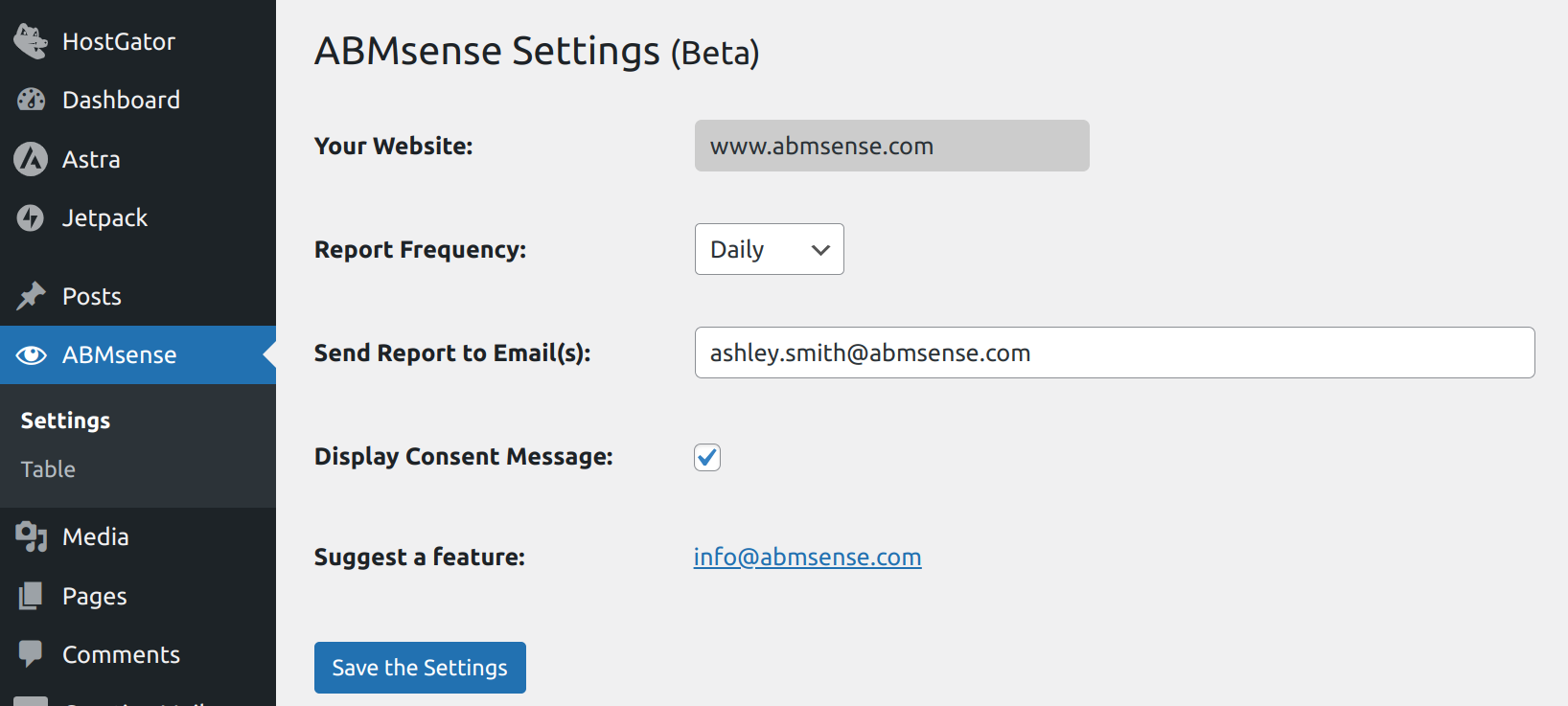
Screenshot of ABMsense settings page
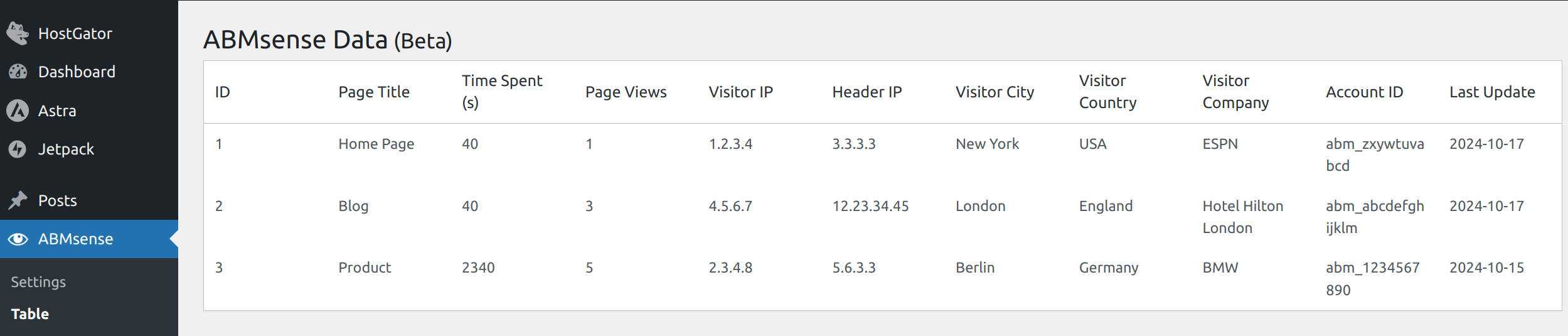
This screenshot shows the temporary table

Screenshot of visitor insights in email
Changelog
1.0.34
- Initial release of ABMsense.
2.0.6
- Adding Easy settings page and Easy to read and export report
- Change default report from daily to weekly
- Support SSL fallback
3.0.14
- New: Dashboard with graphical UI
- Added: Total Identified Companies display
- Added: Lead Scoring section
- Added: Filter by Time Period
- Note: Demo data is shown until real visitor data is collected
- Changed “All time” text to “Last 90 days” in time period selectors for better clarity
3.2.6
- Removed Export page
- Adding Export CSV inside the Identified Companies table
3.3.35
- Added: User Management table
- Added: Hot Lead Alerts
4.0.14
- Added: New Integration page in the admin dashboard for managing third-party integrations
- Added: Slack Integration support with the following features:
- Connect ABMsense to your Slack workspace
- Receive real-time visitor notifications in your chosen Slack channel
- Toggle integration on/off as needed