

Academic Blogger's Toolkit
A plugin extending the functionality of Wordpress for academic blogging.
Plugin info
Maintenance & Compatibility
Maintenance score
Possibly abandoned • Last updated 2352 days ago • 28 reviews
Is Academic Blogger's Toolkit abandoned?
Possibly abandoned (last update 2352 days ago).
Compatibility
Developers
Similar & Alternatives
Explore plugins with similar tags, and compare key metrics like downloads, ratings, updates, support, and WP/PHP compatibility.
Description
FULLY SUPPORTS THE NEW BLOCK EDITOR!
Academic Blogger’s toolkit is an open source WordPress plugin providing an all-in-one solution for effective academic blogging.
This README page is not kept up to date!
For a constaintly updated, exhaustively detailed, introduction to this plugin and all its features, please visit the plugin’s GitHub Repository.
To dive right into the documentation, check out the Academic Blogger’s Toolkit Wiki!
Features
- Insert formatted references on the fly using PMID, DOI (CrossRef, DataCite, & mEDRA), URL, or ISBN.
- Manually insert formatted references from over 15 types of references.
- Import a full bibliography from your favorite reference manager using an exported
.risfile. - Automatically format references for every citation style on planet earth.
- Fully interactive reference list which lives beside the post editor.
- Insert and manager footnotes in the editor automatically.
- Inline citations display full formatted references on the frontend when hovered with the mouse (or when tapped on mobile). No more scrolling down and losing your focus!
Contributing
If you’re a developer and would like to contribute, you can do so via this plugin’s GitHub Repository.
Installation
Frequently Asked Questions
Review feed
Fantastic
Screenshots
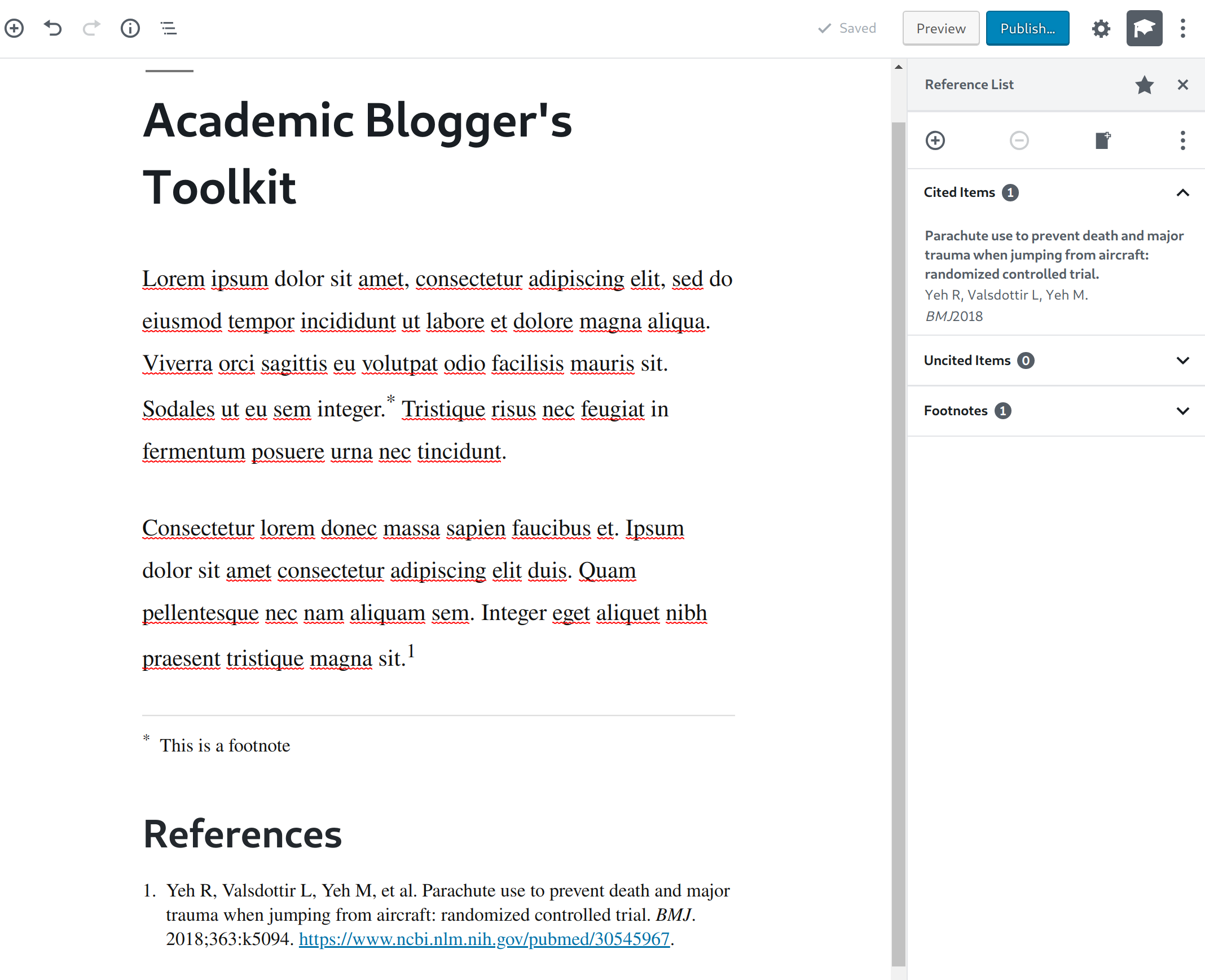
Overview of the reference manager screen.

Overview of the manual reference insertion screen.
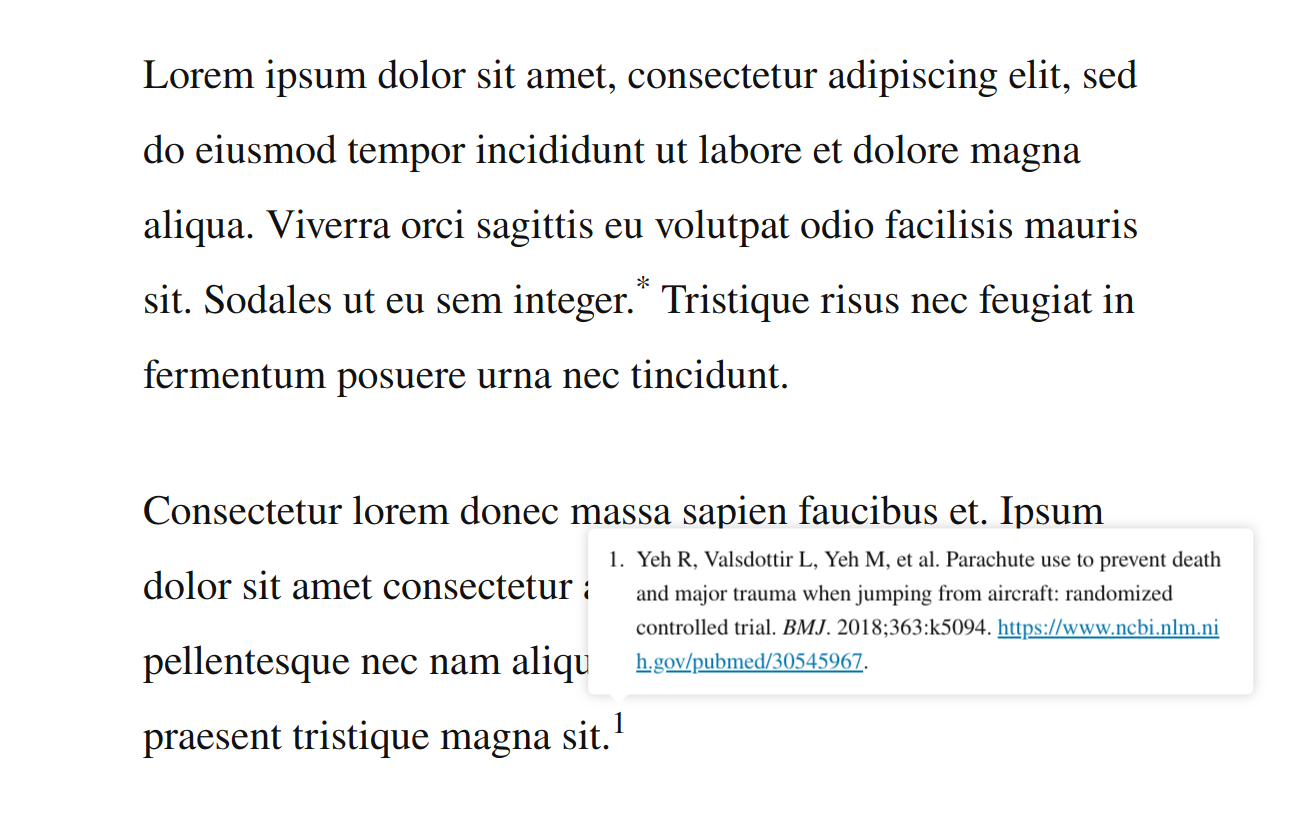
Citation tooltips.
Changelog
5.2.2
Patches
- Bump minimum required WordPress version to 5.3.
Note: If you updated to 5.2.1 already yesterday and are affected by the bug introduced, either install the gutenberg plugin temporarily until WordPress 5.3 is released, OR roll back to version 5.2.0.