

Accessibility
An advanced plugin, that immediately applies key accessibility features on your WordPress website.
Plugin info
Maintenance & Compatibility
Maintenance score
Stale • Last updated 287 days ago • 5 reviews
Is Accessibility abandoned?
Likely maintained (last update 287 days ago).
Compatibility
Similar & Alternatives
Explore plugins with similar tags, and compare key metrics like downloads, ratings, updates, support, and WP/PHP compatibility.
Description
A great looking tool to make your WordPress website – accessible ready on all common browsers and platforms (Desktop / Tablets / Mobile).
Check out Our Demo
Accessibility key features on widget toolkit
- Font Size Control
- Keyboard Navigation
- Contrast displays: High contrast / Black and White / Black and Yellow.
- Links Highlight
- Stop Animations
- etc…
The plugin will work instantly as you enable it. You can go to the accessibility settings page to define custom settings.
Extra Features
- Multilingual.
- Auto select language by browser language.
- Attachments Control Panel: alt and title attributes.
Support
If you have any questions or any assistance, feel free to use the support tab above, contact through acc.magixite.com or direct email [email protected].
We will do our best to solve any issue 🙂
Suggestions
If there was something more please let us know, we are always open for inquiry.
Enjoying the plugin?
Glad to hear that. Don’t forget to rate it !
You can control and revise your license settings on https://acc.magixite.com. License is given free.
You may also change the style if you know your way around some css.
—
Happy usage – Enjoy !
The Octa-Code Team
Installation
Install from a downloaded zip archive.
- Go to your admin menu Plugins -> Add New, and click on “Upload Plugin” near the top.
- Browse for the zip file and click on upload.
OR
- Extract the downloaded zip archive in your wp-content/plugins directory.
Once uploaded,
Go to your “Installed Plugins” page and enable the plugin.
Frequently Asked Questions
Yes, Just go to acc.magixite.com and edit your license settings, you may also add your own CSS.
Yes, you can control it on the settings page, or your account at magixite.com
Yes, just click on the “0” key to toggle the toolbar visibility.
You should confirm with us first via the publisher site.
It’s not mandatory, but we recommend that you should to keep stuff organized.
Review feed
Hope everyone enjoys this one !
Screenshots
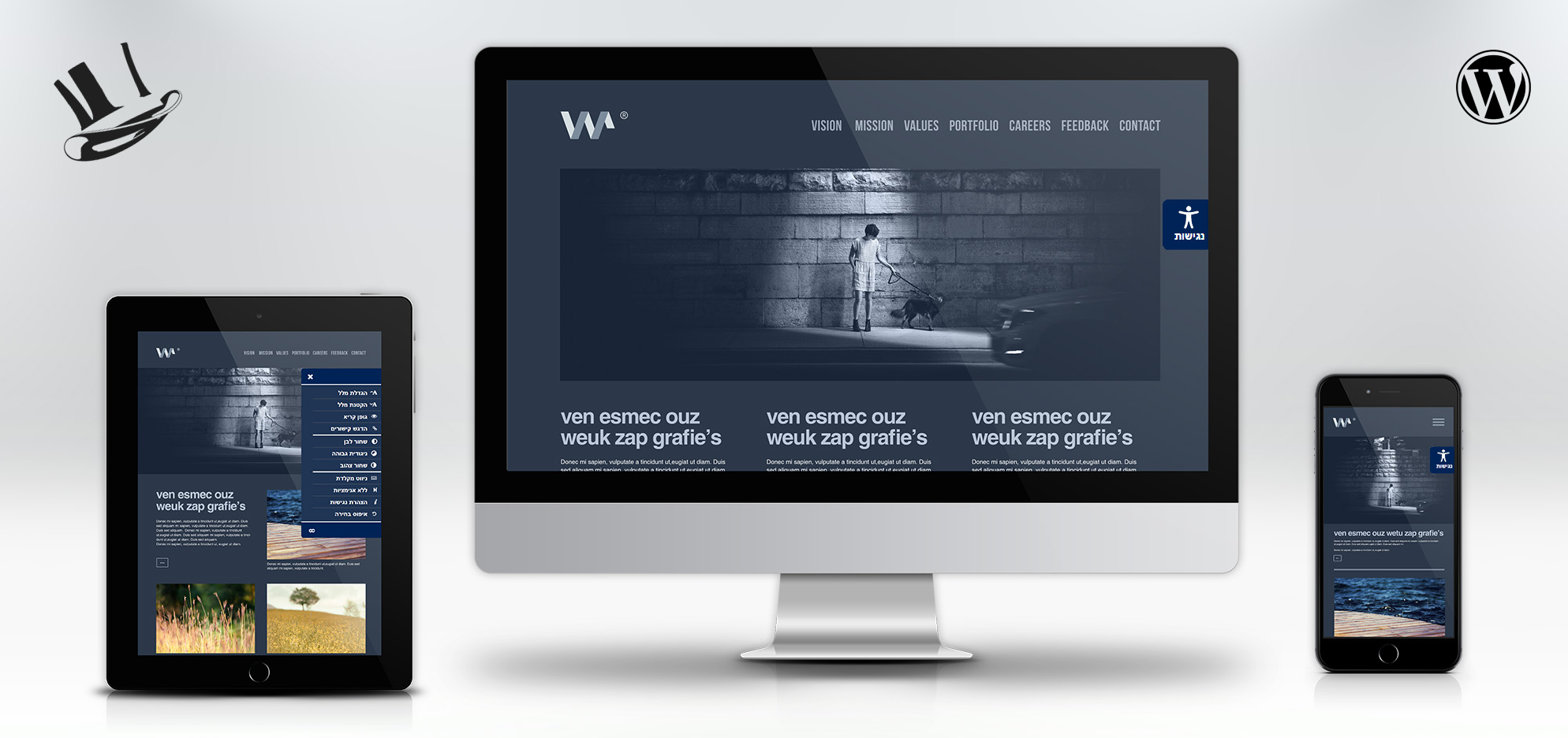
We support all platforms.
Changelog
1.0
- First stable Release.
1.0.1
Added spanish support for widget.
Attachments control panel.
Added locale files.
1.0.4
Security fixes.
1.0.5
Compatibility verification.
1.0.6
Security Optimizations.
1.0.6
Security Fix.