

Advanced Custom Fields: Ninjaforms Add-on
Advanced Custom Field with which we can select Ninjaforms.
Plugin info
Maintenance & Compatibility
Maintenance score
Possibly abandoned • Last updated 3102 days ago • 1 reviews
Is Advanced Custom Fields: Ninjaforms Add-on abandoned?
Possibly abandoned (last update 3102 days ago).
Compatibility
Similar & Alternatives
Explore plugins with similar tags, and compare key metrics like downloads, ratings, updates, support, and WP/PHP compatibility.
Description
Advanced Custom Field with which we can select Ninjaforms.
Finally the Advanced Custom Fields: Ninjaforms Add-on is available on the WordPress plugin repository!
Any documentation can be found on: Ninjaforms ACF Field GitHub Repository.
Installation
The plugin is available from the WordPress plugin repository
- Upload the plugin files to the
/wp-content/plugins/acf-ninjaforms-add-ondirectory, or install the plugin through the WordPress plugins screen directly. - Activate the plugin through the ‘Plugins’ screen in WordPress
- Use the Settings->Plugin Name screen to configure the plugin
- (Make your instructions match the desired user flow for activating and installing your plugin. Include any steps that might be needed for explanatory purposes)
You can also install Advanced Custom Fields: Ninjaforms Add-on trough composer
composer require dannyvanholten/acf-ninjaforms-add-on
or if you make use of WPackagist
composer require wpackagist/acf-ninjaforms-add-on
Frequently Asked Questions
Installation Instructions
The plugin is available from the WordPress plugin repository
- Upload the plugin files to the
/wp-content/plugins/acf-ninjaforms-add-ondirectory, or install the plugin through the WordPress plugins screen directly. - Activate the plugin through the ‘Plugins’ screen in WordPress
- Use the Settings->Plugin Name screen to configure the plugin
- (Make your instructions match the desired user flow for activating and installing your plugin. Include any steps that might be needed for explanatory purposes)
You can also install Advanced Custom Fields: Ninjaforms Add-on trough composer
composer require dannyvanholten/acf-ninjaforms-add-on
or if you make use of WPackagist
composer require wpackagist/acf-ninjaforms-add-on
Review feed
Good transfer
Screenshots
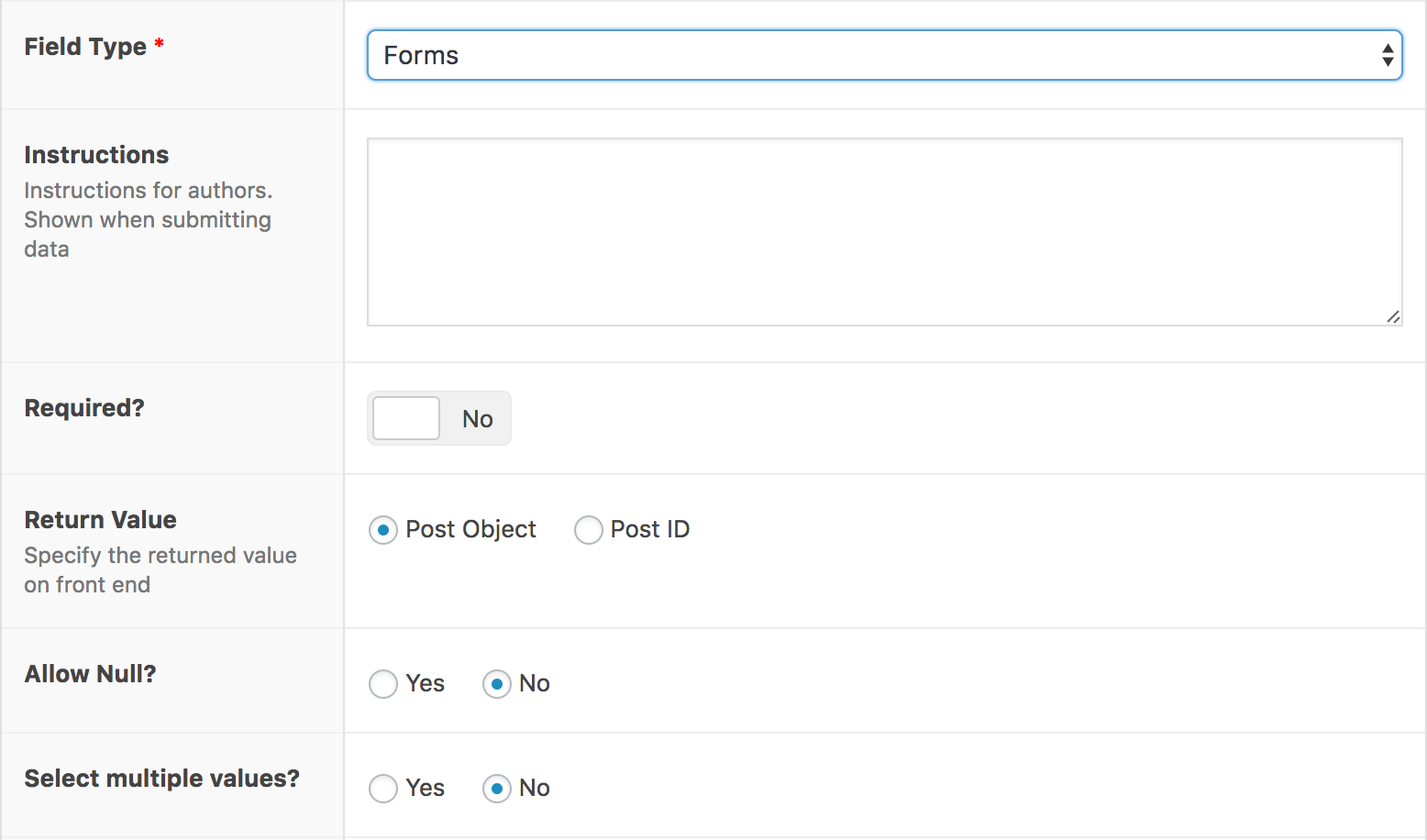
You can select Form as a field type while adding an ACF Field.

The actual selection of the field

You can select all your Ninjaforms

If ACF or Ninjaforms is not added it will give a notice (Notices from WP Growl Notifications
Changelog
1.0
Added
* The repo is set up