

Advanced Custom Order Status for WooCommerce
Easily create, edit, and delete custom order status in WooCommerce. Add icon, color and action to enhance the visual representation of order statuses.
Plugin info
Maintenance & Compatibility
Maintenance score
Maintained • Last updated 136 days ago • 2 reviews
Is Advanced Custom Order Status for WooCommerce abandoned?
Likely maintained (last update 136 days ago).
Compatibility
Similar & Alternatives
Explore plugins with similar tags, and compare key metrics like downloads, ratings, updates, support, and WP/PHP compatibility.
Description
The Advanced Custom Order Status for WooCommerce plugin is a must-have tool for WooCommerce store owners who want to have complete control over their order statuses.
Users can easily create, edit, and delete order statuses that align with their business needs. Additionally, the ability to add icons and colors to order statuses enhances the visual representation of the order status, making it more engaging for both the store owner and the customer.
👉 Advanced Custom Order Status Feature | Support | Purchase Pro
Key features:
- Customize, delete, and add new order statuses in WooCommerce.
- Enhance the appearance of order statuses by adding colors.
Premium features:
- Replace text with icons to make order statuses more visually appealing.
- Assign any order status to the order action.
- Position order statuses anywhere you prefer.
- Specify the type of order status you want to set.
- Add order status in bulk action on order page.
- Show sale report of a order status you need.
- Automatically send email notifications upon changing the order status.
👉 Get Advanced Custom Order Status Pro
Enhance your store with our other plugins
- Variations as Single Product for WooCommerce – Show variations as single product on shop, product category and search result page.
- MinMax Quantities for WooCommerce – Control product min max quantity along with quantity steps.
Installation
The Plugin installation process in WordPress is very easy and convenient. Simply follow the steps below to get started.
e.g.
- Upload
advanced-custom-order-status-for-woocommerceto the/wp-content/plugins/directory - Activate the plugin through the ‘Plugins’ menu in WordPress
- Click on settings link and enjoy the feature.
Frequently Asked Questions
Only sky is the limit.
Sure! It’s possible excluding the slug.
yes! you can add any order status in bulk action.
Review feed
Screenshots
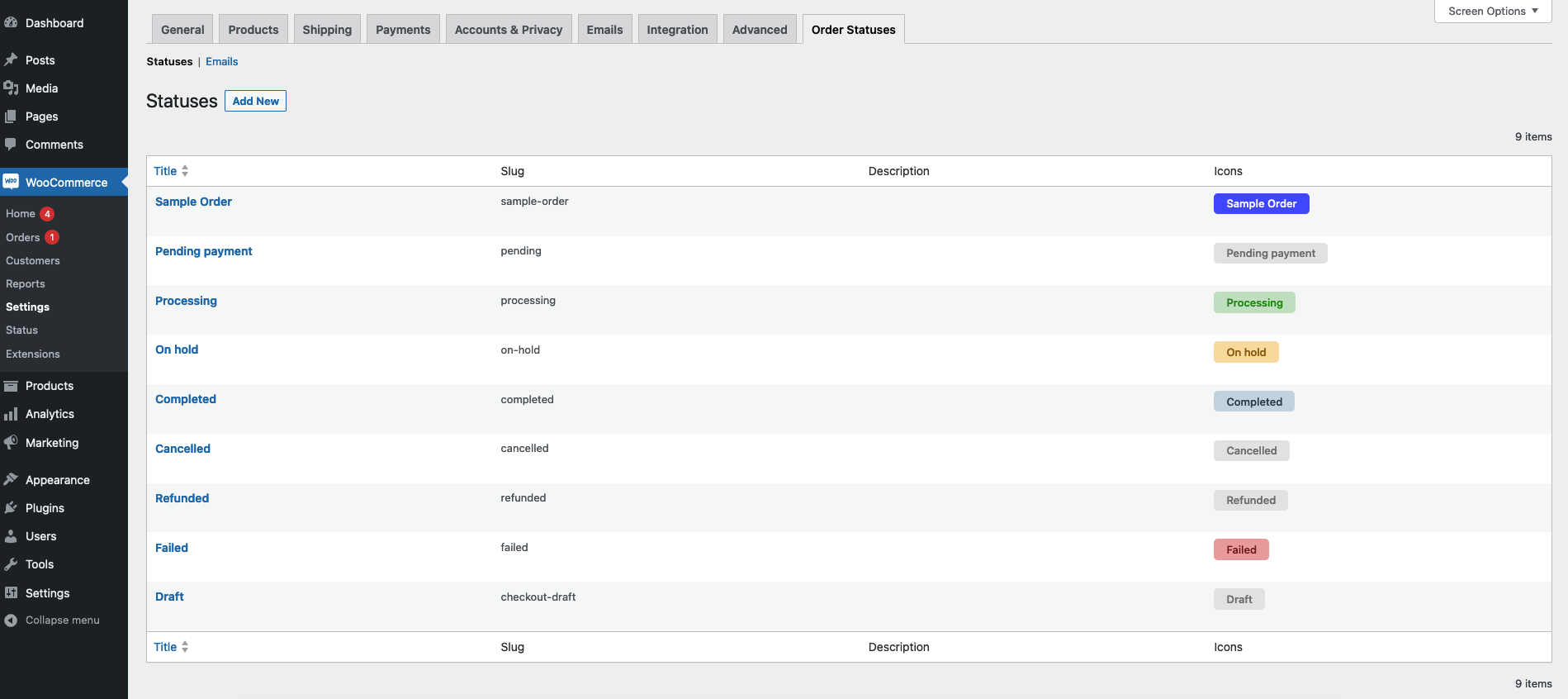
Order Status Page.
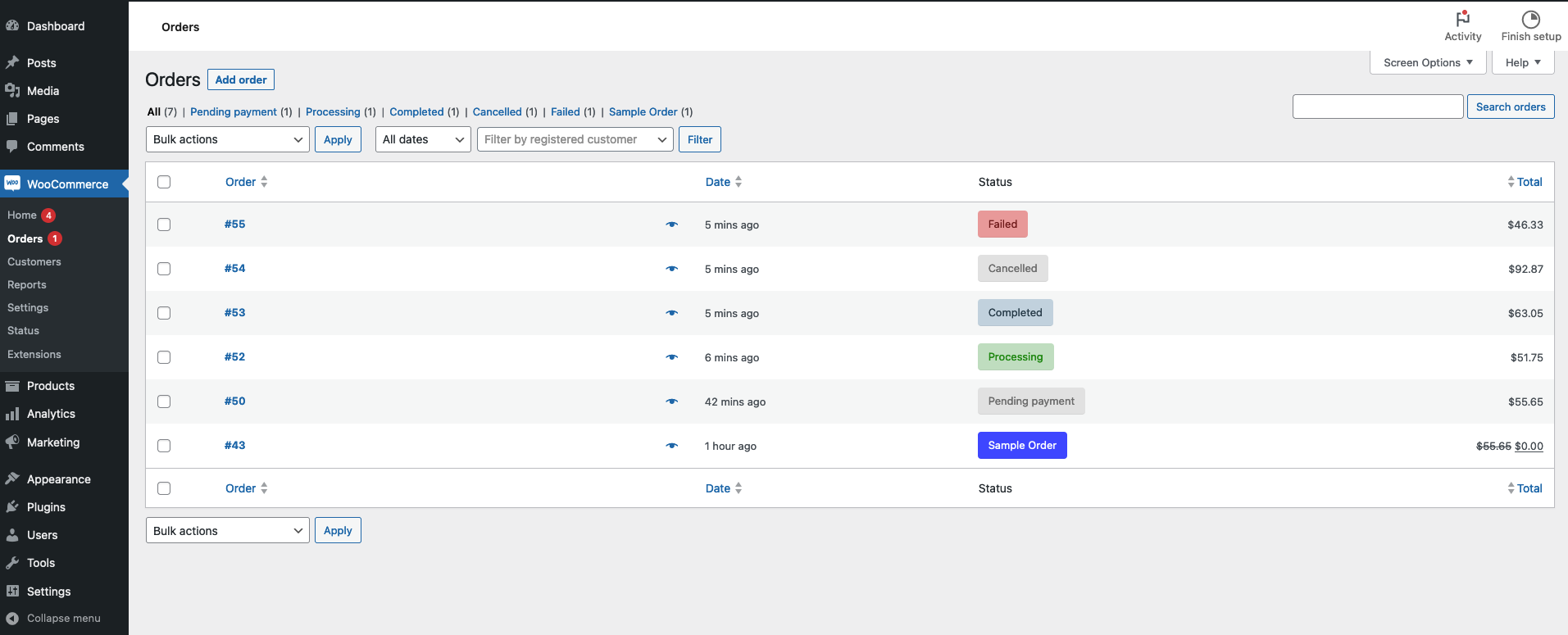
WooCommerce Order Page.
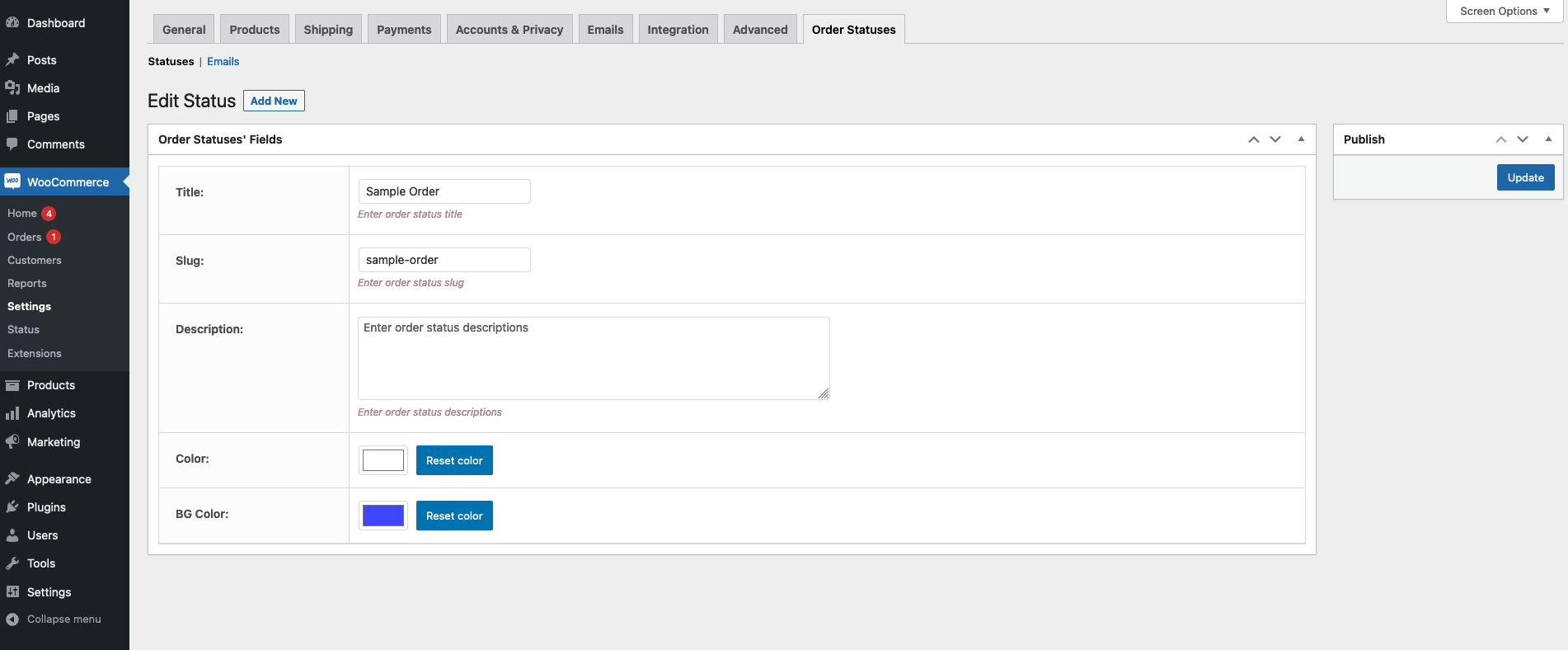
Order Status Settings.
Changelog
3.0.2
- Other: Compatible with WordPress 6.8.3
- Other: Compatible with WooCommerce 10.3.5
3.0.1
- Other: Compatible with WordPress 6.8.2
- Other: Compatible with WooCommerce 10.0.4
3.0.0
- Update: Performance improvement.
- Update: Added new style.
- Other: Compatible with WordPress 6.8.1
- Other: Compatible with WooCommerce 9.8.3
2.1.0
- Fix: Waring.
2.0.0
- Update: Restructure the plugin.
- Update: Performance improvement.
- Fix: Bulk action issue fixed.
1.4.2
- Fix: Long Slug Issue fixed.
1.4.1
- Fix: Issue fixed.
1.4.0
- Update: WooCommerce HPOS compatible.
- Fix: CSS issue fixed.
1.3.0
- Enhance: WooCommerce 8.8.3 compatible.
- Fix: CSS issue fixed.
1.2.0
- Fix: Bug.
1.1.0
- Fix: Bug.
1.0
- Initial version.