

Advanced Link Block
Turn any block into a clickable link in the Gutenberg editor, with advanced options like phone, email, download, and more.
Plugin info
Maintenance & Compatibility
Maintenance score
Stale • Last updated 346 days ago
Is Advanced Link Block abandoned?
Likely maintained (last update 346 days ago).
Compatibility
Similar & Alternatives
Explore plugins with similar tags, and compare key metrics like downloads, ratings, updates, support, and WP/PHP compatibility.
Description
Advanced Link Block gives you powerful control over anchor () links in the Gutenberg block editor.
It allows you to wrap any blocks — such as paragraphs, buttons, or images — inside a clickable link block.
Features include:
- Choose from various link types: standard URL, Email, Phone, File, or Raw
- Dynamically show relevant options for each type
- Add link attributes like
target,rel, anddownload - Use the WordPress media picker to insert file links
- Apply custom cursor styles and display behavior (block, contents, flex)
- Frontend click logic simulates real anchor wrapping (bypassing Gutenberg limitations)
This plugin is ideal for users who want cleaner, more accessible link wrappers and advanced control over how links behave — all directly within the Gutenberg editor.
Installation
- Upload the plugin folder to
/wp-content/plugins/or install via the WordPress Plugin Directory - Activate the plugin via Plugins > Installed Plugins
- Go to the block editor, search for “Advanced Link”, and insert the block
- Drop other blocks inside it, and configure the link options in the sidebar
Frequently Asked Questions
Yes — you can nest any type of block, but for legal and technical reasons the link itself is simulated using JavaScript. That means it works visually and functionally, but you can’t always rely on raw HTML serialization.
Yes absolutely – the block becomes a mini editor, allowing you to add more then one block which will flow similar to the rest of your page. You can add visual clarity by adding groups, grid and other organisation blocks inside the editor.
Yes! In fact, this is a perfect way to link button blocks to downloadable files, phone numbers, email addresses and more.
We allow saving even if a field is incomplete or a setting is mismatched — you’ll just see a friendly warning.
Yes, the plugin uses standard HTML5 <a> tags and simulates wrapping behavior without breaking accessibility. Keyboard interaction can be enhanced via script updates if needed.
Review feed
Screenshots
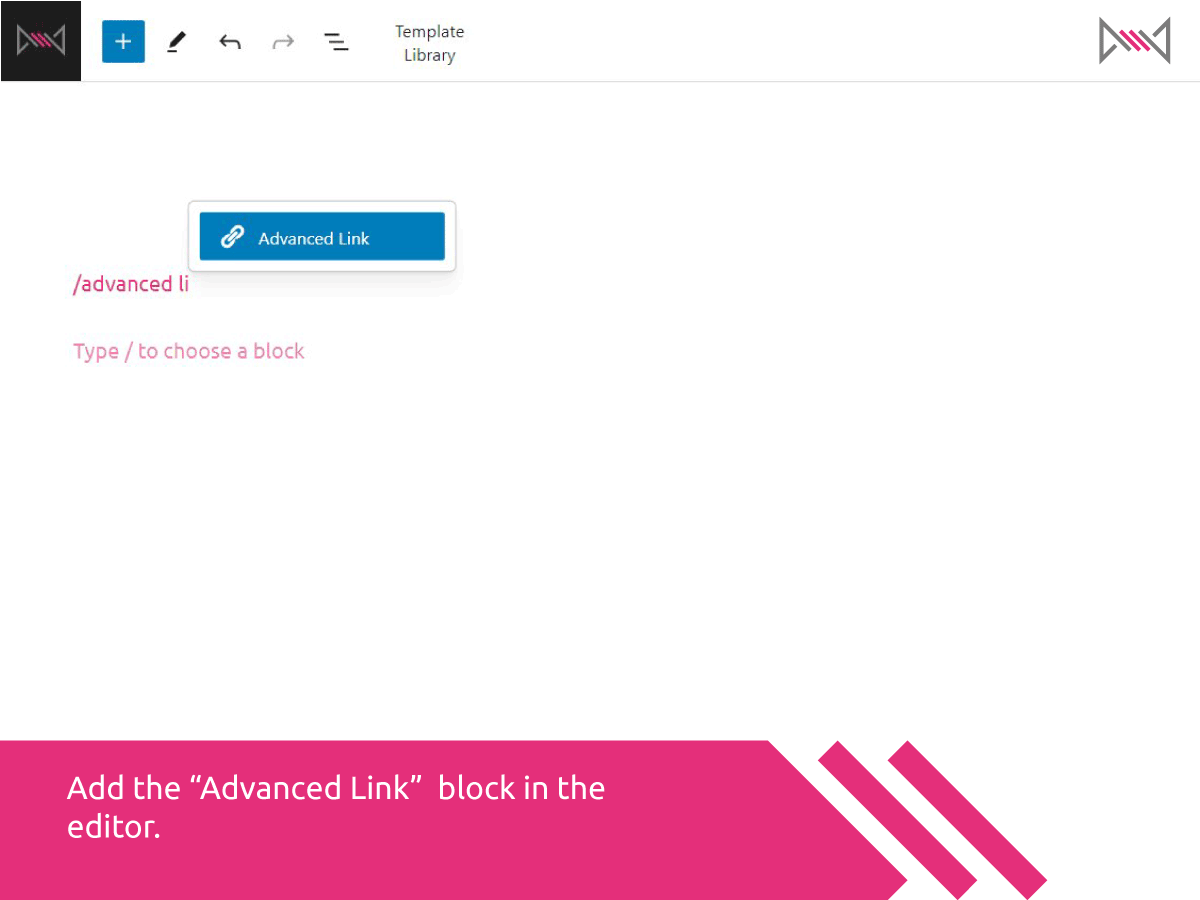
Add the “Advanced Link” block in the editor using the slash command or block inserter.
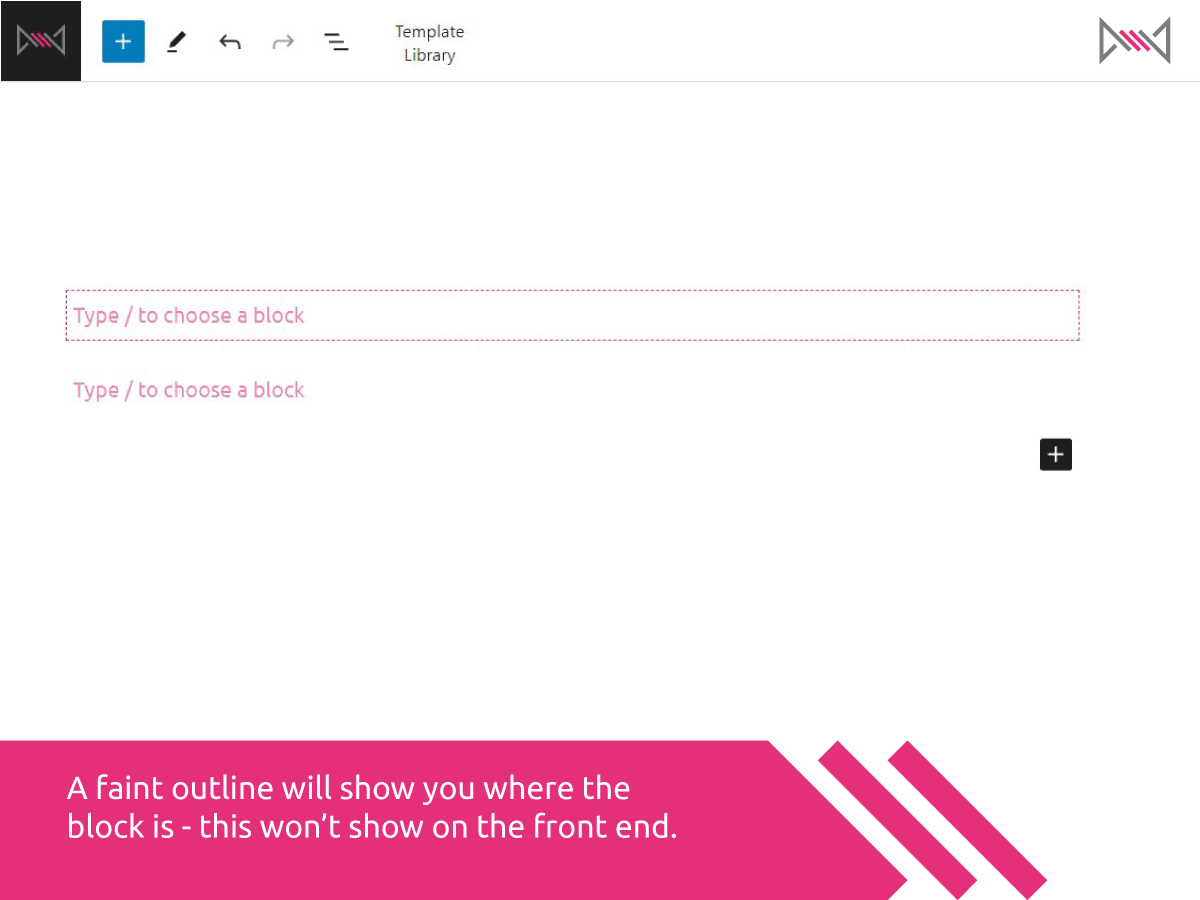
A faint dotted outline shows you where the block is on the page — it disappears on the frontend.
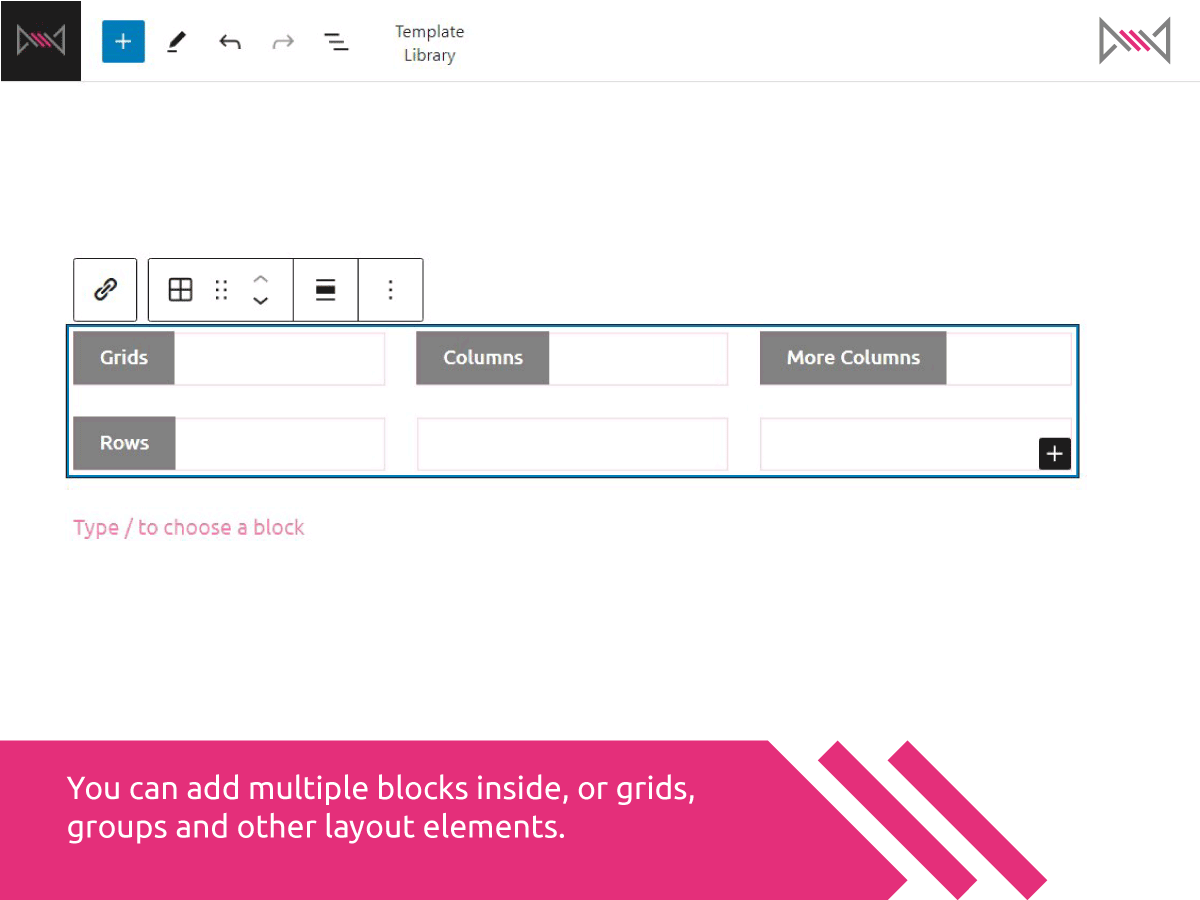
Add multiple blocks inside the link block — such as grids, groups, and layout containers.
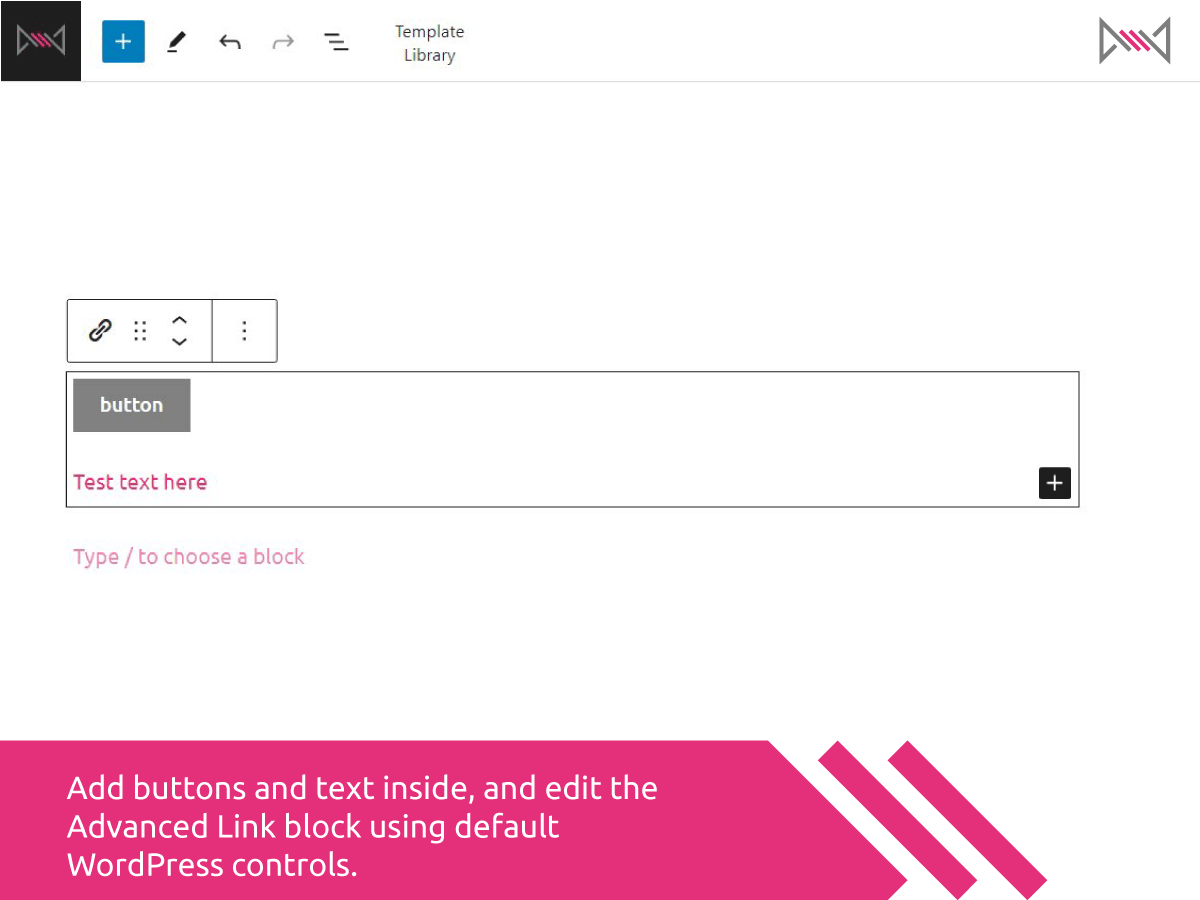
Add buttons and text inside, and edit the Advanced Link block using default WordPress controls.

Change the URL type, set link values, and choose target or rel attributes from the sidebar.
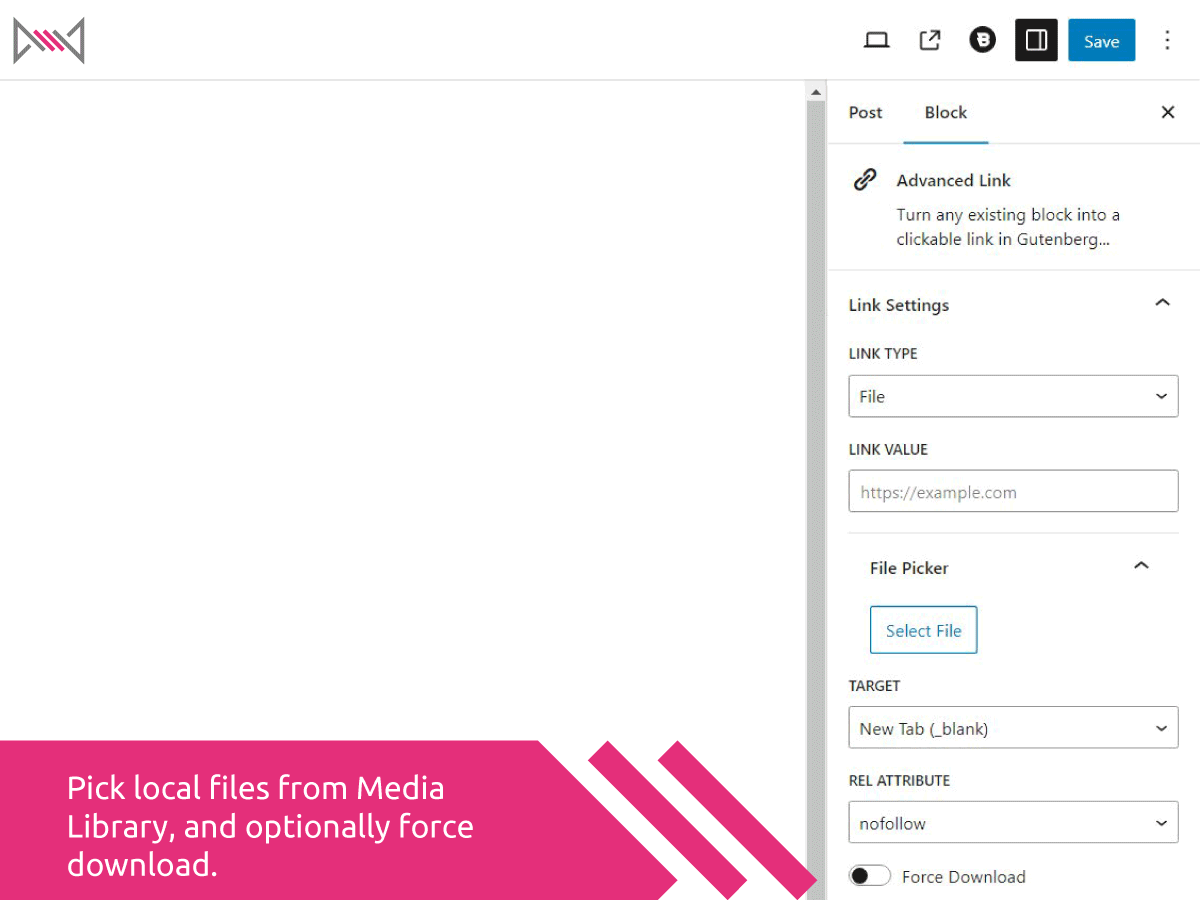
Pick local files from the Media Library using the file picker, and optionally force downloads.
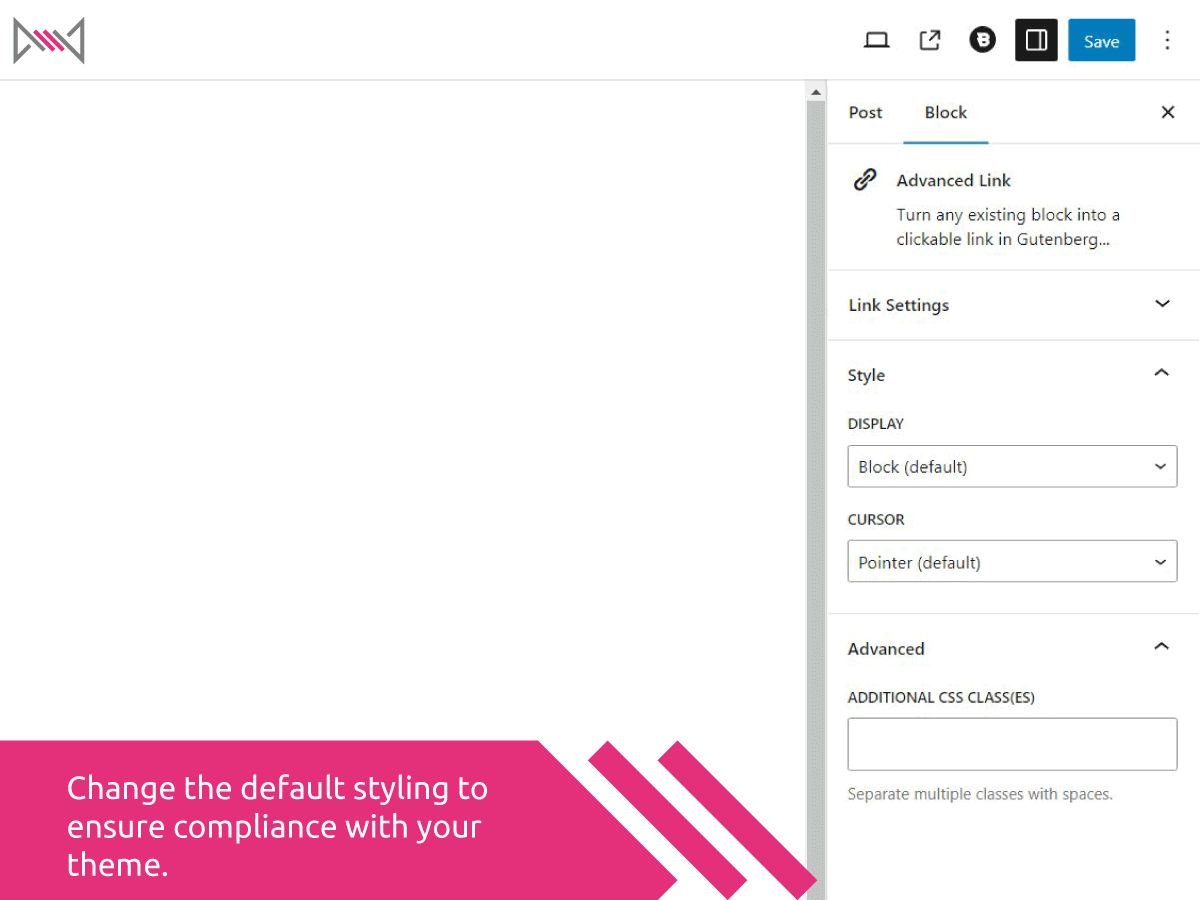
Change the default display and cursor styling to better match your theme layout and behavior.
Changelog
1.2.0
- Initial release
- Supports all main link types: URL, Email, Phone, File, Raw
- Custom link attributes: target, rel, download
- File picker integration
- Frontend JS simulates anchor wrapping
- Custom display and cursor styles