

AffiliatePages – Pros & Cons, Notice, and CTA Blocks for Affiliates
Boost sales with #1 Affiliate Plugin - elevate CTR with sleek Pros & Cons, Notices, Coupons, Columns, Lists, and CTA Blocks.
Plugin info
Maintenance & Compatibility
Maintenance score
Stale • Last updated 241 days ago • 23 reviews
Is AffiliatePages – Pros & Cons, Notice, and CTA Blocks for Affiliates abandoned?
Likely maintained (last update 241 days ago).
Compatibility
Similar & Alternatives
Explore plugins with similar tags, and compare key metrics like downloads, ratings, updates, support, and WP/PHP compatibility.
Description
AffiliatePages is a Gutenberg plugin that gives you the functionality to add conversion-optimized elements in your blog posts. Increase your CTR and improve your sales by using this plugin. Professionally designed Pros and Cons block, notice block, notification block, call to action, and buttons with gradients to have more CTR in your affiliate blog posts.
Simply pick pre-designed blocks from AffiliatePages that speed up the process of affiliate website building with easy-to-use settings and customizations.
With the AffiliatePages Blocks, we took the hassle out of the affiliate website building process. It gives you a number of unique and creative blocks for Gutenberg that help you build and design pages or posts without a single line of code.
This plugin provides 11 blocks.
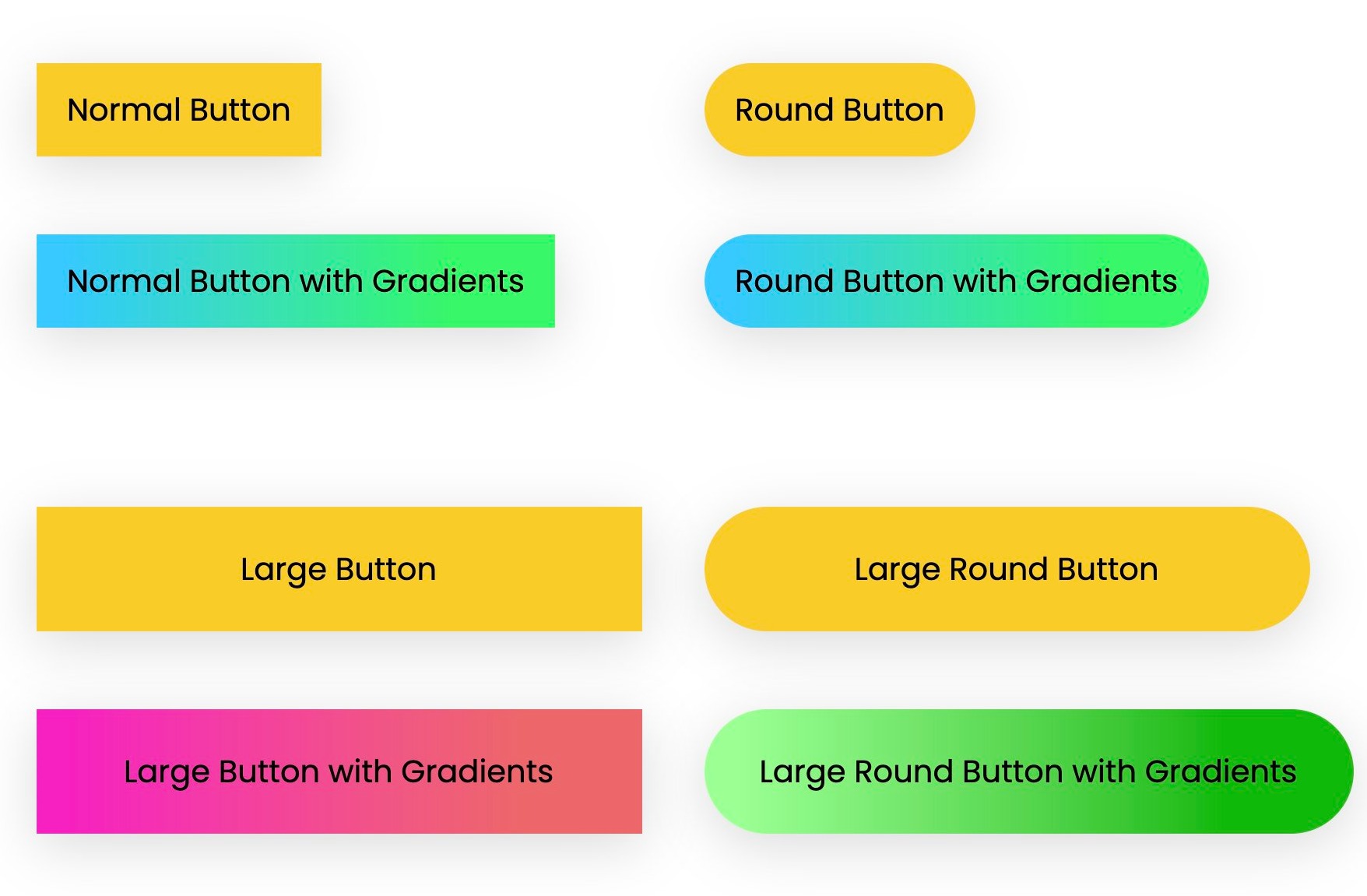
- AB Button – Add professional looking buttons in your affiliate articles to get more CTR.
- AB Star Rating – Give star rating to the products you review and help your readers to buy the products.
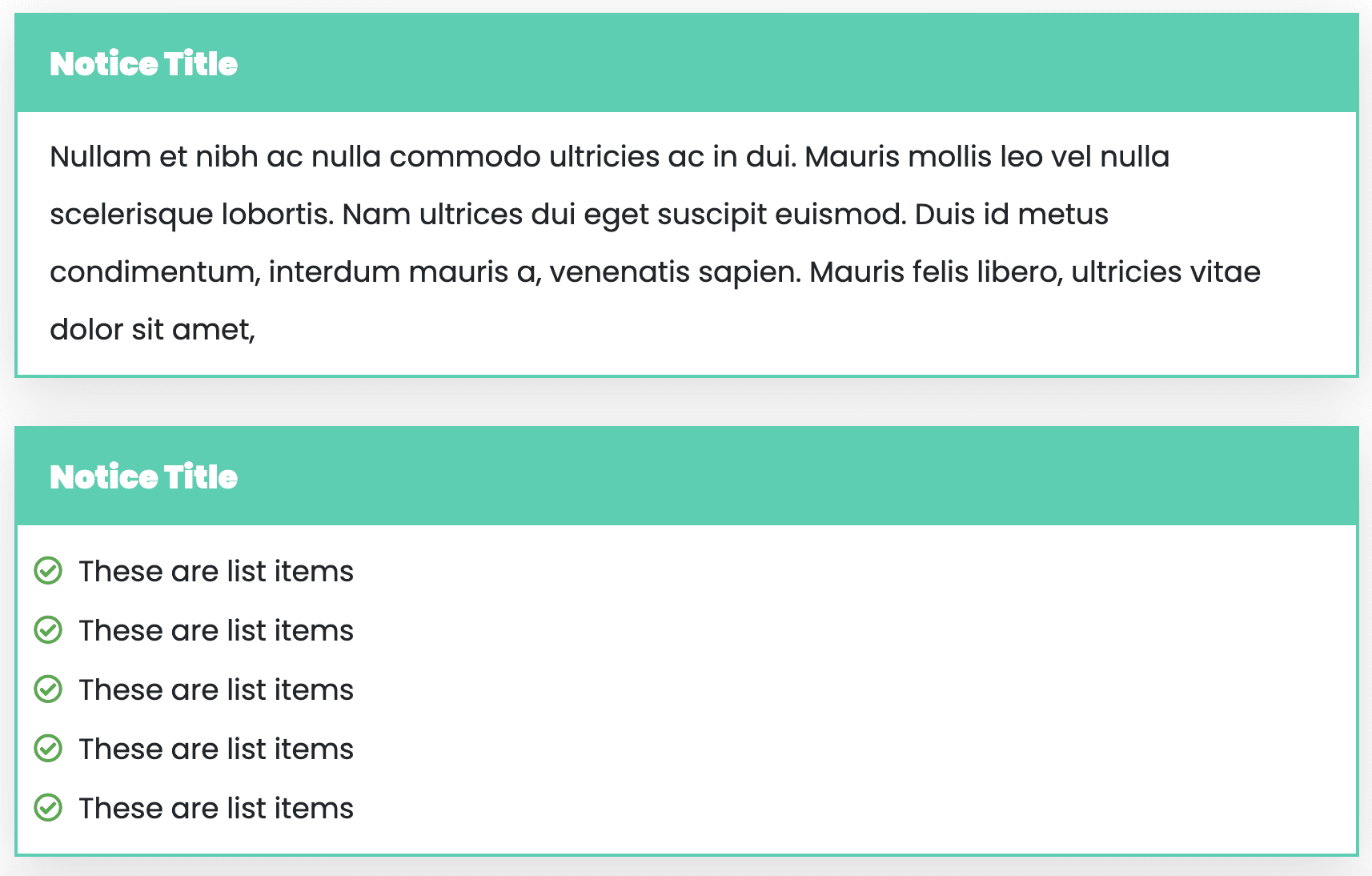
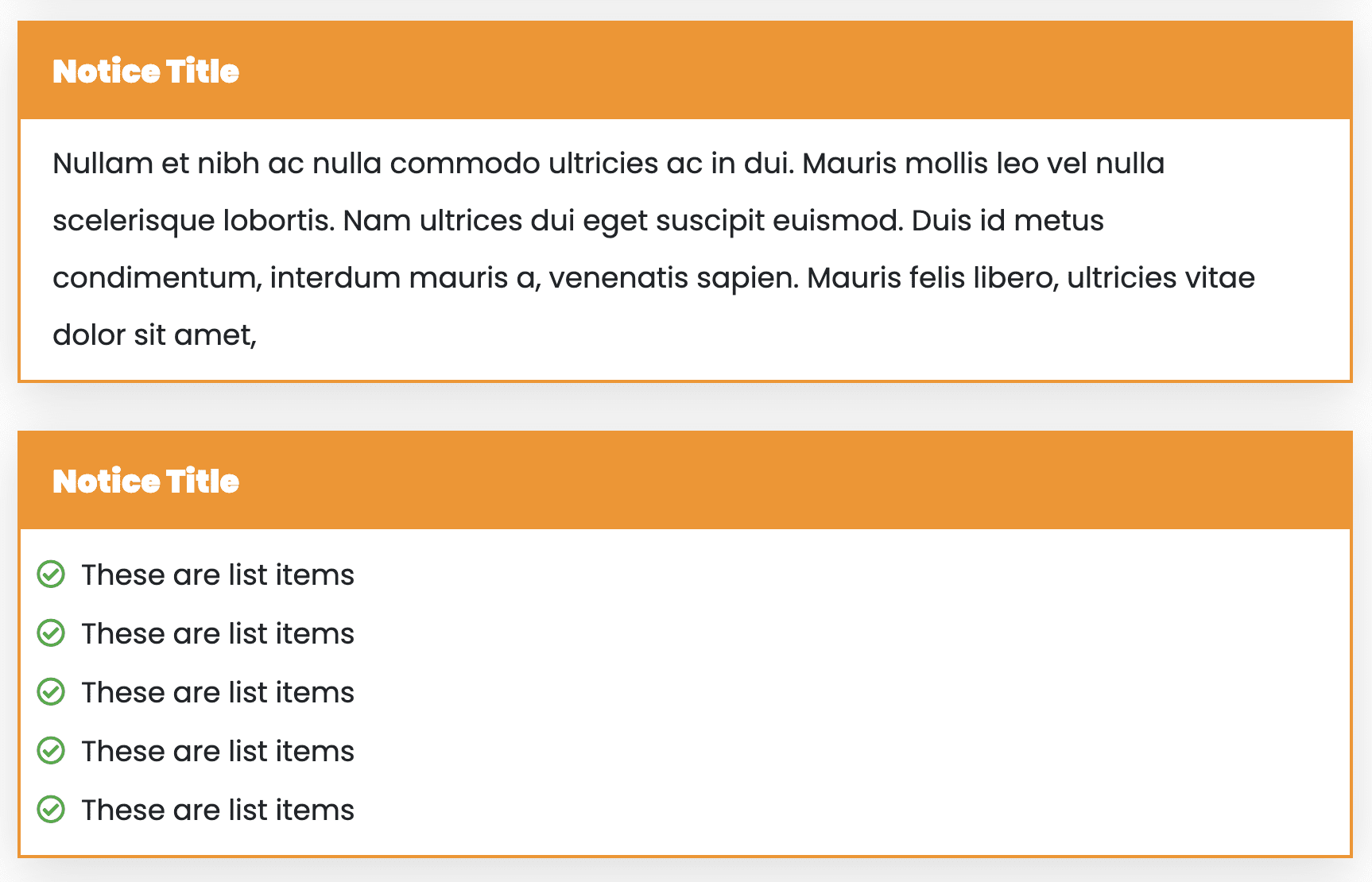
- AB Notice Block – Notice block can be used to put any special notices inside the blog post. For any special, discount, deals and promotion. This block can be used at the end of the article to write an awesome conclusion.
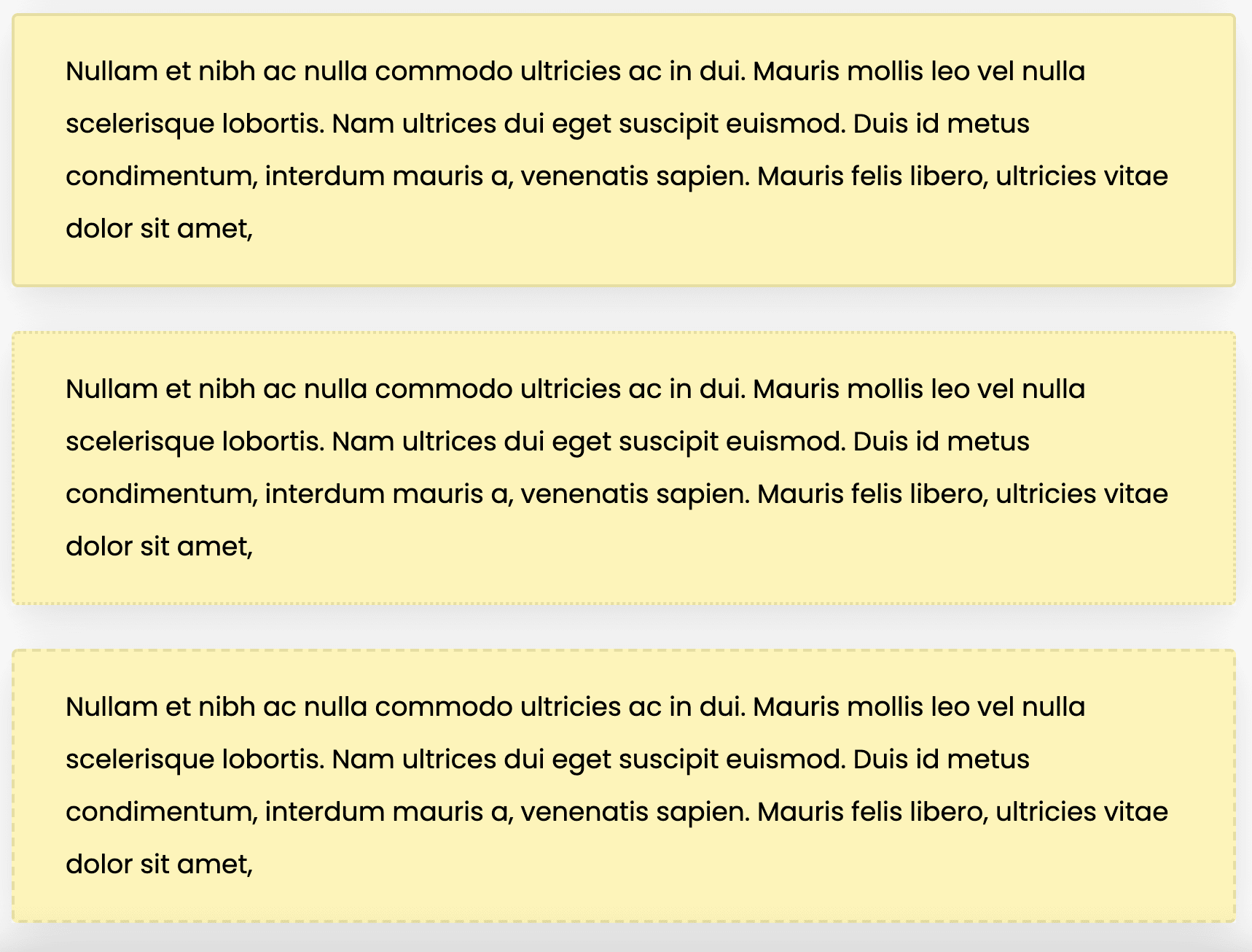
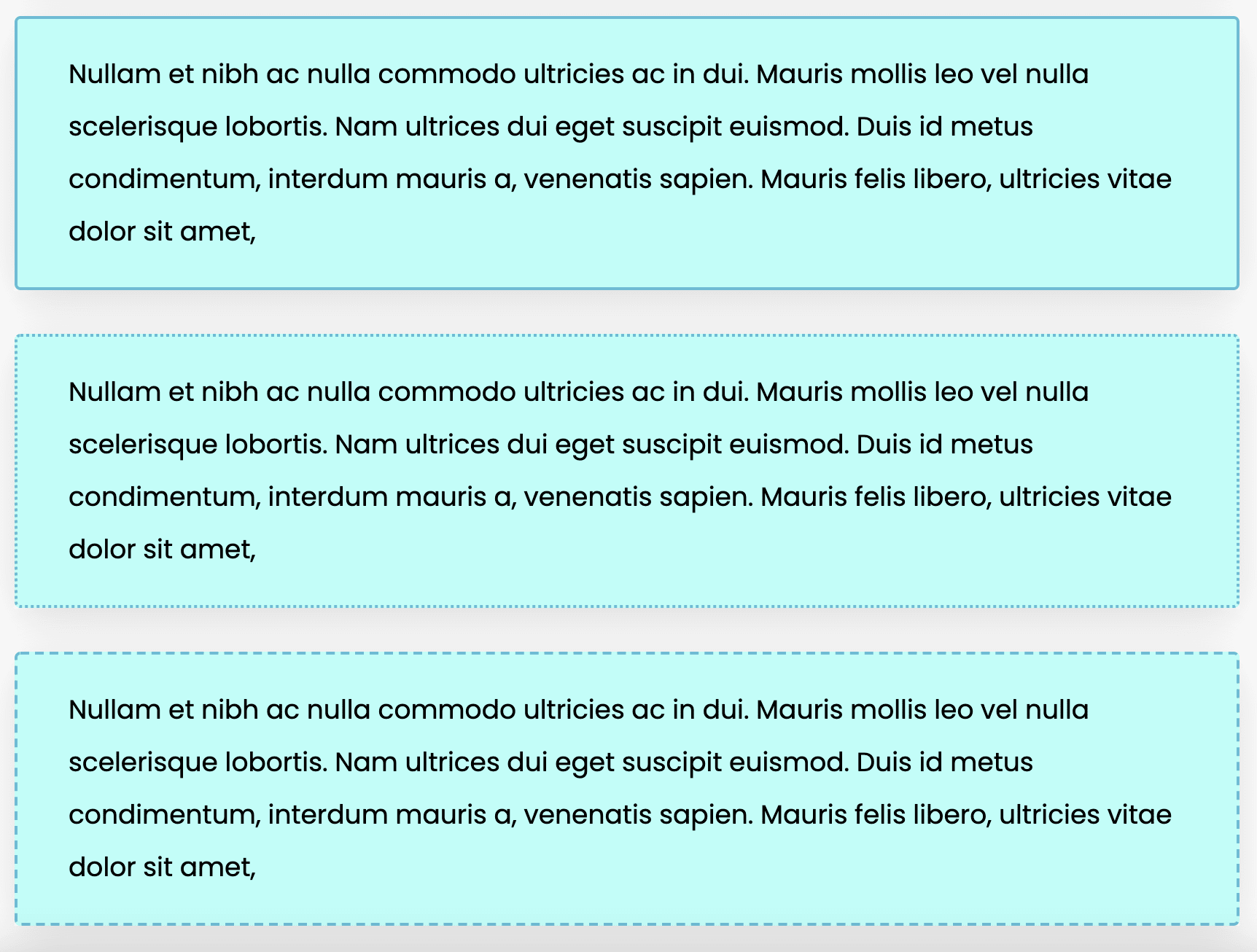
- AB Notification Block – Notification block is a perfect block to give any special notices in your blog posts which brings the quick attention, This block can be used in your articles to make beautiful headlines as well.
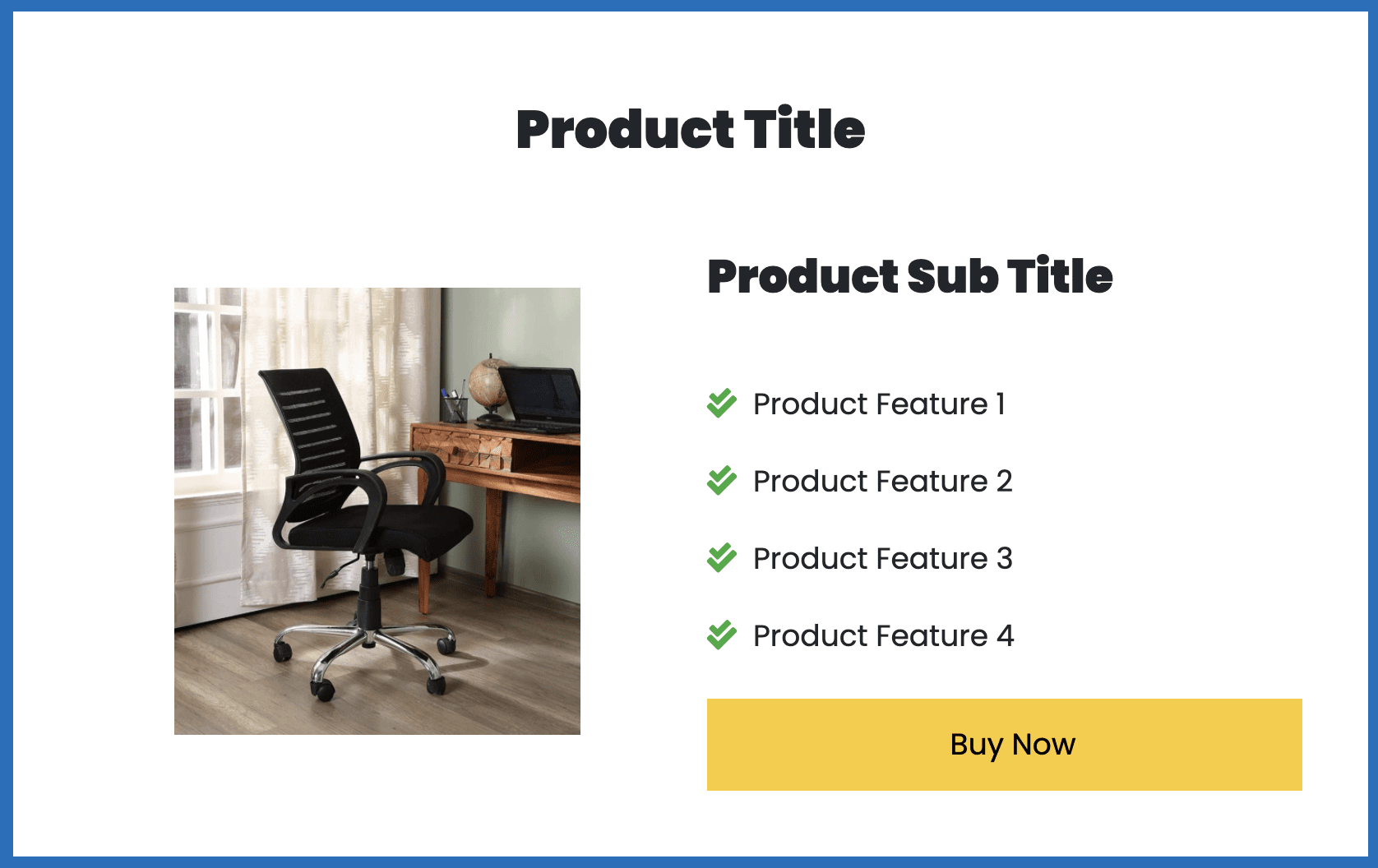
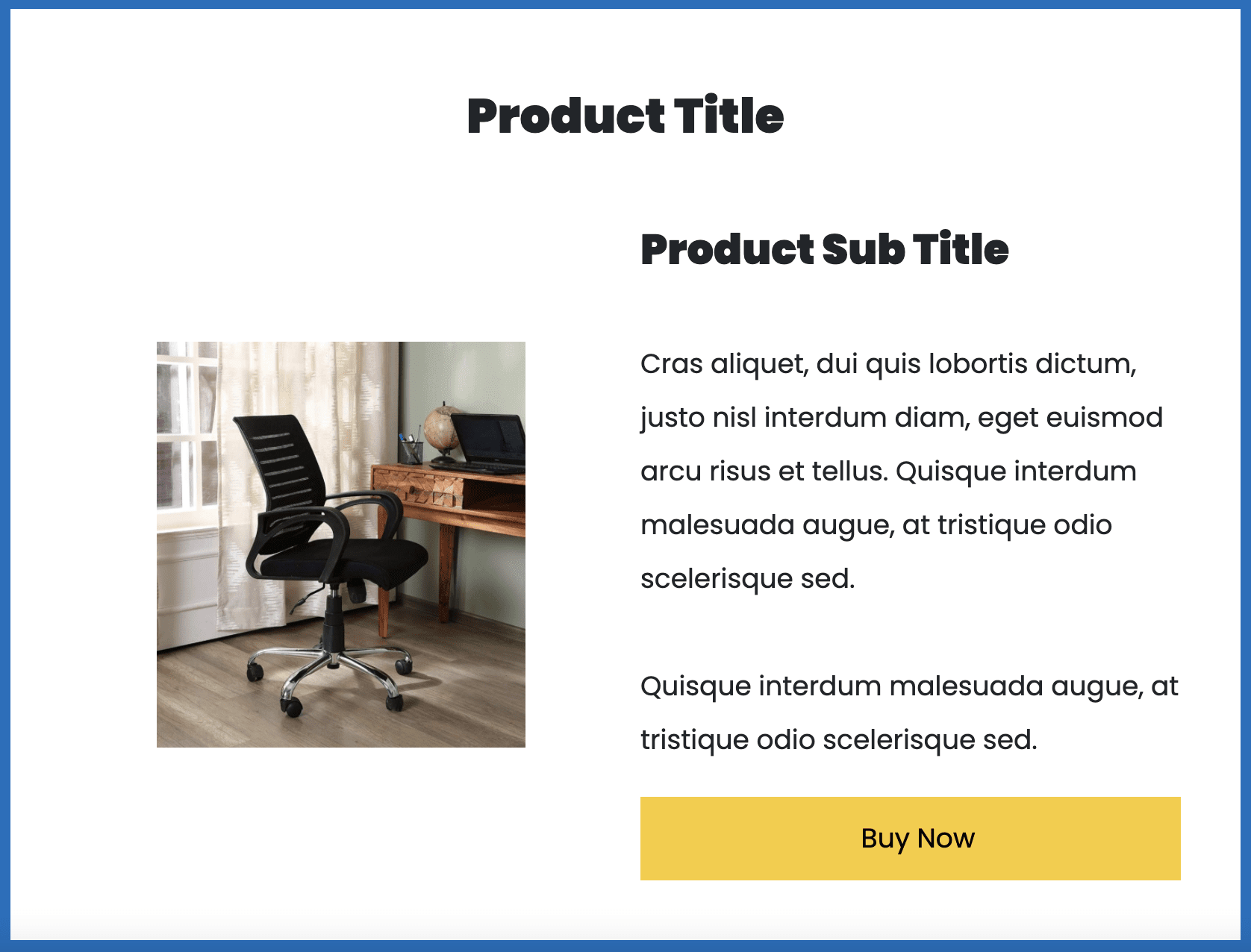
- AB Single Product – This is a perfectly designed block to promote any single product it service in your blog posts. This block will capture the attention so you are going to get more CTR and ultimately more sales.
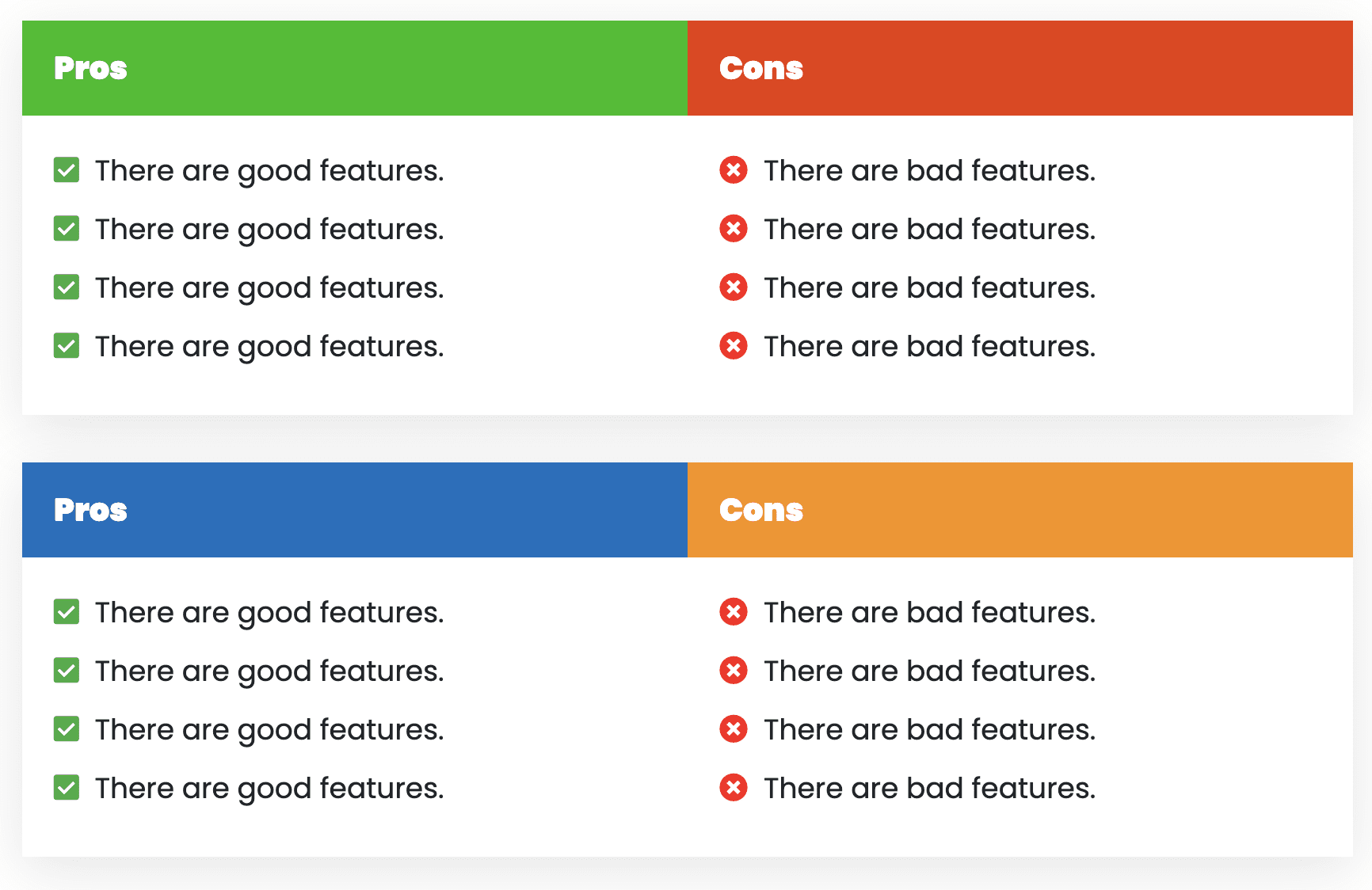
- AB Pros & Cons – This well-designed pros and cons block help you add the features and drawbacks of the service/product you are reviewing.
- AB Call to Action – Add professional “Call to Action Block” in your blog posts to get more attention and clicks. Grab the special attention of users by showing them this attractive CTA box.
- AB Products Column – Display products and services in columns to get more eyeballs. Display your best-picked products at top of your article using this block.
- AB Icon List – Display bullet points using beautiful list icons and make your article more compelling.
- AB Coupons Box 2 – Add highly conversion optimized coupon blocks in your article to display special coupon codes.
- AB Comparison Table – Compare various products with ease and let the customer make easy decisions.
Installation
Step 1: Download AffiliatePages Plugin from your dashboard.
Step 2: Upload affiliatebooster-blocks.zip in your dashboard.
Step 3: Click Activate
Frequently Asked Questions
Review feed
Resource Heavy at first. Now better.
Very Useful Plugin for Affiliate Marketers
Screenshots

Changelog
3.1.1
- Updated: Rebranded to AffiliatePages while maintaining backward compatibility
- Updated: All user-facing text now shows AffiliatePages
- Note: Technical identifiers remain unchanged for compatibility
3.1.0
- Updated: Ownership Changed.
3.0.9
- Fixed: List items issue in all blocks
3.0.8
- Fixed: Gutenbger deprecated component Removed
- Fixed: Issues with list content
- Fixed: fixed styling issues with blocks
- Fixed: updated blocks default values
3.0.7
- Fixed: WordPress.org warning issues
3.0.6
- Form method updated :- POST
- Nonce added
- Prevent setting option changed from direct url hit (patchstack report)
3.0.5
- Fixed: latest wordpress support
3.0.4
- Fixed: Typo Minor bug fixes
3.0.3
- Added: AB Comparison Table Block
2.0.10
- Update: Black Friday Sale Banner Removed and Bug Fixing
2.0.9
- Added: Black Friday Sale Banner
2.0.8
- Added: Pros and Cons Schema
- Added: ALT Tag option in external Images
2.0.7
- Added: AB Products Column Block
- Added: AB Icon List Block
- Added: AB Coupons Box 2
- Fixed: Single Product Block Column size
2.0.6
- Fixed: Changed Setting\’s Styling
2.0.5
- Fixed: Box shadow bug
2.0.4
- Fixed: Button\’s bold text bug
2.0.3
- Fixed: List items CSS bug
2.0.2
- Added: Blocks Content Formatting
2.0.1
- Added: Optimized code for speed
2.0
- Added: Default \”nofollow\” tag in all button links
1.0.9
- Fixed: Removed block_categories deprecated function
- Fixed: Compressed CSS code
1.0.8
- Added: New options in all buttons
1.0.7
- Fixed: Cons icons
- Added: Call to Action Block
1.0.6
- Fixed: Notice block default border issue
1.0.5
- Fixed: Notice block Table of Content conflict fix
- Fixed: Notice block border color
- Added: Background color option in single product block
- Added: Fetch image directly from Amazon with external URL
1.0.4
- Add : Affiliate Booster Welcome Page
- Fixed: Border Color Bug
1.0.1
- Fixed: Button color issue