Plugin info
Maintenance & Compatibility
Maintenance score
Possibly abandoned • Last updated 744 days ago • 8 reviews
Is AI Comment Creator abandoned?
Possibly abandoned (last update 744 days ago).
Compatibility
Similar & Alternatives
Explore plugins with similar tags, and compare key metrics like downloads, ratings, updates, support, and WP/PHP compatibility.
Description
GPT-4 powered comment creator for WordPress.
This plugin is linked to third party API services.
RandomUser.me API:
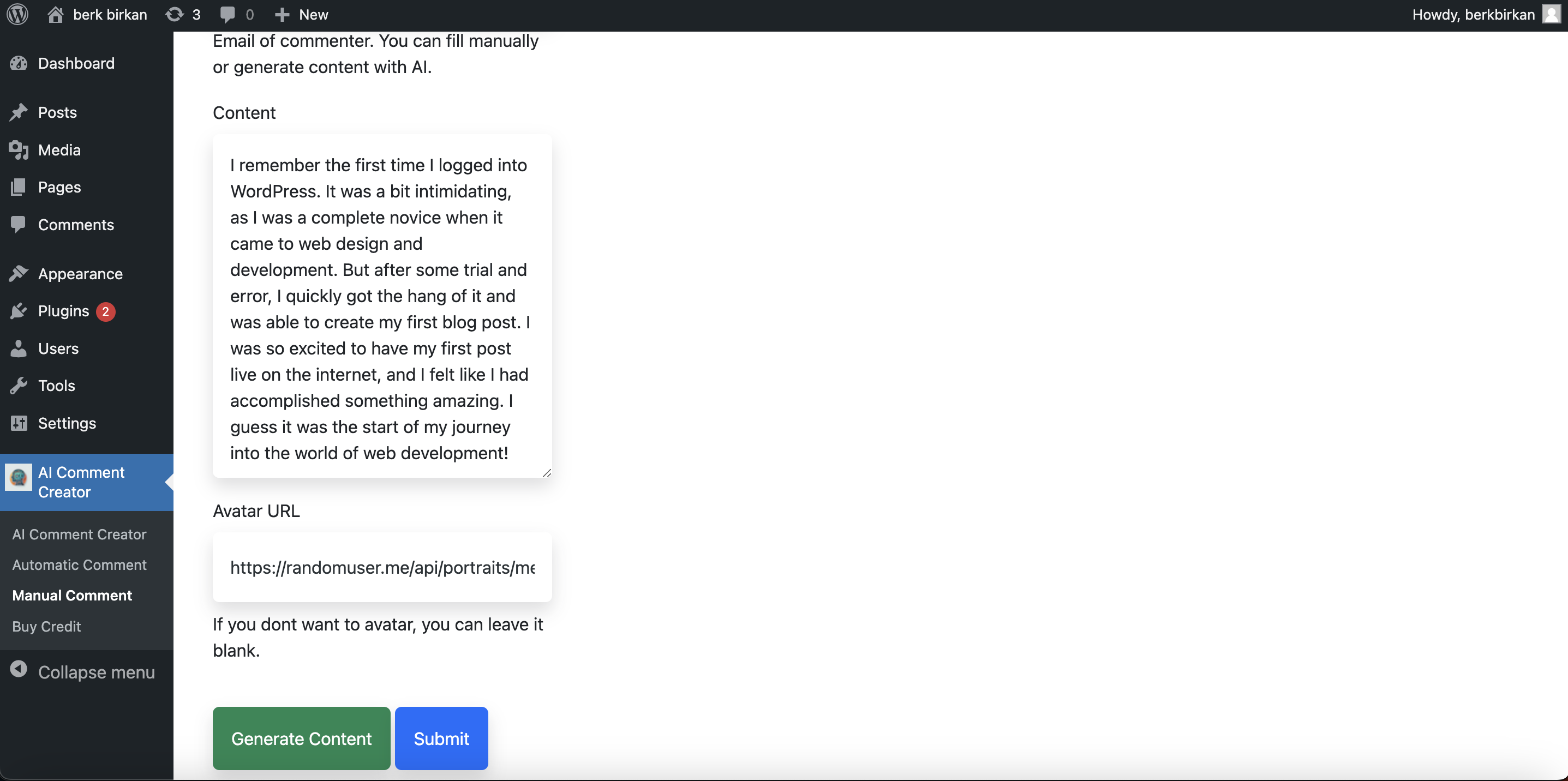
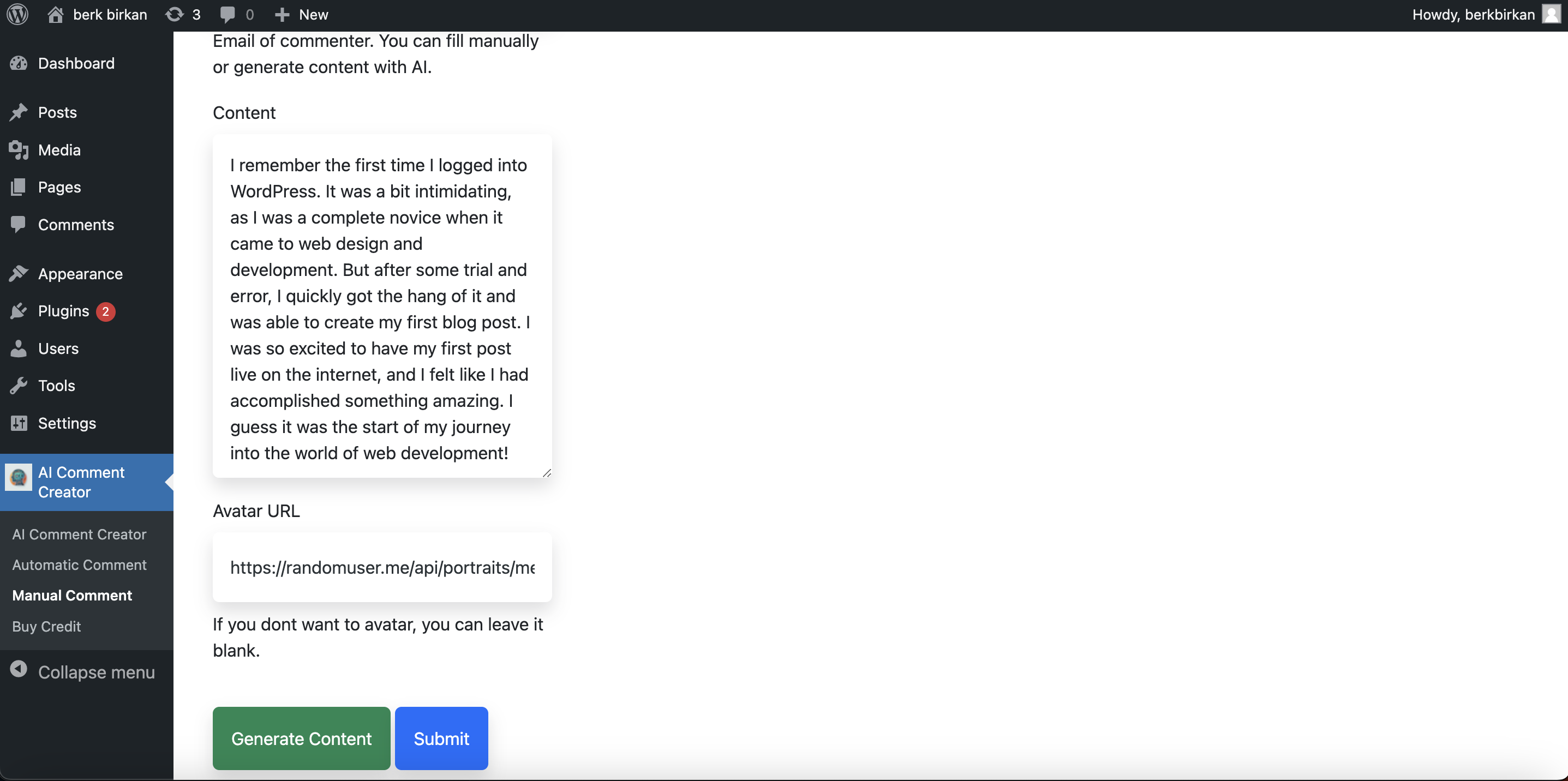
This API service is used for the plugin to generate random data such as name, surname, avatar. By installing this plugin, our users allow this API connection.
AIContentGenerator.APP API:
This API service is used to produce content using artificial intelligence. By installing this add-on, users are deemed to have allowed the following operations to be performed on this service:
1) Registration to API service with domain name
2) Buying and spending credits
3) Content production with artificial intelligence
Installation
Download the plugin from the WordPress repository or through the WordPress dashboard.
Go to the \”Plugins\” section in your WordPress dashboard and click \”Add New\”.
Click \”Upload Plugin\” and select the downloaded plugin zip file.
Click \”Install Now\” and then \”Activate\”.
Go to the plugin settings page and configure the options as needed.
If you want to use OpenAI , go to General Settings and submit API Key, if you want to use AIContentGenerator API, go to Buy Credits page and buy credits.
Frequently Asked Questions
This plugin uses the AIContentGenerator API to generate comments based on your post content and the settings you have configured in the plugin.
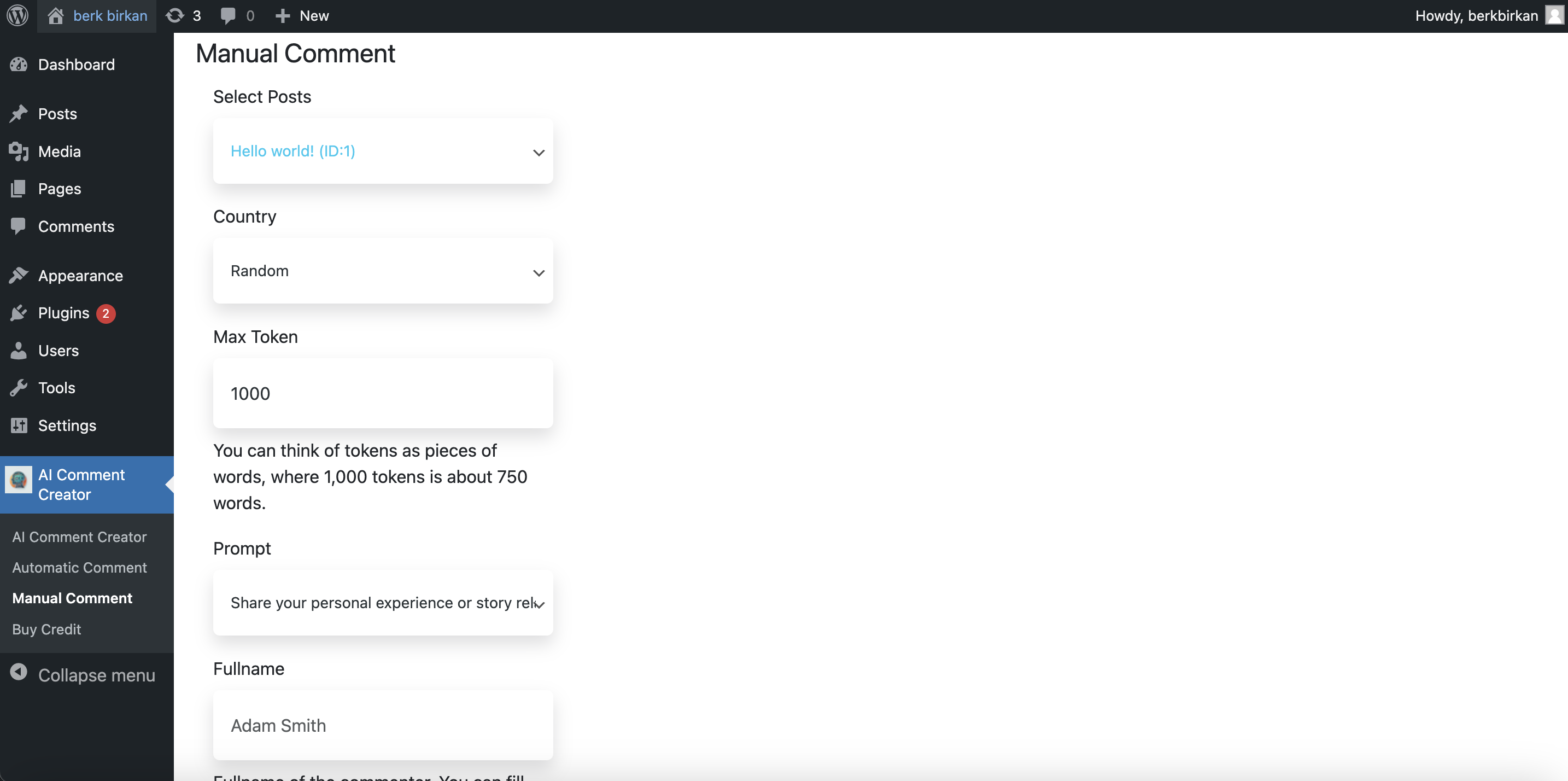
Yes, you can edit the comments generated by the plugin as needed. The plugin provides a user-friendly interface to make changes to the comments.
No, it\’s free. But if you want to use AIContentGenerator API instead of OpenAI API, you should buy credit.
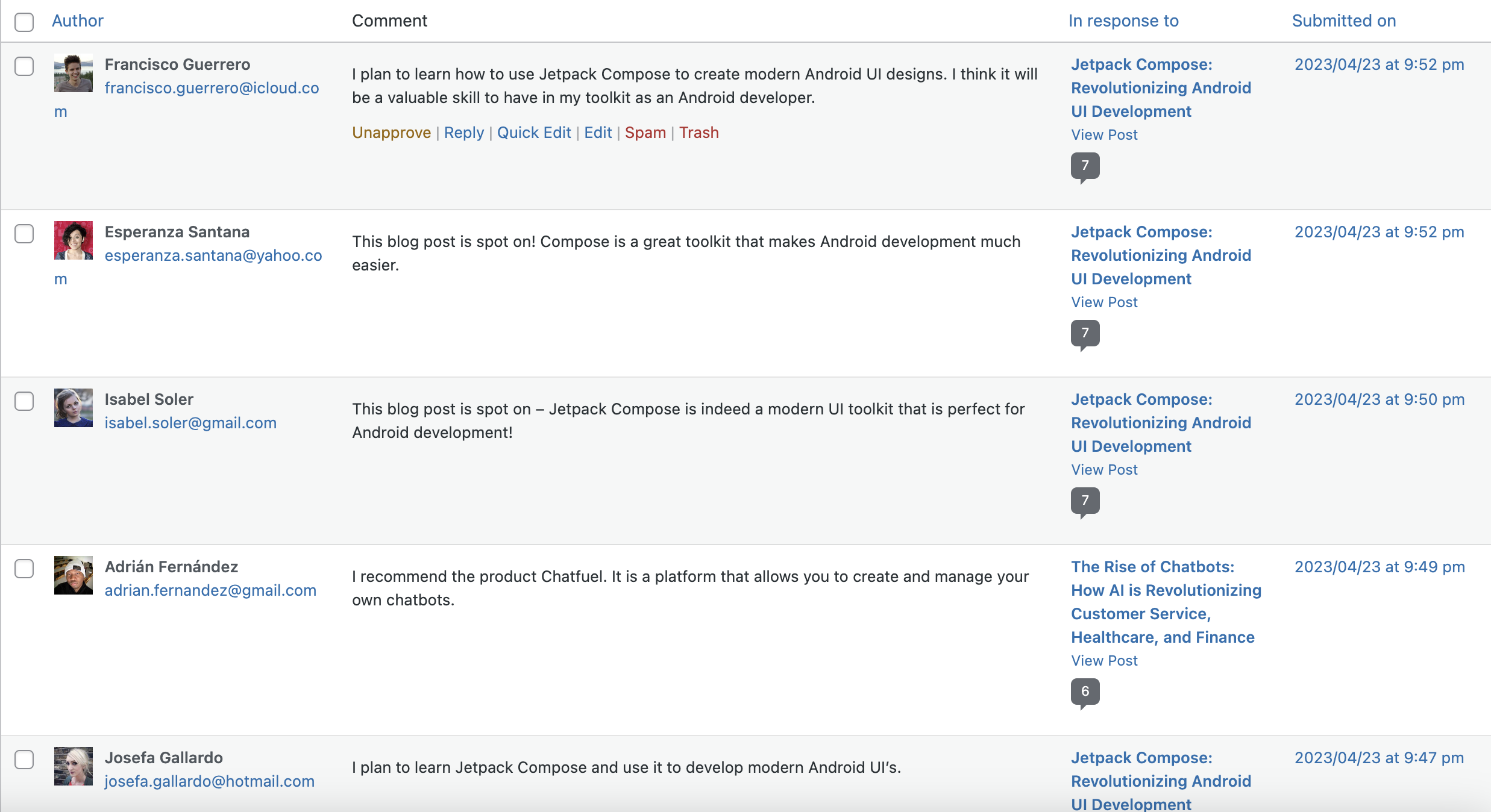
The automatic comment generator is used to automatically produce unique, creative, and SEO-friendly comments on WordPress posts.
The automatic comment generator uses the AIContentGenerator & OpenAI API to produce comments based on your post content and the settings you have configured in the plugin.
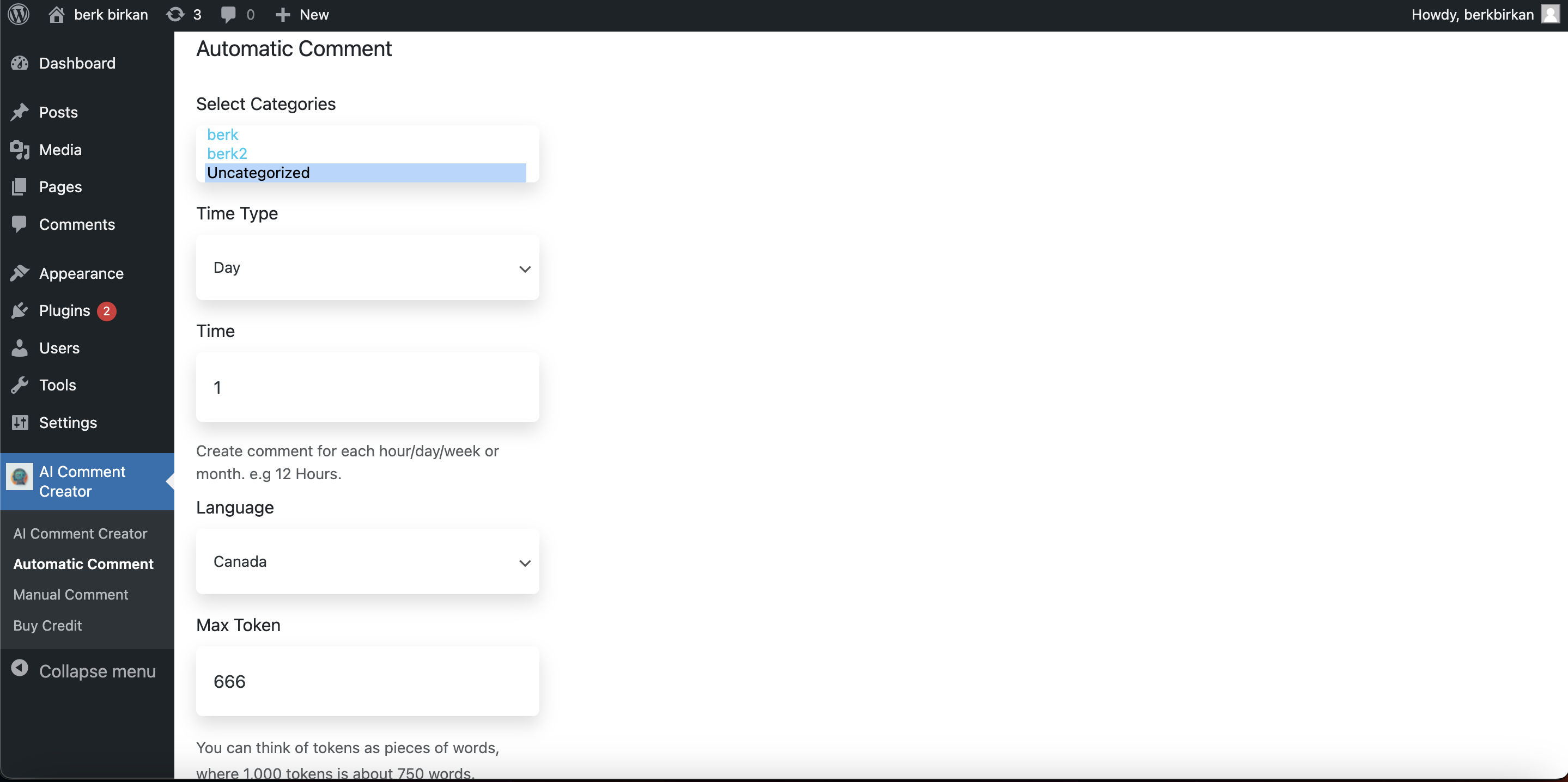
Yes, you can set categories for the automatic comment generation in the Automatic Comment settings page.
Yes, you can set a maximum token for the automatic comments in the Automatic Comment settings page.
Yes, you can schedule the automatic comments to be generated at a specific time using WP-cron in the Automatic Comment settings page.
Yes, you can select the language for the automatic comments in the Automatic Comment settings page.
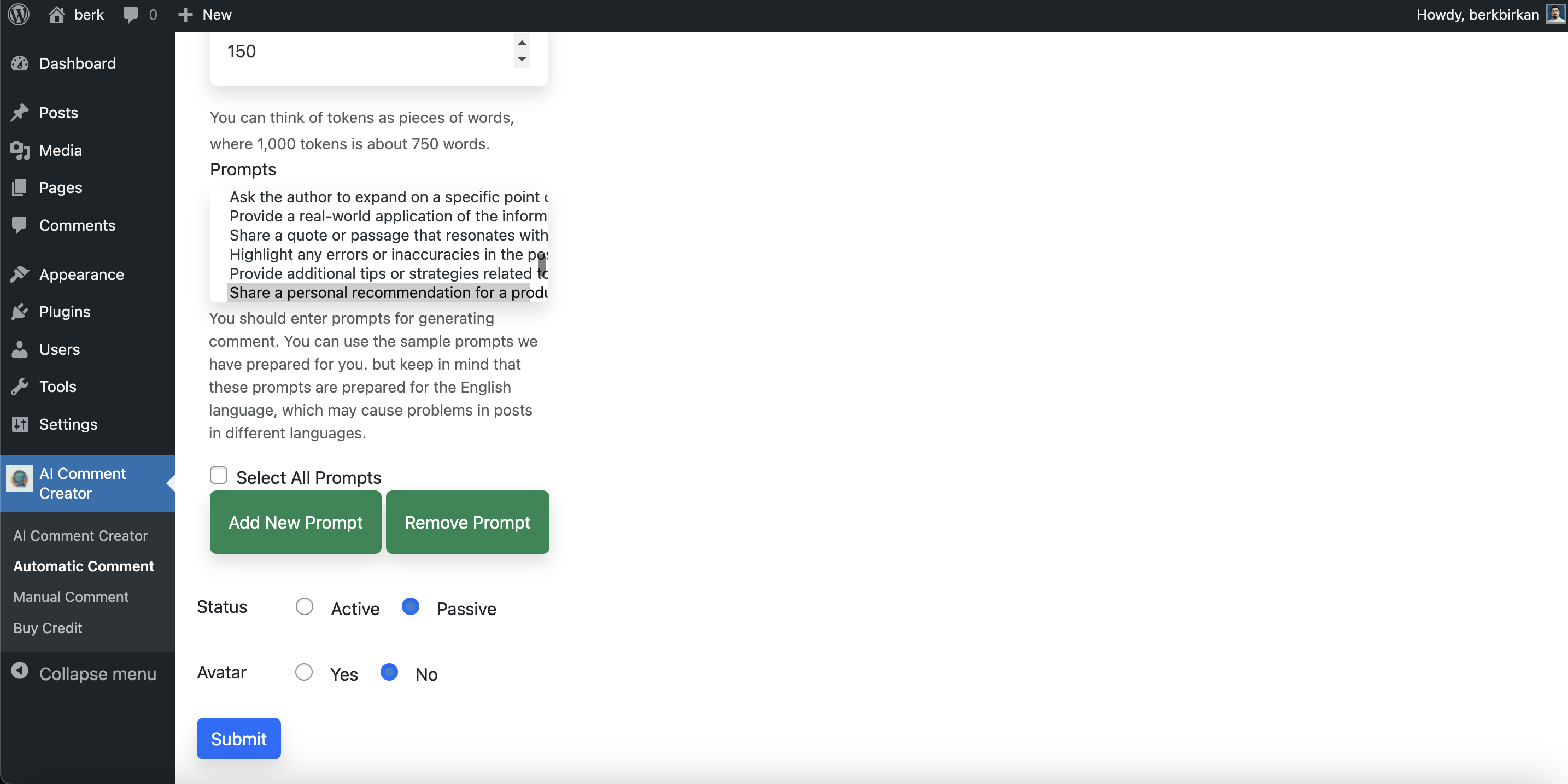
Yes, you can set a prompt for the automatic comments in the Automatic Comment settings page.
Yes, you can set to have avatar or not on Automatic Comment page settings.
You can access and change the settings for the automatic comment generator by going to the Automatic Comment settings page in the plugin.