

AI Mortgage Calculator
AI Mortgage Calculator offers a suite of mortgage calculators for your website.
Plugin info
Maintenance & Compatibility
Maintenance score
Possibly abandoned • Last updated 1393 days ago • 1 reviews
Is AI Mortgage Calculator abandoned?
Possibly abandoned (last update 1393 days ago).
Compatibility
Similar & Alternatives
Explore plugins with similar tags, and compare key metrics like downloads, ratings, updates, support, and WP/PHP compatibility.
Description
The extra payment refinance calculator allows you to calculate the benefits of refinancing a current mortgage by comparing the current rate and loan term with the new rate and loan term.
We also provide the estimated new payment, lifetime interest savings, and monthly savings. In addition, we calculate the difference between the payoff period from the current mortgage to the new mortgage.
The extra monthly payment shows you how to beat the bank. That is by making an additional small principal payment each month.
For example, if you started with a $300,000 mortgage at 4.5% on a 30-year term in August of 2020 and did a cash-out refinance for an additional $50,000 and increased the loan amount to $350,000 at 4.5% over 30 years in May of 2022 and made an additional $300 monthly payment you would have a lifetime savings of $18,617 of interest even though you took a larger loan amount.
New features will be added soon including a home purchase calculator and reverse mortgage calculator https://aimortgagecalculator.com
Installation
Install this plugin just like any other plugin.
- Upload the plugin folder aimortgagecalculator to the /wp-content/plugins/ directory
- Activate the plugin through the ‘Plugins’ menu in WordPress
- Insert the mortgage calculator into a page or post using the shortcode [aimc calculator=”refinance”].
Frequently Asked Questions
Review feed
Screenshots
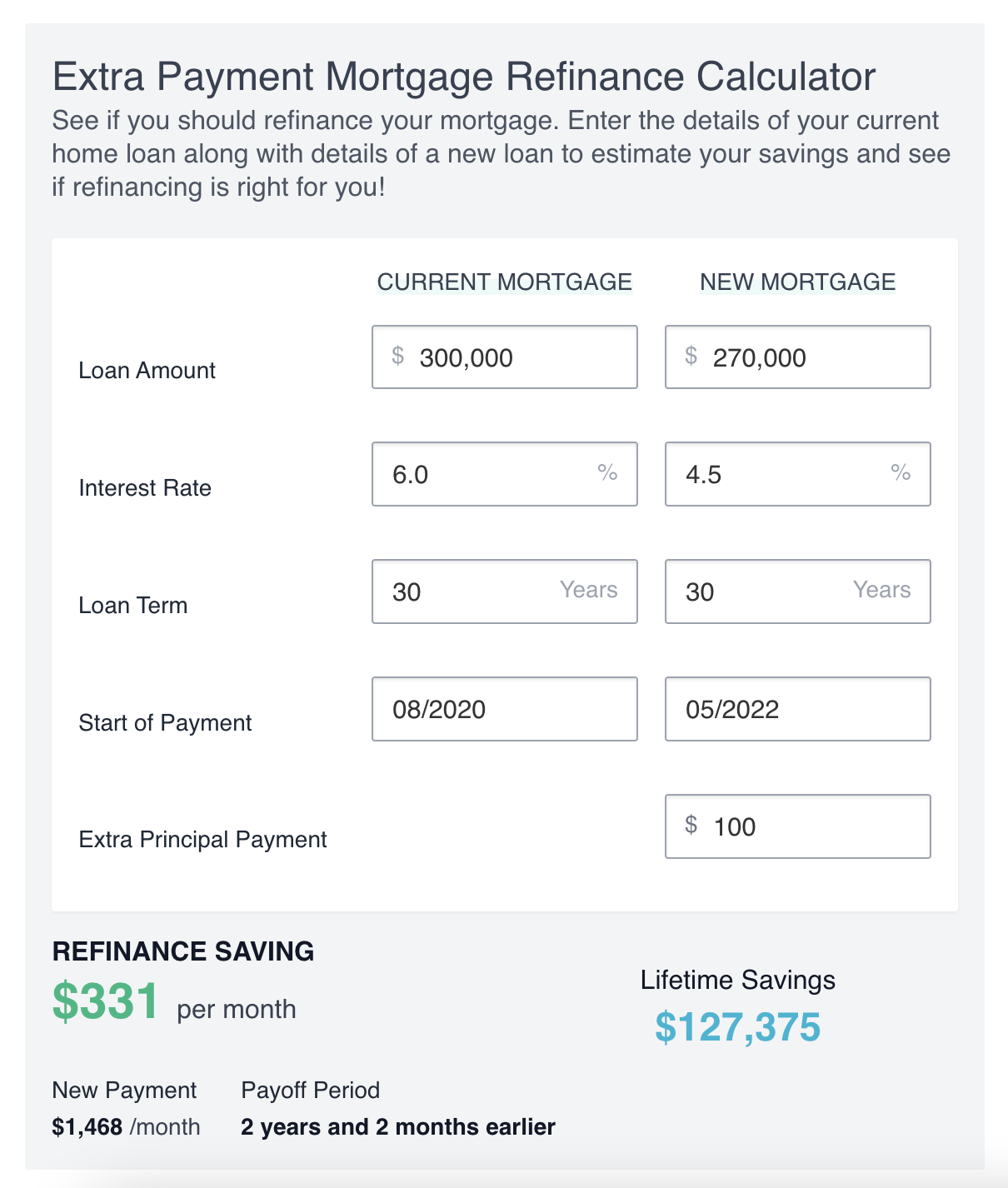
Designed to blend right in with your posts or page content
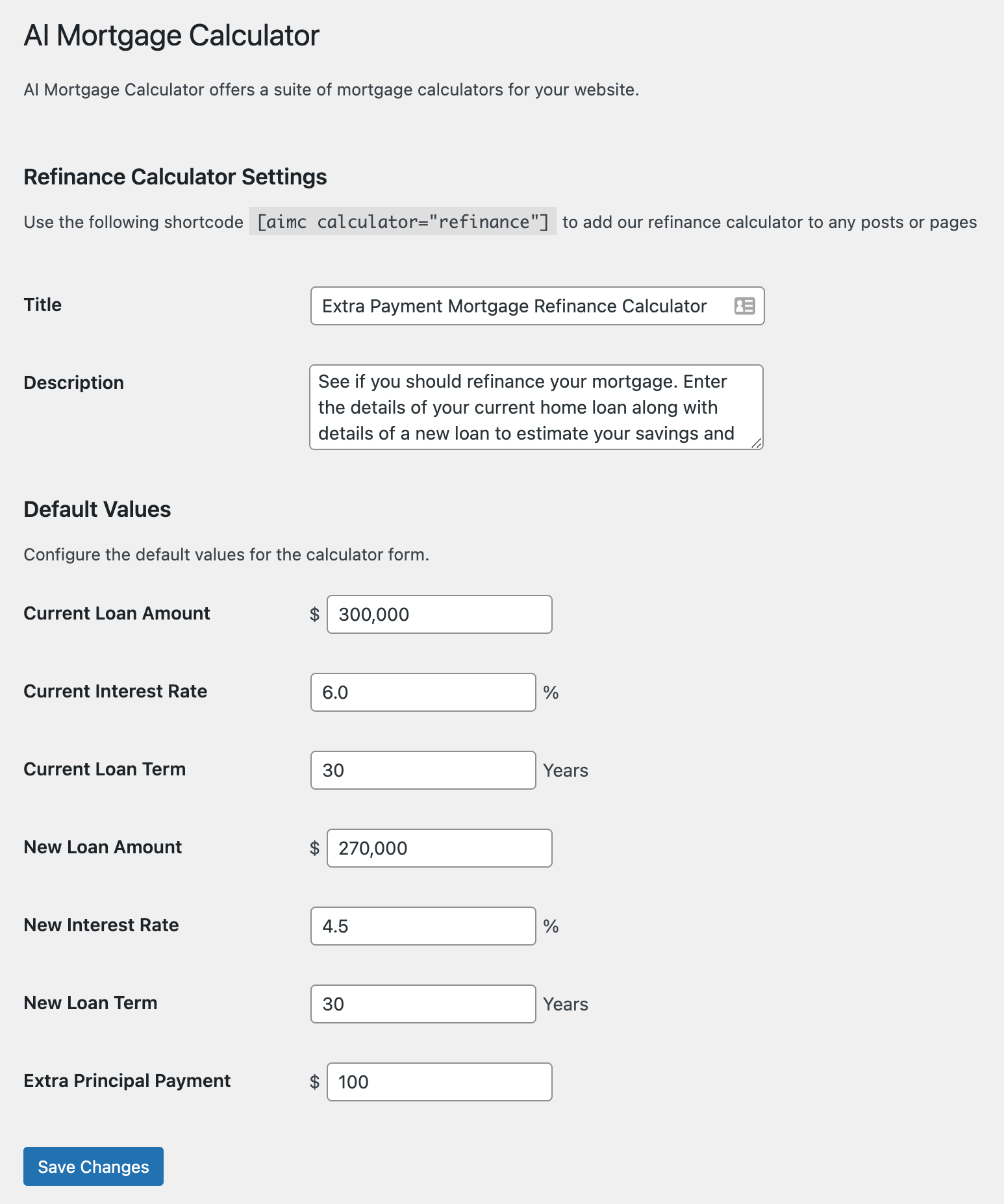
Settings options that allows you to configure the plugin
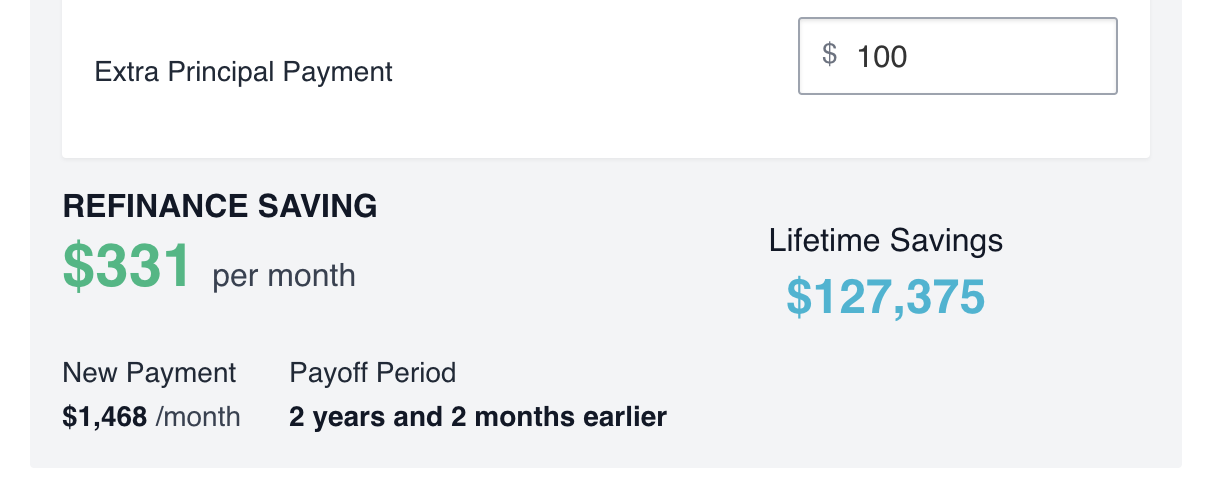
Elegantly display the results as the user types
Changelog
1.0.0
- Initial Release
1.0.1
- Tested for WordPress 6.0
- Minor improvements