

Zita Site Builder – Elementor, WordPress & Gutenberg Website Builder
AI Site Builder: Effortlessly create stunning, user-friendly WordPress websites in minutes.
Plugin info
Maintenance & Compatibility
Maintenance score
Possibly abandoned • Last updated 808 days ago
Is Zita Site Builder – Elementor, WordPress & Gutenberg Website Builder abandoned?
Possibly abandoned (last update 808 days ago).
Compatibility
Similar & Alternatives
Explore plugins with similar tags, and compare key metrics like downloads, ratings, updates, support, and WP/PHP compatibility.
Description
Zita Site Builder WordPress Plugin
Introducing Zita Site Builder WordPress Plugin: Unleash Your Creativity with Ease Are you looking to effortlessly craft stunning websites that captivate your audience and leave a lasting impression? Look no further than the Zita Site Builder WordPress Plugin! Zita Site Builder is a powerful and intuitive tool designed to empower both beginners and experienced web designers to create beautiful, functional websites in mere minutes.
Whether you’re a business owner, creative professional, or hobbyist, you can create a website that stands out and achieves your goals with AI Site Builder. Say goodbye to the complexities of web development and hello to a world of limitless creativity!
Documentation & Website Demos
Check the Demos : View Demo
Documentation : click here
EWith Zita Site Builder You Can Create Websites Like:
Portfolio Website
Business Website
Landing Page
Blog Website
Ecommerce Website
Store Website
WooCommerce Website
Company Website
Education Websites
Agency Website
Personal Website
ZITA PRO FEATURES INCLUDE
200+ Predesigned Templates
Fully WordPress Compatible
Multiple Plugin Support
Advanced Customizations
Installation
- Upload the
ai-site-builder.zipto the/wp-content/plugins/directory - Activate the plugin through the ‘Plugins’ menu in WordPress
Frequently Asked Questions
If you’re facing any problem while using our Zita Site Builder plugin, Please first follow the below steps :
1. Deactivate all plugins you are using and check if the problem is still occurring with our Zita Site Builder.
2. Check the theme and plugin version, if it is latest or not.
3. Check the plugin with default theme, to make sure error is not due to theme you’re using.
You’re free to contact us through mail, via our Contact form and Live chat support. We have also given full documentation of our Plugin, you can go with it and learn how to use our plugin.
Just upload the ai-site-builder.zip to the /wp-content/plugins/ directory, and then activate it from ‘Plugins’ menu in WordPress.
Review feed
Screenshots

zita Site Builder
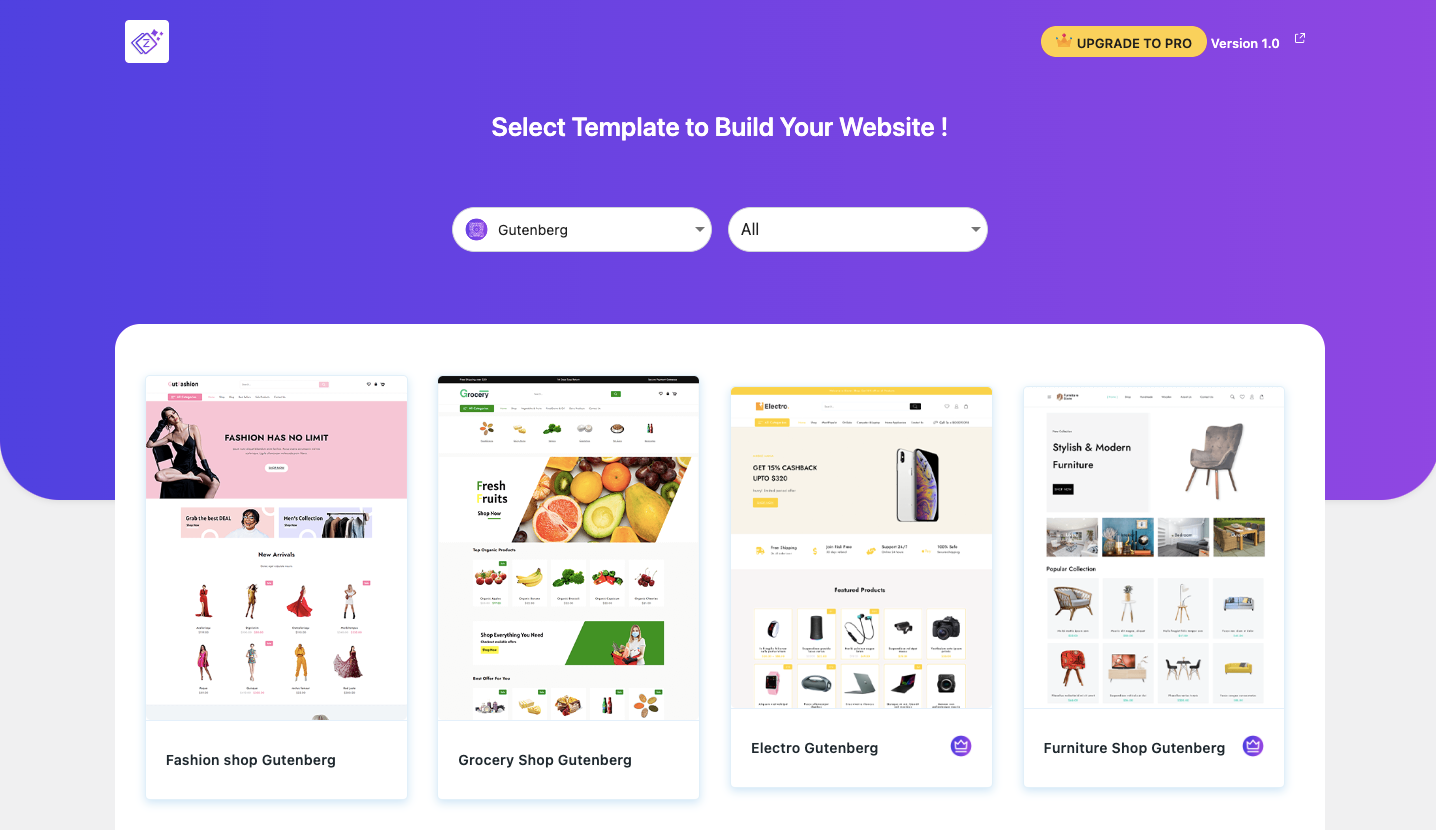
Website Template Details

Template Detail
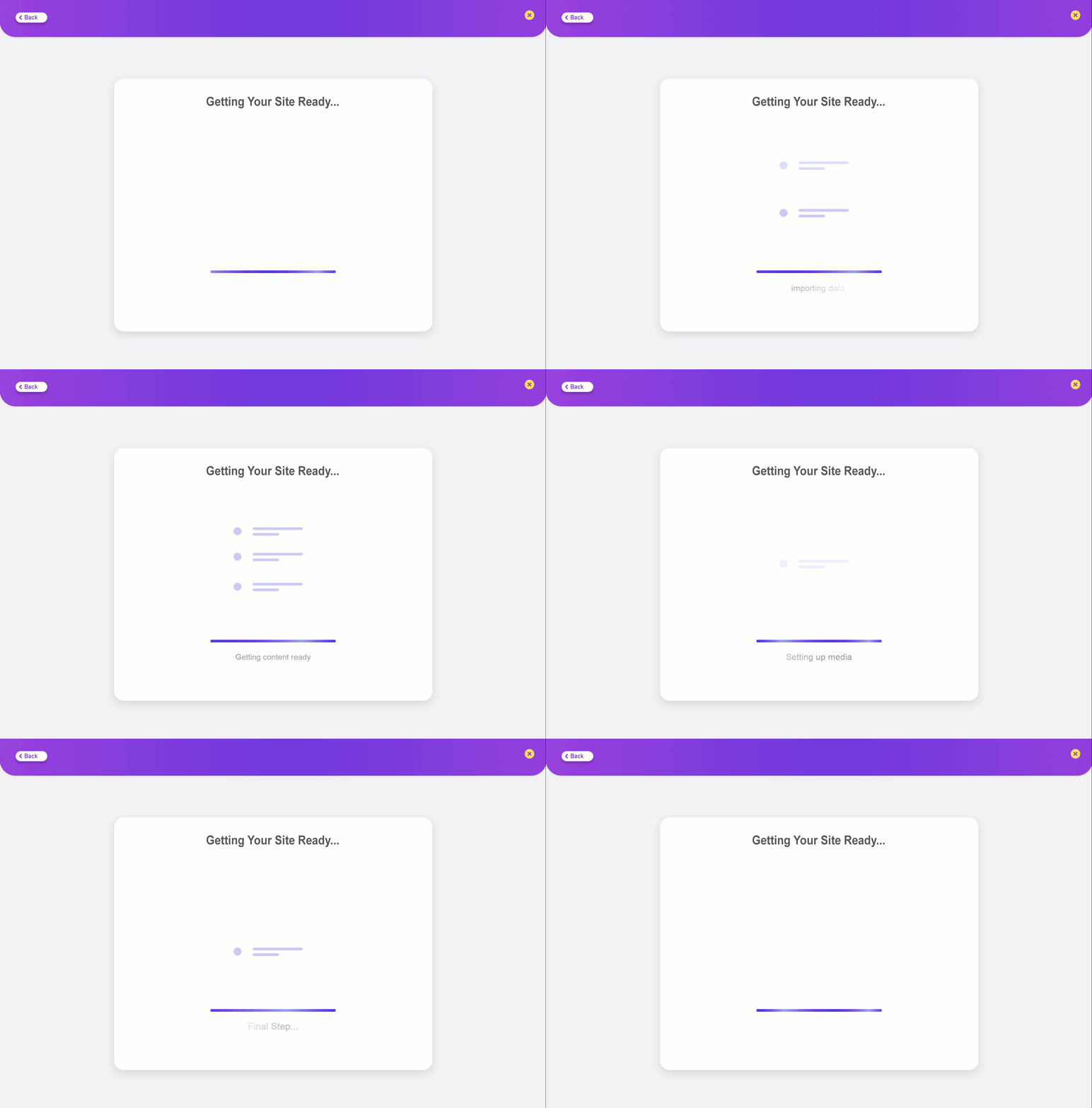
Installation

Template Installation Compeleted
Changelog
1.0.2
- Change log and screenshot update.
1.0.1
- Change Log update.
1.0.0
Initial release