

AI Image Alt Text Generator with OpenAI Vision Models
A WordPress plugin that leverages OpenAI's vision models to automatically generate descriptive and contextually relevant alt text for images.
Plugin info
Maintenance & Compatibility
Maintenance score
Maintained • Last updated 118 days ago • 6 reviews
Is AI Image Alt Text Generator with OpenAI Vision Models abandoned?
Likely maintained (last update 118 days ago).
Compatibility
Similar & Alternatives
Explore plugins with similar tags, and compare key metrics like downloads, ratings, updates, support, and WP/PHP compatibility.
Description
Plugin that uses the OpenAI API (supporting GPT-5.1, GPT-5, GPT-4.1 and GPT-4o model families) to automatically generate alt text for images, either during the upload process or on-demand with a button. It enhances website accessibility and SEO by providing descriptive and relevant image descriptions.
Features:
– Bulk alt text generation for multiple images at once in media library and gallery block
– Manual generation via a button in the image block and media library
– Configurable automatic alt text generation during the upload process
– Support for multiple OpenAI vision models (GPT-5, GPT-5-mini, GPT-5-nano, GPT-4.1, GPT-4.1-mini, GPT-4.1-nano, GPT-4o, GPT-4o-mini)
External Service Usage
This plugin relies on OpenAI’s API, an external third-party service, to generate alt text for images. The plugin sends your images to OpenAI’s API and receives generated alt text in return.
Before using this plugin, please review OpenAI’s terms of use and privacy policy:
– OpenAI API Terms of Use: https://openai.com/policies/terms-of-use
– OpenAI Privacy Policy: https://openai.com/policies/privacy-policy
By using this plugin, you agree to OpenAI’s terms and acknowledge that you have understood OpenAI’s privacy policy.
For Developers
You can read about the available hooks here: https://github.com/android-com-pl/wp-ai-alt-generator?tab=readme-ov-file#for-developers
Installation
- Upload the plugin directory to your
/wp-content/plugins/directory. - Activate the plugin through the ‘Plugins’ menu in WordPress.
- Go to
Settings -> Mediato configure the plugin settings. - Enter your OpenAI API key (you can find it in your OpenAI account settings).
- Alternatively, you can set your API key by defining the
ACPL_ALT_GENERATOR_OPENAI_API_KEYconstant in your wp-config.php file:define('ACPL_ALT_GENERATOR_OPENAI_API_KEY', 'your-api-key-here');. When the constant is defined, the API key field in the plugin settings will be disabled.
Frequently Asked Questions
The plugin uses the OpenAI API, which will incur costs. Please check the OpenAI pricing page for details.
Review feed
Screenshots
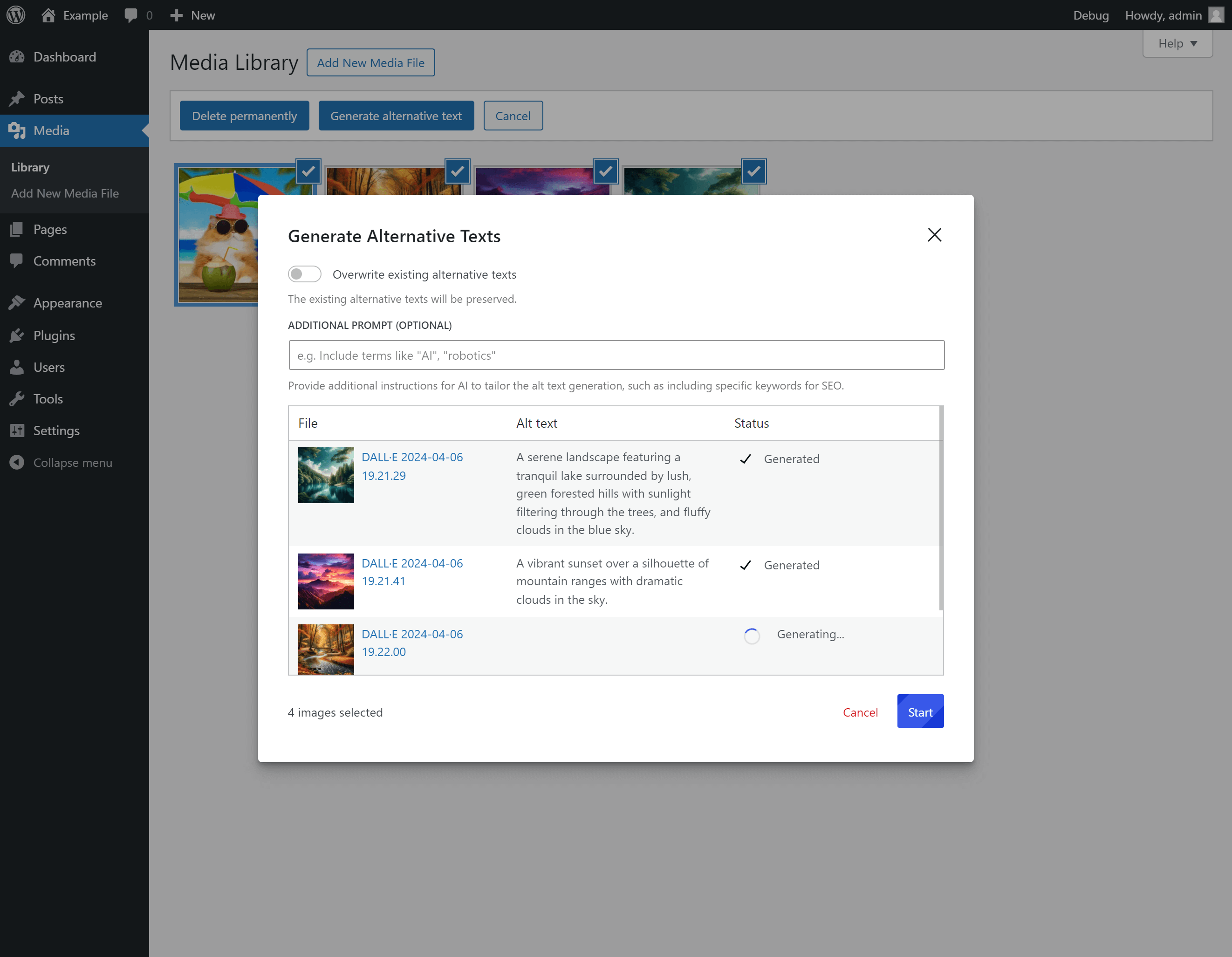
Bulk alt text generation.

Generating alt text for an image in the media library.
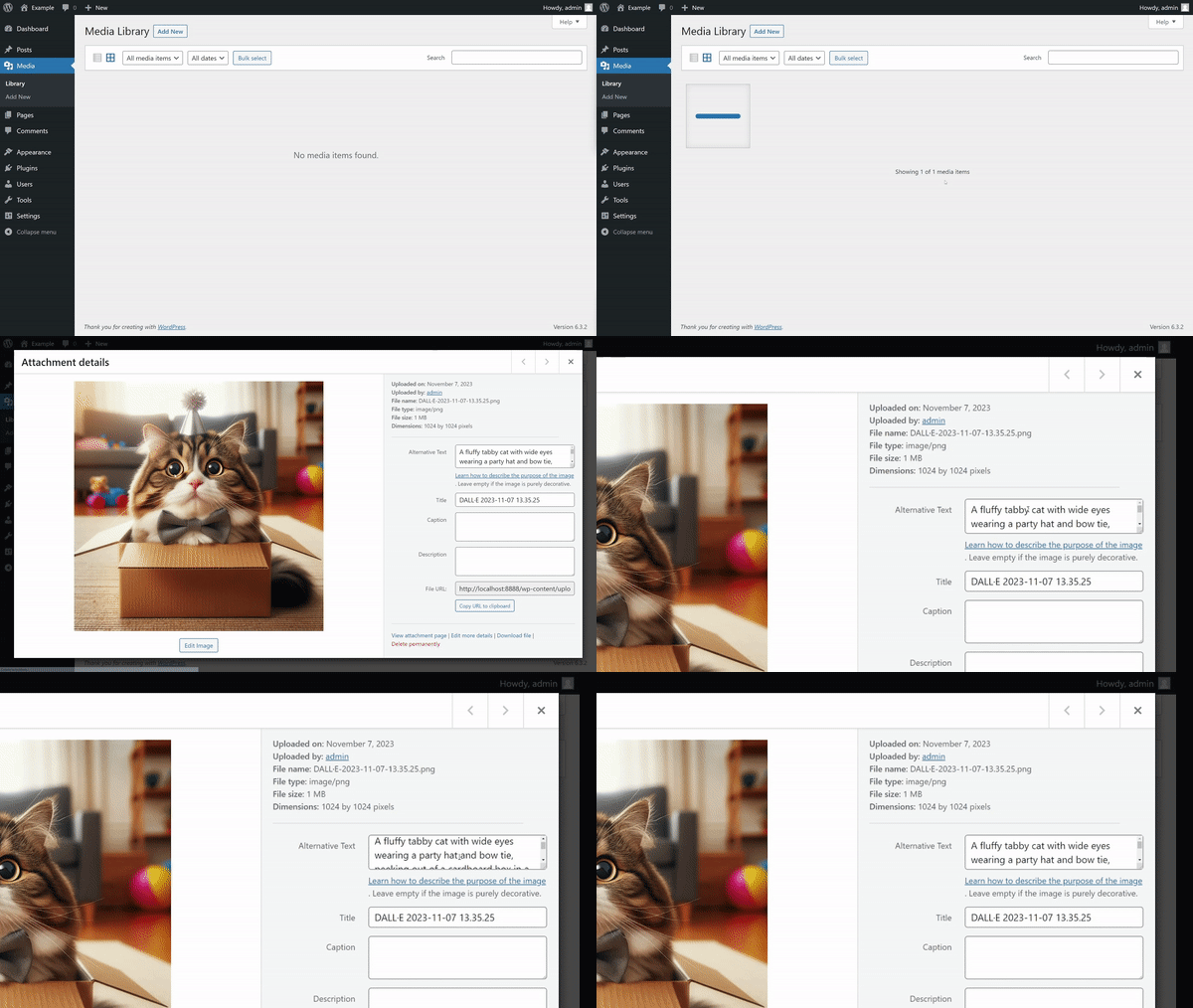
Generating alt text automatically on upload.
Changelog
For the plugin’s changelog, please see the Releases page on GitHub.