

ALTCHA Spam Protection
ALTCHA offers a free, open-source Captcha alternative, ensuring robust spam protection while respecting user privacy and GDPR compliance.
Plugin info
Maintenance & Compatibility
Maintenance score
Maintained • Last updated 177 days ago • Support resolved 33% • 21 reviews
Is ALTCHA Spam Protection abandoned?
Likely maintained (last update 177 days ago).
Compatibility
Similar & Alternatives
Explore plugins with similar tags, and compare key metrics like downloads, ratings, updates, support, and WP/PHP compatibility.
Description
This is ALTCHA Plugin version 1.
ALTCHA Plugin version 2 is now available, offering improved protection and enhanced reliability. An upgrade is recommended for all users.
Learn more | Installation guide | Migration guide
What’s new in version 2:
- Effective: blocks 99% of spam and abuse attempts
- Invisible for users: frictionless protection, no puzzles or CAPTCHAs
- Works everywhere: plugin-agnostic Request Interceptor integrates with any form plugin
- Handles heavy traffic: stay online with Under Attack Mode
- Stops abuse at scale: firewall and rate limiting included
- Privacy-first: 100% GDPR-compliant and fully accessible
- Unlimited: no external services, unlimited verifications
Learn more about ALTCHA at altcha.org.
ALTCHA provides a free, open-source Captcha alternative utilizing a proof-of-work mechanism to safeguard your website against spam and unwanted content. Our anti-spam solution ensures robust spam protection without compromising user privacy.
Unlike other solutions, ALTCHA is free, open-source, and self-hosted. It operates independently without external services, avoids the use of cookies and fingerprinting, refrains from user tracking, and maintains full compliance with GDPR regulations.
Free Mode
The free self-hosted mode is enabled by default after installation. No additional setup is required, except enabling the integrations you need in the plugin settings.
Privacy
No cookies, no tracking
ALTCHA prioritizes user privacy by avoiding the use of cookies and fingerprinting techniques.
No external service
Operating in Self-hosted mode (the default setting), this plugin remains fully contained within your WordPress installation, eliminating any reliance on external services. You can opt-in for our SaaS version to utilize the Spam Filter API. For more information visit https://altcha.org.
Modes of Operation
This plugin operates in two modes, you can select which mode you want in the settings (see API Region):
- Self-hosted – free, fully self-contained without external services.
- Custom or SaaS API – requires a server such as ALTCHA Sentinel.
REST API
This plugin requires the WordPress REST API. If you are using any “Disable REST API” plugins, ensure that the endpoint /altcha/v1/challenge is allowed.
Supported Integrations
- CoBlocks
- Contact Form 7
- Elementor Pro Forms
- Enfold Theme
- Formidable Forms
- Forminator
- GravityForms
- HTML Forms
- WPDiscuz
- WPForms
- WP-Members
- WordPress Login, Register, Password reset
- WordPress Comments
- WooCommerce
- Custom HTML (with a short code
[altcha])
Source Code
All source code for the plugin, and the ALTCHA widget is available on GitHub. In the repository, you’ll also find versions of non-minified JavaScript and CSS assets:
- Plugin: https://github.com/altcha-org/wordpress-plugin
- ALTCHA Widget: https://github.com/altcha-org/altcha
Terms of Service And Privacy Policy for SaaS
- Privacy Policy: https://altcha.org/privacy-policy
- Terms of Service: https://altcha.org/terms-of-service
Installation
Download, install and activate ALTCHA Spam Protection.
Alternatively, install the plugin manually:
- Download the
.zipfrom the Releases. - Upload
altchafolder to the/wp-content/plugins/directory - Activate the plugin through the ‘Plugins’ menu in WordPress
- Review the settings and enable your integrations
Frequently Asked Questions
Review feed
ALTCHA: Free, Open-Source Captcha Alternative with Robust Spam Protection
Great self-contained spam protection
v1 was great; v2 - I had to uninstall
Screenshots
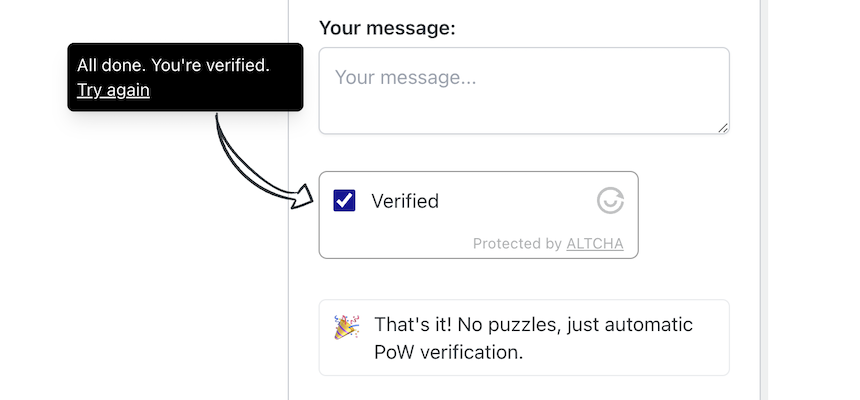
Friction-less Captcha without puzzles
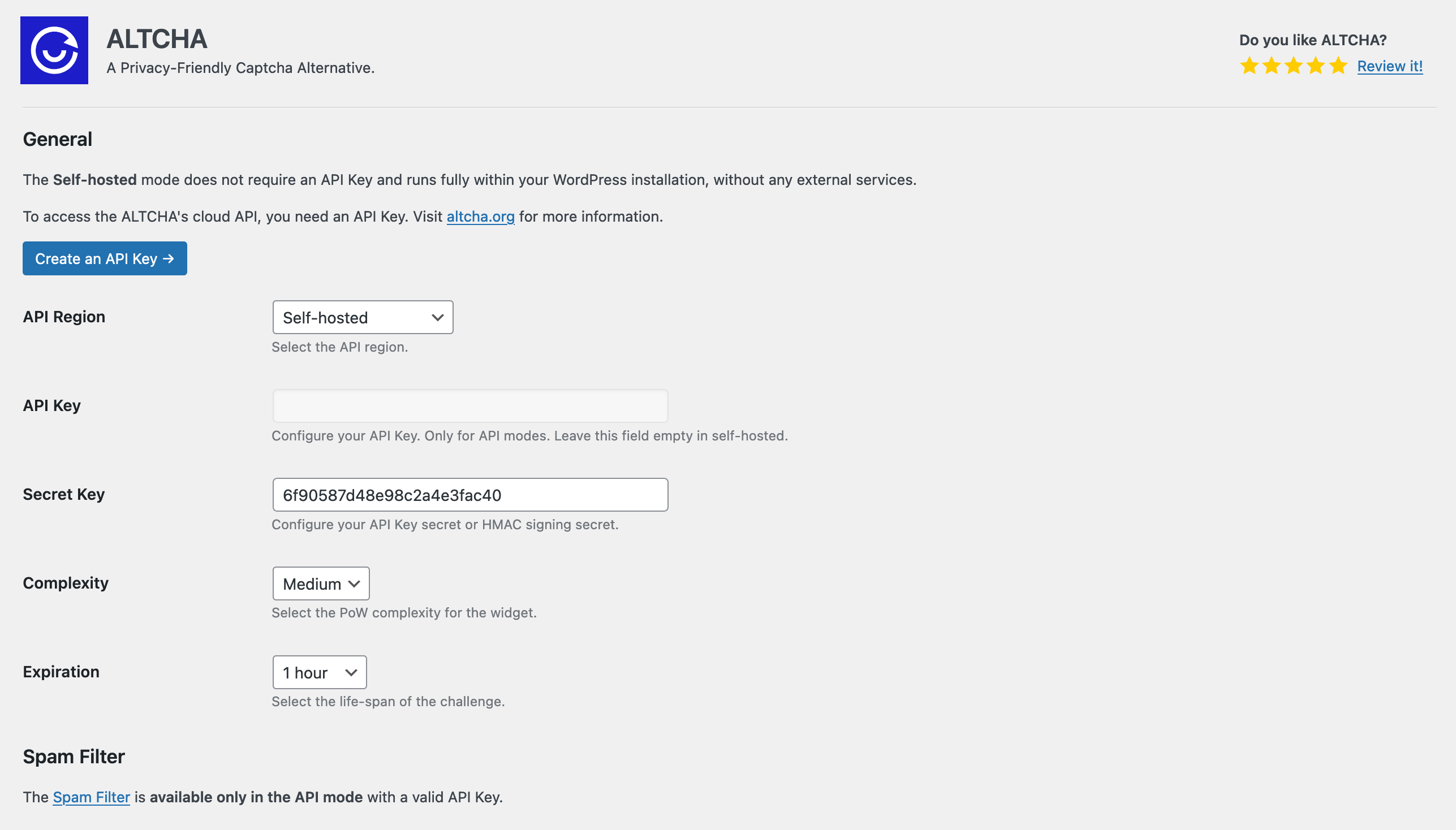
Configuration
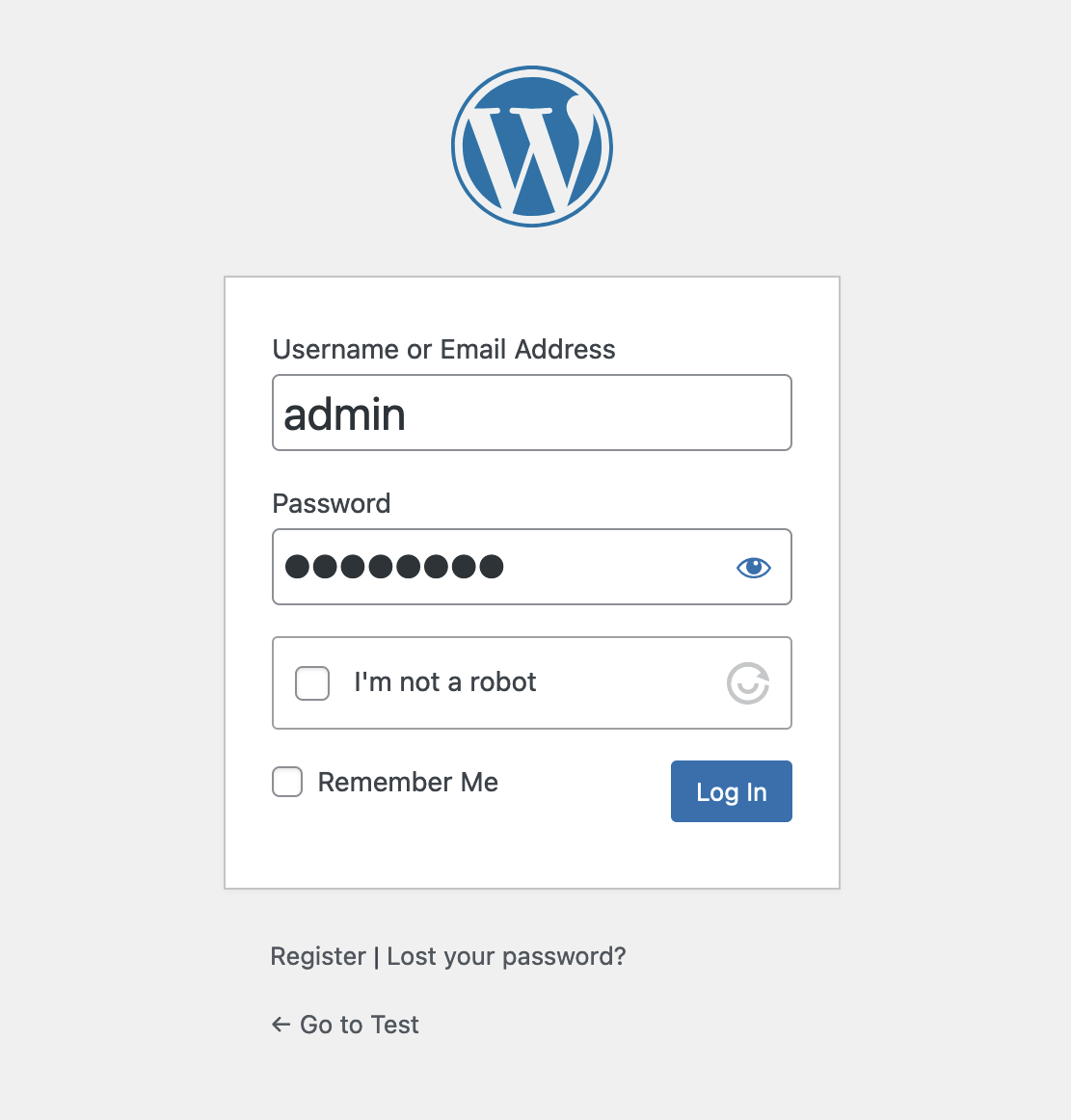
Protection on the login page
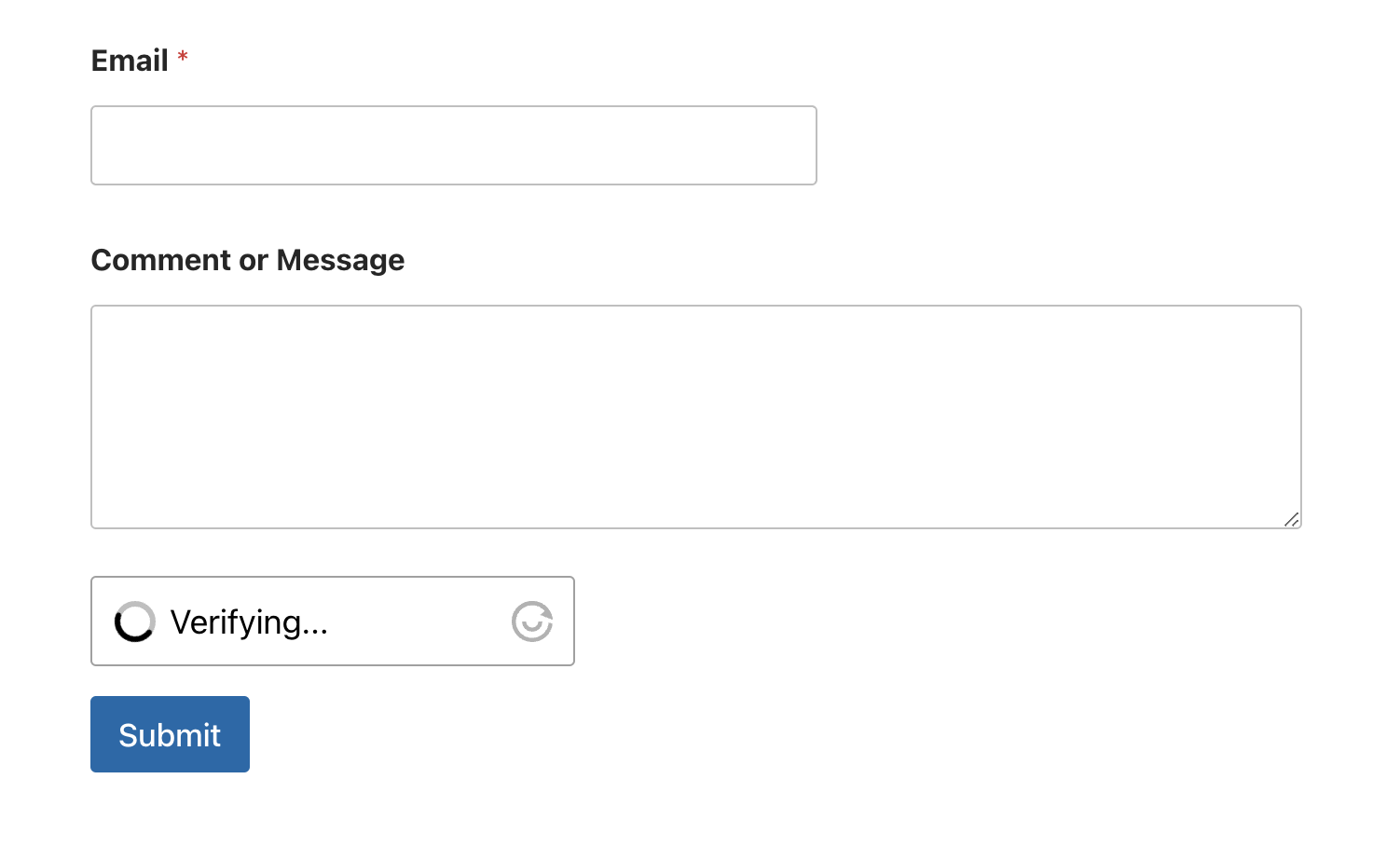
Protection with WPForms
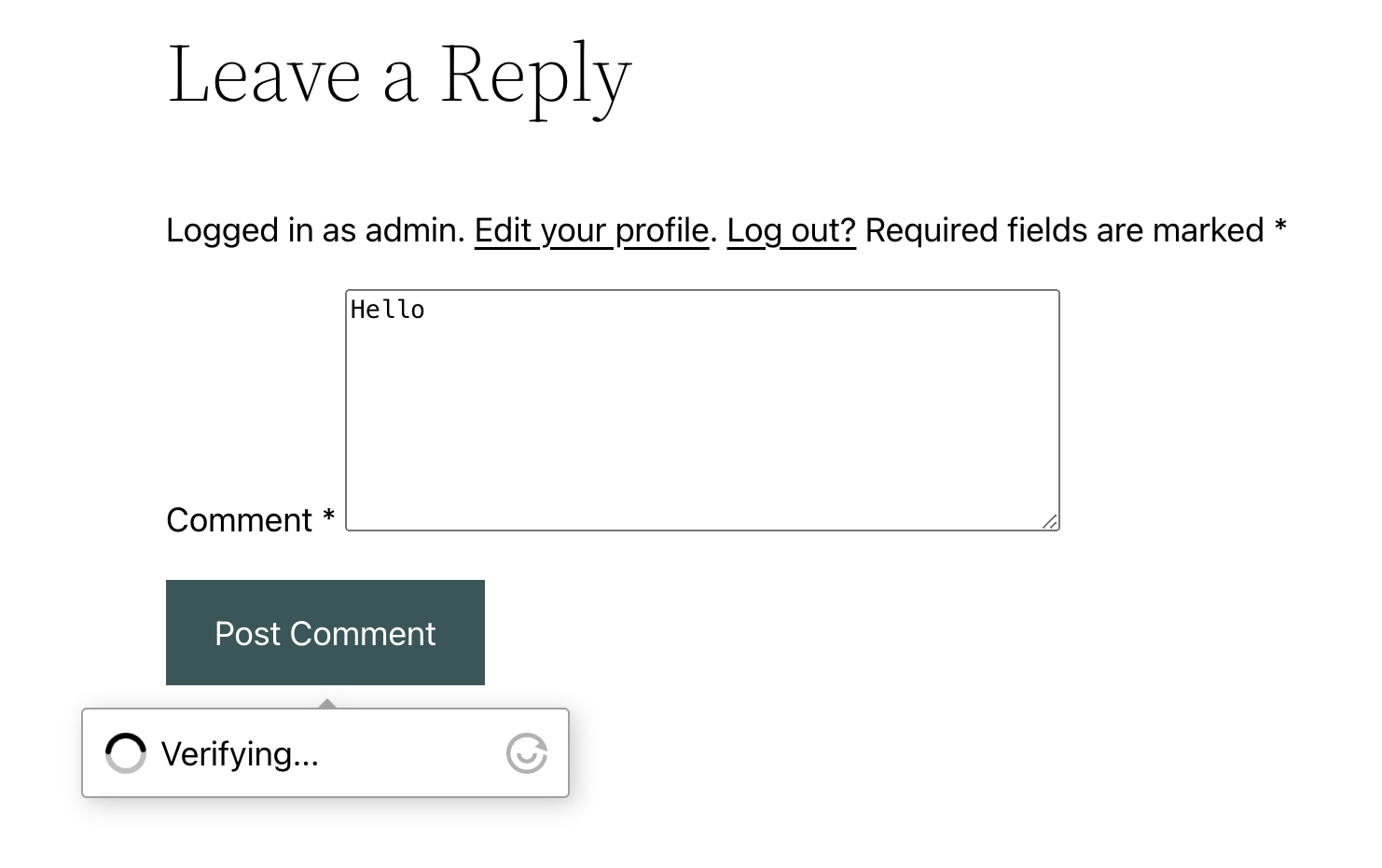
Floating UI Captcha
Changelog
1.26.2
- Updated readme for the new version 2.
1.26.1
- Fix Elementor Pro Forms widget rendering
1.26.0
- Added Formidable Forms integration
- Fixed PHP warning in the verify function
- ALTCHA Widget 2.2.2
1.25.0
- Added hooks for improved customization and integration flexibility. [#45]
1.24.0
- Fix issue with duplicate widget rendering in Elementor popups and WPDiscuz replies
1.23.0
- Support for CoBlocks
1.22.1
- Fix Gravity Forms validation with custom server
1.22.0
- Fix Forminator multi-page forms
- Fix Gravity Forms with Sentinel and fields classification
1.21.0
- ALTCHA Widget 2.0.2
- Widget scripts are now injected only on pages, which include the widget
- Support for custom Challenge URL and ALTCHA Sentinel
1.20.0
- Enfold Theme (contact and newsletter forms) integration
1.19.0
- Fix submit issues with Contact Form 7 + Conditional fields
1.18.0
- Fix language with Contact Form 7
1.17.0
- Update widget to 1.2.0
- Widget removes support for Expires header fixing potential auto-revalidation issues
- Widget script provided as a UMD module allowing for JS minification
1.16.0
- Fix reply to comments from the admin page [#36]
1.15.0
- Translations with gettext and automatic language detection [#33]
1.14.1
- Fix the “Settings” link [#32]
1.14.0
- Automatic language detection [#31]
- Change placement of the “Settings” link in the plugin list [#32]
1.13.1
- Ignore WooCommerce form submissions in WordPress integration [#30]
1.13.0
- WooCommerce integration [#26]
- Improved validation message [#27]
- Password lost error message [#28]
1.12.0
- HTML Forms – skip verification if the shortcode is not in the form markup [#23]
1.11.1
- Fix Forminator compatibility issue
1.11.0
- Added support for WP-Members
1.10.0
- Added support for WPDiscuz
1.9.3
- Fix REST API Cache-Control header
1.9.2
- Enable Custom HTML (shortcode) integration by default when activated
1.9.1
- PHP 7 support (replace str_contains by strpos) [#19]
1.9.0
- Widget updated to version 1.0.0
- CF7 – fix widget placement
- Fix page caching
1.8.0
- Shortcode (custom integration) – fix mode (SpamFilter)
1.7.0
- HTML Forms – add Shortcode option
1.6.1
- Fix WordPress login integration
1.6.0
- Fix Elementor Pro Forms widget rendering
- Fix Contact Form 7 widget position and shortcode support
1.5.0
- Fix REST base URL (+ REST prefix removed from settings) [#13]
1.4.0
- Support for Elementor Pro Forms
- Widget updated to 0.6.7
1.3.1
- Fix site_url parsing issue [#11]
1.3.0
- Added support for custom REST API prefixes
1.2.0
- Forminator – fix widget rendering with file input
- Widget updated to 0.6.4
1.1.0
- Shortcode – support for
languageattribute
1.0.0
- Widget updated to 0.6.3
0.3.0
- Added nonce sanitization
- Removed server-side spam filter (required for Plugin Directory)
0.2.1
- Fixes requested by Plugin Directory review
- Fixed various Spam Filter issues
0.2.0
- Widget updated to 0.6.0
- Added support for Floating UI
0.1.7
- Fix Forminator multi-step forms
0.1.6
- Widget updated to 0.5.1
0.1.5
- Fixes requested by Plugin Directory review
0.1.4
- GravityForms – added label and description options
- Altcha widget updated to 0.4.3
0.1.3
- Fixed “lost password” verification bug
- Altcha widget updated to 0.4.1
0.1.2
- Fixed widgets footer link and log warnings
0.1.1
- Widget v0.4.0
- Challenge expiration
0.1.0
- First version