

Amazing Testimonial Slider
Amazing Testimonial Slider is best wordpress plugin to display an amazing slider at your website!
Maintenance 22/1001496d since update
Active installs
0
Downloads
804
Reviews
1
Age
4.1y
Plugin info
Total downloads: 804
Active installs: 0
Total reviews: 1
Average rating: 5
Support threads opened: 0
Support threads resolved: 0 (0%)
Available in: 1 language(s)
Contributors: 1
Last updated: 1/12/2022 (1496 days ago)
Added to WordPress: 1/12/2022 (4 years old)
Minimum WordPress version: 5.2
Tested up to WordPress version: 5.8.12
Minimum PHP version: 7.2
Maintenance & Compatibility
Maintenance score
Possibly abandoned • Last updated 1496 days ago • 1 reviews
22/100
Is Amazing Testimonial Slider abandoned?
Possibly abandoned (last update 1496 days ago).
Compatibility
Requires WordPress: 5.2
Tested up to: 5.8.12
Requires PHP: 7.2
Similar & Alternatives
Explore plugins with similar tags, and compare key metrics like downloads, ratings, updates, support, and WP/PHP compatibility.
Strong Testimonials
Rating 4.8/5 (608 reviews) • Active installs 90,000
GC Testimonials
Rating 4.7/5 (34 reviews) • Active installs 2,000
Easy Testimonial Slider and Form
Rating 4.8/5 (5 reviews) • Active installs 800
GC Testimonials with reCAPTCHA
Rating 4.0/5 (1 reviews) • Active installs 20
IDT Testimonial
Rating 5.0/5 (1 reviews) • Active installs 0
Webiots Testimonial Showcase
Rating 0.0/5 (0 reviews) • Active installs 0
Description
Amazing Testimonial Slider is best wordpress plugin to display an amazing slider at your website!
Plugin Documentation: [https://livingpart.com.bd/amazing-testimonial-slider/]
Video Tutorial
https://www.youtube.com/channel/UCLIuq7q_YbXY3jaO0yobzUg
You can make your own slider
- Slide – You can choose verious number of slider.
- Testimonial – Add testimonial Description as you want.
You can select/change
- Change theme color.
- Change hover color.
You can make my day by submitting a positive review on WordPress.org!
Usage
- Go to your Dashboard after installation and navigate to “Settings >> Slider Settings” to configure the slider.
Features
- Very easy installation
- Shortcode system
- Unlimited color variation by using jQuery color picker.
- Responsive design
- Custom post supported
- Flexible and easy to use
- Lightweight JQuery
Installation
- Upload
amazing-testimonial-sliderto the/wp-content/plugins/directory - Activate the plugin through the ‘Plugins’ menu in WordPress
- Copy and paste if(function_exists(‘lsts_shortcode’)){lsts_testimonial_loop();} in template code or [LSTS] in the post/page” to display slider.
Frequently Asked Questions
Yes.
Yes.
Review feed
No reviews available
Screenshots

Slider Settings
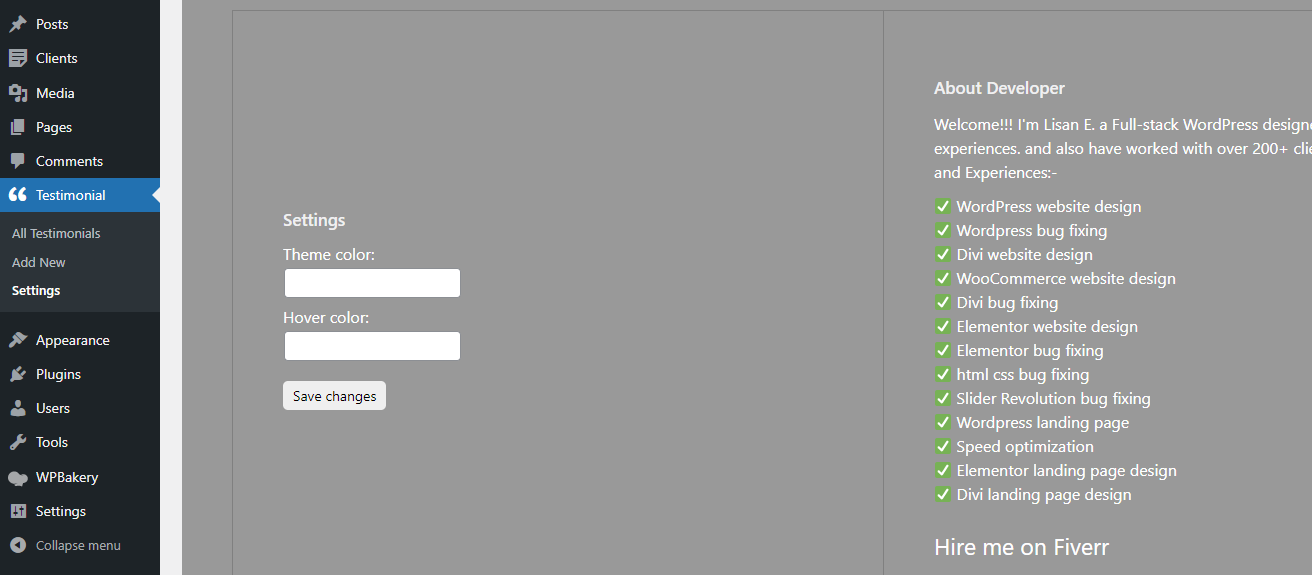
Back End

Front End
Changelog
1.0.0
-
Initial version.
-
Compatible with latest wp version.