

Plugin info
Maintenance & Compatibility
Maintenance score
Maintained • Last updated 119 days ago • Support resolved 0% • 14 reviews
Is Fullscreen Menu abandoned?
Likely maintained (last update 119 days ago).
Compatibility
Similar & Alternatives
Explore plugins with similar tags, and compare key metrics like downloads, ratings, updates, support, and WP/PHP compatibility.
Description
Add a Full Screen Menu to your WordPress website with this plugin – it features a fully customizable experience, allowing you to build the menu using all the available settings that best suit your site. This plugin is also compatible with WooCommerce and Polylang, so you can easily display WooCommerce elements like the user’s cart and default menus. Upgrade your website’s navigation with this intuitive and visually appealing plugin.
The Menu button can be added as a Block – compatible with Block Themes.
Demos
Design/Appearance Features
This plugin offers a range of features to enhance your website’s menu:
- Hover animation effects for a dynamic and engaging user experience
- Full responsiveness for seamless viewing on all devices
- The option to use either a full screen or lateral menu layout
- The ability to set a background image for added visual appeal
- A clean and modern design that will complement any website
- Preview fullscreen menu before launching in the wp-admin
Integration/Menu Settings
- WooCommerce Buttons Menu (My Account, Cart, Checkout);
- Animated Search Bar included;
- Social Media Icons;
- Google Fonts Integration;
- GDPR options (Privacy Policy Page).
- Hide Menu on Specific Pages
- Schema.org (SiteNavigationElement) Structure (SEO)
PRO Features
Upgrade to the PRO version of this plugin to unlock even more features for your website’s menu:
- Submenus that open automatically for streamlined navigation
- The ability to create multi-level menus
- The option to set a background image or video for added visual interest
- The ability to select the font size and add text shadow for a custom look
- The option to adjust the position of the menu button
- The ability to align the menu text to the left, right, or center
- The ability to disable the menu button
- The ability to use a custom image for the menu hamburger button
- Integration with WooCommerce to display the cart in the menu.
Icons by Font-Awesome.
Installation
Install from your Admin Panel -> Plugins -> Add New.
A new tab panel will appear in your Lateral Admin Panel.
Frequently Asked Questions
Simple.
Install from your Admin Panel -> Plugins -> Add New.
After install, you only need to activate it.
After activated, the settings will be available on your WordPress Admin Sidebar -> “Animated Fullscreen Menu”.
No. For security security reasons, you need to activate the menu after finish the configuration.
To active the menu, you just need to select “Activate Animated FullScreen Menu” option.
Sure. AFS Menu is Mobile First designed. For using it only on mobile devices, just activate “Mobile Only” option.
There are two ways to customize the AFS Menu Background.
1) Using a background Image, just uploading an image on “Background Image” option.
2) Create a background transition with two colors, using “Initial” and “Opened” Background Menu option. See Demo 3 for checking that behavior.
You just need to create a new menu on Appearance -> Menus.
After that, change that menu on “Select Menu” option.
On “Select Font Family” option, you can use some google fonts. For design reasons, you will find only 9 fonts by now.
If you need a specific font, please contact us.
That option is using Privacy Policy Page by default from your website. To change that page, go to Settings -> Privacy.
Sure. By default your data will not erased. To clean your options, please select “Remove Data after uninstall” option, before uninstall the plugin.
Review feed
Screenshots

Custom Background (integration with WooCommerce and Polylang)
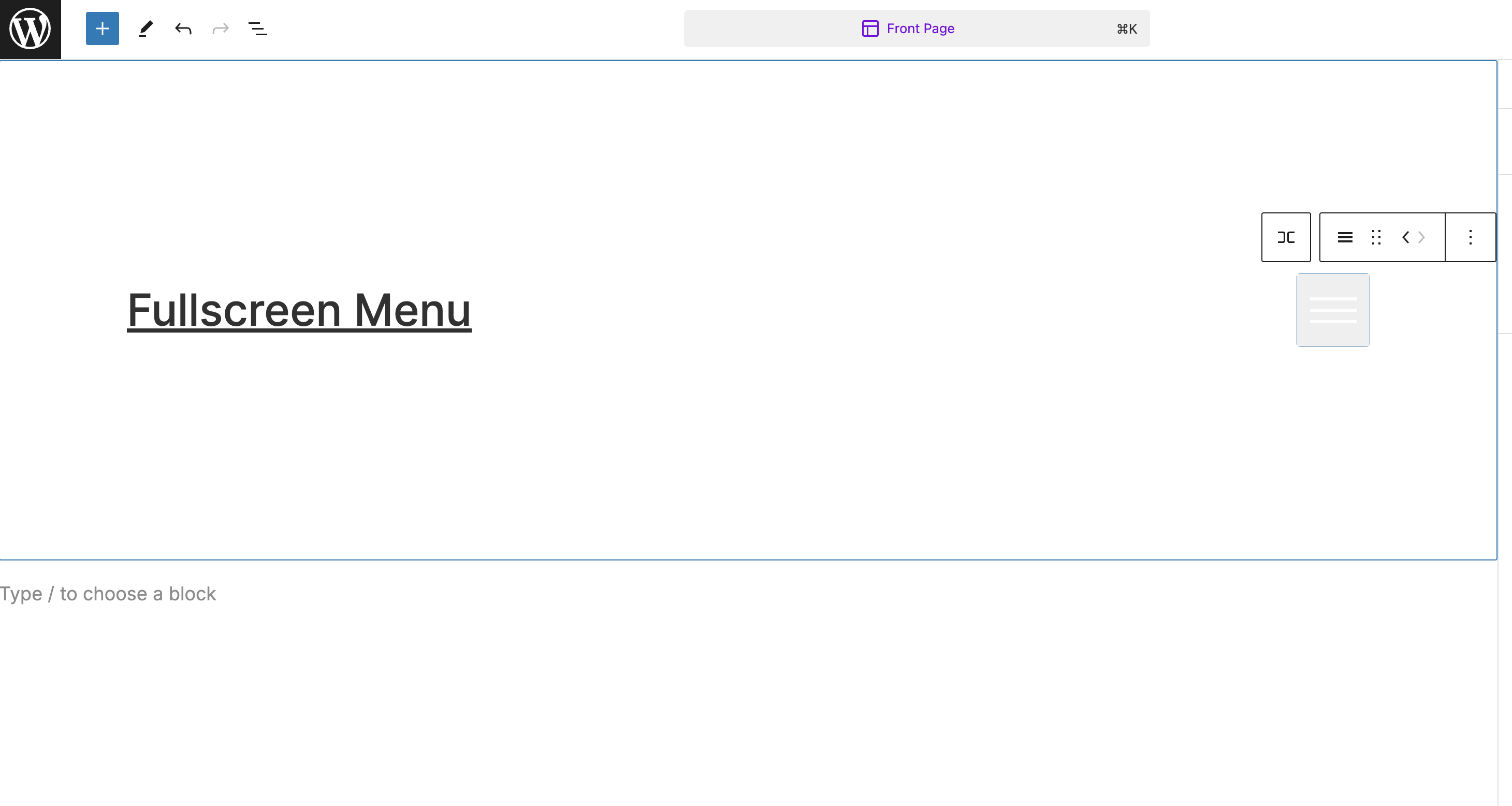
Render Menu button as a Block

Demo Animation

Demo Hover Animation

Dropdown functionality

Menu Settings - General
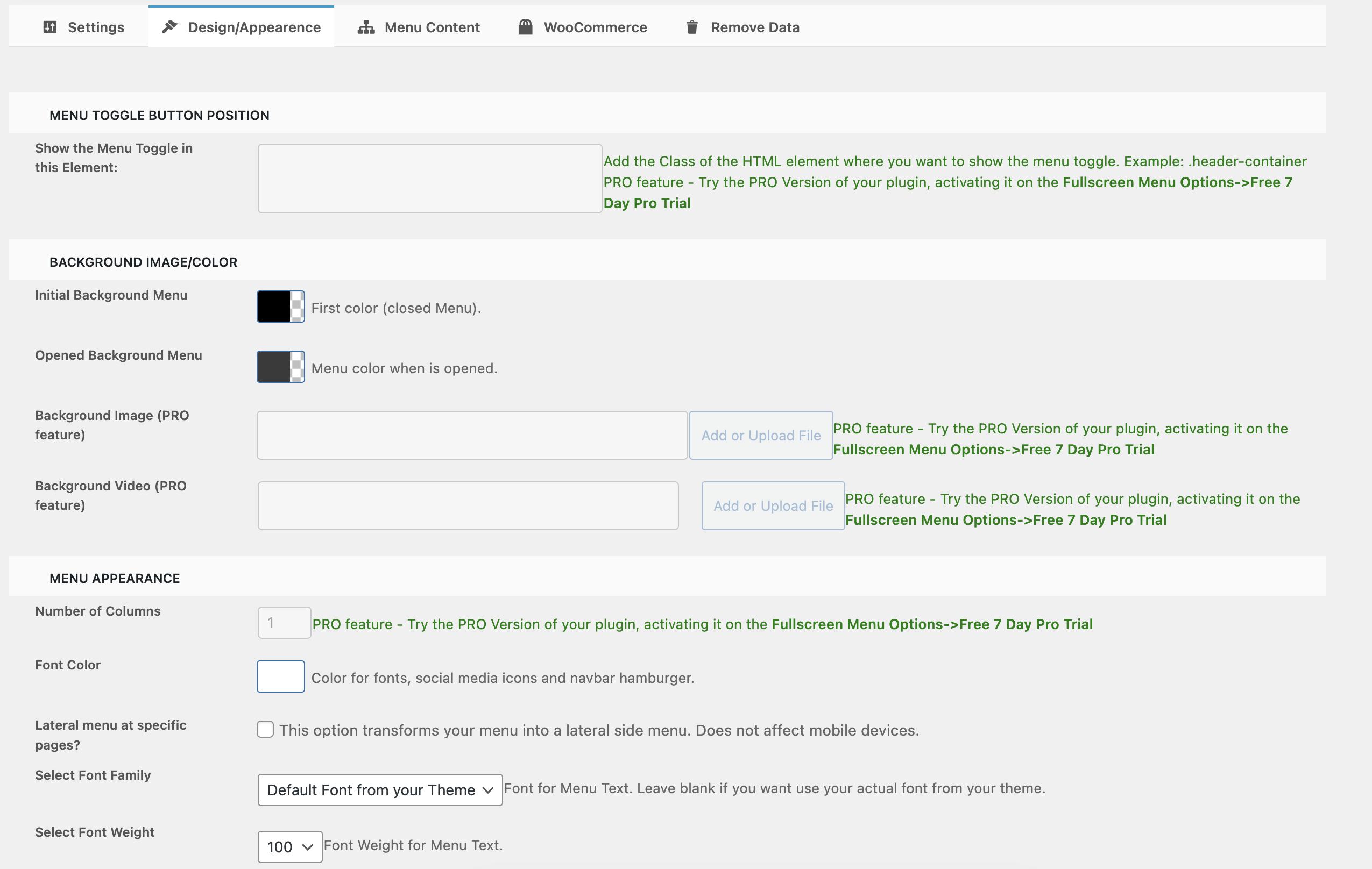
Menu Settings - Design/Appearance

Menu Settings - Menu Content
Changelog
2.9.0
- Security: Enhanced security for preview menu feature with proper input sanitization and nonce verification
- Updated: Freemius SDK updated from 2.6.1 to 2.8.1 for better performance and compatibility
- Updated: WordPress compatibility tested up to 6.7
- Updated: Minimum WordPress version raised to 5.0
- Updated: Minimum PHP version raised to 7.4 (with graceful error handling for older versions)
- Added: Automatic settings backup system during plugin updates
- Added: Version migration framework for future updates
- Improved: Code quality and WordPress coding standards compliance
- Note: This update is fully backward compatible – all existing settings will be preserved
2.8
- Preview Menu feature
2.7
- Add all the available Google Fonts (PRO)
- Add setting to the block to toggle mobileOnly
2.6
- Fix HTML issue (using wp_body_open hook to run the menu content)
- Fix Toggler behind the main menu when changing the original place of the toggler
2.5
- Integration with Schema.org
- Add rounded borders to the hamburger
2.1
- WooCommerce Cart carousel/slider in Menu
- Hide Menu on specific pages
1.9
- New Feature : Side Menu Option
- New Feature : Free HTML or Shortcode integration
1.8
- New Feature : Hover Animation Options
1.7
- New Feature : Search bar
1.6
- Compatibility with Menu Locations
- Changed Menu sizes
- Added auto scroll on menu
1.5
- Smooth Animation Effects
- Solved bugs on submenu
1.4
- Lateral Menu Possibility at specific pages
- Possibility to choose transparent background
- OnClick changed to OnHover
- Solving bugs and compatibility with Flatsome Theme
1.3
- Compatible with WP 5.2
1.0
- I think we can start with 1.0 as a stable version
- Tested on WP 5.1.1