

Multi Page Auto Advance for Gravity Forms
Description: The Auto Advance plugin for Gravity Forms makes the form filling process quicker and more user friendly for visitors.
Plugin info
Maintenance & Compatibility
Maintenance score
Possibly abandoned • Last updated 410 days ago • 19 reviews
Is Multi Page Auto Advance for Gravity Forms abandoned?
Possibly abandoned (last update 410 days ago).
Compatibility
Languages
Similar & Alternatives
Explore plugins with similar tags, and compare key metrics like downloads, ratings, updates, support, and WP/PHP compatibility.
Description
The Multi Page Auto Advance plugin for Gravity Forms makes the form filling process quicker and more user friendly for visitors. There are 3 options available:
Basic (Free) (Single Site)
1. Auto advance for radio buttons and dropdown fields
Pro ($39.99) (Up to 3 Sites)
Everything from Free +
1. Works with products
2. Works with polls and quizzes
3. Works with check boxes watch video
4. Works with text and number fields watch video
5. Works with conditional logic
6. Works with Gravity Forms Conversational Add-On
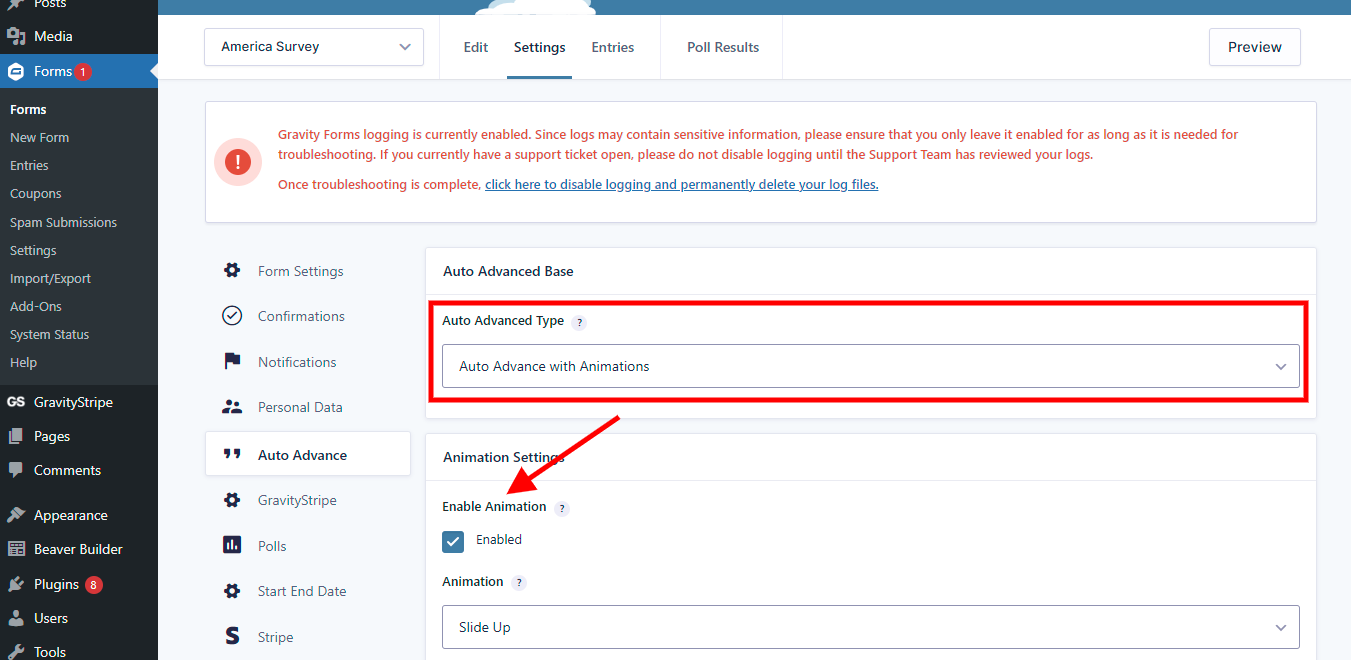
7. Enable transition animations
8. Adjust steps colors
Plus ($59.00 or $225 [lifetime]) (Unlimited Sites)
Everything from Pro +
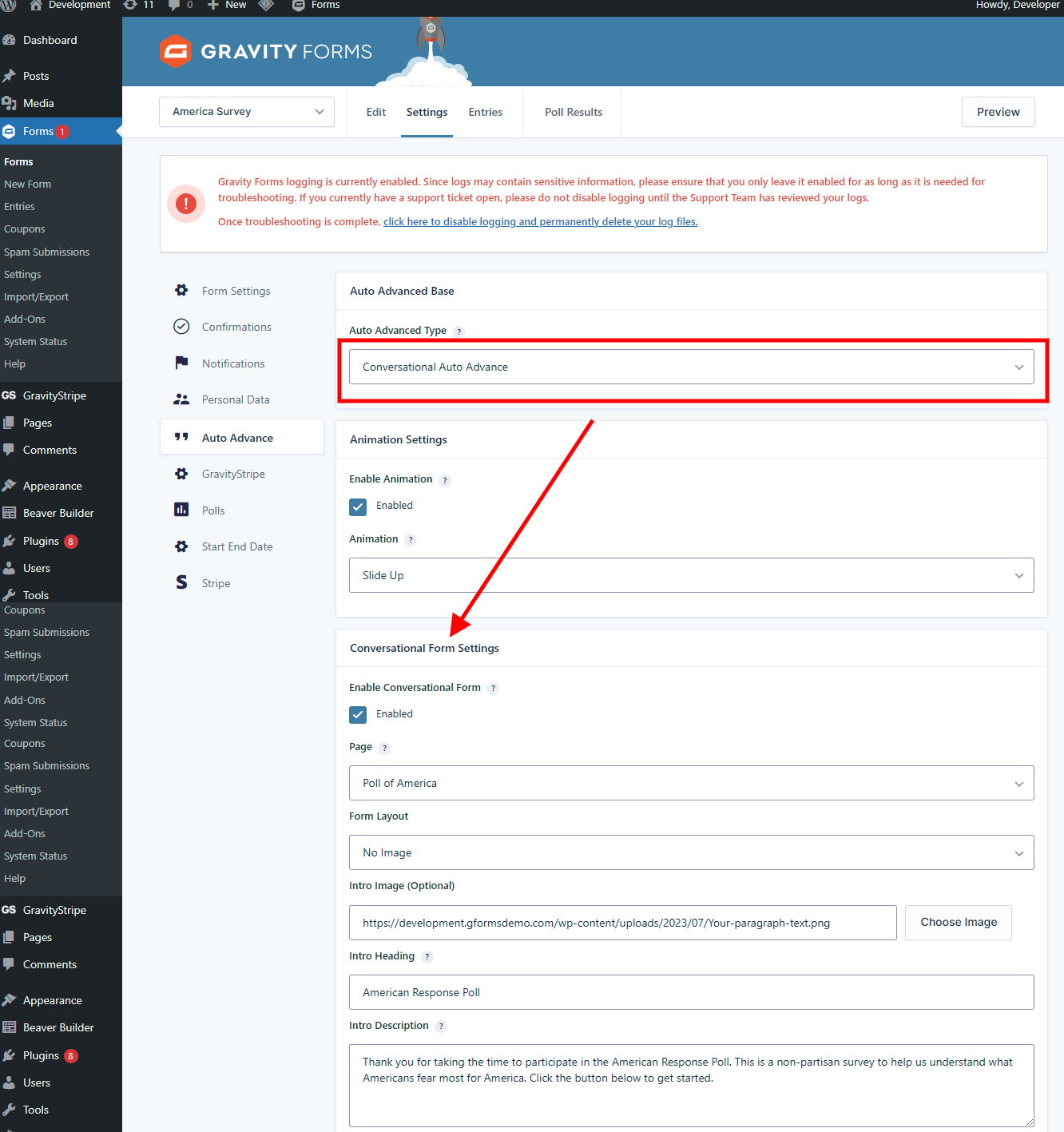
Upgraded Conversational Form Functionality watch video
RESOURCES:
Play with the Demos: https://gformsdemo.com/gravity-forms-auto-advance-demo/
Watch Demo Video: https://www.multipagepro.com/features
Buy the PRO Version: https://www.multipagepro.com/pricing
See Changelog & Upcoming Releases: https://trello.com/b/z4vTvFop/multipage-auto-advance
Videos
Overview and Features https://youtu.be/bZlvWOlgtLw
Conversational settings video https://youtu.be/LUk1OwOZb-0
Text and number fields video https://youtu.be/CXPq4270kA4
Checkboxes fields video https://youtu.be/C66gjrMBaRw
Changelog:
02/16/2025
Version @5.0.5
– Updated SDK
01/26/2025
Version @5.0.4
– Updated SDK
– Fixed issue with disabled button for hide next button.
– Added loader on conversational form
– Other minor bug fixes.
12/22/2024
Version @5.0.3
– Added vendor support for upgrading.
– Fixed quiz and poll field issue.
12/12/2024
Version @5.0.2
– Fixed latest submission issue with auto submitting.
09/18/2024
Version @5.0
– Free version features being limited to radio button and drop down only.
09/05/2024
Version @4.7
– added notice for free users to upgrade to paid pro or plus at 50% discount. Free version features being limited to radio button and drop down only.
02/25/2024
Version @4.6.3
– Fixed gform post render issue
– conversational pagination to follow settings inside the form
10/15/2023
Version @4.6.2
– Fixed auto advanced crash issue on some scenarios for free version.
10/13/2023
Version @4.6.1
– Updated resources and info
– Fixed minor bugs related in form editor
10/12/2022
Version @4.6 (Mega release)
– Compatibility added for php 8.0
– Latest wordpress support added
– Fixed warnings and bugs
– Added conversational form for plus version
– Added support for Gravity Forms Conversational addon for pro version
– Added coloring steps
– Added animations.
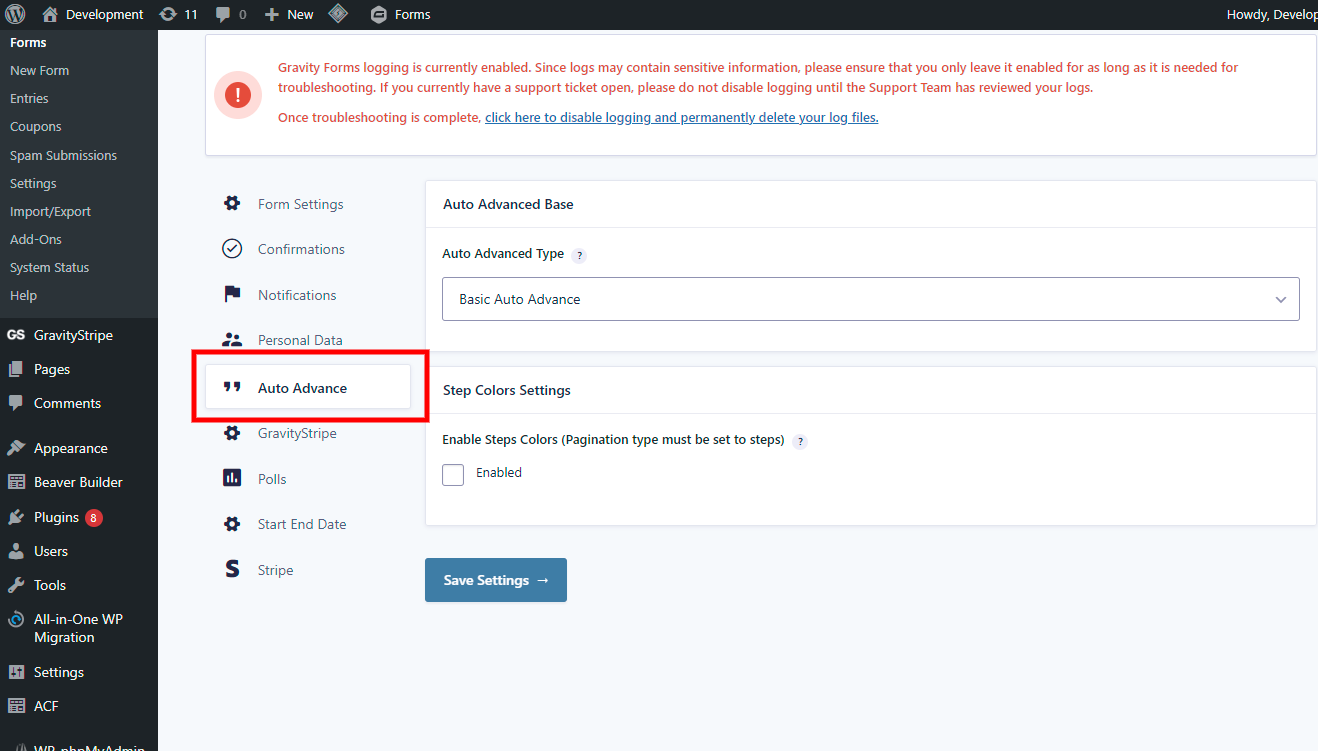
– New settings area
Installation
- Upload the plugin files to the
/wp-content/plugins/multipage-auto-advancedirectory, or install the plugin through the WordPress plugins screen directly. - Activate the plugin through the ‘Plugins’ screen in WordPress
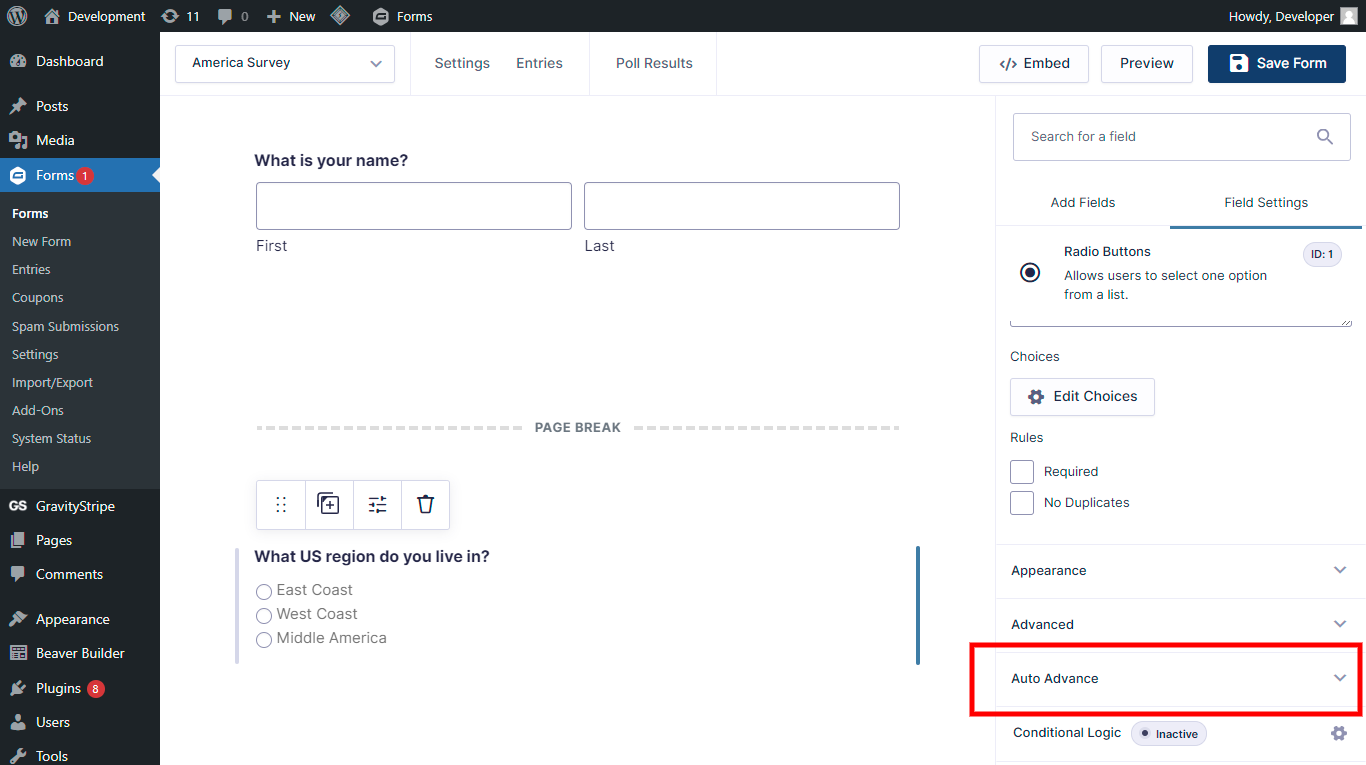
— Once installed, an Auto advance checkbox will be displayed in the settings for any Radio Button or Dropdown field added to a form.
— Checking the Auto advance option will activate that question as a trigger to “auto next” to the next step/page of your form for users.
Frequently Asked Questions
The plugin currently supports only radio buttons and dropdown fields.
- Create a new form or open an existing one
- Click any Radio Button or Dropdown question that you want to be a trigger.
- Check the box for Auto Advance in the settings for the question
Yes, as long as both are not set as “required”. If both are ‘required’ then the form will not advance to the next page and an error message will show.
Review feed
Very nice plugin, works great!
Screenshots
http://nimb.ws/2q3sna
http://nimb.ws/sX2IVP
Changelog
4.5.4
– Released SDK with security patches.