

Maintenance 20/1002570d since update
Active installs
0
Downloads
1,252
Reviews
0
Age
7.0y
Plugin info
Total downloads: 1,252
Active installs: 0
Total reviews: 0
Average rating: 0
Support threads opened: 0
Support threads resolved: 0 (0%)
Available in: 1 language(s)
Contributors: 1
Last updated: 3/21/2019 (2570 days ago)
Added to WordPress: 3/21/2019 (7 years old)
Minimum WordPress version: 4.0
Tested up to WordPress version: 5.1.21
Minimum PHP version: f
Maintenance & Compatibility
Maintenance score
Possibly abandoned • Last updated 2570 days ago
20/100
Is Auto Expire Posts abandoned?
Possibly abandoned (last update 2570 days ago).
Compatibility
Requires WordPress: 4.0
Tested up to: 5.1.21
Requires PHP: f
Similar & Alternatives
Explore plugins with similar tags, and compare key metrics like downloads, ratings, updates, support, and WP/PHP compatibility.
Post Lockdown
Rating 4.6/5 (9 reviews) • Active installs 1,000
Change Empty Trash Time
Rating 5.0/5 (3 reviews) • Active installs 1,000
Quick Empty Trash
Rating 4.6/5 (8 reviews) • Active installs 600
TGG – WP Optimizer
Rating 5.0/5 (1 reviews) • Active installs 600
Media Trash Button
Rating 5.0/5 (3 reviews) • Active installs 400
Force Delete Posts
Rating 4.4/5 (7 reviews) • Active installs 300
Description
Easily configure posts to expire at a certain date and time. After posts expire, they can become drafts, private, deleted, or in the trash. Works without Cron enabled.
Installation
- Click “Add New” in the plugins dashboard
- Search for “Auto Expire Posts”
- Click “Install Now”
- Activate the plugin
Frequently Asked Questions
What time zone is the time input in?
It uses the browser’s local time zone.
Can a message be displayed for expired posts?
Not at the moment. In the future, we may add a feature to remove post content without removing the post itself.
Review feed
No reviews available
Screenshots
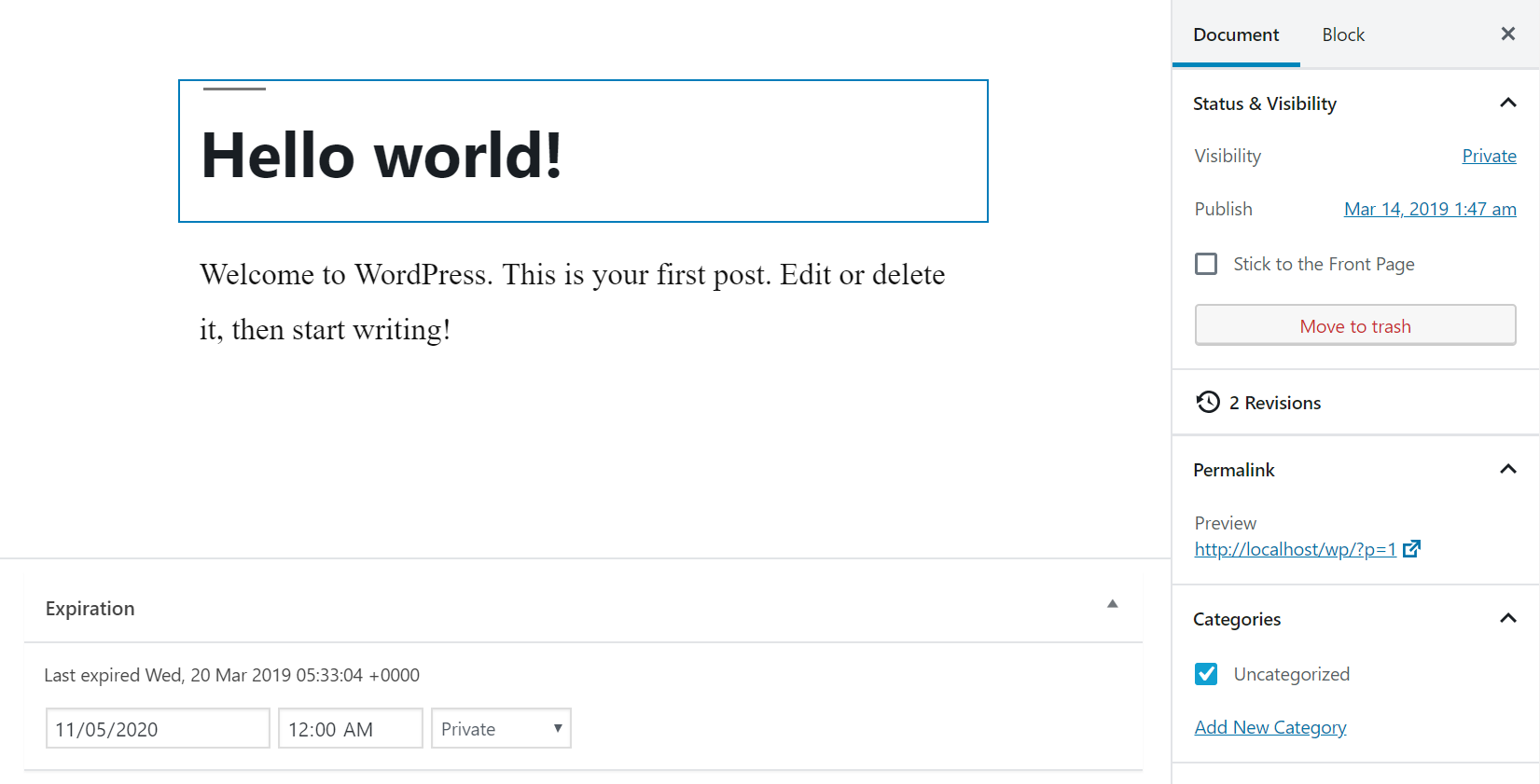
Post editor with expiration options at the bottom.
Changelog
1.0.0
- Initial release