

Auto iFrame
A quick and easy shortcode to embed iframe's that resize to the content of the remote site.
Plugin info
Maintenance & Compatibility
Maintenance score
Possibly abandoned • Last updated 442 days ago • 18 reviews
Is Auto iFrame abandoned?
Possibly abandoned (last update 442 days ago).
Compatibility
Similar & Alternatives
Explore plugins with similar tags, and compare key metrics like downloads, ratings, updates, support, and WP/PHP compatibility.
Description
A quick and easy shortcode to embed iframe’s that resize to the content of the remote site.
Auto iFrame shortcode is in the format of:
[auto-iframe link=xxx tag=xxx width=xxx height=xxx autosize=yes/no]
Where:
- link = the url of the source for the iFrame. REQUIRED.
- tag = a unique identifier in case you want more than one iFrame on a page. Default = auto-iframe.
- width = width of the iFrame (100% by default). Can be % or px. Default = 100%.
- height = the initial height of the iframe (100% by default). Can be % or px. Default = 100%.
- autosize = enable the auto sizing of the iFrame based on the content. The initial height of the iFrame will be set to “height” and then resized. Default = true.
- fudge = a fudge factor to apply when changing the height (integer number, no “px”). Default = 50.
- border = enable the border on the iFrame. Default = 0.
- scroll = enable the scroll bar on the iFrame. Default = no.
- query = pass the parent’s page query string to the iFrame. Default = no.
Note: Auto re-sizing of the iFrame for cross domain sites does not work, this is a security protection provided by the browser and there is no way around it.
Now supports (Shortcode UI)[https://github.com/fusioneng/Shortcake] (aka Shortcake)!
Installation
- Extract the archive file into your plugins directory in the auto-iframe folder.
- Activate the plugin in the Plugin options.
Frequently Asked Questions
The first thing to check is that the source of your content is in the same domain namespace as your site, using a link from another domain name will not work as it would be a cross site scripting risk. This is part of your browsers security structure and cannot be worked around.
After that, check your browsers console for any JavaScript errors that may be happening, there may be conflicting JavaScript on the page causing an error.
Review feed
Screenshots
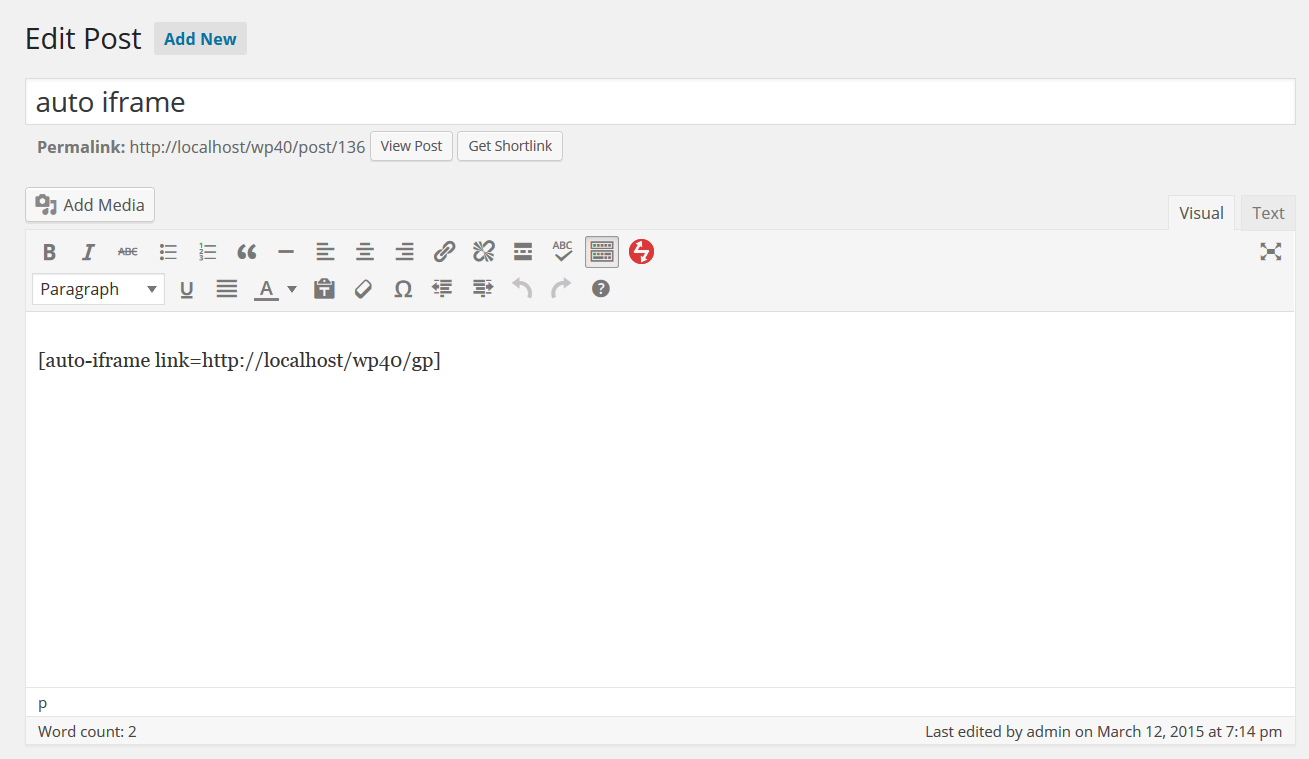
Post with short code.
Changelog
2.0
- Release date: December 2, 2024
- Fixed: Escape all link parameters.
1.9
- Release date: October 23, 2024
- Fixed: Don’t allow links that are javascript code.
1.8
- Release date: October 7, 2024
- Fixed: Escape tag attribute to avoid javascript injection.
1.7
- Release date: July 10, 2022
- Fixed: unset array key warning for php 8 when scroll is set but autosize hasn’t been.
1.6
- Release date: February 21, 2018
- Added: name attribute to the iframe.
1.5
- Release date: March 31, 2017
- Fixed: WP_DEBUG and JavaScript errors when the auto resize option was not used.
1.4
- Release date: November 11, 2016
- Added: Query support
1.3
- Release date: September 27, 2016
- Fixed: Fudge factor being ignored when autosizing the iframe.
1.2
- Release date: November 6, 2015
- Fixed: Height parameter was being ignored, thanks vantron.
1.1
- Release date: August 11, 2015
- Fixed: Make sure to check the frame element and sub-objects exist before using them later.
1.0
- Release date: May 15, 2015
- Added Shortcode UI support (see https://github.com/fusioneng/Shortcake for details)
0.5
- Release date: March 25, 2015
- Initial release.