

Automate Dropshipping for B2BDropshipper(WWTech)
Automate Dropshipping for B2BDropshipper(WWTech) plugin provides fully integration with woocommerce to automate import products and manage orders.
Plugin info
Maintenance & Compatibility
Maintenance score
Possibly abandoned • Last updated 1885 days ago • 1 reviews
Is Automate Dropshipping for B2BDropshipper(WWTech) abandoned?
Possibly abandoned (last update 1885 days ago).
Compatibility
Similar & Alternatives
Explore plugins with similar tags, and compare key metrics like downloads, ratings, updates, support, and WP/PHP compatibility.
Description
Automate Dropshipping for B2BDropshipper(WWTech) plugin provides fully integration with woocommerce to automate import products and manage orders.
Features And Options:
-
Automatically Import Products From WWTech B2B Dropshipping to your woo-commerce store with cronjob.
-
Automatically Fulfill Orders Once orders have been shipped, tracking details will be automatically extracted by WWIT and fulfilled in woocomerce.
-
Customize Imported Products Edit imported products as you wish: change titles, descriptions, images, etc.!
-
Automatic Inventory Management and prices manage.
Installation
Requires WooCommerce
-
Upload the plugin files to the ‘/wp-content/plugins/automate-dropshippingb2b’ directory, or install the plugin through the WordPress plugins screen directly.
-
Activate the plugin through the ‘Plugins’ screen in WordPress
-
Go to settings page from
Admin menu > Automate B2B > API Settingsand fill the required fileds. -
Go to
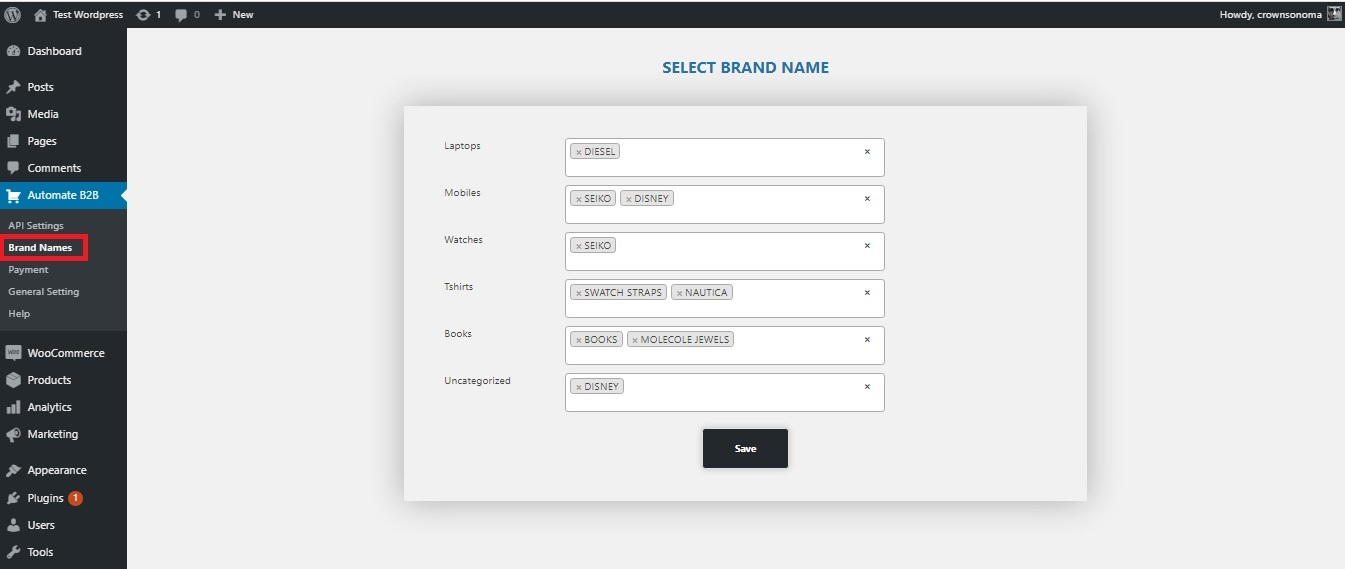
Automate B2B > Brand Namesand assign your brand name to category. -
Go to `Automate B2B > Payment and fill your credentials to create order in dropshipping.
-
Go to settings page from
Admin menu > Automate B2B > API Settingscopy cron job url and setup it with cron job. -
Done.
Frequently Asked Questions
Just activate the plugin, go to plugin settings and fill the required fileds.
Go to settings page from Admin menu > Automate B2B > API Settings copy add new product url and setup it with cron job for automate import product or manually hit the url.
Go to settings page from Admin menu > Automate B2B > API Settings copy order status change url and setup it with cron job for automate change status or manually hit the url.
Review feed
Screenshots
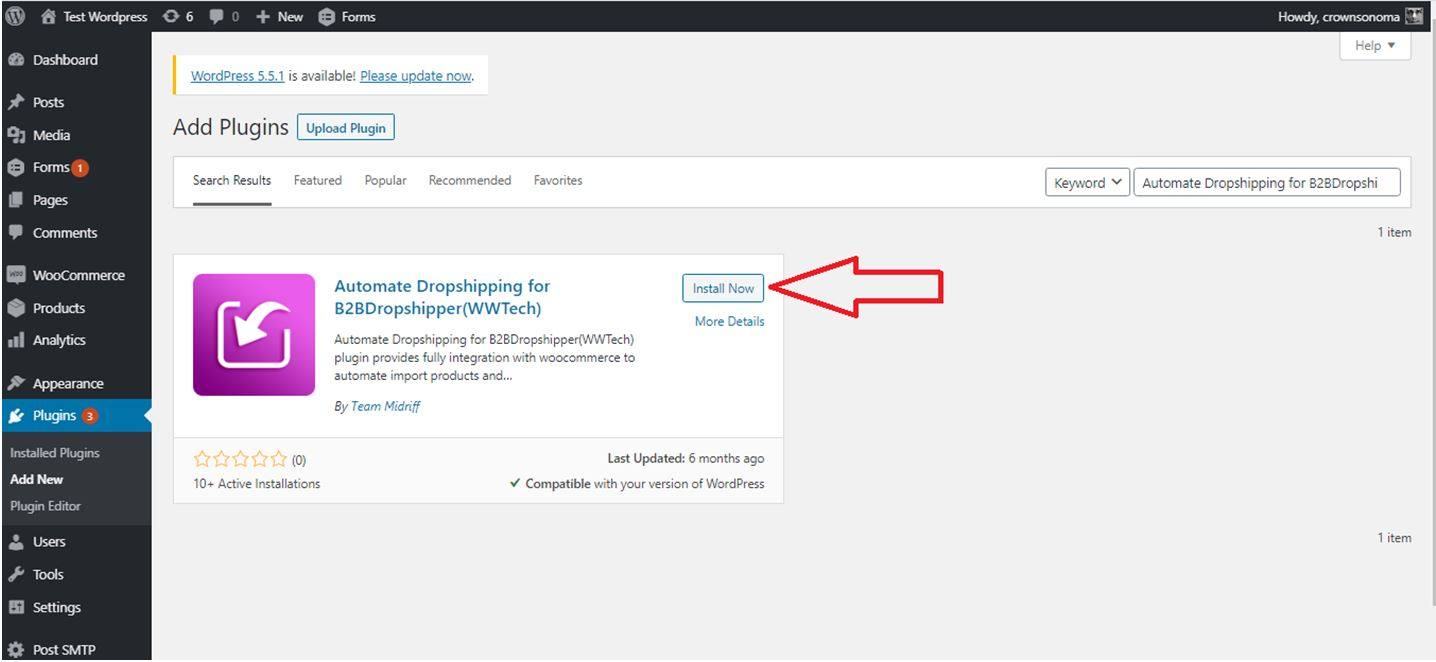
Install the plugin through the WordPress plugins screen directly.
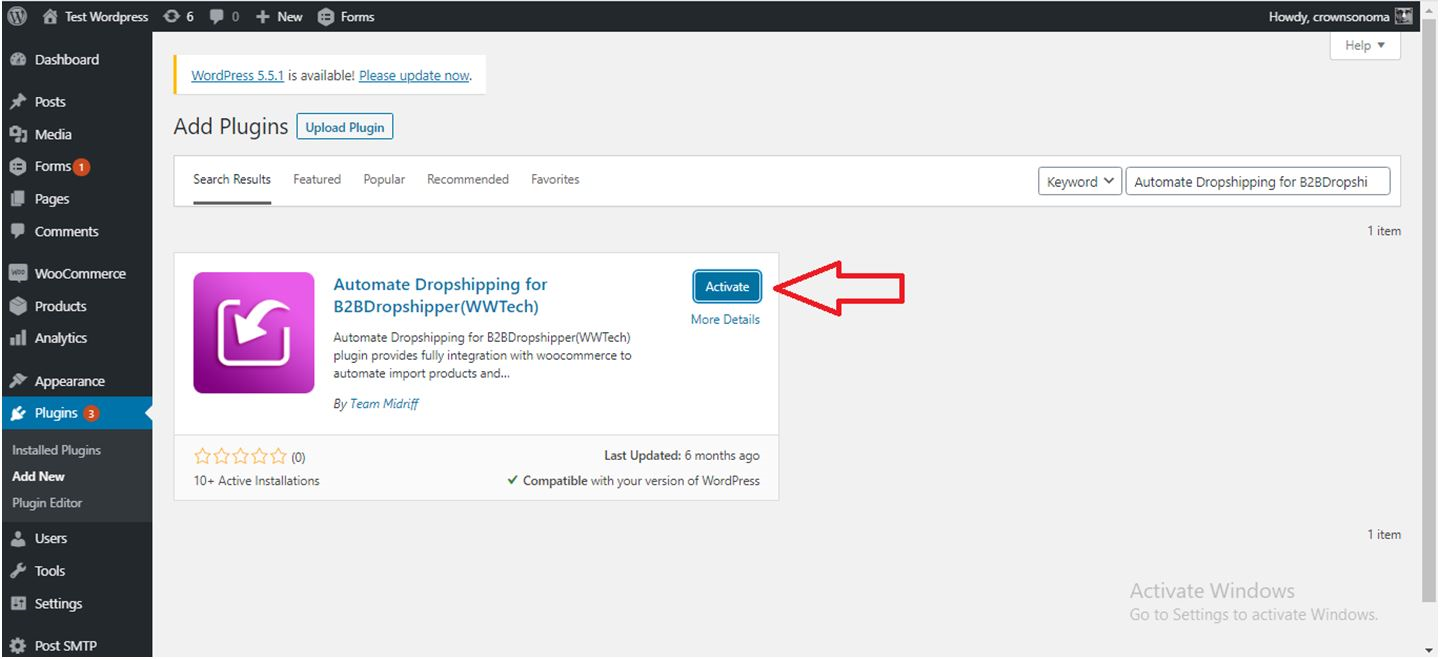
Activate the plugin through the ‘Plugins’ screen in WordPress.
API Settings and fill the required fileds.
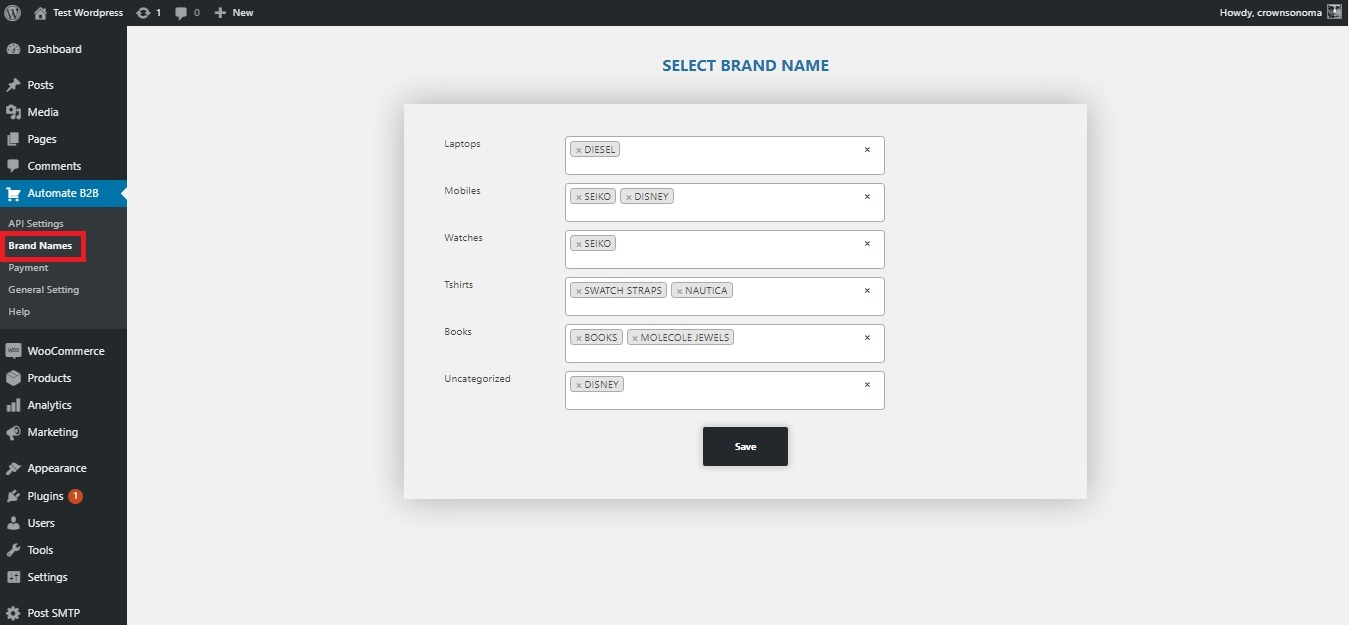
Brand Names and assign your brand name to category.
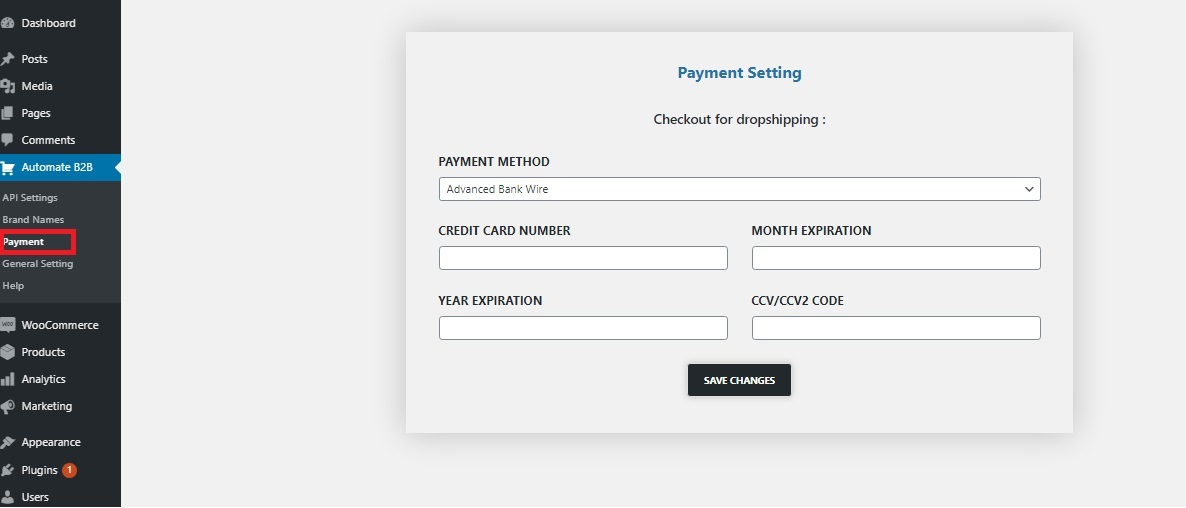
Payment and fill your credentials to create order in dropshippingB2B.
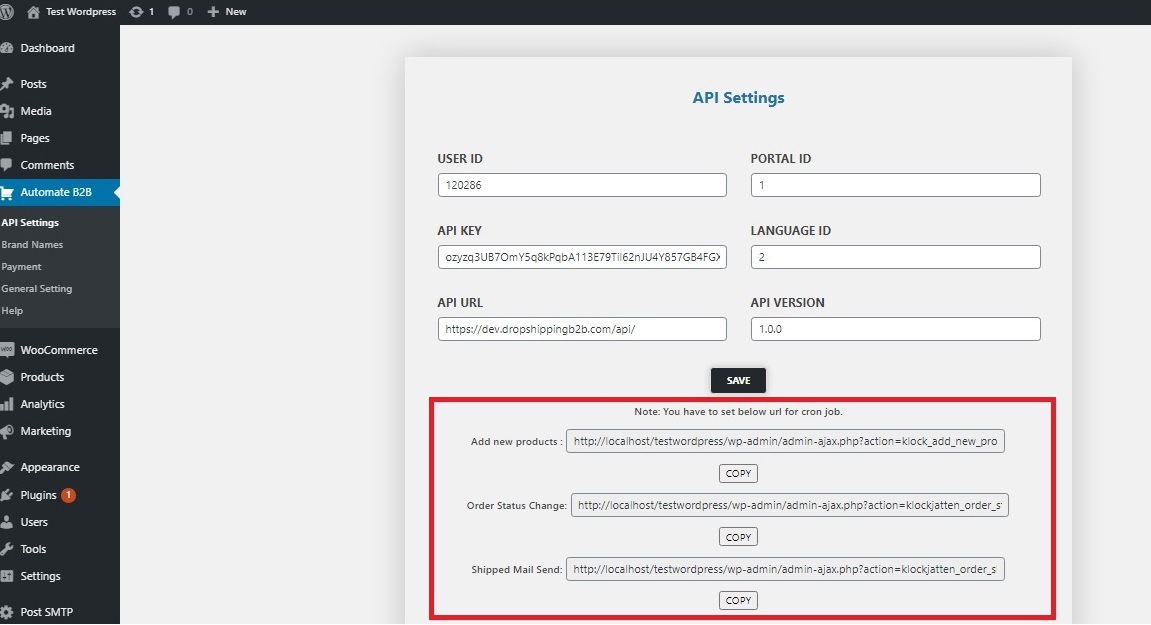
Copy cron job url and setup it with cron job.
Changelog
3.0.7
- Big Fixes: Cron stops working while importing products and getting 500 gateway errors
- Performance Improvement of cronjobs while importing & Updating products
- Additional Feature – Update products in bulk , Additional Payment methods: Paypal, Visa, Mastercard, Dinners
- Introduced the Hooks and Filters:
Filter Hooks:- klock_woo_drop_manage_post : Hook for filtering product data like Product Name,Regular Price,Sale Price etc.
- klock_woo_drop_manage_product_attributes : Hook for filtering product attributes.
Action Hooks: - klock_woo_drop_after_product_inserted : Hook which calls immediately after new product inserted.
3.0.6
- Big Fixes : Cron stops working while importing products
3.0.5
- Bug Fixes for cronjobs
- Additional Feature – Attributes with Brand Names as default
- Performance Improvement while importing & Updating products
- Additional Feature – Import Product images in Media or Product Image URL
3.0.4
- Improved performance of bulk product import in Brand name menu setting.
- Improved Payment setting page.
3.0.3
- Fixed issue bulk product import in Brand name menu setting.
- Implemented add Attributes – (Added Attributes also in taxonomy term)*
3.0.2
- Bug fixes.
- Added Attributes*
3.0.1
- Bug fixes.
3.0.0
- Major Update.
- Bug fixes.
- Direct upload image to wordpress media.
- Added additional features.
- Realible with other products.
- Upgrated version note – if you are using previous version do not ugrade.
2.0.0
- Compatible to others them.
- Bug fixes.