
Automatically Hierarchic Categories in Menu
Allows you to automatically add hierarchic categories in WordPress Navigation Menus.
Plugin info
Maintenance & Compatibility
Maintenance score
Stale • Last updated 266 days ago • 12 reviews
Is Automatically Hierarchic Categories in Menu abandoned?
Likely maintained (last update 266 days ago).
Compatibility
Similar & Alternatives
Explore plugins with similar tags, and compare key metrics like downloads, ratings, updates, support, and WP/PHP compatibility.
Description
Warning: After updating from pre-2.0.7 to the lastest version, the plugin cannot reactivate itself. Please reactivate the plugin manually.
Allows you to automatically / dynamically add hierarchical categories ( with sub-categories ) to WordPress navigation menus using shortcode.
HTML and CSS knowledge may be required depending on the theme.
Visit my blog for support request and feedback.
Please comment 💬, rate ⭐ and share 👍
↪ X (Twitter)
↪ Tumblr

Installation
- Add the plugin’s folder in the WordPress’ plugin directory, or install the plugin through the WordPress plugins screen directly..
- Activate the plugin through the ‘Plugins’ screen in WordPress.
Usage
- Go to Apperarance -> Menus
- Click ‘Screen Options’ on the top right
- Check and open ‘Auto Category Shortcode’ option
- Type your shortcode with parameters, e.g. [autocategorymenu hide_empty=”0″]
Frequently Asked Questions
Review feed
Screenshots
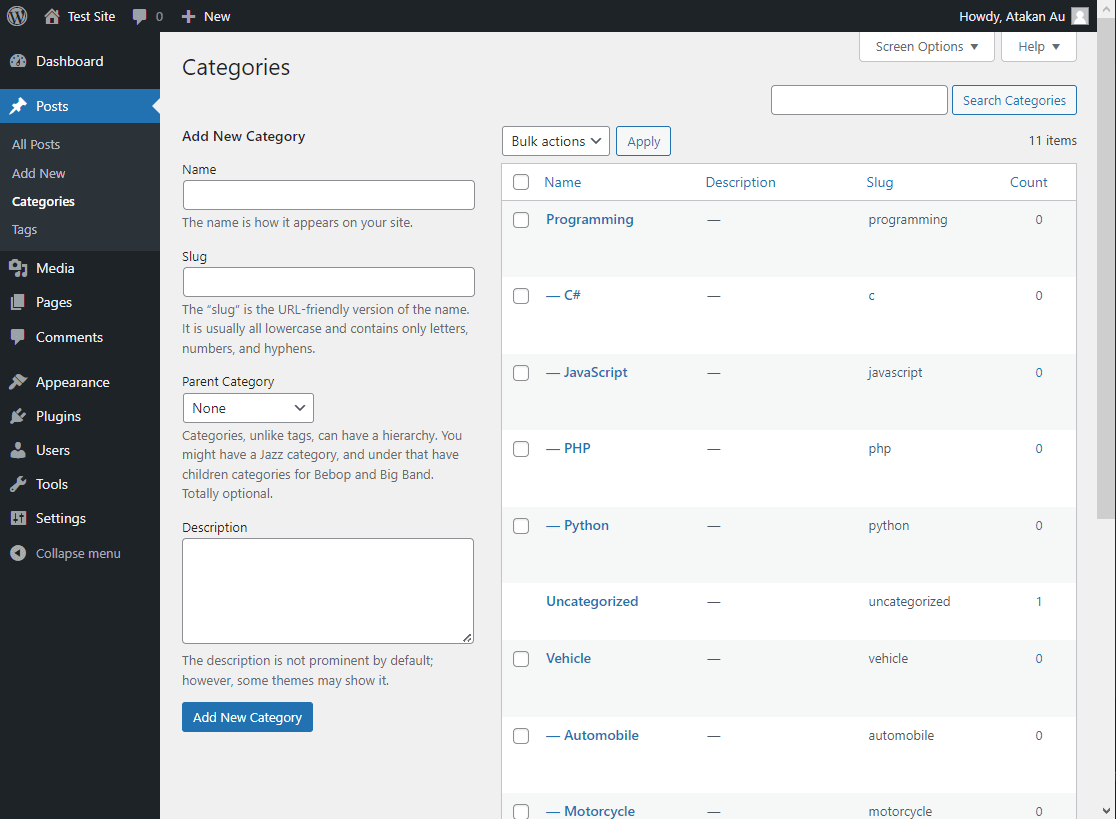
Define post categories
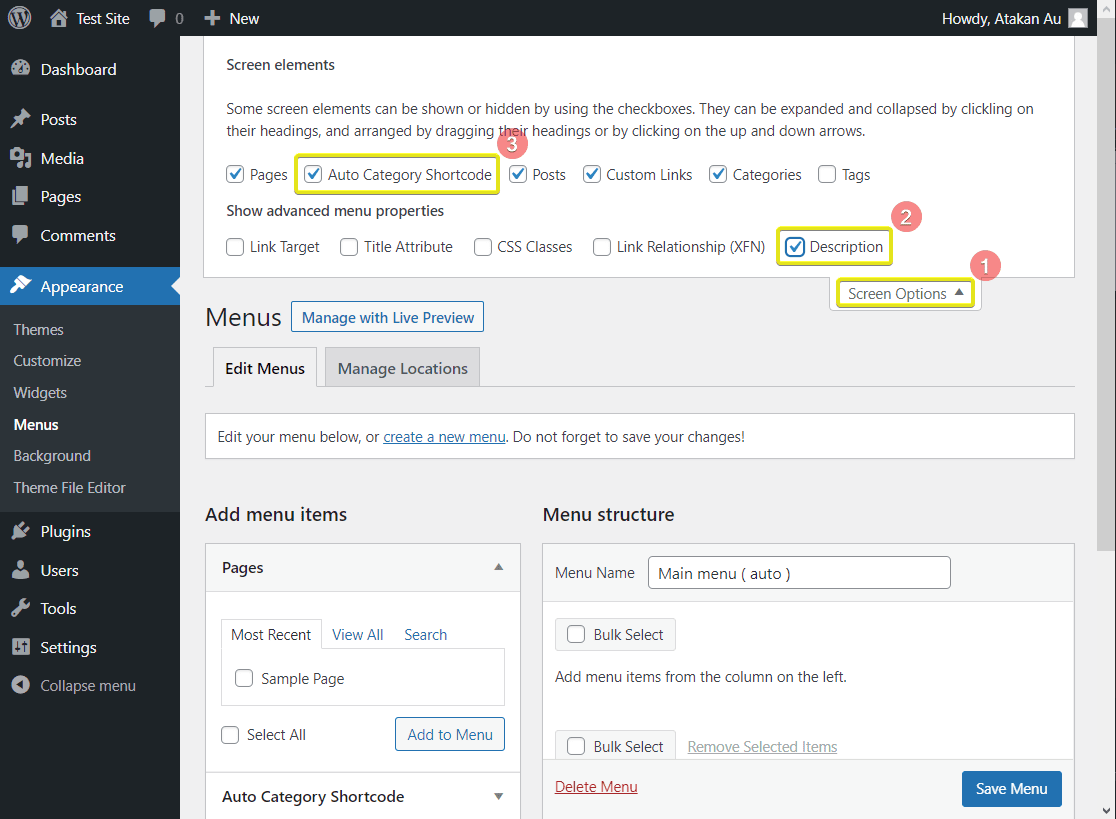
Open input area
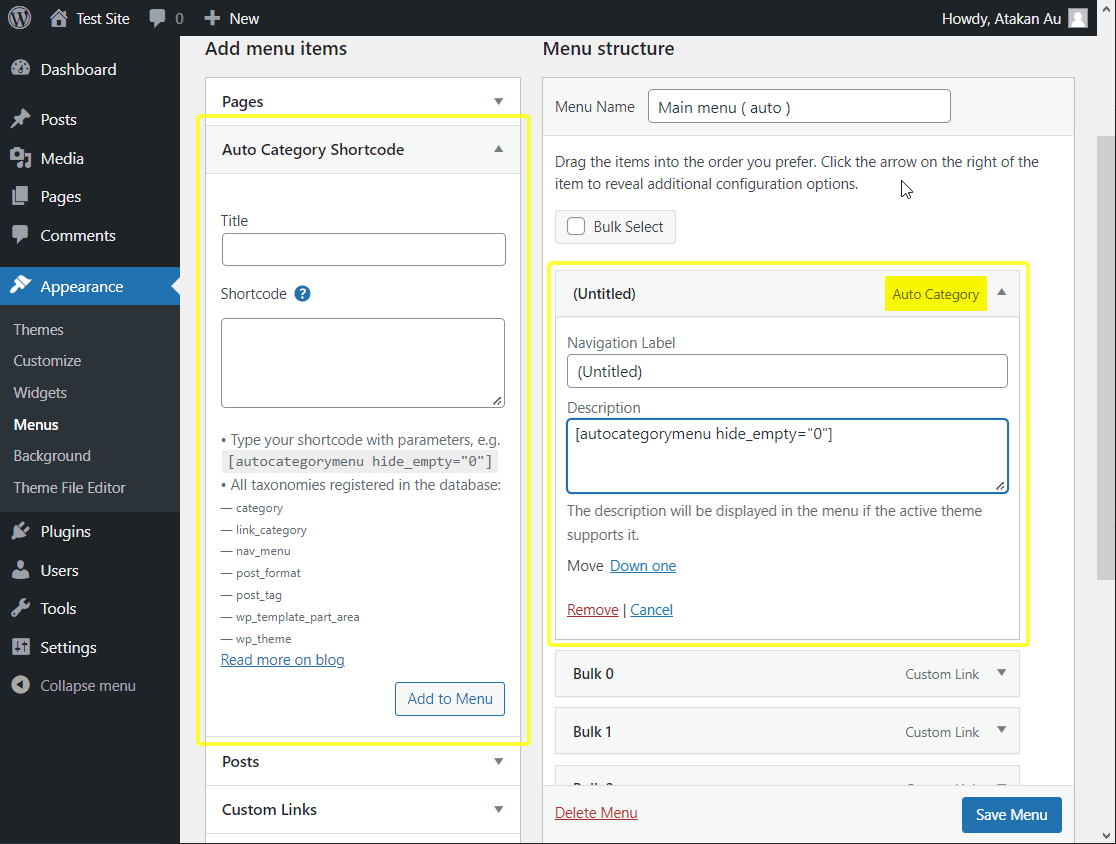
Add shortcode to menu
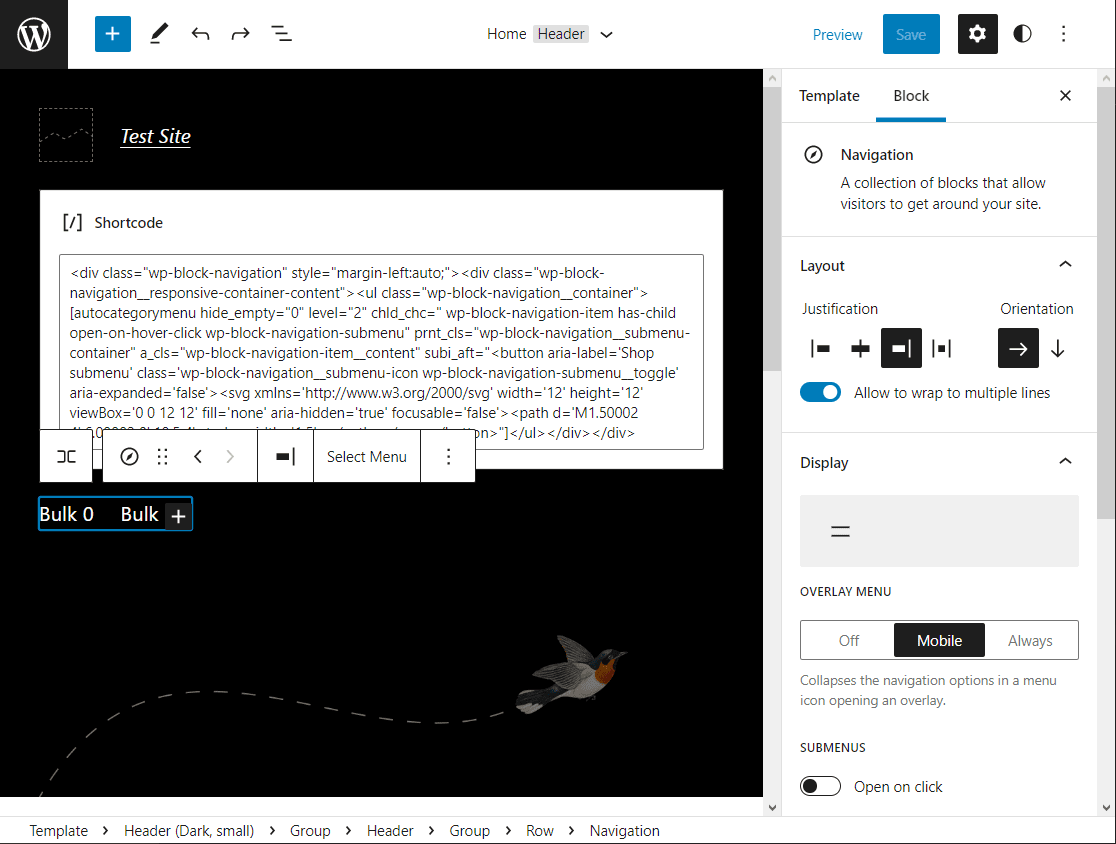
Add shortcode to menu on "Block Editor - Beta"
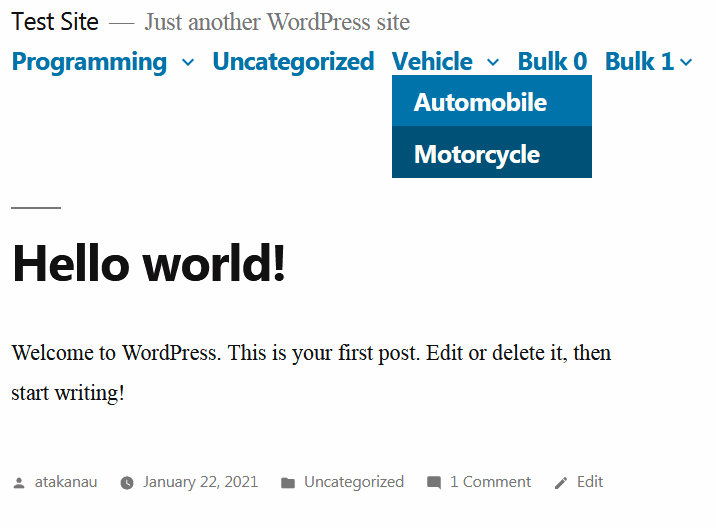
Twenty Nineteen 1.8 on WordPress 5.0.2
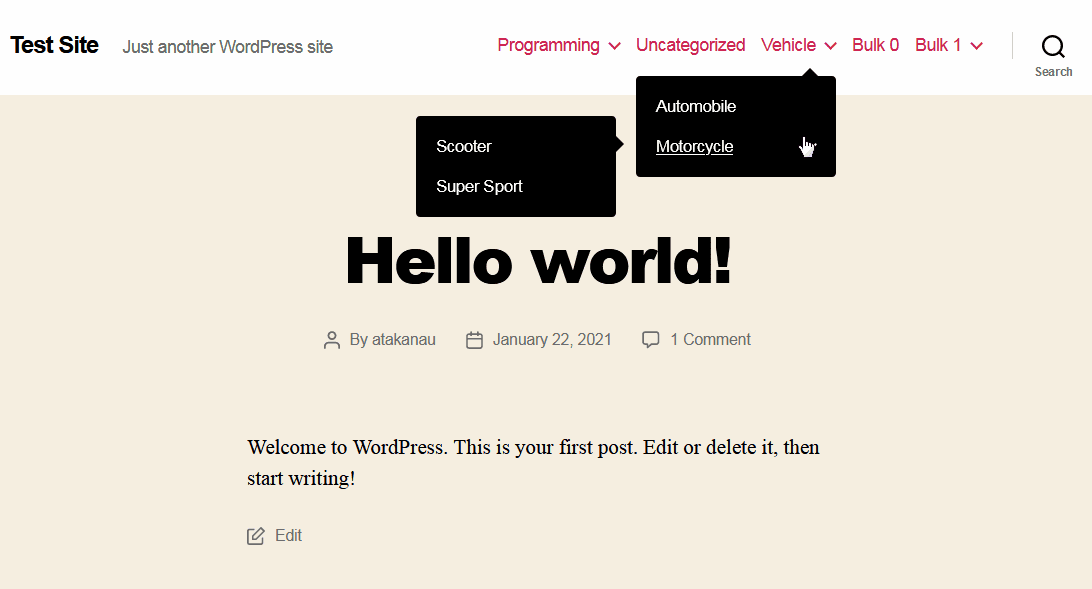
Twenty Twenty 1.6 on WordPress 5.0.2
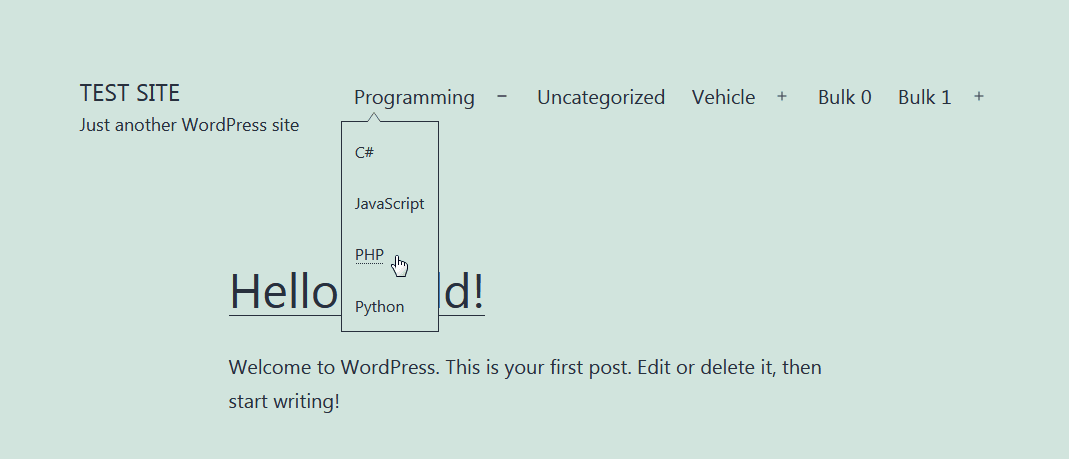
Twenty Twenty-One 1.1 on WordPress 5.6
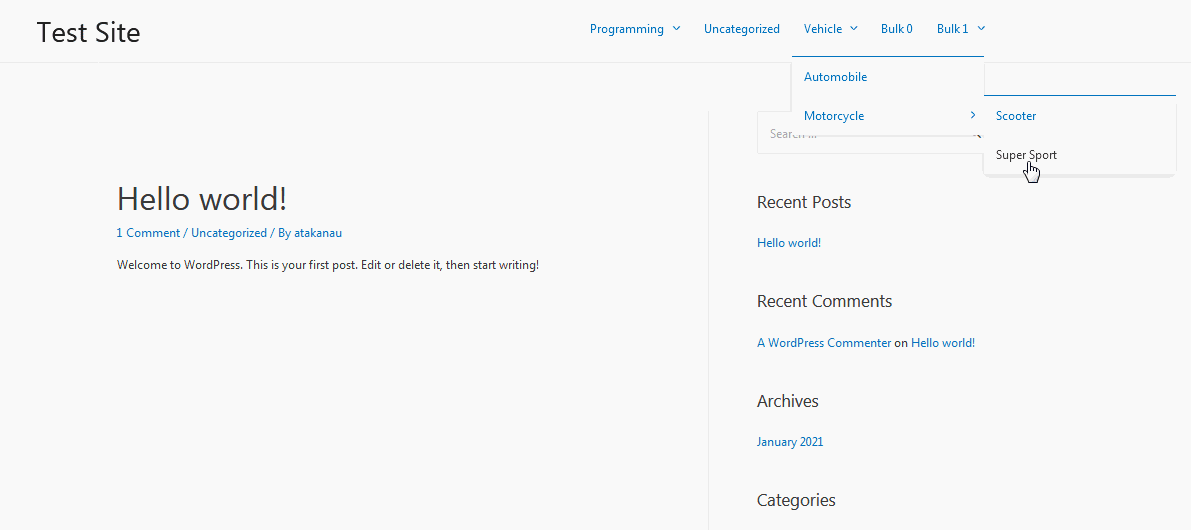
Astra 3.0.1 on WordPress 5.6
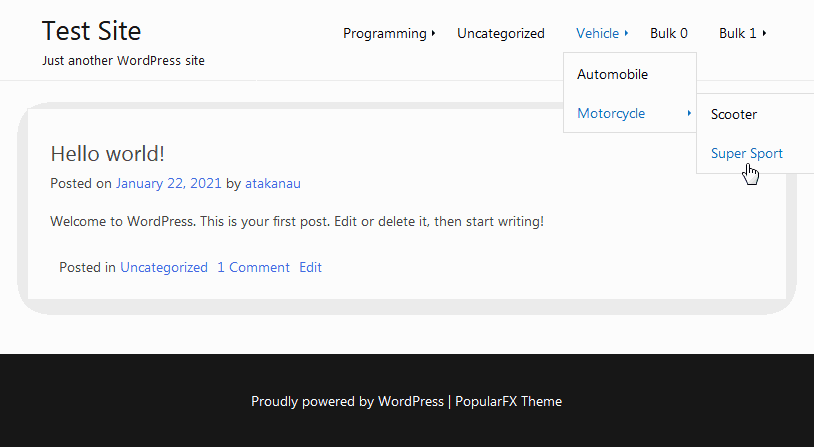
PopularFX 1.2.0 on WordPress 5.6
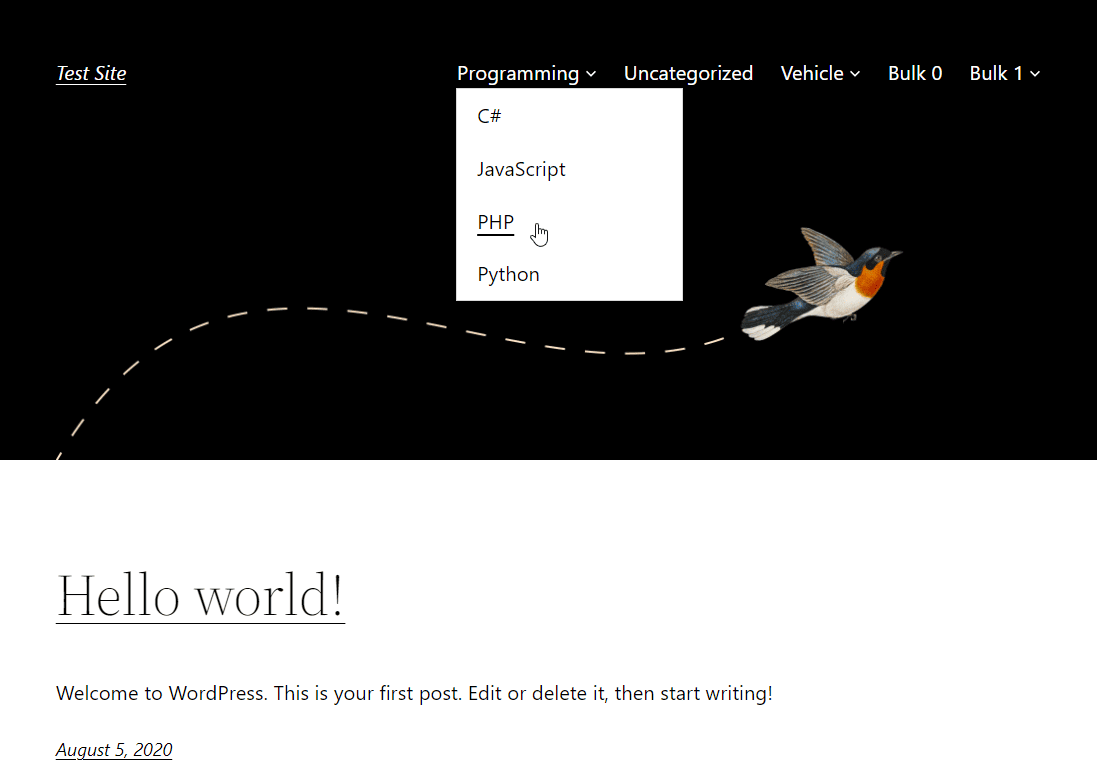
Twenty Twenty-Two 1.2 on WordPress 6.0.1
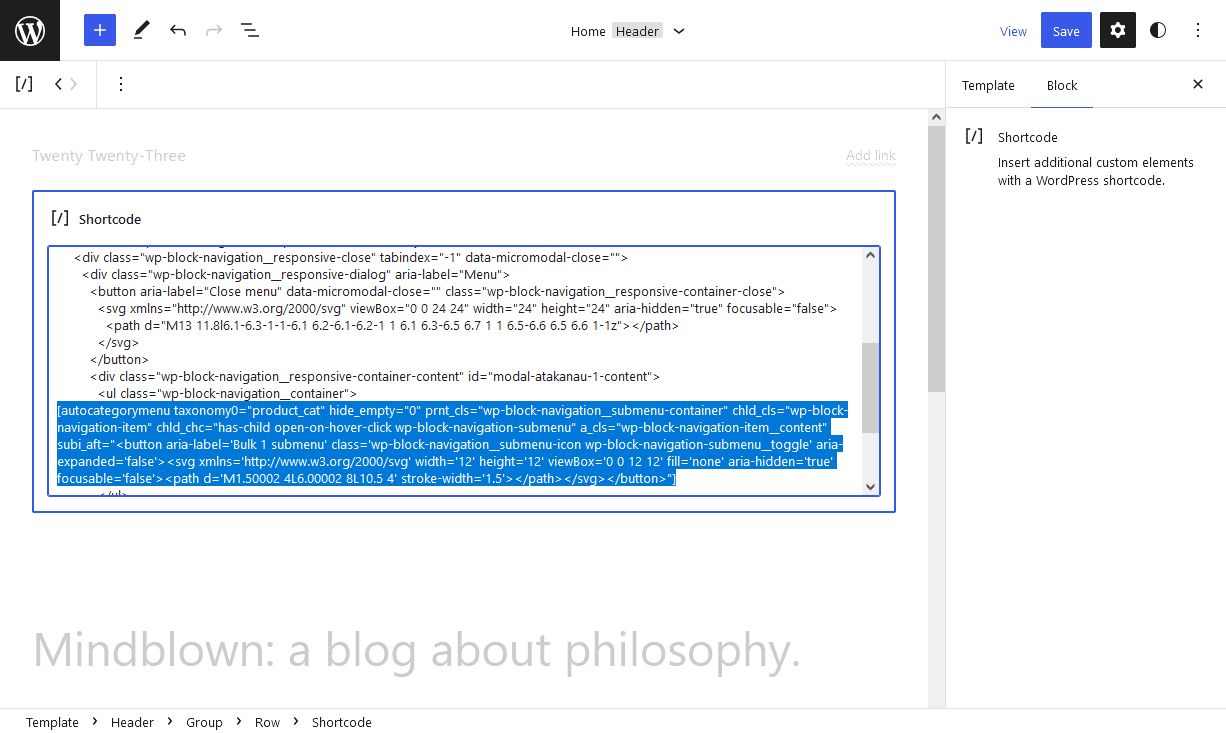
Twenty Twenty-Three 1.0 "Block Editor - Beta"
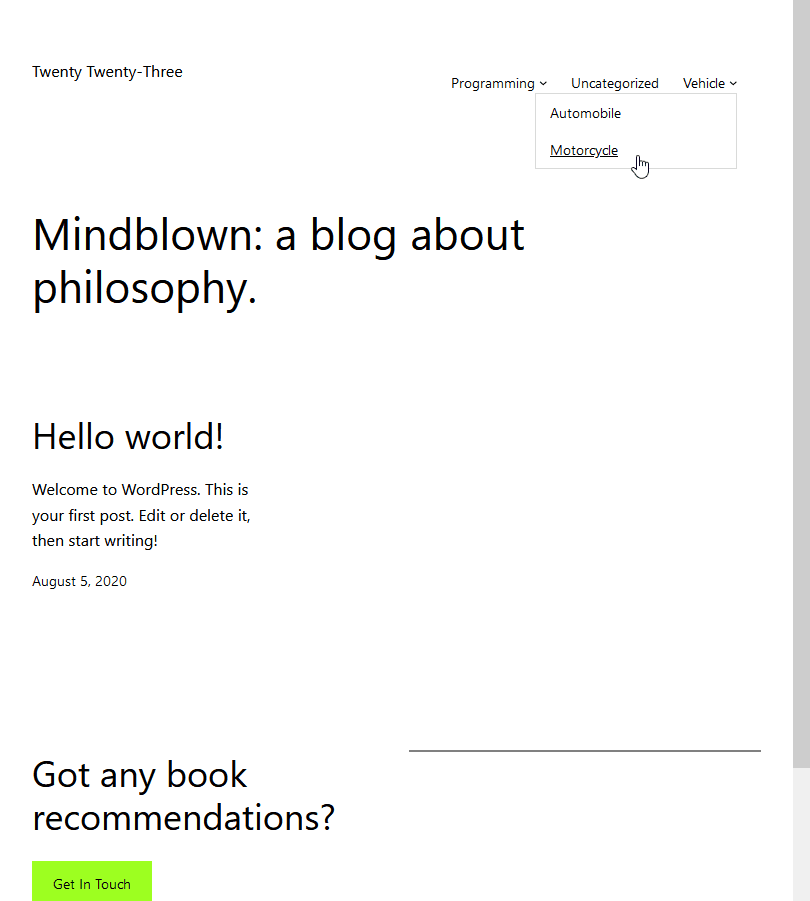
Twenty Twenty-Three 1.0 on WordPress 6.1.1

Enwoo (EnvoThemes) on WordPress 6.1.1
Changelog
Version 2.0.10
- Parameter values escaped.
For the changelog of earlier versions, please refer to changelog section on blog.