

Better Block Editor (BBE)
Better Block Editor (BBE) — responsive layout controls, on-scroll animations, and pre-made site templates for Block Editor.
Plugin info
Maintenance & Compatibility
Maintenance score
Maintained • Last updated 152 days ago • 3 reviews
Is Better Block Editor (BBE) abandoned?
Likely maintained (last update 152 days ago).
Compatibility
Similar & Alternatives
Explore plugins with similar tags, and compare key metrics like downloads, ratings, updates, support, and WP/PHP compatibility.
Description
Better Block Editor (BBE) adds responsive layout controls, hover effects, on-scroll animations, and ready-to-use site templates to Block Editor. It’s not another page builder. It doesn’t replace core blocks or add bloat — BBE just adds the missing settings where needed. It works with your current block theme and plugins, so your existing content stays intact.
Highlights
- Responsive Settings for Row, Stack, Grid, Columns, Button, Navigation, and text (Heading, Paragraph) blocks — choose a breakpoint, then adjust orientation, spacing, and alignment at that breakpoint.
- Responsive Visibility for any block — set the default visibility state and change it at a chosen breakpoint.
- Prevent Shrinking for elements set to Fixed or Fit-content sizes — keeps complex layouts intact on small screens.
- Animation on Scroll — configurable animation effect, easing, duration, and delay.
- Hover colors for Button and Navigation.
- Pre-made Sites and Partial Import — bring over a full site or a single page/section; assets import automatically.
- One-click customization for imported content — set primary, secondary, and neutral colors; BBE creates a balanced palette in one click.
- Native Block Editor integration — no lock-in, lightweight, GPL, and free.
Free pre-made site templates
- Business — https://templates.wpbbe.io/business/
- Brewery — https://templates.wpbbe.io/brewery/
- Life Coach — https://templates.wpbbe.io/life-coach/
- Bakery — https://templates.wpbbe.io/bakery/
- More templates coming soon.
How it works
Import a template and make it yours in minutes with the one-click customization tool. Mix pages and sections from different templates with Partial Import. Create a professional website in hours — not weeks!
Features
- Responsive Settings for Row and Stack — change orientation (convert Row Stack), justification, vertical alignment, and spacing at a chosen breakpoint. This panel is key to controllable responsive behavior in Block Editor sites.
- Prevent Shrinking — available when a block’s width/height is set to Fit content or Fixed; prevents fixed-size elements from collapsing on small screens.
- Responsive Visibility for any block — set the default visibility state (visible/hidden) and change it at a chosen breakpoint.
- Responsive Settings for Grid — replaces the core Stack on mobile with a dedicated panel to choose the stacking breakpoint and adjust spacing at that breakpoint.
- Improved Stack on mobile for Columns — choose the breakpoint and optionally reverse the column order at that breakpoint.
- Navigation overlay menu — replaces the fixed Mobile option with Responsive; pick the exact breakpoint when navigation collapses to a menu icon (useful for headers).
- Hover color for Navigation — add hover color controls for menu and submenu items.
- Responsive Settings for Button — control the orientation of inner buttons (stack or reverse), plus justification and vertical alignment at a chosen breakpoint.
- Hover colors for Button — set text, background, and border colors on hover.
- Responsive Settings for Post Template (Grid view) — stack posts and adjust spacing at a chosen breakpoint.
- Animation on Scroll for any block — subtle reveal on scroll with configurable effect, easing, duration, and delay.
- Responsive text alignment — add alignment controls at a chosen breakpoint for Heading, Paragraph, and select text-based blocks.
- SVG Icon block + sanitized SVG upload — place SVG icons anywhere; control size, color, hover color, and linking.
- Breakpoints — edit built-in breakpoints and add or remove custom breakpoints.
Requirements & Compatibility
- WordPress 6.8 or later
- Uses the native Block Editor (Gutenberg)
- Works with block themes; does not target third-party page builders
Privacy
This plugin does not collect personal data from site visitors. It uses standard Block Editor controls and optional template imports. Site owners should review their own analytics/embeds for compliance.
License
Better Block Editor is distributed under the GPLv2 or later. You are free to use it on personal and commercial sites.
Resources
- Official website — https://wpbbe.io/
- User Guide — https://docs.wpbbe.io/
Installation
Frequently Asked Questions
Review feed
Wow!
Screenshots
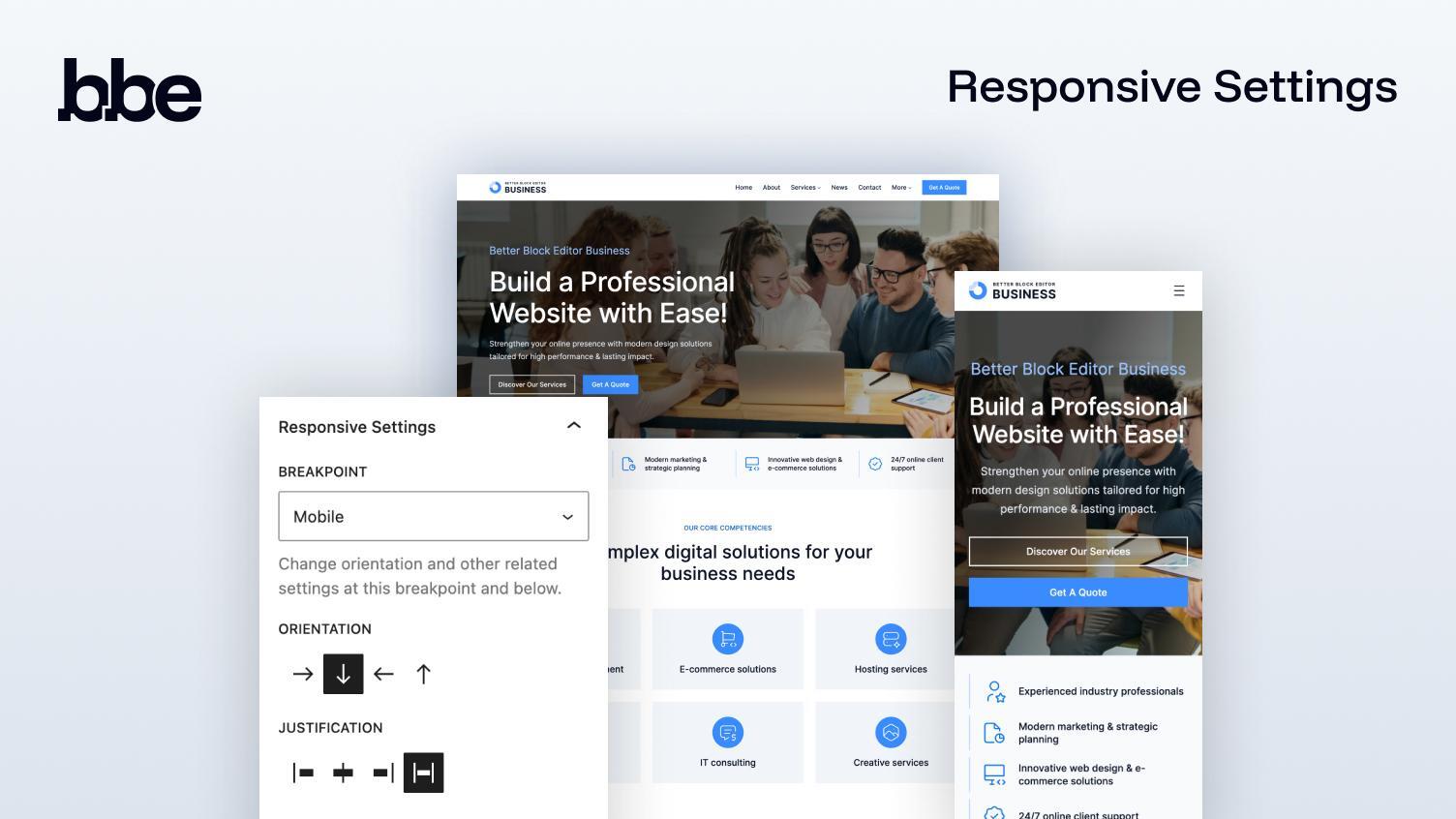
Responsive Layout Controls — choose a breakpoint; adjust orientation, alignment, justification, and spacing.
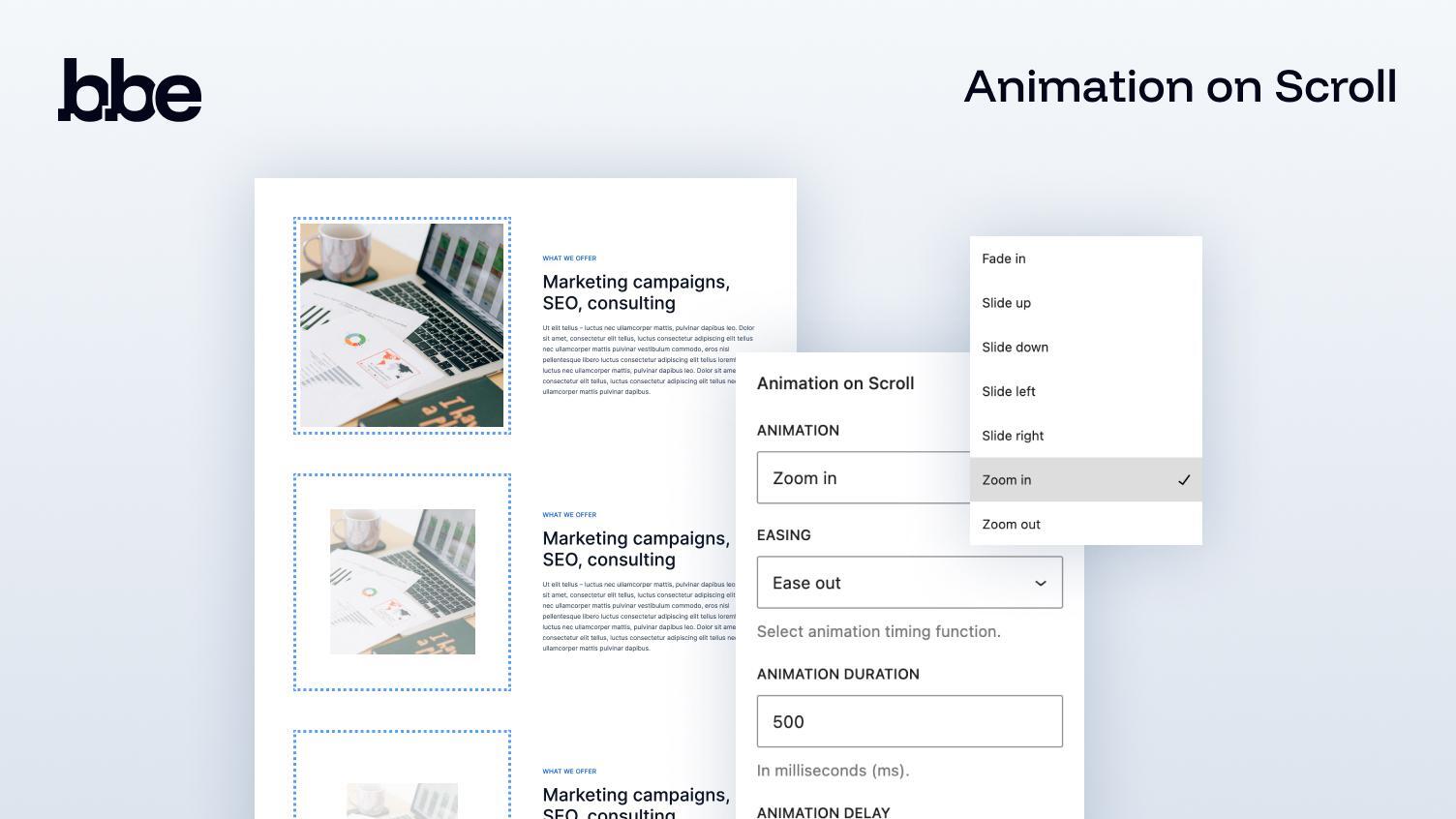
On-scroll Animation — configure effect, easing, duration, and delay.
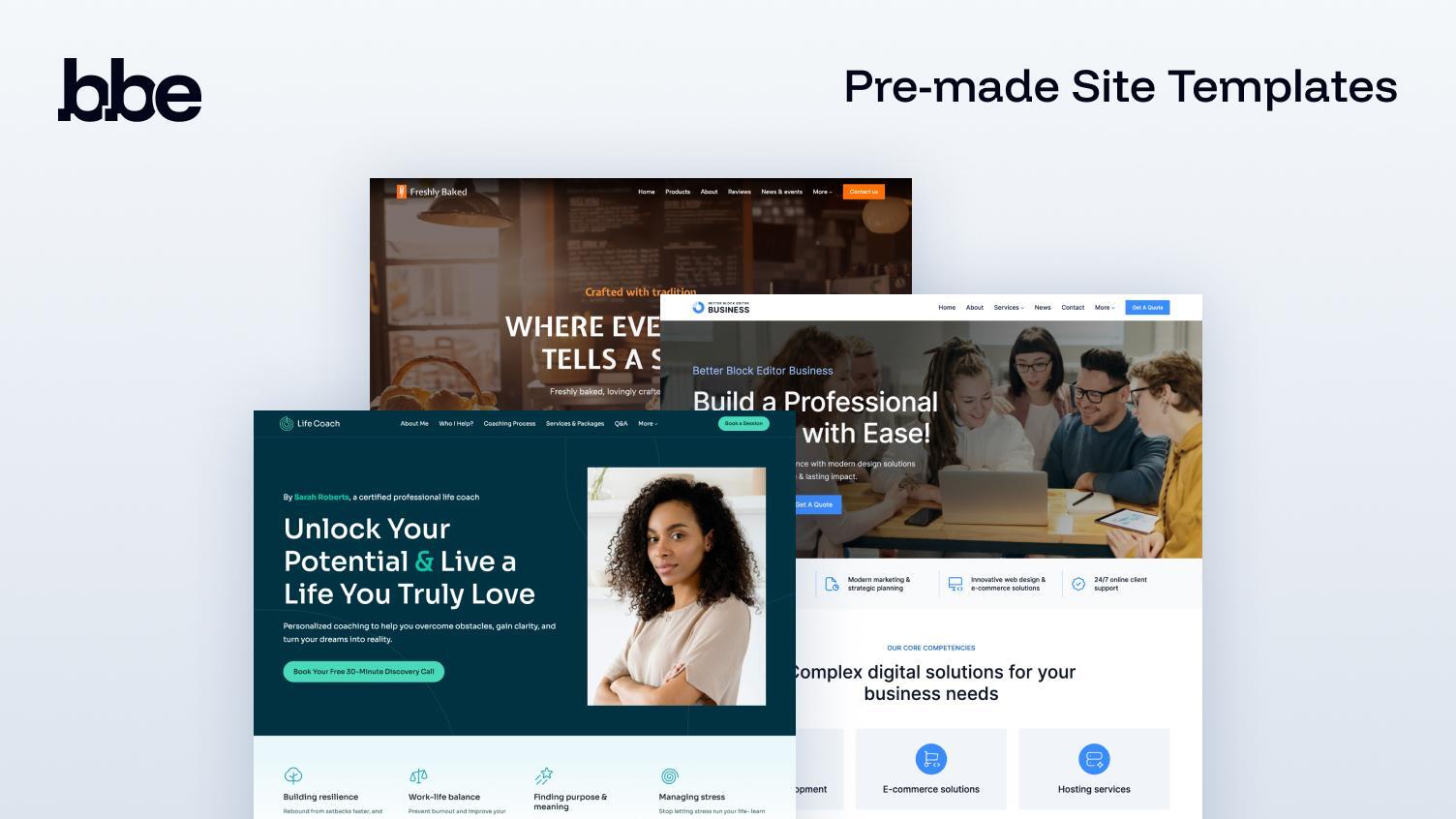
Pre-made Site Templates — browse and import a full site template.
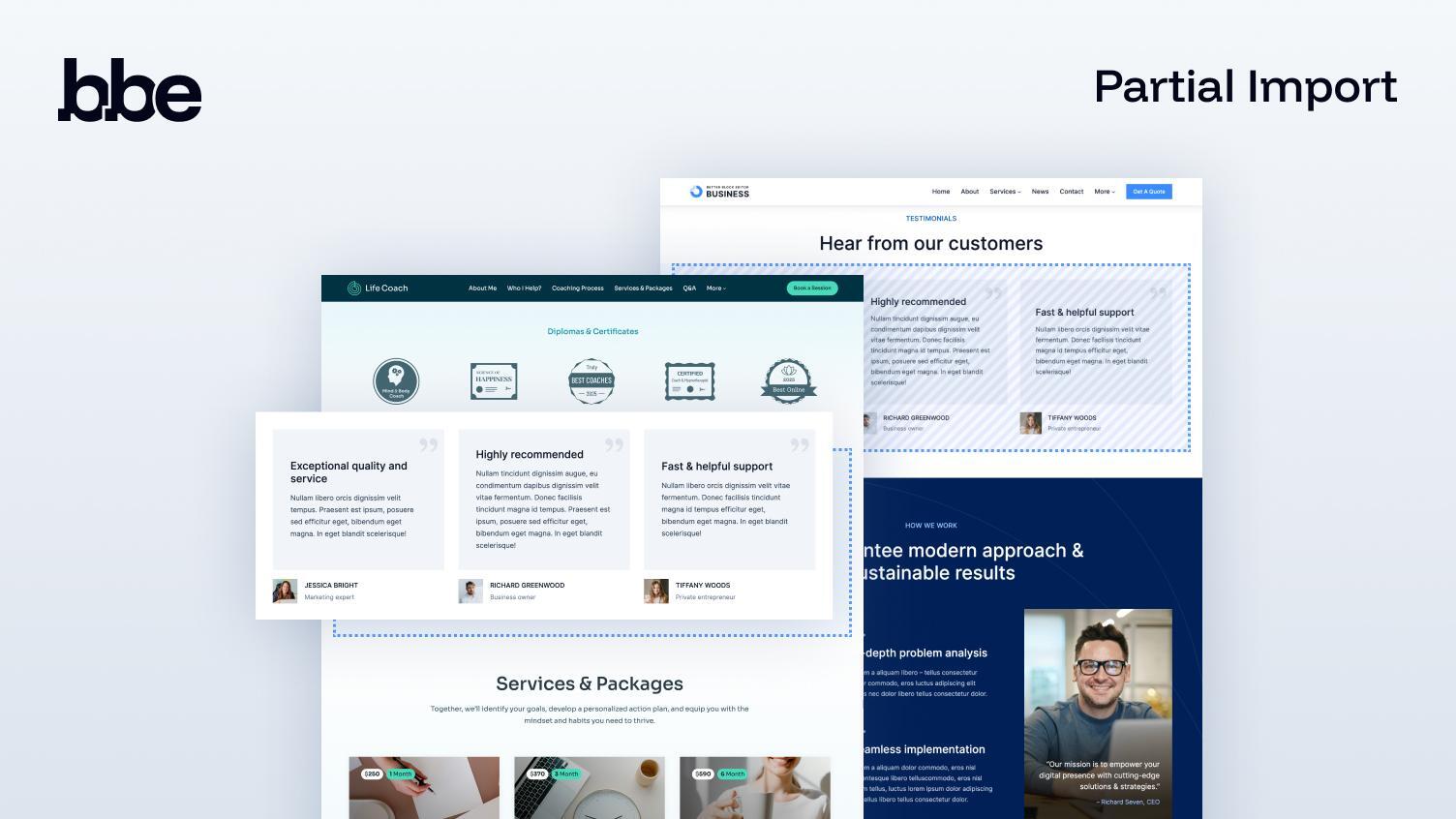
Partial Import — copy a single page or section; assets import automatically.
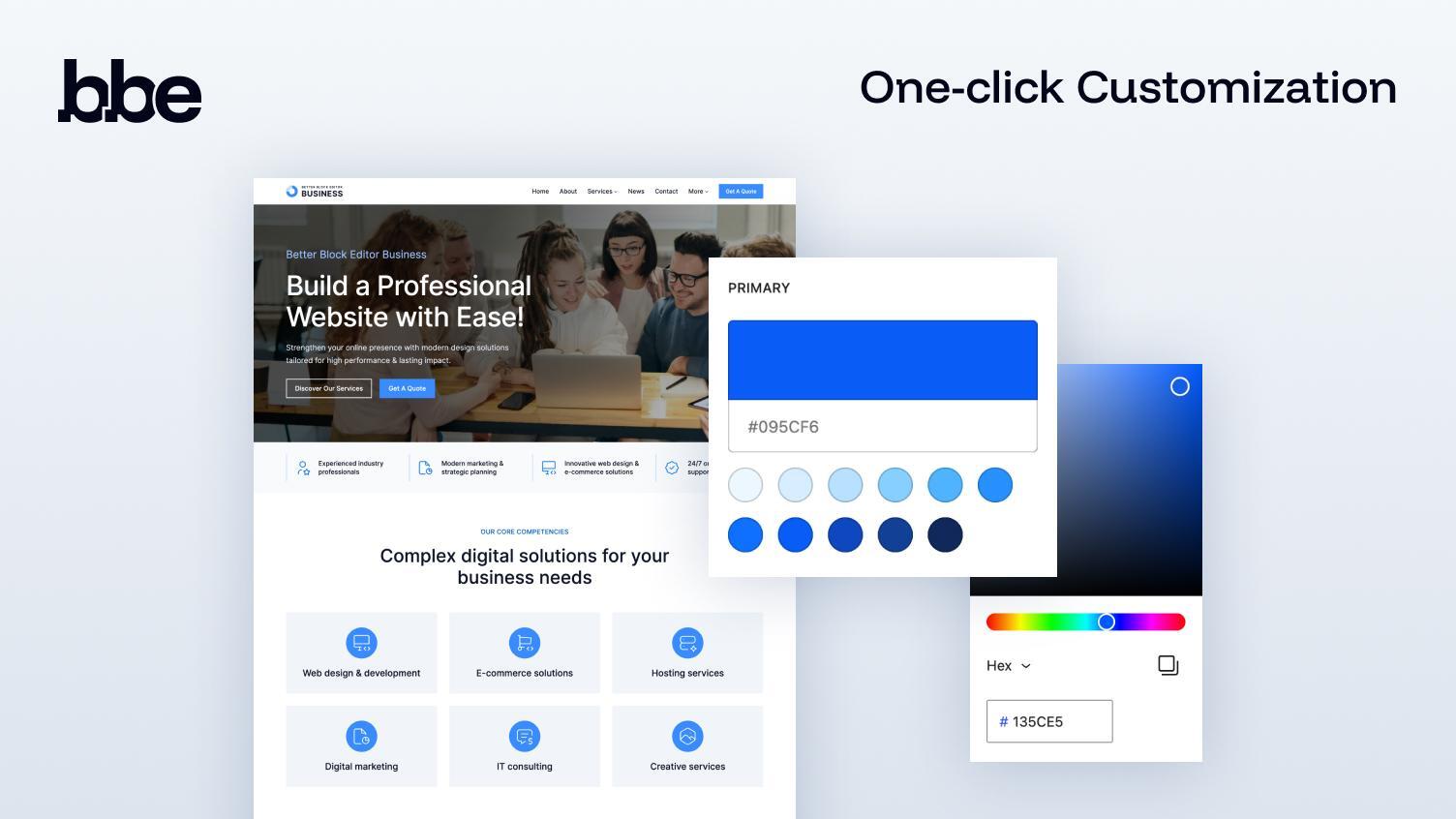
One-click Customization — set primary, secondary, and neutral colors; BBE builds a balanced palette.
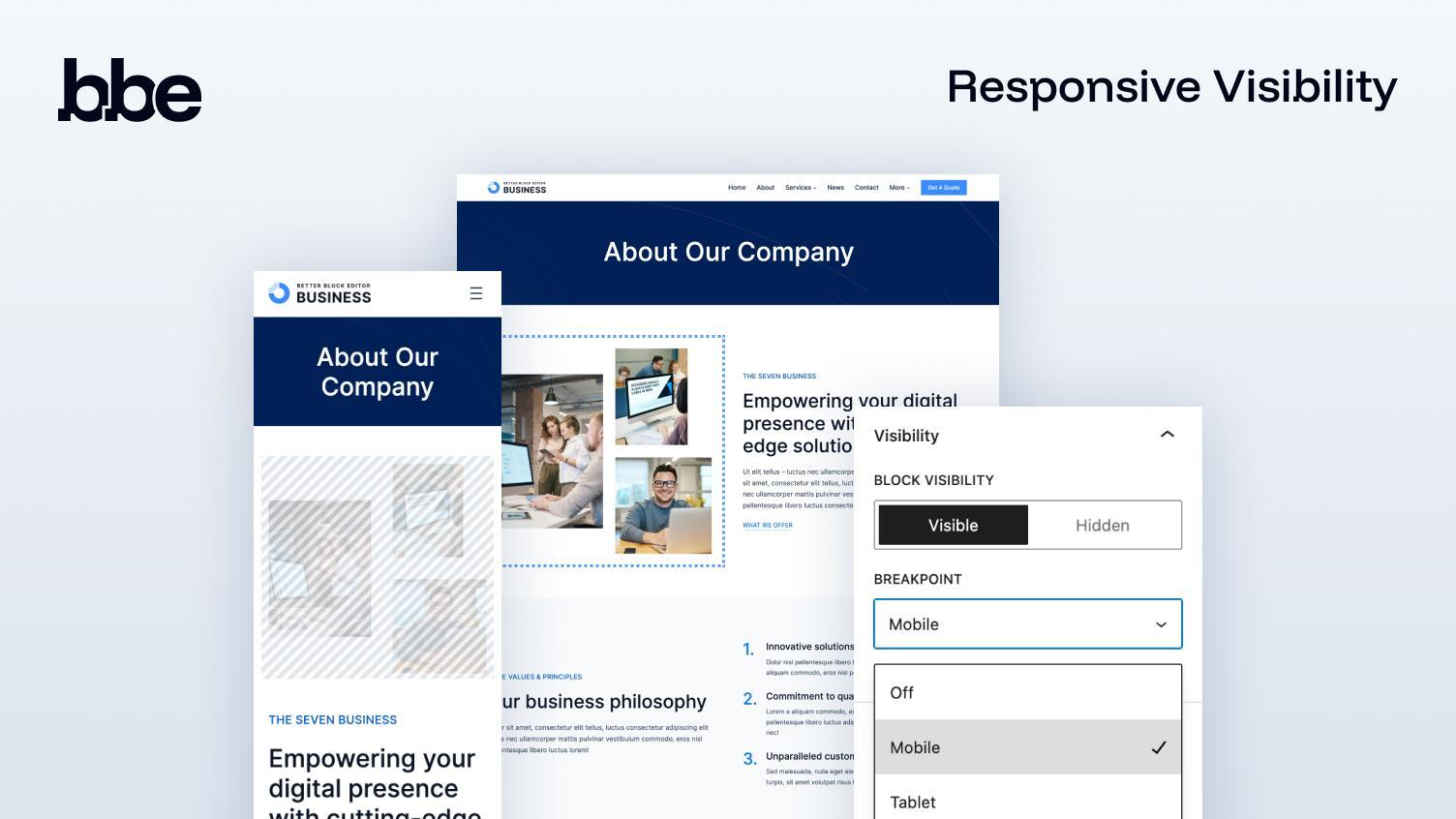
Responsive Visibility — set default visibility and switch it at a chosen breakpoint.
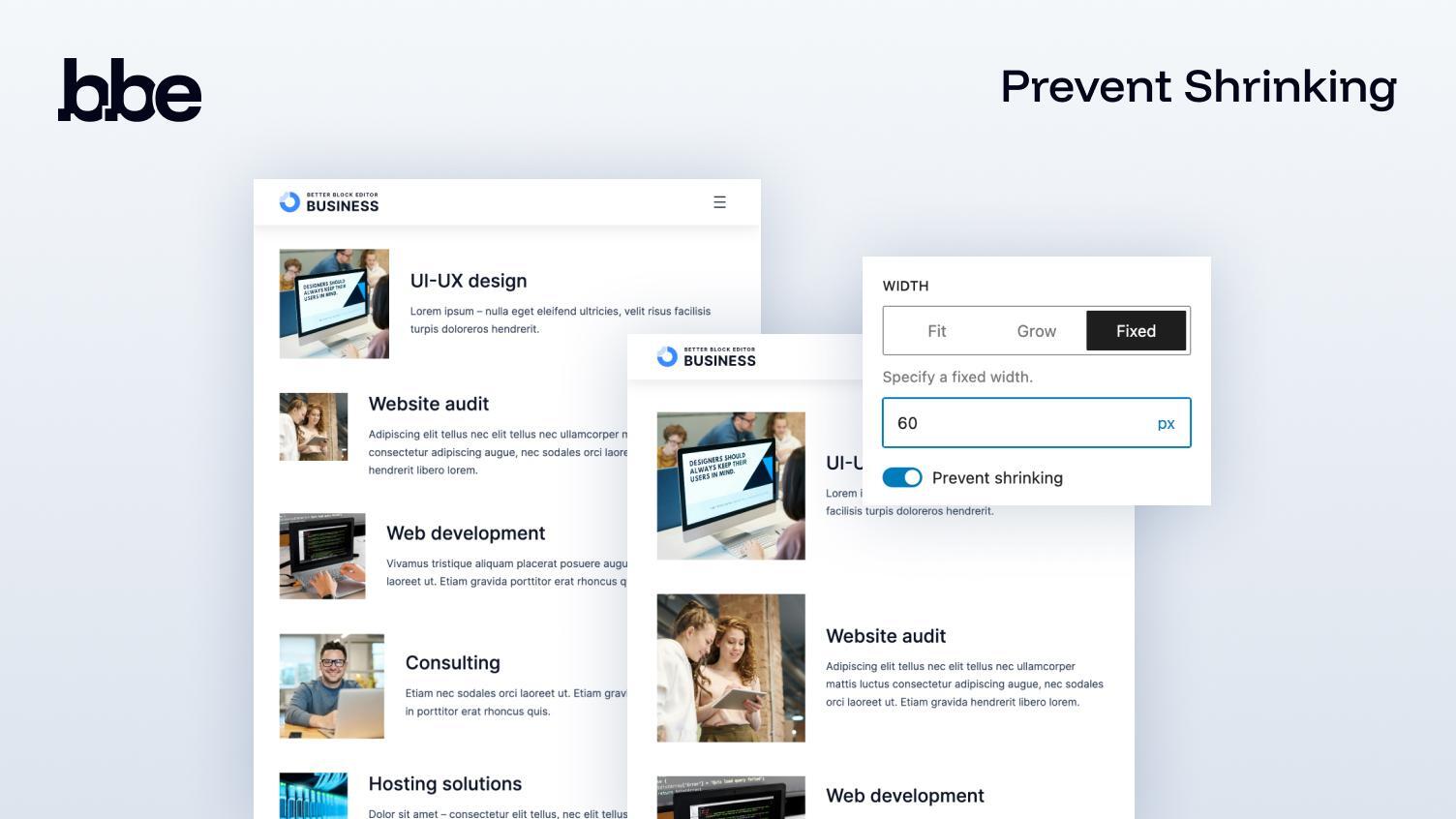
Prevent Shrinking — keep fixed/fit-content elements from collapsing on small screens.
Changelog
1.0.1.2 (04-11-2025)
- Fix Site Templates page.
1.0.1.1 (04-11-2025)
- Fix progress indicator for Partial Import.
1.0.1
- Improved Palette Generator (one-click customization tool).
- Added progress indicator for Partial Import.
- Cleaned up unnecessary files.
- Minor under-the-hood tweaks.
1.0.0
Initial public release.