This plugin is ment mostly for developers. You need to use its functions in your theme or plugin to make it works.
This plugin offers functionality like face detection crop, focal point selector for every image, function to output responsive sizes and more.
Why to use this plugin?
WordPress will automatically create a lot of smaller images for every uploaded image.
You mostly need just 1 or 2 of them, so this is a waste of your server space and resources.
Also cropped images are generated from the center by default, which can be a problem many times.
This plugin allows you to:
disable autogenerated image sizes
dynamically generate only needed image sizes for only needed images
delete generated image sizes from this plugin individually or all together
specify different focal point that will be in the focus while creating cropped versions of the image
automatically detect focal point by face detection algorithm
disable big image size threshold, so image bigger than 2560x2560px will be NOT scaled down
How it works
if you disable existing autogenerated image sizes, then newly uploaded images will not create its sizes
you need to specify in your code what size is needed for the image
image is dynamically created on the first visit of the page and is stored in uploads folder
every next visit of that page will just load already generated image
Function inspired by default wp_get_attachment_image_src.
If you used Fly Dynamic Image Resizer before, you don’t need to replace fly_get_attachment_image_src functions in your code – there is a fallback, so you can deactivate Fly Dynamic Image Resizer and it will still work.
Parameters:
attachment_id (integer)(required)
The ID of the image attachment
Example: 123 or get_post_thumbnail_id() or get_field('my_image')
size (array)(required)
An array with the width and height
Example: [ 1920, 1080 ]
crop (boolean/integer/array/string)(optional)
Skip this or pass false or 0 if you don’t want to crop, just rescale,
otherwise pass true or 1 to use focal point crop that is selected in admin media (by default center),
or pass array with string x-axis and y-axis parameters like [ 'right', 'bottom' ]
or pass array with numeric x-axis and y-axis parameters like [ 0.5, 0.8 ]
or pass string 'face' to automatically detect face position (can be exhaustive on server resources)
Returns:
array(
    'src' => (string) url of the image,
    'width' => (integer) width in pixels,
    'height' => (integer) height in pixels
)
Function inspired by default wp_get_attachment_image.
If you used Fly Dynamic Image Resizer before, you don’t need to replace fly_get_attachment_image functions in your code – there is a fallback, so you can deactivate Fly Dynamic Image Resizer and it will still work.
Parameters:
attachment_id (integer)(required)
The ID of the image attachment
Example: 123 or get_post_thumbnail_id() or get_field('my_image')
size (array)(required)
An array with the width and height
Example: [ 1920, 1080 ]
crop (boolean/integer/array/string)(optional)
Skip this or pass false or 0 if you don’t want to crop, just rescale,
otherwise pass true or 1 to use focal point crop that is selected in admin media (by default center),
or pass array with string x-axis and y-axis parameters like [ 'right', 'bottom' ]
or pass array with numeric x-axis and y-axis parameters like [ 0.5, 0.8 ]
or pass string 'face' to automatically detect face position (can be exhaustive on server resources)
attr (array)(optional)
An array of attributes
Special attribute retina allows you to automatically generate srcset for @2x retina devices
Example: array( 'retina' => true, 'alt' => 'Custom alt text', 'class' => 'my-class', 'id' => 'my-id' )
attachment_id (integer)(required)
The ID of the image attachment
Example: 123 or get_post_thumbnail_id() or get_field('my_image')
sizes (array)(required)
An array with the key => value pair
where key means breakpoint
and value is array of width, height, crop and alternative_attachment_id
Example: [ 767 => [ 767, 400, 1, 987 ], 9999 => [ 1200, 500, 1 ] ]
This will generate
and
and
If you will provide also key 0 then it will replace .
attr (array)(optional)
An array of attributes
Special attribute retina allows you to automatically generate srcset for @2x retina devices
Example: array( 'retina' => true, 'alt' => 'Custom alt text', 'class' => 'my-class', 'id' => 'my-id' )
Example:
To generate perfect fullwidth hero image, that will looks great on 4K devices and also on small phones, but it will load only needed size, you can use:
There is no fallback for fly_add_image_size function
If you used Fly Dynamic Image Resizer before, you need to remove fly_add_image_size functions from your code.
You can create your own variables for sizes if you need it, like
This plugin works by default only with JPG, PNG and WEBP files,
but you can easily allow any other mime types,
just use this code eg. in wp-config.php or in your functions.php
Great plugin. It lets you cut out all the random image sizes (and their file bloat) so you can just make the image sizes you actually need. One of the first plugins I install for every build.
I'm so thankful to the developer for carrying on the legacy of the deprecated "Fly Images" plugin.
Screenshots
Plugin settings
Single file regenerate thumbnails
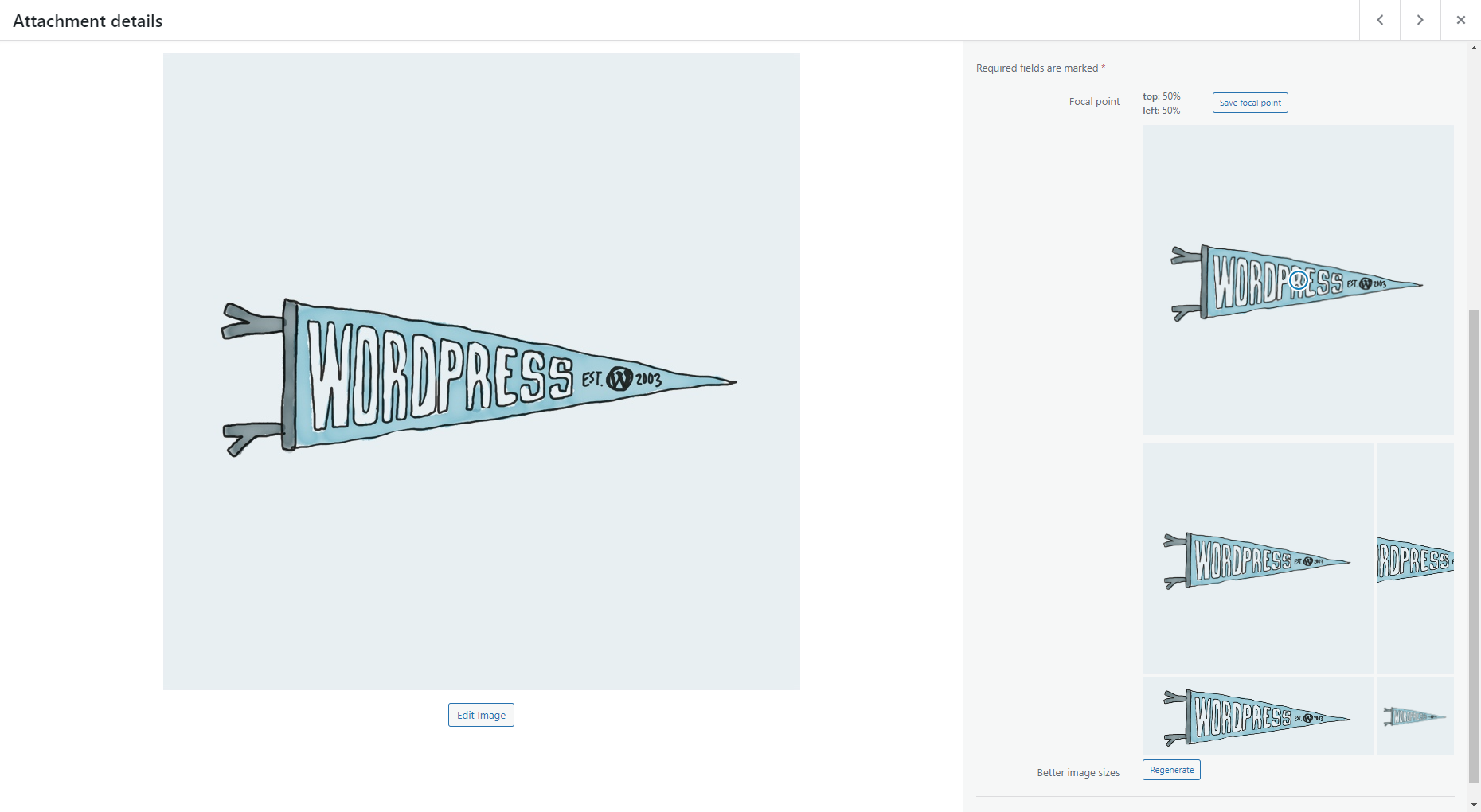
Focal point picker
Changelog
3.9
tested on WP 6.9
new user role capability regenerate_images that allows users to regenerate images
3.8
bis_get_attachment_picture function using $sizes argument with key 0 will replace tag in
3.7
tested on WP 6.8
new option “Disable upscaling” that is checked by default – it will return the full original image if it’s smaller than requested size
3.6
tested on WP 6.5
3.5
tested on WP 6.4
3.4
new (4th) parameter for bis_get_attachment_picture $sizes – you can specify alternative image ID, so you can easily use different image eg. on mobile and desktop
3.3
tested on WP 6.3
removed deprecated lazy loading function
3.2
enable also for WebP mime type by default
3.1
enhanced face detection crop position
fallback to old focal point if face not found
3.0
new Face Detection option for $crop (use ‘face’)
2.0
fix deleting single image sizes
1.9
make retina attribute works also with not-cropped images
1.8
add missing parameter for wp_get_attachment_image
1.7
fix for images with zero width – force crop to false in that case
1.6
fix missing PHP variable causing error on some servers
1.5
fix for images with zero height – force crop to false in that case
1.4
return empty array for _src function if image was deleted
1.3
make retina attribute works also in bis_get_attachment_picture function
1.2
return correct/consistent array keys with bis_get_attachment_image_src even when wp_get_attachment_image_src is called