

BigBuy Dropshipping Connector for WooCommerce
BigBuy\'s official plugin. Synchronise your ecommerce with BigBuy\'s catalogue and access thousands of products with EU stock and fast deliveries.
Plugin info
Maintenance & Compatibility
Maintenance score
Maintained • Last updated 92 days ago • 32 reviews
Is BigBuy Dropshipping Connector for WooCommerce abandoned?
Likely maintained (last update 92 days ago).
Compatibility
Similar & Alternatives
Explore plugins with similar tags, and compare key metrics like downloads, ratings, updates, support, and WP/PHP compatibility.
Description
Synchronise your ecommerce with the BigBuy product catalogue with its official application for Woocommerce. If you want to sell online, connect with BigBuy, the leading European dropshipping supplier, and sell thousands of items in your online store with fast deliveries and without needing to store products.
And if you already have an online store… Expand the catalogue of your ecommerce and increase your sales!
With BigBuy Dropshipping Connector for WooCommerce you will have access to:
• +400,000 items of stock.
• Categories: Kitchen, Sports, Perfumery, Fashion, Sex Shop, Electronics, IT, Home, Toys…
• +8,000 original brands.
• Deliveries from 24h.
• Catalogue available in 24 languages.
• European stock.
• New items daily.
• Automatic synchronisation: products, categories, orders, carriers, tracking…
With the BigBuy Multi-Channel Integration Platform you can manage your ecommerce, marketplace and the other digital channels in a centralised way:
• WooCommerce
• Miravia
• Amazon
• eBay
• Kaufland
• FNAC
• Carrefour
• Cdiscount
You will be able to manage all these channels and many more centrally from one single platform.
What can be done with the BigBuy Dropshipping Connector plugin for WooCommerce?
• Catalogue synchronisation: images, texts, videos, categories, brands, tags, etc.
• Synchronisation of stock and prices in real time.
• Automated pricing rules by price ranges, categories and products.
• Synchronisation of orders: shipping prices, carriers and tracking.
Useful links
BigBuy https://www.bigbuy.eu
Multi-channel Integration Platform https://platform.bigbuy.eu
BigBuy Help Center https://www.bigbuy.eu/academy/
BigBuy Contact https://www.bigbuy.eu/contact
Installation
Install the module from your WordPress control panel.
1. Log into the WordPress control panel.
2. Click on the menu Plugins > Add New.
3. Search for the module BigBuy Dropshipping Connector for WooCommerce.
4. Choose the module of the same name which has the BigBuy logo, click on Install now and then on Activate.
5. To be able to use this plugin you need to register with BigBuy, activate the ecommerce pack and get the WooCommerce connector.
6. Once the plugin has been activated and you have registered with BigBuy, you can begin synchronizing your store using the instructions in the following article: https://www.bigbuy.eu/academy/en/how-to-synchronise-woocommerce-via-the-multi-channel-integration-platform/
Frequently Asked Questions
Yes, to be able to synchronise with BigBuy, you need an account. You can create it here https://www.bigbuy.eu/account/create.
Yes, the BigBuy module is compatible with other suppliers. BigBuy orders are managed automatically through the Multi-channel Integration Platform and the orders/deliveries from other suppliers must be managed manually.
Yes, the module allows the synchronisation of different BigBuy categories to be carried out.
Yes, it is possible to synchronise various stores. Access the BigBuy Multi-channel Integration Platform and activate more stores from the Softwares Ecommerce section.
In order to obtain technical support, you need to go to the BigBuy contact section: https://www.bigbuy.eu/contact. From there, you can contact our technical support via a ticket. You can also do this via the telephone, WhatsApp, chat or email.
Review feed
Screenshots
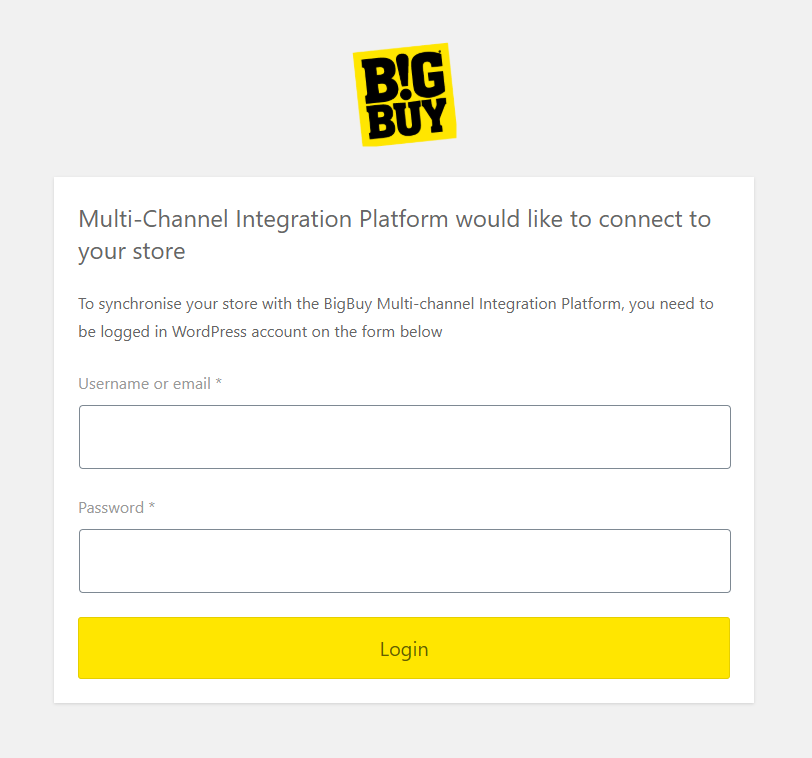
Login

Permission

BigBuy Login

Minimum Requirements

Publication

Configuration