

BitForm – Data management solution for WordPress
Data management solution for WordPress.
Plugin info
Maintenance & Compatibility
Maintenance score
Possibly abandoned • Last updated 1709 days ago
Is BitForm – Data management solution for WordPress abandoned?
Possibly abandoned (last update 1709 days ago).
Compatibility
Similar & Alternatives
Explore plugins with similar tags, and compare key metrics like downloads, ratings, updates, support, and WP/PHP compatibility.
Description
BitForm defines a standard database model to store and utilize form data. Exposes endpoints in the WordPress REST API. You can either use it as a headless data server or a full featured form and table builder.
Docs and support
BitForm is still under active development. You can find docs here. If you like BitForm, please rate and review it here in the WordPress Plugin Directory.
Privacy notices
By default, BitForm integrates with the free web app provided by bitform.bitorre.net, it does not send any data to external servers. For more information, please read the privacy policies.
Installation
Frequently Asked Questions
Absolutely not. While BitForm has been designed to be very developer-friendly, no coding skills are required to use it.
Absolutely not. BitForm is carefully built with peak performance in mind. We have developed everything to ensure it will run smooth and fast.
Review feed
Screenshots
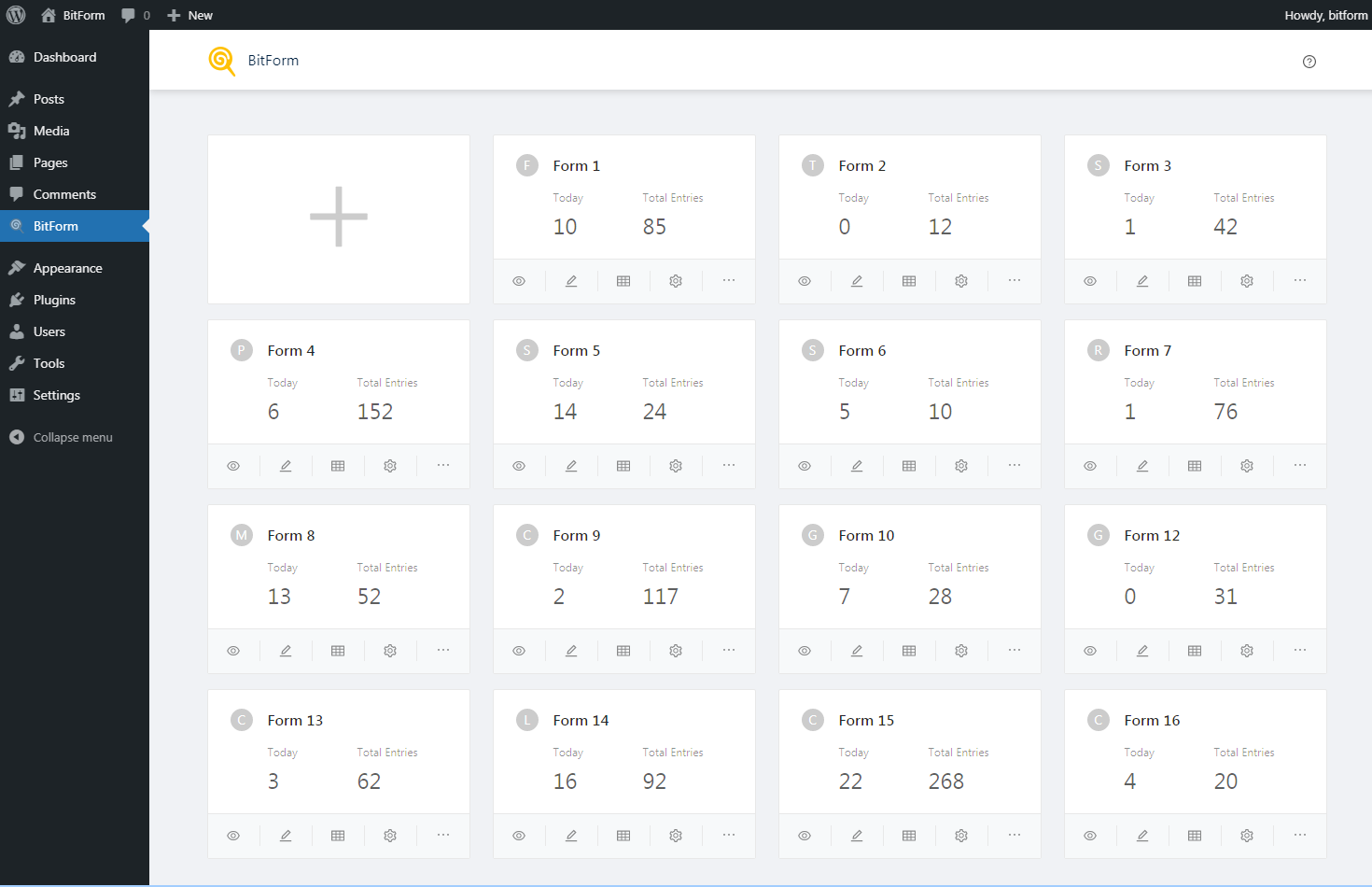
Form List

Form Builder

Form Settings

Publish Form

Data Table

Entry Editor