

Black Widgets For Elementor
Free add-on for Elementor! With this add-on, you can add more visual effects and improve your website's user experience. ✌
Plugin info
Maintenance & Compatibility
Maintenance score
Possibly abandoned • Last updated 468 days ago
Is Black Widgets For Elementor abandoned?
Possibly abandoned (last update 468 days ago).
Compatibility
Similar & Alternatives
Explore plugins with similar tags, and compare key metrics like downloads, ratings, updates, support, and WP/PHP compatibility.
Description
Black Widgets is a free add-on for Elementor; with this plugin, you can create unique elements with the ability to customize your website.
We will add more widgets with more and more styles that may surprise you in the future; for now, add black widgets to your WordPress, and don’t miss future updates.
Create your own styles
✔️ 21 Widgets
⚡ An Awesome Typography
⚡ Great Animate with AnimeJS and GSAP
⚡ CSS Transform(2D & 3D CSS Styles)
⚡ Scroll Trigger(with CDN)
✹ Dsgn
Dsgn is a simple way to start a website easily, quickly, and free. This is Free & + Fresh Templates Design for Elementor and Black Widgets.
— Enjoy 😉
Available Widgets
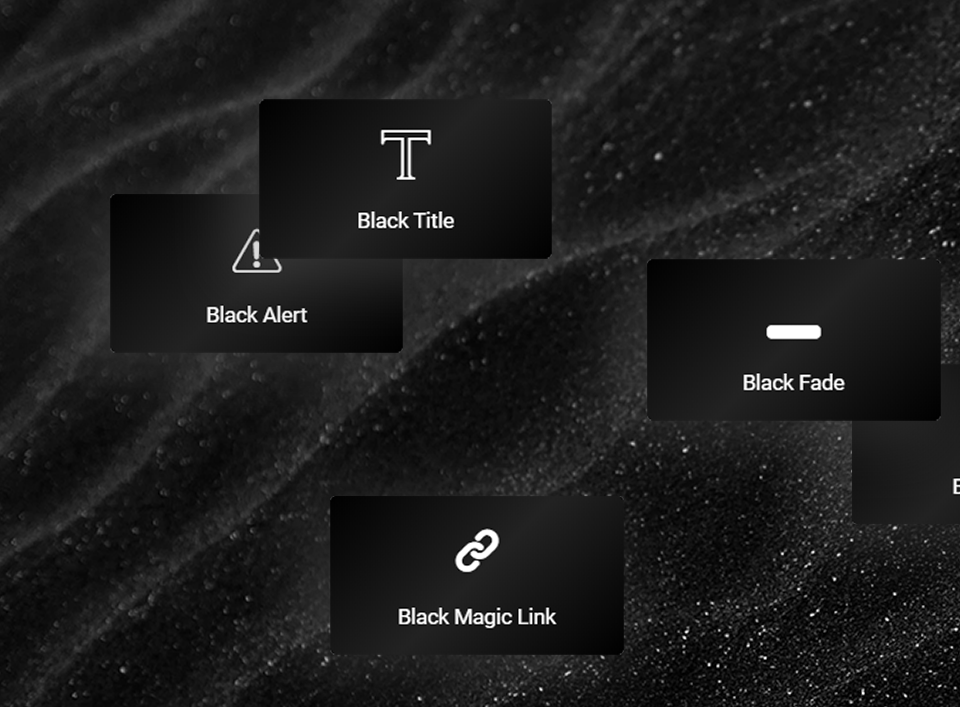
- Black Title
- Black Button
- Black Image Pro
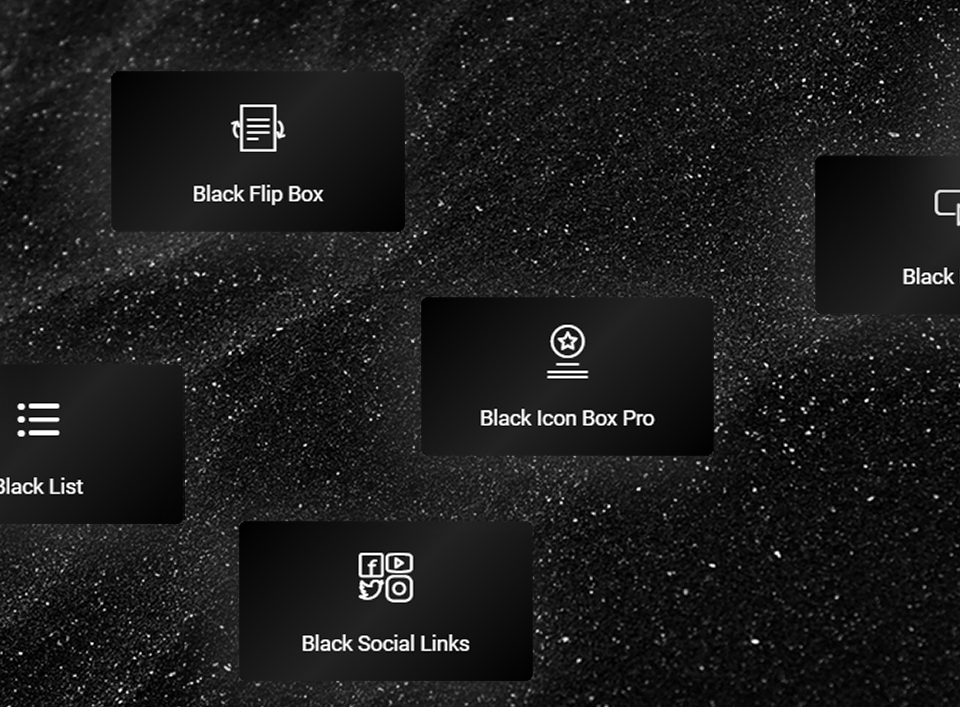
- Black Flip Box
- Black Title Animate
- Black Magic Link
- Black Drop Cap
- Black Fade
- Black Alert
- Black Icon
- Black List
- Black Social Links
- Black Icon Box Pro
- Black Call to Action
- Black Blockquote
- Black Typography(for experts)
- Black Box
- Black Flat Nav(menu)
- Black Sentence
- Black Trigger(for experts)
- Black Horizontal(for experts)
Features
Support
If you found an issue or have a new suggestion, contact us: [email protected]
Installation
- Upload the entire
black-widgetsfolder to the/wp-content/plugins/directory. - Activate the plugin through the Plugins screen (Plugins > Installed Plugins).
Note: You will find Widgets on Elementor page builder staging environment.
Frequently Asked Questions
To install this plugin head over to this link.
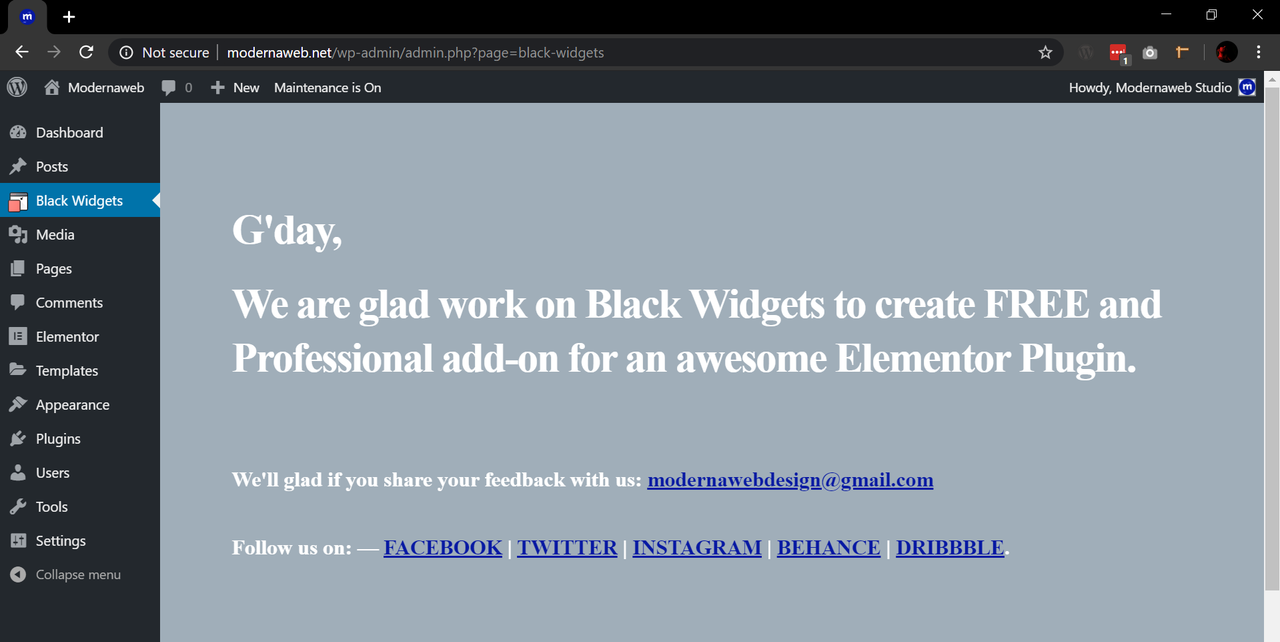
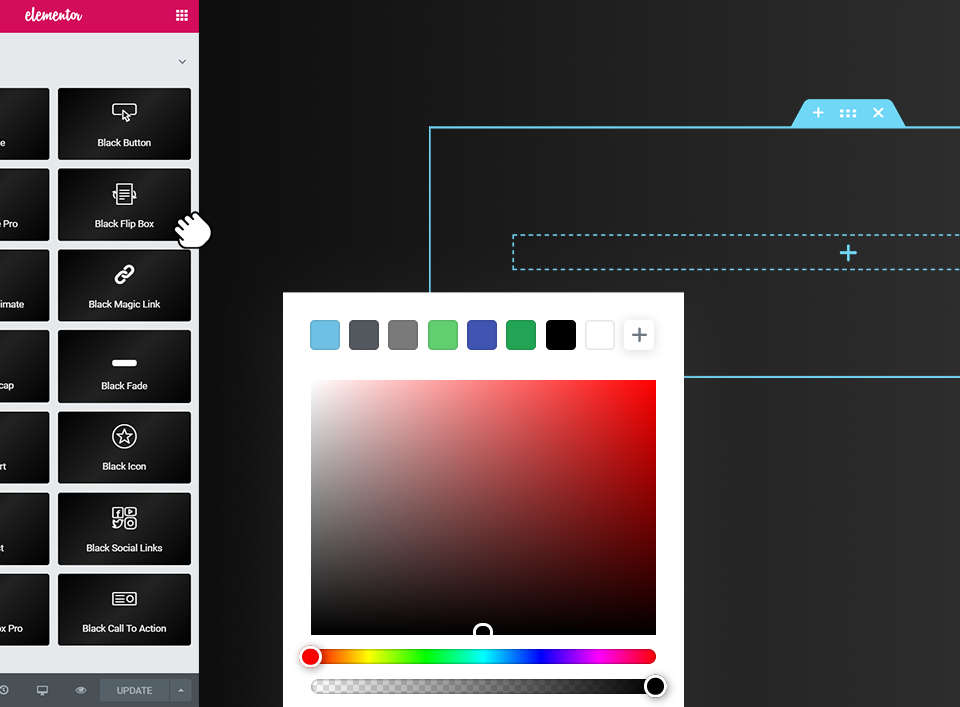
After activating the add-on, you redirect to this page, then, you can go to Elementor page builder staging environment and just find the “Black Widgets” tab on the widget side.
Unfortunately not, it’s not possible, but I have good news, you can use Elementor with your page builder together(mostly).
For now, the road map is private. But we’ll publish it for you.
You can report security bugs through the Patchstack Vulnerability Disclosure Program. The Patchstack team help validate, triage and handle any security vulnerabilities. Report a security vulnerability.
Review feed
Screenshots

Black Widgets Screenshot 1
Black Widgets Screenshot 2

Black Widgets Screenshot 3
Black Widgets Screenshot 4
Black Widgets Screenshot 5
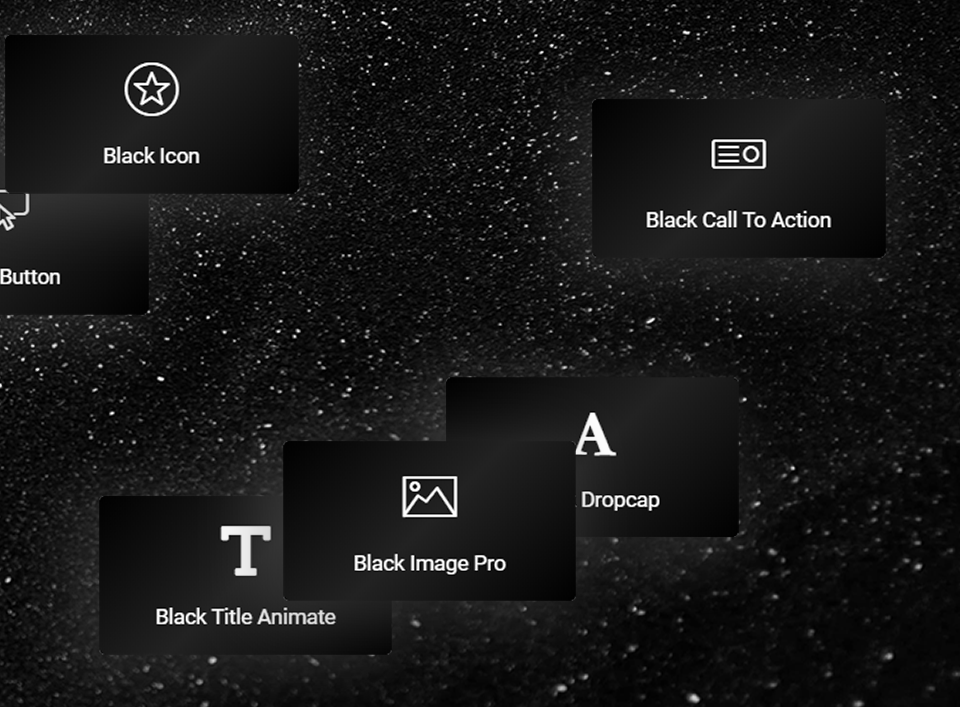
Black Widgets Screenshot 6
Changelog
1.3.9 — 2024-12-21
- Compatibility: WordPress v6.7
- Compatibility: Elementor v3.26
- Improved: Cross-site scripting (XSS) vulnerability for Magic Link widget; Thanks to Patchstack team
1.3.8 — 2024-10-30
- Improved: Using SVG by adding sanitizer on inputs — (Security Reasons)
1.3.7 — 2024-10-15
- Fixed: Cross-site scripting (XSS) vulnerability for all widgets with SVG; Thanks to Patchstack team
- Fixed: Cross-site scripting (XSS) vulnerability for all widgets with SVG; Thanks to Wordfence team, Thanks to Francesco Carlucci
1.3.6 — 2024-07-19
- Added: SVG size and color style for Black Icon Box Pro
- Fixed: Cross-site scripting (XSS) vulnerability in all widgets; Thanks to Patchstack team
1.3.5 — 2024-03-03
- Compatibility: Elementor v3.19 and all experiments and features
- Added: Width option for Black Image Pro
- Added: Blur option in the box settings for Black Image Pro, Black Button, Black Title, Black Alert, Black Icon Box Pro
- Added: A general class for for blur(.bw-blur) for columns and extra margin-removal(.no-margin) for all widgets
- Added: An alert with link above all widgets in the content section
- Improved: Added some esc_html__ for text inputs for security reasons
- Fixed: Some alignment issue on widgets
1.3.4 — 2023-11-05
- Compatibility: WordPress v6.4
- Compatibility: Elementor v3.17
- Updated: Anime.js
- Changed: Some widget icons
- Improved: Fade animate
- Fixed: Some minor issue
1.3.3 — 2023-08-08
- Compatibility: WordPress v6.3
- Compatibility: Elementor v3.15
- Compatibility: Enabled options for Experiments and Features in Elementor
- Added: New Option: “Sentence Alignment” for Black Sentence
- Added: New Feature: “On Scroll” for Black Typography
- Removed: The StyleFix 1.0.3 & PrefixFree library from Elementor environment
- Fixed: Default trigger for image pro
- Fixed: Some minor issue
1.3.2 — 2023-04-01
- Compatibility: WordPress v6.2
- Compatibility: Elementor v3.12
- Added: Box style and positioning for Black Icon Box Widget
- Fixed: Some minor issue
1.3.1 — 2023-03-04
- Compatibility: WordPress v6.1
- Compatibility: Elementor v3.11
- Added: New widget: Black Sentence
- Improved: First set-up notice related to GSAP
- Fixed: PHP Deprecated on the “register_widget_type” hook
- Fixed: Some minor issue
1.3.0 — 2022-08-14
- Compatibility: WordPress v6.0
- Compatibility: Elementor v3.7
- Added: New widget: Black Flat Nav
- Added: Custom Black Button Styles
- Added: Black Button Alignment(s)
- Added: Custom Button Styling
- Added: Image Trigger with GSAP
- Added: Link item to Black List
- Added: 4 direction for the Black Fade Image
- Improved: Dark Mode
- Removed: Scheme from some widgets
- Fixed: Some issues on UI and UX of the Black Magic Links
- Fixed: Some issues on the Black Flip Box widget
- Fixed: Some issues on the Black Typography widget
- Fixed: Some minor issue
1.2.6 — 2022-01-31
- Compatibility: WordPress v5.9
- Compatibility: Elementor v3.5
- Added: An option for movements on typography widget
1.2.5 — 2021-10-17
- Compatibility: Elementor Pro
- Added: An option to use GSAP CDN (for experts)
- Added: An option to use ScrollTrigger CDN (for experts)
- Added: An option to use Tween CDN (for experts)
- Added: An option to use Timeline CDN (for experts)
- Added: New Widget: Black Trigger
- Added: New Widget: Black Horizontal
- Added: An option to create movements image (for experts)
- Fixed: Font icons on widgets
1.2.0 — 2021-08-04
- Compatibility: WordPress v5.8.0
- Compatibility: Elementor v3.3.0
- Added: New widget: Black Box
1.1.5 — 2021-04-29
- Compatibility: WordPress v5.7.0
- Compatibility: Elementor v3.2.0
- Added: New Widget: Black Typography
- Improved: Compatibility with Elementor v3.0.0
- Improved: Dark Mode
- Fixed: Some minor issue
1.1.0 — 2020-09-10
- Compatibility: WordPress v5.5.0
- Compatibility: Elementor v3.0.0
- Compatibility: Safari, Chrome, Firefox Browsers
- Added: Ability to add transform CSS for BW Image and BW Image Fade widgets
- Added: Ability to set Mouse Cursor for BW Image and BW Image Fade widgets
- Added: Setting Styles
- Added: README.md file for Github repository
- Improved: All Widgets
- Checked: BW Functionality
- Checked: BW Security scan
- Fixed: Responsive issue on BW Call To Action widget
- Fixed: Some minor issue
1.0.5 — 2020-06-21
- Added: Settings page
- Added: Elementor environment dark mode
- Added: New widget: Black Blockquote
- Fixed: Some minor issue
1.0.2 — 2020-05-30
- Added: Namespace to the plugin
- Changed: BW Classes to BLACK_WIDGETS
- Changed: bw text domain to blackwidgets
- Fixed: Some minor issue
1.0.1 — 2020-05-28
- Fixed: Some minor issue
1.0.0 — 2020-05-23
- Initial release.