

Block Metrics – Animated State Counter
A easy way to display states counter in a easy and interesting way.
Plugin info
Maintenance & Compatibility
Maintenance score
Possibly abandoned • Last updated 545 days ago • 2 reviews
Is Block Metrics – Animated State Counter abandoned?
Possibly abandoned (last update 545 days ago).
Compatibility
Similar & Alternatives
Explore plugins with similar tags, and compare key metrics like downloads, ratings, updates, support, and WP/PHP compatibility.
Description
The Animated Counter Block is a dynamic and visually engaging block designed for showcasing numerical data with animation. Ideal for highlighting statistics, metrics, or any numerical value, this block allows for smooth transitions and eye-catching animations that draw attention to key figures on your website.
Video Guide
How to Use Gutenberg Counter Block
Download & Upload:
- Download the Block Metrics – Animated State Counter plugin (.zip file)
- In your admin area, go to the Plugins menu and click on Add New
- Click on Upload Plugin and choose the
block-metrics-animated-state-counter.zipfile and click on Install Now - Activate the plugin and Enjoy!
Installation via FTP:
- Download and upload the Gutenberg Counter Block plugin to the
/wp-content/plugins/directory - Activate the plugin through the Plugins menu in WordPress
Features
- Icon & Image: Choose and upload an icon or image from your WordPress media library.
- Prefix & Suffix: Add customizable prefixes and suffixes around the count number for added context or style.
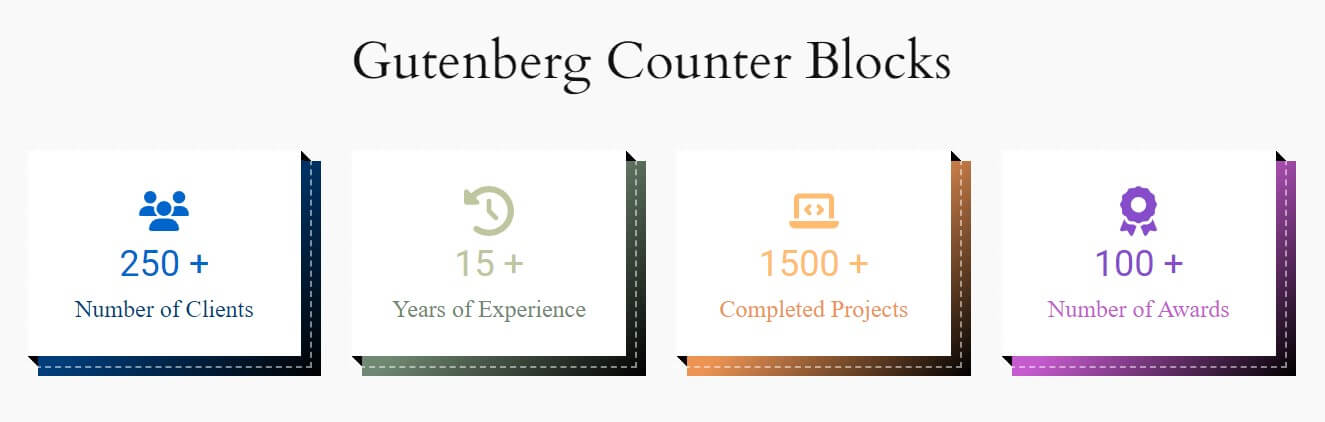
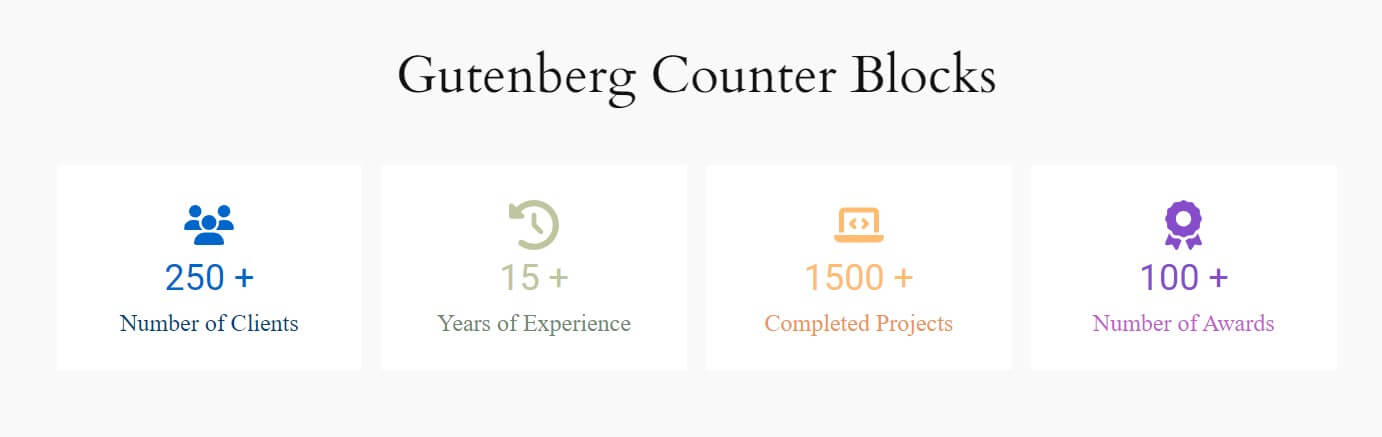
- Varied Layouts: The counter block offers multiple layout options, allowing you to easily switch between different designs and customize them to suit your needs.
- Counters Duration: Specify the duration of the counter to control how quickly or slowly the numbers transition.
- Styling Options: Tailor the appearance of the counter with flexible styling options, including font size, color, and alignment and more.
- Animation style: Choose from a variety of animation styles to make your counter stand out and engage visitors.
- Responsive Design: The counter displays perfectly across all devices and screen sizes.
- Easy Integration: Seamlessly integrates into your Gutenberg editor, allowing for quick and efficient content updates.
Use of 3rd party services
This plugin uses the following third-party services and libraries:
-
Google Fonts API
- Description: Google Fonts provides web-safe fonts for web projects.
- Purpose: Used to enhance typography styles in the counter block.
- Link: Google Fonts Documentation
- Licensing: Google Fonts are open-source and licensed under the SIL Open Font License, 1.1.
-
Google Sheets API
- Description: This plugin integrates with the Google Sheets API to store form submissions directly into a Google Sheet.
- Purpose: Used to store the plugin deactivation reasons
- Link: Google Sheets API Documentation
- Privacy Notice: By using this feature, you may be subject to Google’s Terms of Service and Privacy Policy.
Requirements
- Gutenberg block Editor
- WordPress (Ofcourse!)
Feedback
- Did you like this plugin? Dislike it? Do you have a feature request? Please share your feedback with us
Installation
Frequently Asked Questions
Yes, Gutenberg Counter Block – Animated State Metrics is a free Gutenberg block plugin.
Yes, it will work with any standard WordPress theme.
Yes, you can change block settings from the Gutenberg block editor’s right sidebar.
You can use unlimited times as you want.
You can post your questions on the support forum here
Review feed
Screenshots

Screenshot_1

Screenshot_2

Screenshot_3
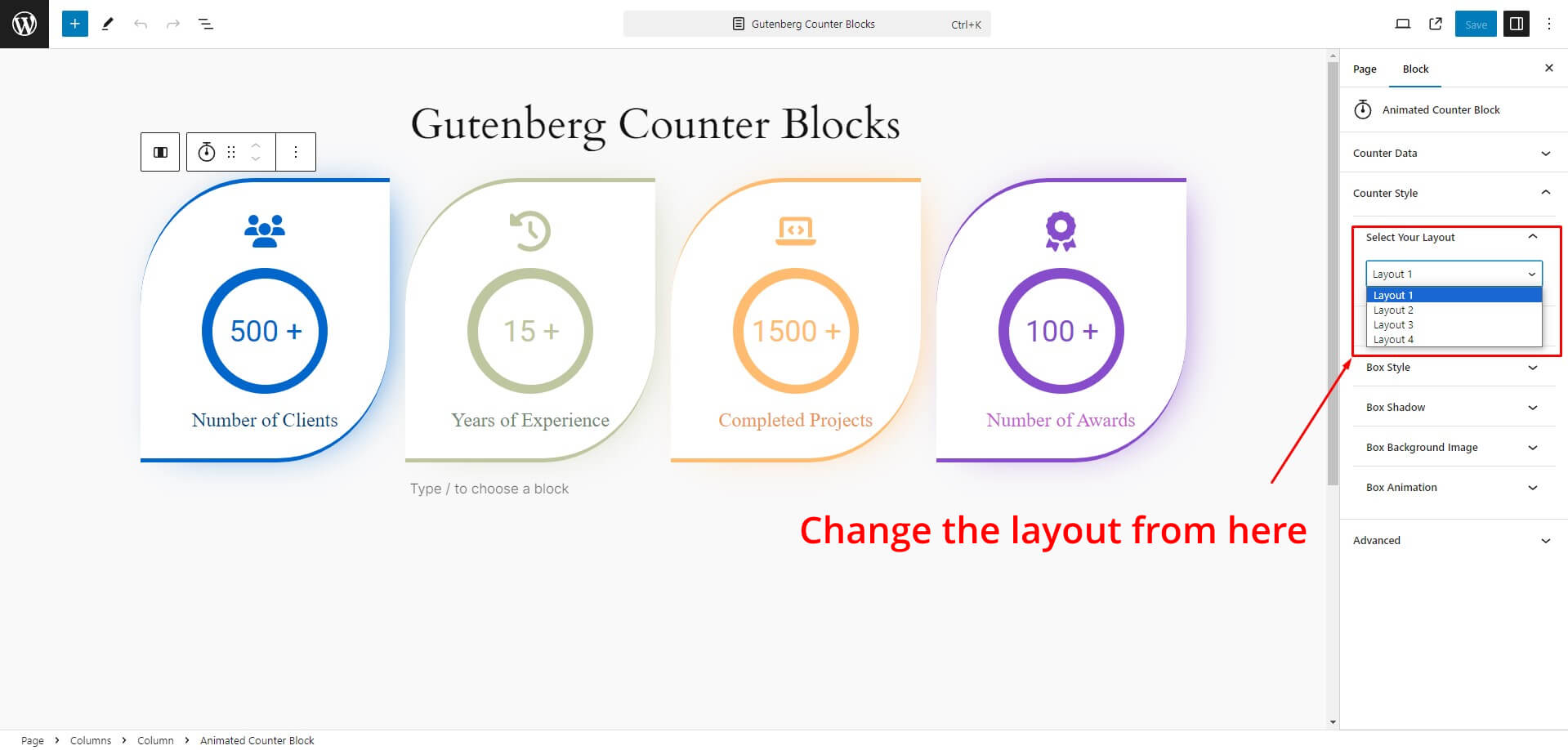
Screenshot_4
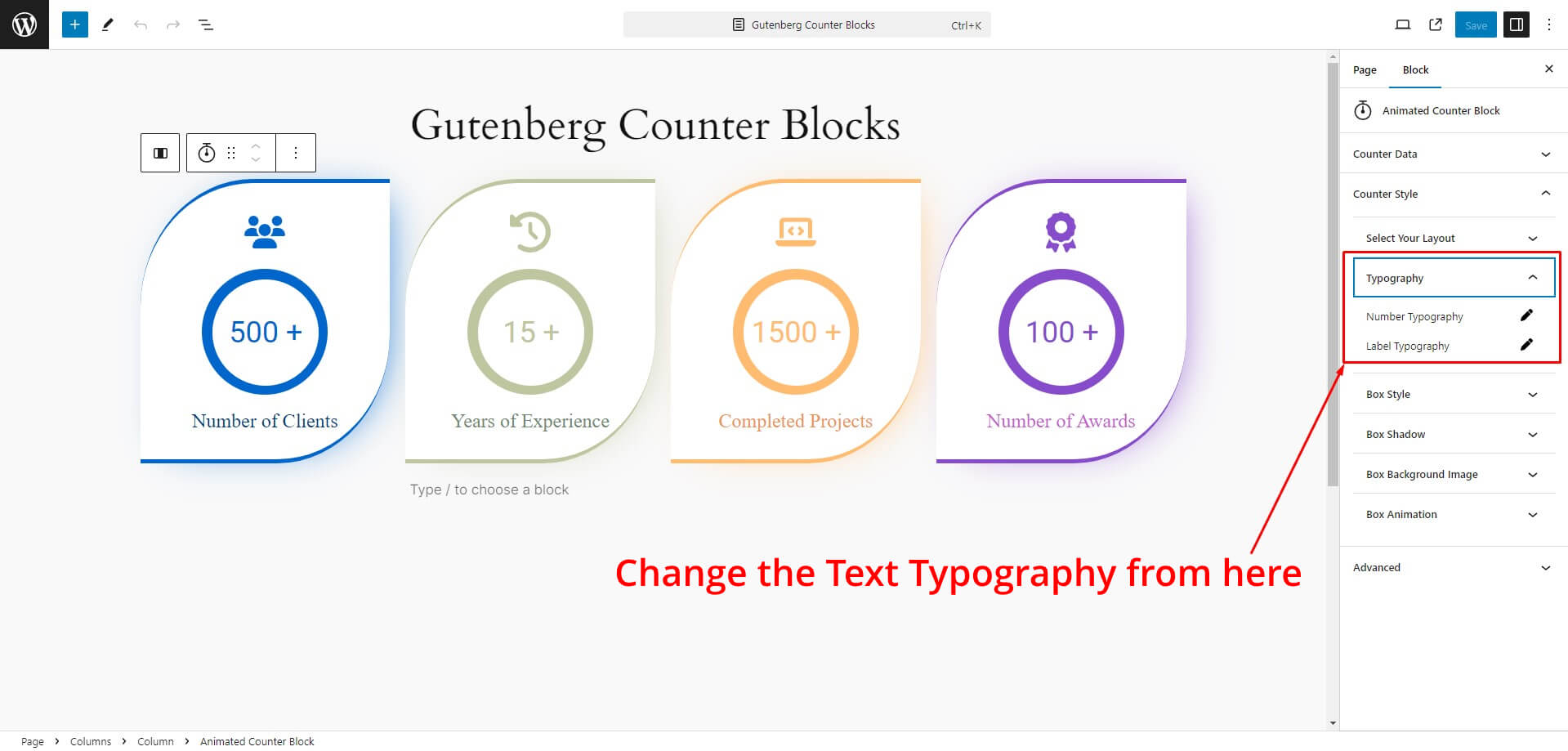
Screenshot_5 6.Screenshot_6 7.Screenshot_7 8.Screenshot_8 9.Screenshot_9 10.Screenshot_10

Layout_1
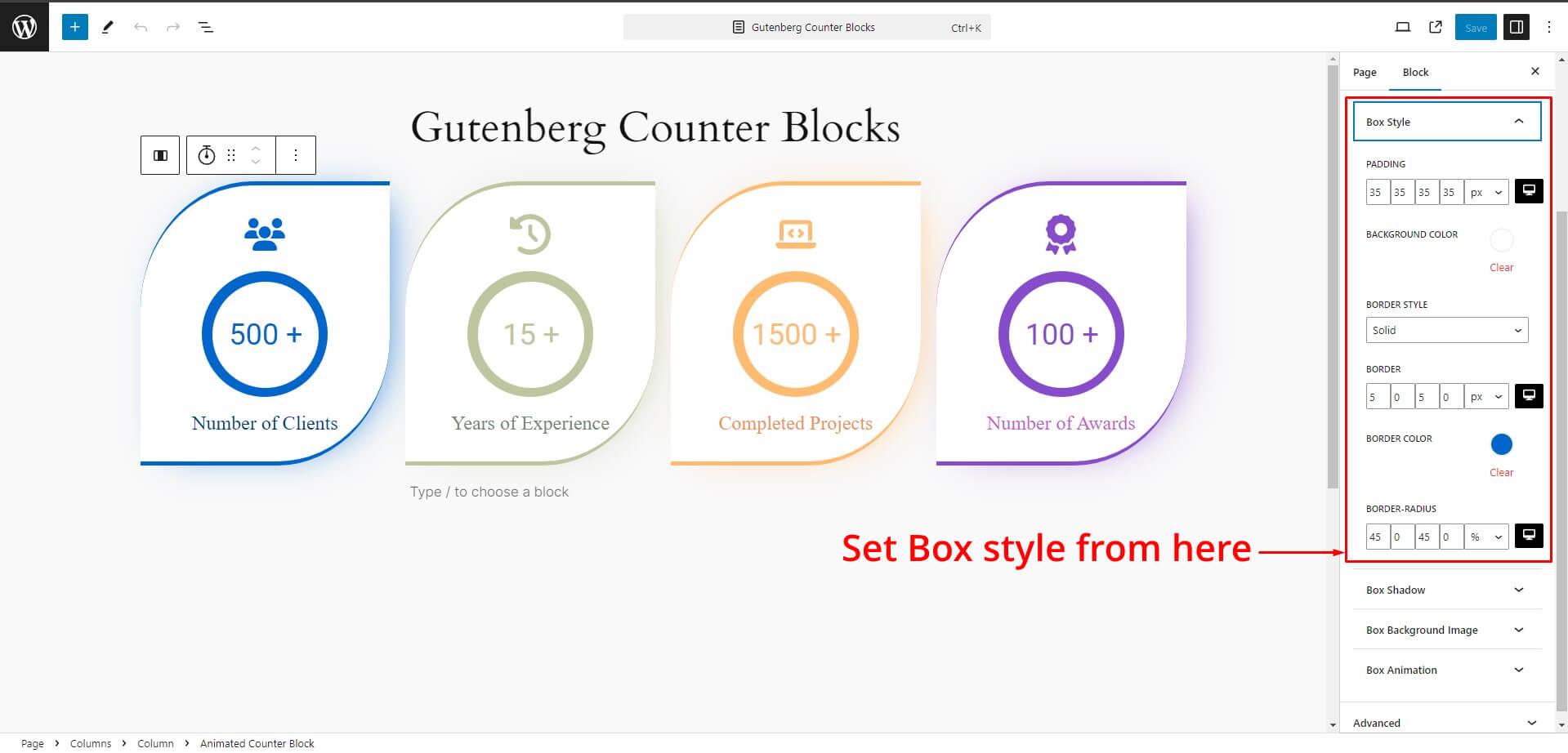
Layout_2

Layout_3

Layout_4


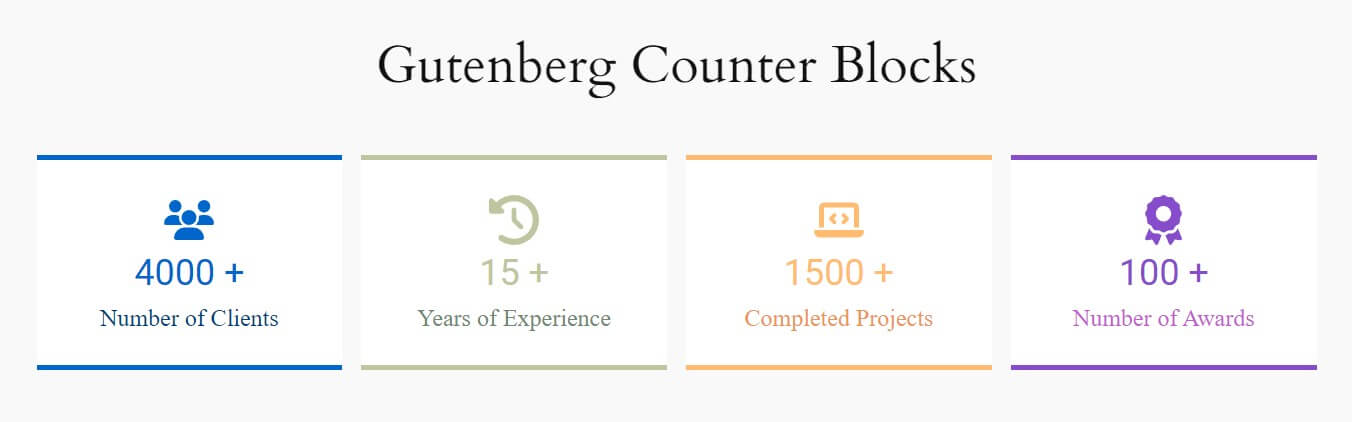
Changelog
1.0.0
- Initial Release