

Blog Blocks – Gutenberg Blocks for Content Writers
Blocks for content writers to make your articles more attractive to readers with elements such as notices.
Maintenance 20/1002346d since update
Active installs
0
Downloads
1,521
Reviews
0
Age
6.4y
Plugin info
Total downloads: 1,521
Active installs: 0
Total reviews: 0
Average rating: 0
Support threads opened: 0
Support threads resolved: 0 (0%)
Available in: 3 language(s)
Contributors: 1
Last updated: 9/16/2019 (2346 days ago)
Added to WordPress: 9/16/2019 (6 years old)
Minimum WordPress version: 5.0.1
Tested up to WordPress version: 5.2.23
Minimum PHP version: f
Maintenance & Compatibility
Maintenance score
Possibly abandoned • Last updated 2346 days ago
20/100
Is Blog Blocks – Gutenberg Blocks for Content Writers abandoned?
Possibly abandoned (last update 2346 days ago).
Compatibility
Requires WordPress: 5.0.1
Tested up to: 5.2.23
Requires PHP: f
Developers
Languages
Similar & Alternatives
Explore plugins with similar tags, and compare key metrics like downloads, ratings, updates, support, and WP/PHP compatibility.
Spectra Gutenberg Blocks – Website Builder for the Block Editor
Rating 4.7/5 (1,804 reviews) • Active installs 1,000,000
Gutenberg Blocks with AI by Kadence WP – Page Builder Features
Rating 4.8/5 (317 reviews) • Active installs 500,000
Page Builder: Pagelayer – Drag and Drop website builder
Rating 3.9/5 (100 reviews) • Active installs 400,000
SureForms – Contact Form, Payment Form & Other Custom Form Builder
Rating 4.8/5 (53 reviews) • Active installs 300,000
Gutenberg Essential Blocks – Page Builder for Gutenberg Blocks & Patterns
Rating 4.8/5 (196 reviews) • Active installs 200,000
Superb Addons: Blocks, Patterns & Theme Designer
Rating 4.8/5 (18 reviews) • Active installs 80,000
Description
Create frequently repeated elements, such as notice, and do not waste time on a large number of settings. Just select an available style and write content.
Available Elements
- Notices
Benefits
- Simplicity. You only need to choose a style for your block without additional options, which helps to focus on writing an article for your blog.
Installation
- Upload zip archeve to the
/wp-content/plugins/directory - Activate the plugin through the ‘Plugins’ menu in WordPress
Frequently Asked Questions
How to change notice color?
Select a specific style for your notice. Make sure that you select this block, not the internal one.
Review feed
No reviews available
Screenshots
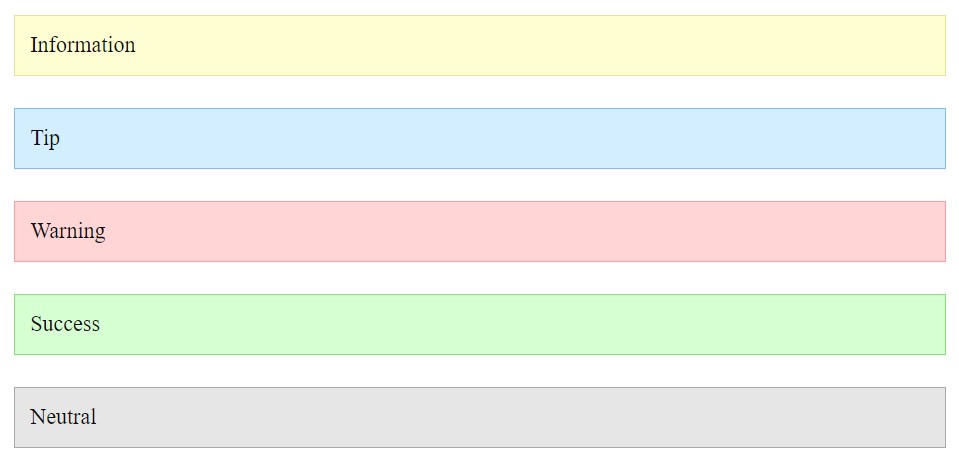
Notices - Frontend
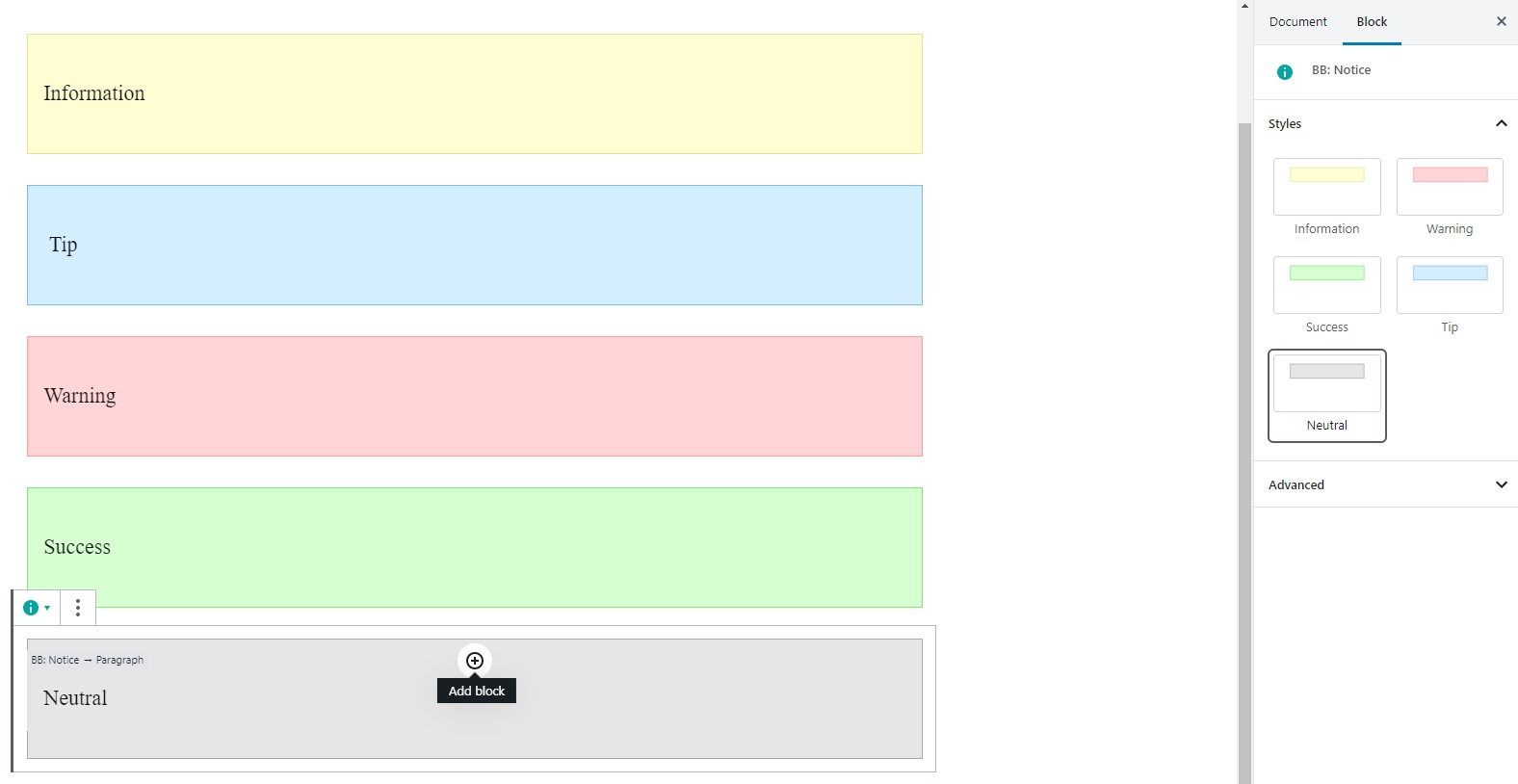
Notices - Gutenberg Editor
Changelog
1.0.0
- Release