

BookPress – For Book Authors
Books on WordPress made easy. Write and display your books: Add chapters, pages, table of contents, track word counts and more.
Plugin info
Maintenance & Compatibility
Maintenance score
Possibly abandoned • Last updated 431 days ago • 5 reviews
Is BookPress – For Book Authors abandoned?
Possibly abandoned (last update 431 days ago).
Compatibility
Similar & Alternatives
Explore plugins with similar tags, and compare key metrics like downloads, ratings, updates, support, and WP/PHP compatibility.
Description
Writing a book? Promoting a book? This is the plugin for you. Easily write and display your books on WordPress. Add covers, pages, table of contents, chapters, track progress with word counts and more.
It’s currently difficult to recreate the feel of a book on WordPress – you either need to make your whole site into the ‘book’ or figure out complex work-arounds like creating your own taxonomies. WordPress’s own support section says “There are ways to use a blog to post long-form pieces in chapters, however, though it will require a bit of work.” BookPress solves all this for you!
If your dream is to self-publish your novel, or to create a site where you can mix your blog, books and other features, BookPress is for you.
This plugin includes –
BookPress Features
- Write your book in WordPress and easily display it ‘like a book’
- Add book elements such as covers, table of contents, dedication, copyright page, chapters, etc.
- Drop and drag book elements to reorder your book content
- ‘Book like’ page numbering – use Roman numerals for front matter and Arabic for body and end matter
- Automatic creation of Table of Contents with live links to jump to relevant page
- Sidebar widget to display your book and link to it
- Progress tracking – word counts for each element (eg chapter) and the whole book to help keep you motivated!
- Assign genres to books
- Translation ready
- Clean, easy to read front end book design that ‘feels like a book’
- Front end display of book with sections, content, page numbering, etc. correctly formatted and sequenced
BookPress Premium
- Create and display multiple books on your WordPress site (free version limited to a single book)
- Index tags to create a book index with live links to jump to page
- Additional sidebar widget enabling display of multiple books
- Front End ‘Library’ page shortcode to display and sort all your books by genre, author name, Book ID, and more.
- Footnotes – ability to add notes to the end of a page with a reference (a super text numeral) linking to a note
- Enhanced Progress Tracking – set targets for writing (e.g. words per week) and track your progress with graphs and statistics
Translations (full or partial)
- Chinese (China) / 简体中文
- Chinese (Hong Kong) / 香港中文版
- German / Deutsch
- Polish / Polski
- Russian / Русский
Links
Installation
Manual Install From WordPress Dashboard
If your server is not connected to the Internet, then you can use this method-
- Download the plugin by clicking on the blue ‘Download’ button above. A ZIP file will be downloaded.
- Login to your site’s admin panel and navigate to Plugins -> Add New -> Upload.
- Click ‘Choose File’, select the plugin file and click install.
Install Using FTP
If you are unable to use any of the methods due to internet connectivity and file permission issues, then you can use this method-
- Download the plugin by clicking on the blue ‘Download’ button above. A ZIP file will be downloaded.
- Unzip the file.
- Launch your favorite FTP client. Such as FileZilla, FireFTP, CyberDuck etc. If you are a more advanced user, then you can use SSH too.
- Upload the folder to wp-content/plugins/
- Log in to your WordPress dashboard.
- Navigate to Plugins -> Installed
- Activate the plugin.
Frequently Asked Questions
Yes.
No. Please ensure you use the Classic Editor.
You can paste text from Word. Export features (PDF, Mobi, ePub etc coming soon)
Make sure the free version is disabled or removed to avoid this error message.
Yes! You can earn 20% on sales of our Premium version by linking to our website or WordPress page – check out the Affiliation link in the plugin sidebar after installing.
Review feed
Screenshots
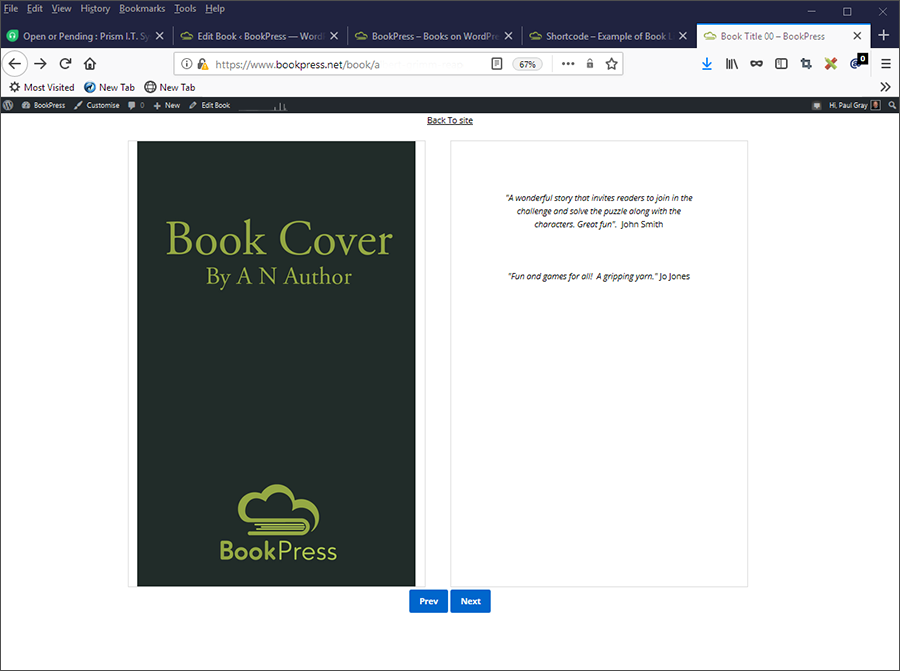
Two page 'clean' display
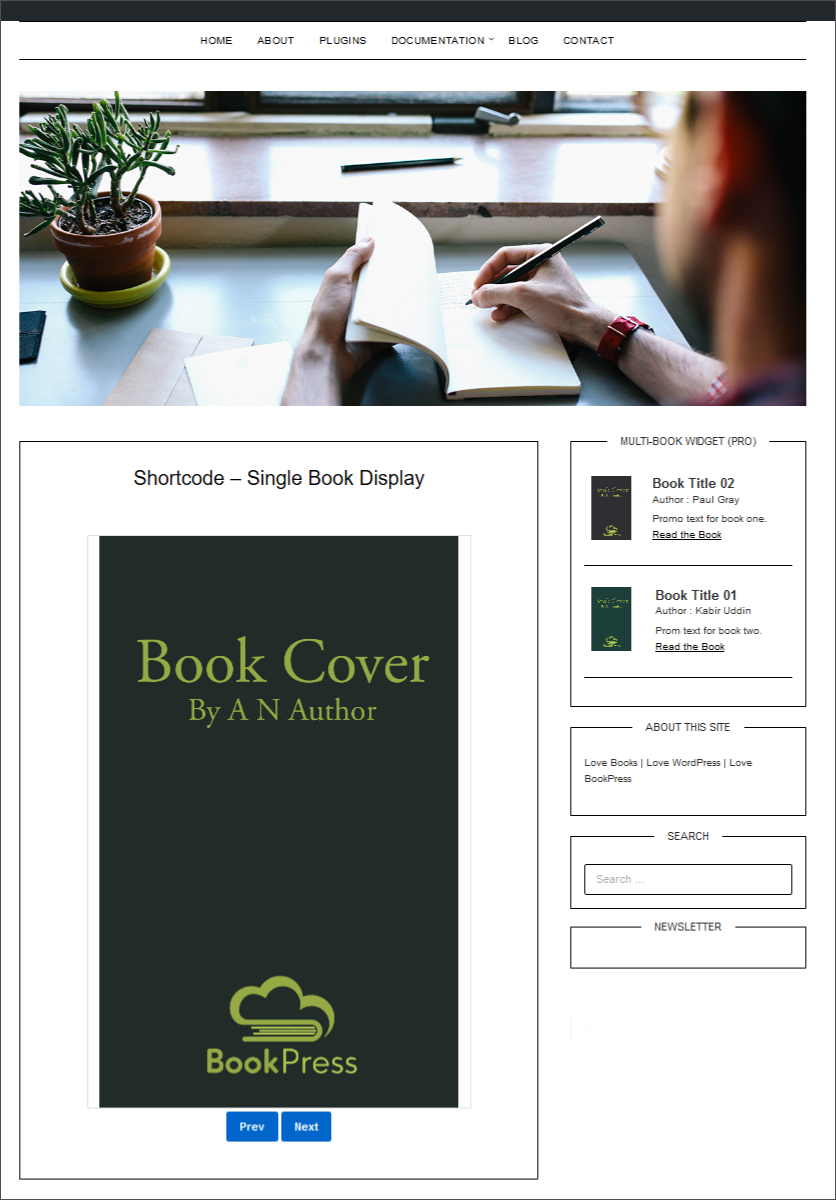
Single page, in-post/page display

Text page, in-post/page display
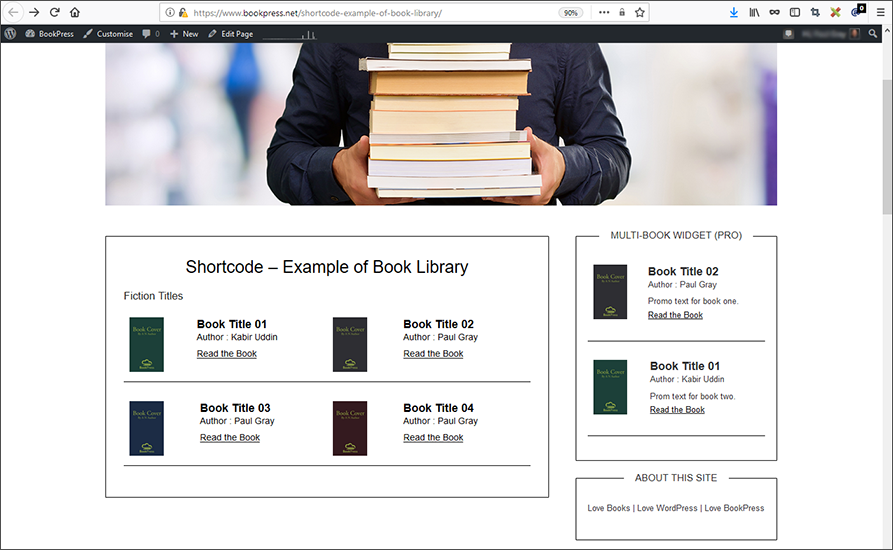
Book 'Library' shortcode display

Single book sidebar widget

Single book sidebar widget settings

Multi-book sidebar widget (Pro version only)

Multi-book widget settings (Pro version only)

Books management page

Book elements page
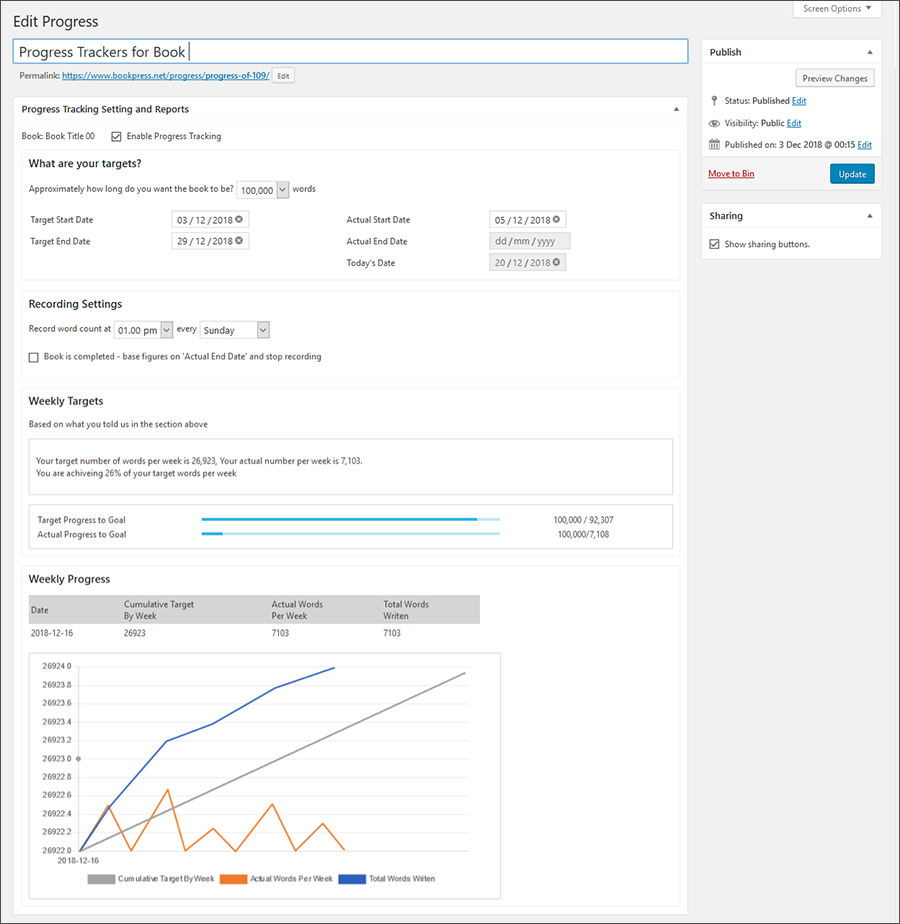
Targets and progress tracking (Premium Version
Changelog
= 1.2.7- 26 Jan 2025=
* Freemius SDK verion 2.10.1