

Booqable Rental Plugin
Booqable: The Ultimate WordPress Rental Plugin for Seamless Online Bookings and Availability Management
Plugin info
Maintenance & Compatibility
Maintenance score
Stale • Last updated 289 days ago • 10 reviews
Is Booqable Rental Plugin abandoned?
Likely maintained (last update 289 days ago).
Compatibility
Similar & Alternatives
Explore plugins with similar tags, and compare key metrics like downloads, ratings, updates, support, and WP/PHP compatibility.
Description
Booqable: The Ultimate WordPress Rental Plugin for Seamless Online Bookings and Availability Management
Booqable is the leading WordPress rental plugin designed to streamline online bookings and availability directly on your WordPress site. Trusted by thousands of small to medium-sized rental businesses, Booqable simplifies the rental process, enhancing your online presence and making it easy to rent out your products with just a few clicks.
This WordPress rental plugin effortlessly connects your WordPress website to your Booqable account, enabling you to integrate online booking functionality and launch your rental business online seamlessly.
Note: Start with a free trial of this WordPress rental plugin. Discover more about Booqable and its pricing at booqable.com.
Key Features:
Effortless Product Integration:
Showcase your rental products on WordPress pages using customizable shortcodes. Enjoy support for categories, variations, bundles, multiple images, and flexible pricing settings.
Real-Time Availability:
Manage your inventory with a comprehensive booking calendar featuring real-time availability updates. Booqable keeps your inventory synchronized, whether orders come online or in person, preventing overbooking.
Streamlined Hosted Checkout:
Benefit from a hassle-free hosted checkout system. Booqable handles everything from processing paid orders to managing customer inquiries, ensuring a swift checkout experience and automatically sending booking confirmations.
Secure Online Payments:
Easily integrate with Stripe and PayPal to accept over 40 local and international payment methods, including credit cards and local options. Customize your checkout process by setting payment terms, accepting security deposits, and enabling coupon codes.
Easy Setup:
Install the WordPress rental plugin, connect to your Booqable account, and start adding products. Don’t have a Booqable account? Sign up for a free 14-day trial and upgrade anytime to unlock more features.
Elevate your online rental business with Booqable’s WordPress rental plugin.
Installation
Sign up for a Booqable account here if you haven’t already.
To connect the plugin to your Booqable account, you’ll need to enter your company ID.
In Booqable:
1. Go to Settings > Online reservations > Installation
2. Click WordPress Plugin
3. Copy your Company ID
Then, in WordPress:
4. Click Settings > Booqable
5. Paste your company ID in the corresponding field
To embed products:
– In Booqable: make sure you have at least one rental product
– In WordPress: Embed a product, product button, or product list on any page or post using shortcodes
Frequently Asked Questions
Review feed
Screenshots
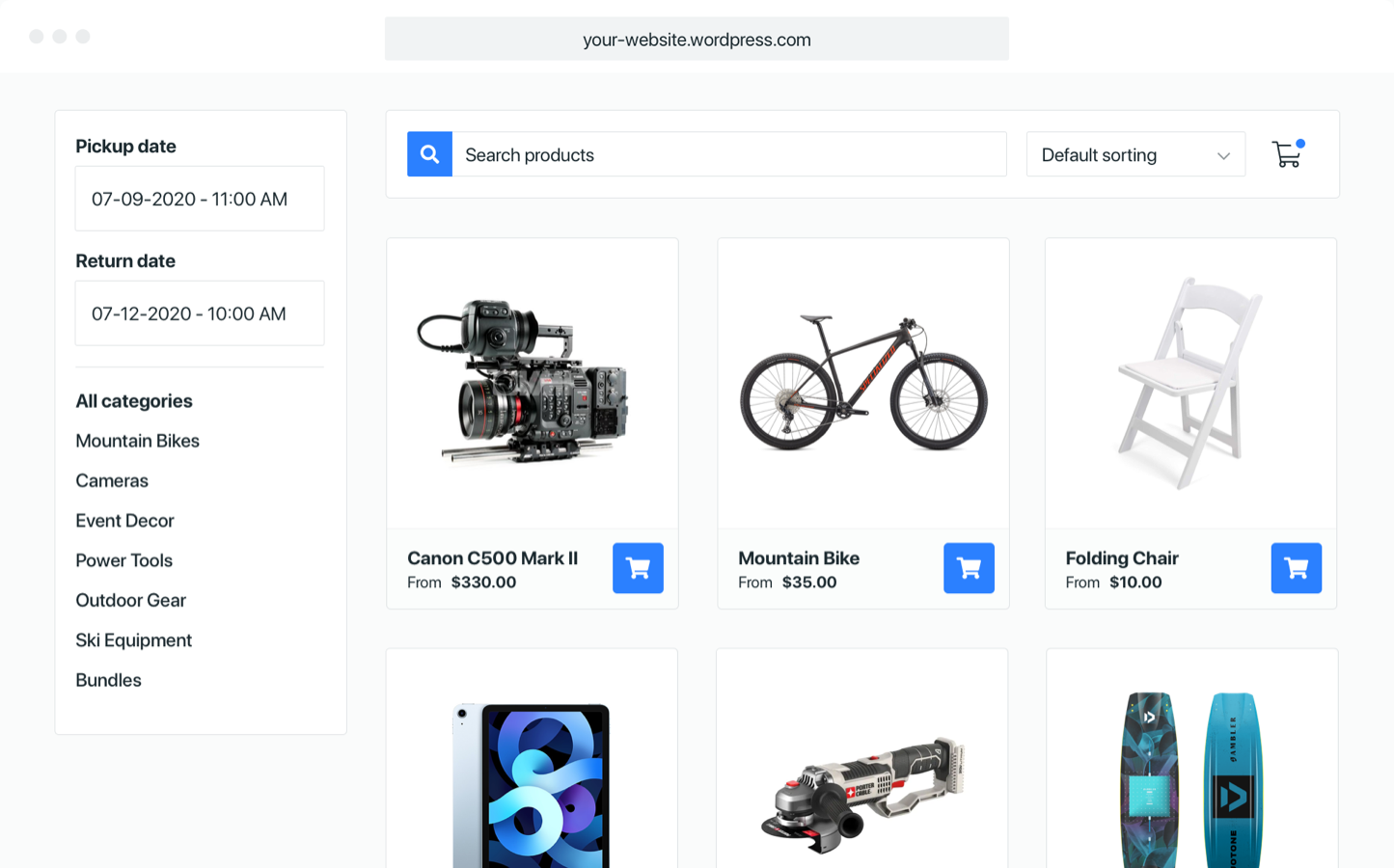
Allow people to browse and book your inventory online
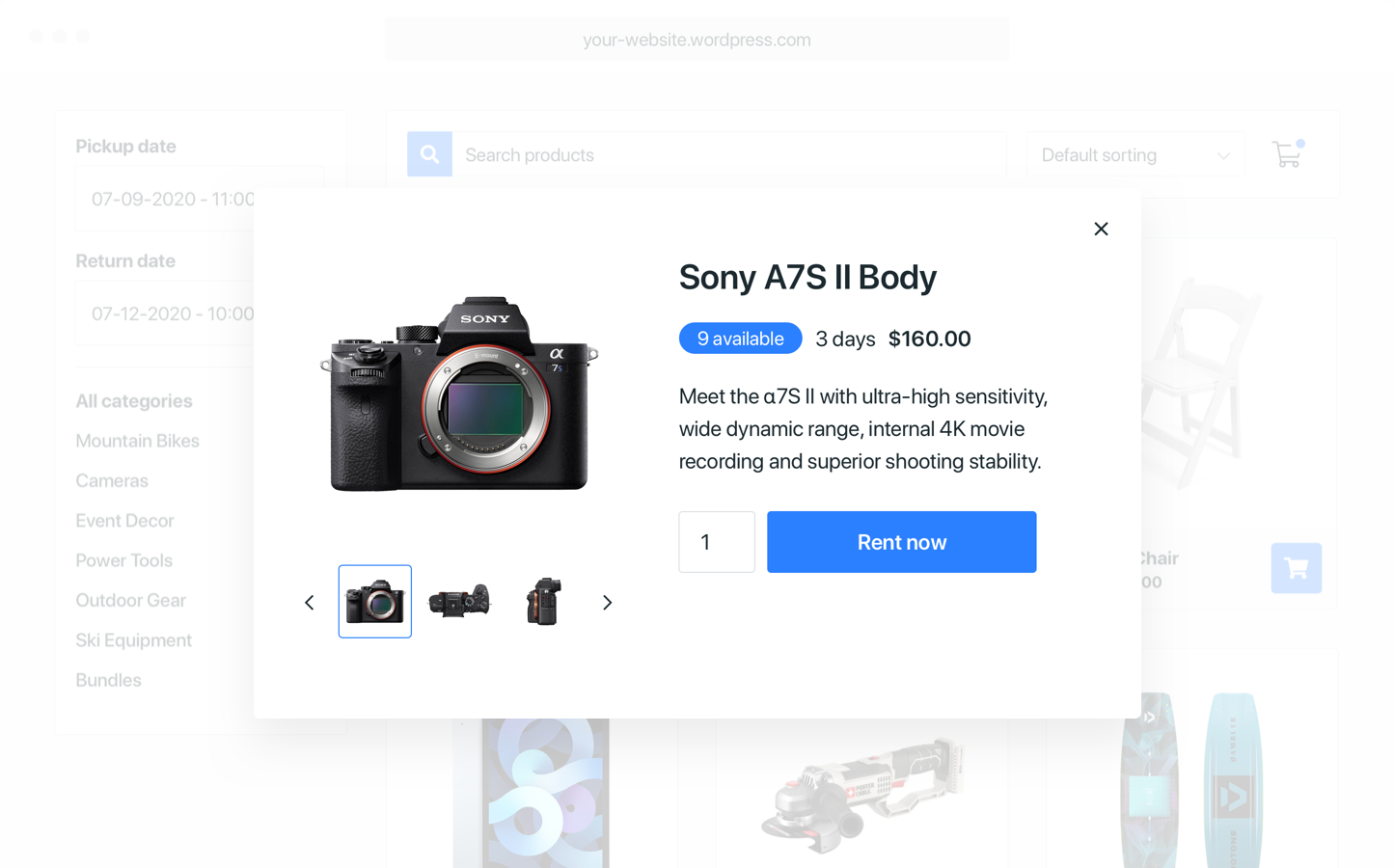
Quickly add your products by copy-pasting shortcodes
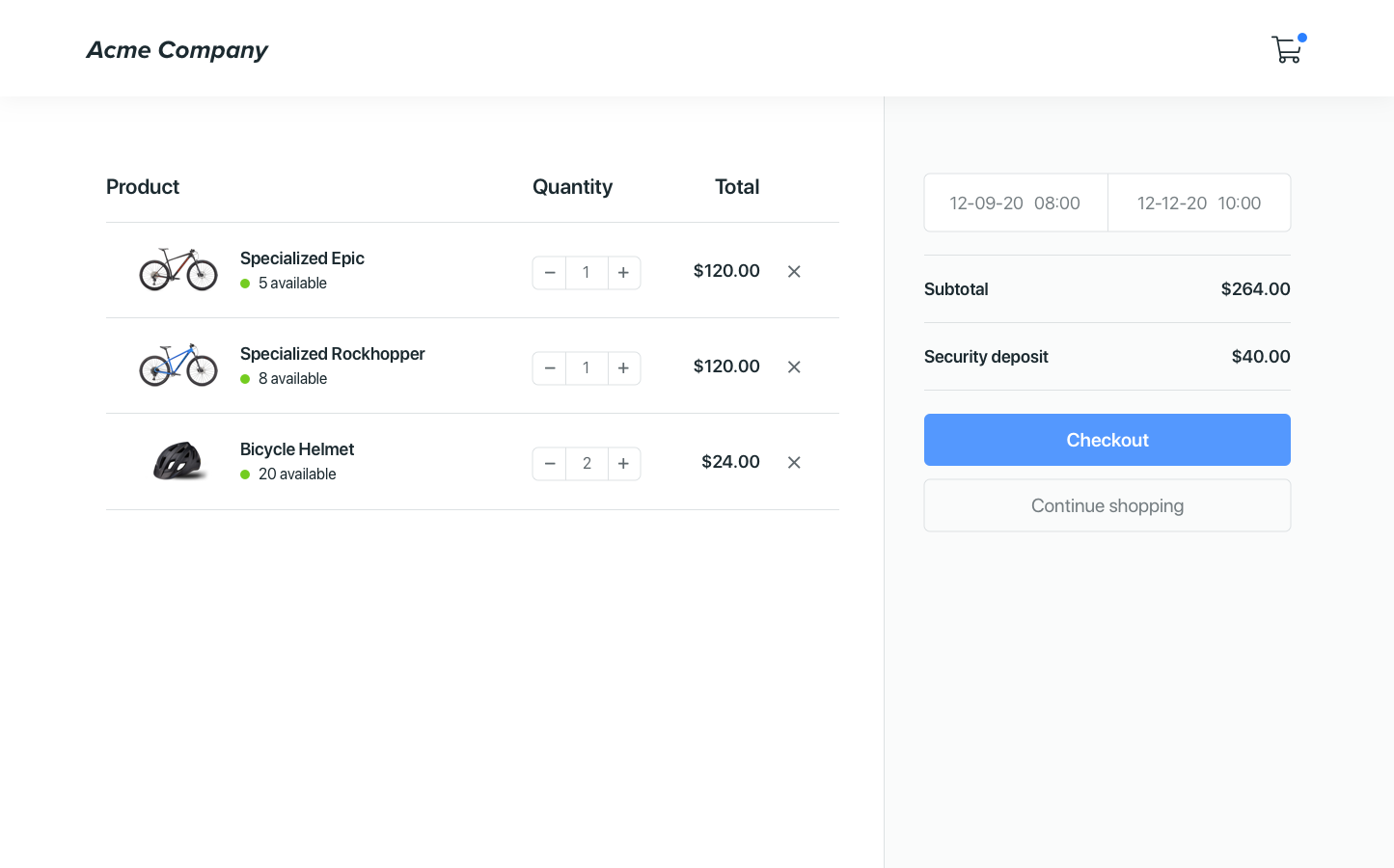
Show when items are available to rent (optional)
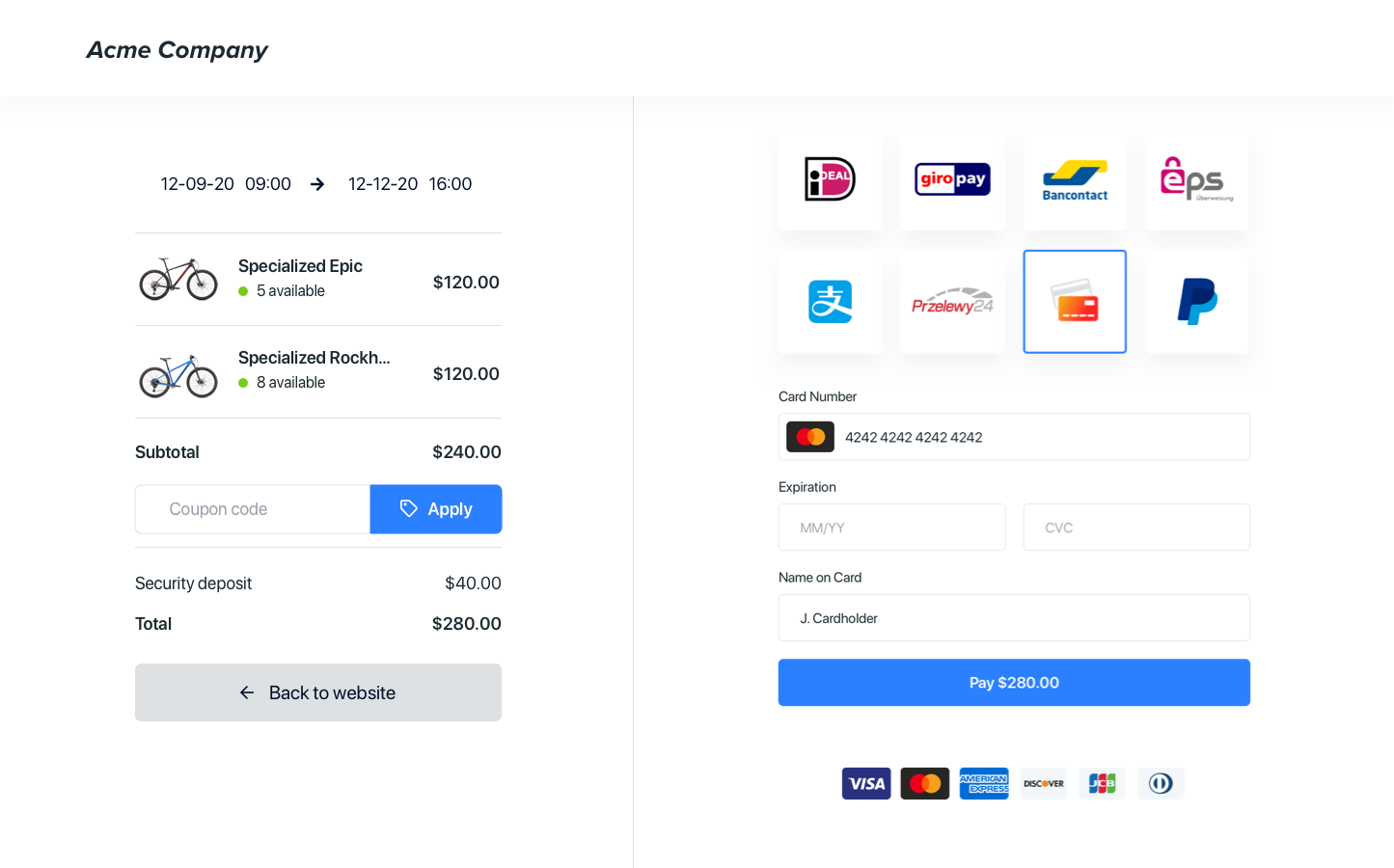
Let your customers pay online or request a quote
Changelog
2.4.21
- Updated tested up to
2.4.20
- Updated readme
2.4.19
- Added collection shortcode
2.4.18
- Updated readme
2.4.17
- Updated tested up to
2.4.16
- Escape attributes for company id input
2.4.15
- Fixed outdated links
- Improved plugin interface
2.4.14
- Improved plugin interface
- Improved help text
2.4.13
- Sanitize attributes
- Updated tested up to
2.4.12
- Updated brand assets
2.4.11
- Updated screenshots
- Updated tested up to
2.4.10
- Updated plugin name
- Updated tested up to
- Updated description
2.4.9
- Updated tested up to
- Updated description
2.4.8
- Updated screenshots
- Improved description formatting
2.4.7
- Updated banners and screenshots
- Updated description
- Updated tags
2.4.6
- Update asset URL
2.4.5
- Update readme
2.4.4
- Added new options to embeddable cart sidebar and lines
2.4.3
- Fixed embeddable cart button href option
2.4.2
- Fixed product list not filtering by category
2.4.1
- Fixed a syntax issue
2.4.0
- Added embeddable cart shortcodes
- Added category list shortcode
- Added filter bar shortcode
- Added sidebar shortcode
2.3.2
- Update copy
2.3.1
- Update branding
2.3.0
- Added datepicker shortcode
2.2.1
- Fixed an issue with PHP < 5.5
2.2.0
- Improved user experience by improving settings page
- Improved plugin security
- Updated plugin description
2.1.1
- Added provider tracking fix
2.1.0
- Added product search shortcode
2.0.2
- Update compatible WordPress versions
2.0.1
- Update plugin name
2.0.0
- First beta release
1.0.1.beta
- Improve security
- Add documentation
1.0.0.beta
- First beta release