

Bridhy – No-code Drag & Drop Form Builder for Contact Form 7
Build & style Contact Form 7 forms visually without writing any code. Bridhy also comes with essential addons to make your forms super powerful.
Plugin info
Maintenance & Compatibility
Maintenance score
Possibly abandoned • Last updated 466 days ago • 1 reviews
Is Bridhy – No-code Drag & Drop Form Builder for Contact Form 7 abandoned?
Possibly abandoned (last update 466 days ago).
Compatibility
Similar & Alternatives
Explore plugins with similar tags, and compare key metrics like downloads, ratings, updates, support, and WP/PHP compatibility.
Description
Introducing Bridhy – The True No-code Drag & Drop Form Builder & Addons for Contact Form 7.
Tired of struggling with HTML and CSS code to create forms in Contact Form 7? Bridhy makes form building easy with a drag-and-drop visual editor. Plus, get all-in-one addons for Contact Form 7 plugins to make it super powerful. No more multple plugin installation for CF7.
KEY FEATURES:
Visual Form Builder: Create forms intuitively without code using Bridhy’s drag and drop form editor. Easily add fields, structure multi-page forms, and customize with CSS.
Redirection Rules: Set up redirection rules to send users to custom URLs after they submit the form. It can be another page from your website or can be an external link.
Conditional Logic (Coming Soon): Show or hide fields based on user responses for more customized, smart forms. This feature is coming soon.
Pre-built Templates: Hit the ground running with beautifully premade form templates for common needs like contact forms, RSVP forms, and more.
Seamless Integration With Any Theme: You don’t need to change your current theme to use Bridhy. It supports all popular theme out there.
Start creating beautiful forms in minutes without code using the power and flexibility of Bridhy and Contact Form 7. Give your users sleek multi-page experiences by downloading Bridhy today!
Installation
- Upload the
bridhy-addons-for-contact-form-7folder to the/wp-content/plugins/directory - Activate the plugin through the ‘Plugins’ menu in WordPress
Frequently Asked Questions
Review feed
Does its job but missing some features
Screenshots
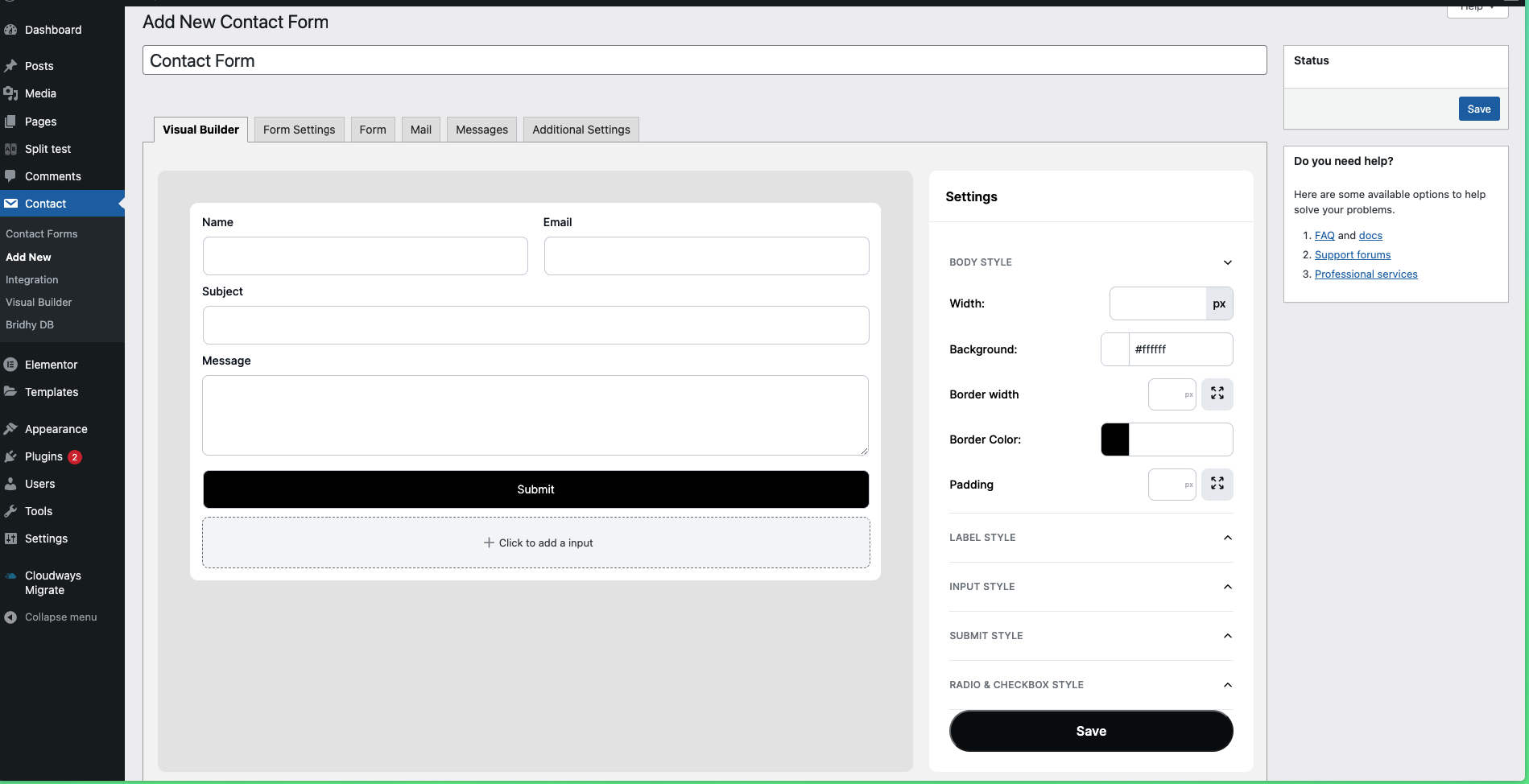
Form Builder
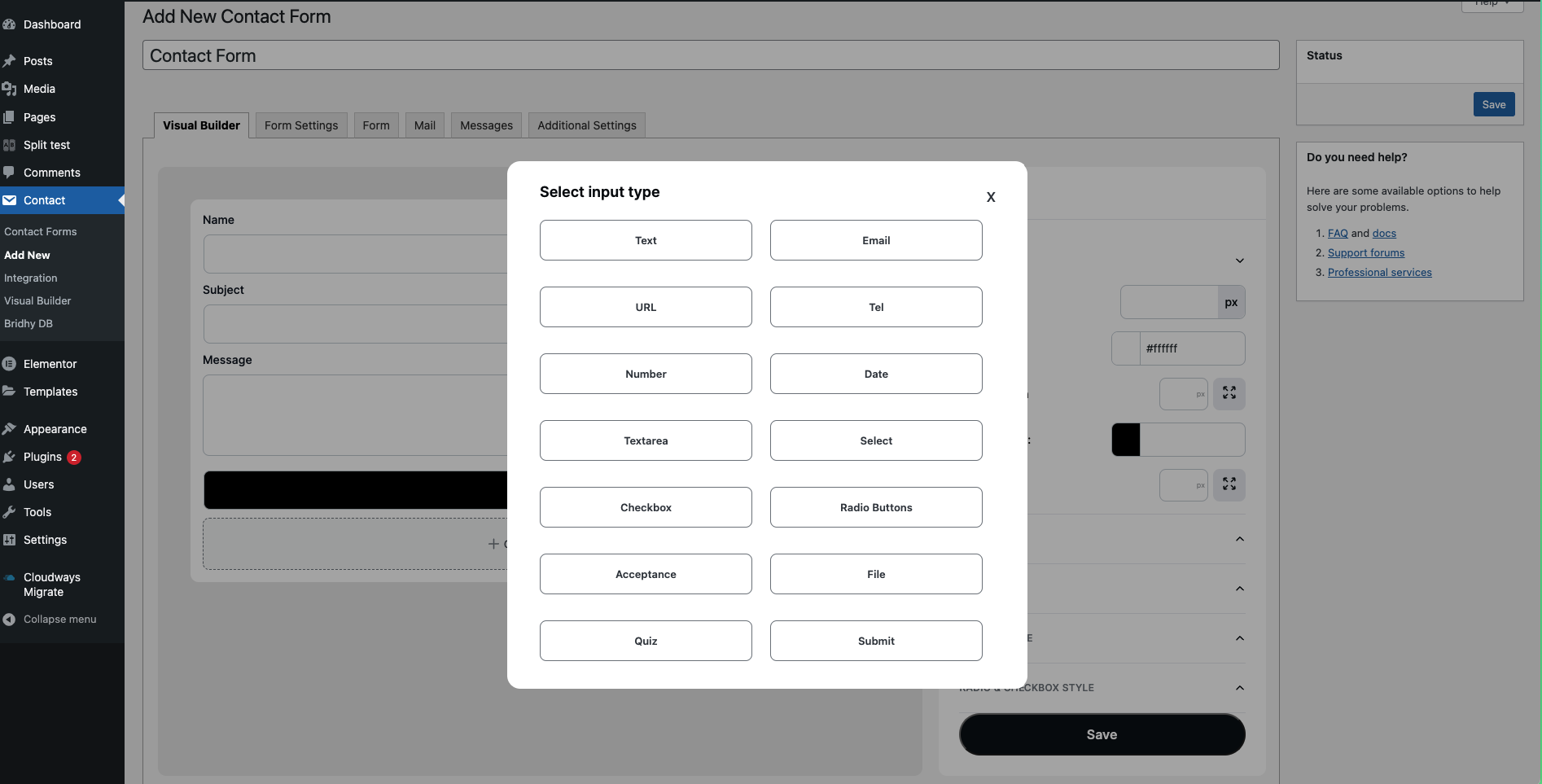
Form Fields
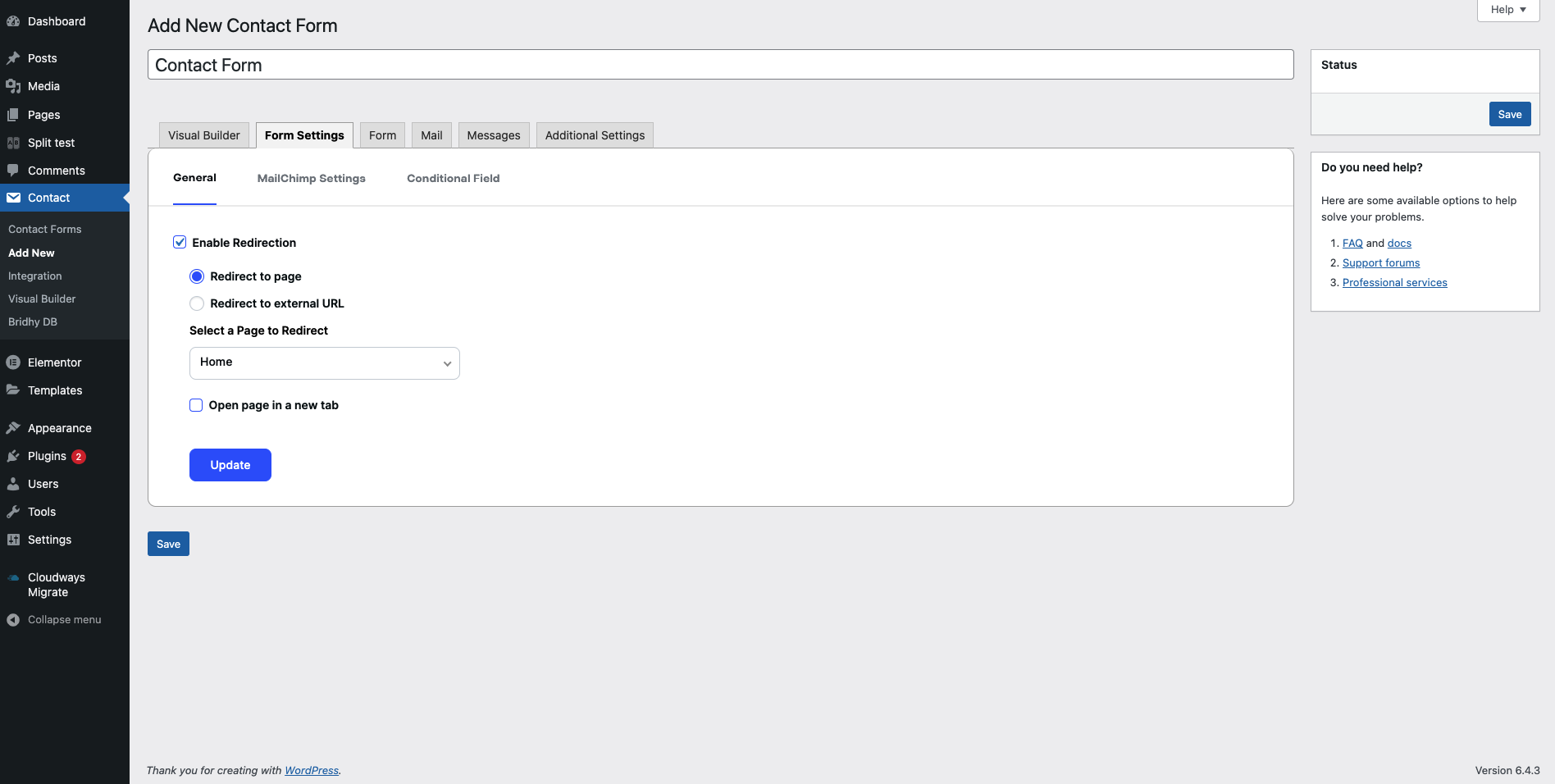
Form Settings
Changelog
1.0.0
Initial release of Bridhy.