
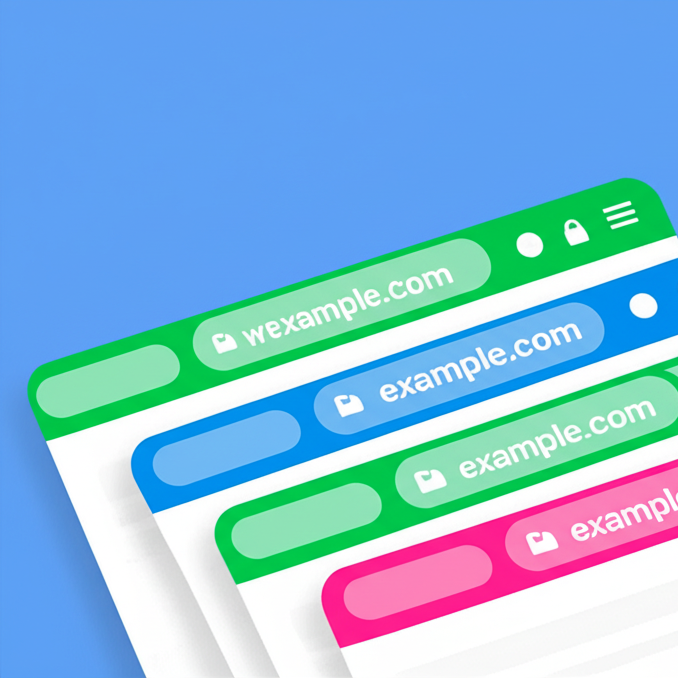
Browser Address Bar Color
Customize your mobile browsing experience by setting theme colors for the address bar of your pages on your WordPress site
Maintenance 40/100323d since update
Active installs
400
Downloads
3,768
Reviews
2
Age
5.0y
Plugin info
Total downloads: 3,768
Active installs: 400
Total reviews: 2
Average rating: 4.5
Support threads opened: 0
Support threads resolved: 0 (0%)
Available in: 1 language(s)
Contributors: 1
Last updated: 5/15/2025 (323 days ago)
Added to WordPress: 4/6/2021 (4 years old)
Minimum WordPress version: 4.6
Tested up to WordPress version: 6.8.3
Minimum PHP version: f
Maintenance & Compatibility
Maintenance score
Stale • Last updated 323 days ago • 2 reviews
40/100
Is Browser Address Bar Color abandoned?
Likely maintained (last update 323 days ago).
Compatibility
Requires WordPress: 4.6
Tested up to: 6.8.3
Requires PHP: f
Similar & Alternatives
Explore plugins with similar tags, and compare key metrics like downloads, ratings, updates, support, and WP/PHP compatibility.
Address Bar Colorizer
Rating 0.0/5 (0 reviews) • Active installs 20
Description
Paint the top address bar of a selected page, you can choose different color for every page.
- Not supported yet in desktop browsers,
Works on Chrome and Samsung Internet mobile browsers
Donations
Installation
- From your WordPress Dashboard go to ‘Plugins’ > ‘Add new’ and search for ‘Browser Address Bar Color’.
- Click ‘Install Now’ under the title of the Call Now Button plugin
- Click ‘activate’
- In the wordpress menu click the ‘Appearance’ and you will see the new “Address bar color” settings page, there you can activate and manage the pages and the colors.
Or:
- Click download in this page and download the “browser-address-bar-color.zip” file
- From your WordPress Dashboard go to ‘Plugins’ > ‘Upload plugin’ and select the “browser-address-bar-color.zip” file
- Click ‘install’
- Click ‘activate’
- Activate the plugin through the ‘Plugins’ menu in WordPress
- In the wordpress menu click the ‘Appearance’ and you will see the new “Address bar color” settings page, there you can activate and manage the pages and the colors.
Frequently Asked Questions
You can choose different color for each page of your site or even every post, not only one for all
For now this Html feature (theme-color tag) supported by mobile browsers only
Review feed
mendibass
Perfect
Good and usefull plugin
Screenshots

the result
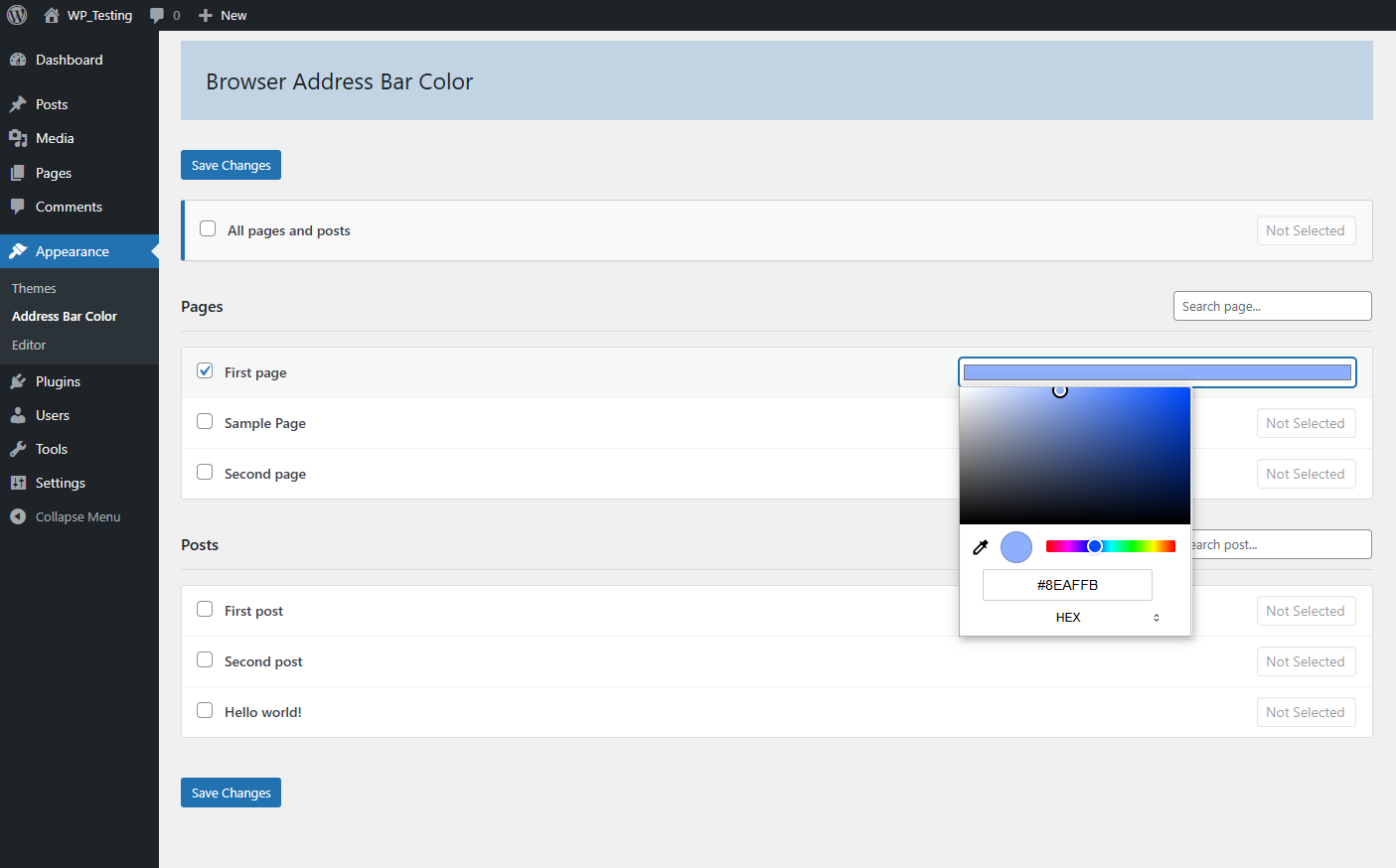
the settings page

the new menu item
Changelog
1.0
- First upload
2.0
- Option to color single post, bug fixed
3.0
- Search pages in the list
3.2
- PHP 8 compatibility
3.3
- tested up to wordpress 6.3, bug fixed
3.4
- Tested up to wordpress 6.8, security and style enhancements