

BugFu Console Debugger
Log/Debug the PHP code in your Theme/Plugin with your Browser Console (no extension needed)
Plugin info
Maintenance & Compatibility
Maintenance score
Possibly abandoned • Last updated 1171 days ago • 17 reviews
Is BugFu Console Debugger abandoned?
Possibly abandoned (last update 1171 days ago).
Compatibility
Similar & Alternatives
Explore plugins with similar tags, and compare key metrics like downloads, ratings, updates, support, and WP/PHP compatibility.
Description
Log/Debug the PHP code in your Theme/Plugin with your Browser Console (no extension needed). Made for themes and plugins developers.
HOW TO CHECK IF BUGFU IS WORKING
Open your Browser Console, if you see this header, BugFu is working properly
################################
#### BugFu Console Debugger ####
################################
HOW TO OPEN YOUR BROWSER JAVASCRIPT CONSOLE
If you’ve never used the Browser JavaScript Console before, here’s how you open it:
- Chrome PC shift+ctrl+j – Chrome Mac alt+cmd+j
- Firefox PC shift+ctrl+k – Firefox Mac alt+cmd+k
- Safari PC shift+ctrl+c – Safari Mac alt+cmd+c
HOW TO USE BUGFU WITH WORDPRESS
Call the log static method from wherever you are within the WordPress PHP code
DEVELOPERS
Official Github repository:
https://github.com/fedeandri/bugfu-console-debugger
Installation
- Unzip the plugin file bugfu-console-debugger.zip
- Upload the unzipped folder “bugfu-console-debugger” to the
/wp-content/plugins/directory of your WordPress blog/website - Activate the plugin through the ‘Plugins’ menu in WordPress
Frequently Asked Questions
Review feed
Good plugin
Must have for developers
Very useful !
Easy to use and works well
Screenshots
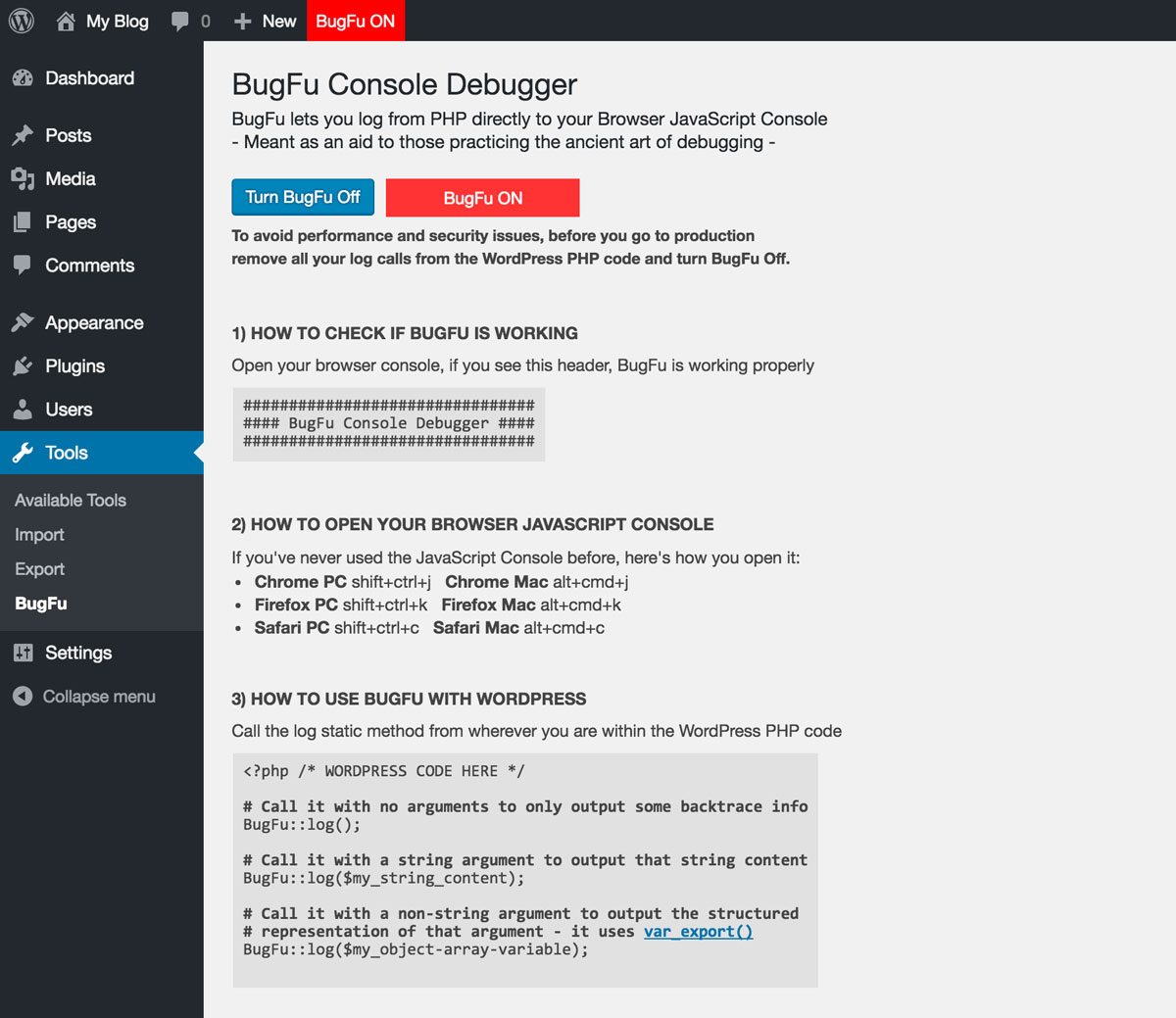
The admin page when BugFu is ON

The Browser JavaScript Console when BugFu is ON

The admin page when BugFu is OFF
Changelog
1.3
- Adds the ability to log from the WordPress login page
- Fixes a minor CSS issue
1.2.4
- Adds compatibility with old PHP versions (tested from 5.3)
1.2.3
- Updates and simplifies the AJAX calls debugging feature
1.2.2
- Prevents PHP notice when not logging from a class
1.2.1
- Update the AJAX calls debugging feature to avoid CPU overload
1.2
- Adds the ability to debug AJAX calls
1.1
- Fixes a bug that made it look like BugFu constantly needed to be updated (thanks to Jonathan Bossenger)
- Adds a second optional argument to the log method, in order to allow you to turn off the backtrace info which is on by default
1.0
- First version, log your debug messages from PHP directly to your browser JavaScript console