

Build App Online
This plugin helps you build and run a blog or e-commerce mobile app. Create your mobile app for WordPress blogs or WooCommerce in 5 minutes—no coding …
Plugin info
Maintenance & Compatibility
Maintenance score
Possibly abandoned • Last updated 487 days ago • 6 reviews
Is Build App Online abandoned?
Possibly abandoned (last update 487 days ago).
Compatibility
Similar & Alternatives
Explore plugins with similar tags, and compare key metrics like downloads, ratings, updates, support, and WP/PHP compatibility.
Description
Looking to create a mobile app for your WooCommerce store or WordPress blog without any coding? The Build App Online plugin allows you to build a fully functional mobile app in just 5 minutes, with no technical expertise required. Whether you’re managing an e-commerce business, a grocery store, or a fashion website, this plugin is designed to convert your WordPress website into an engaging mobile experience.
With Build App Online, you can easily create mobile apps for both Android and iOS, customize app themes, and integrate advanced features like Google login, OTP authentication, and push notifications. The plugin offers seamless integration with WooCommerce, allowing you to sync products, orders, and payments with your mobile app.
Key features include:
– Quick and easy mobile app creation for WooCommerce and WordPress blogs in under 5 minutes.
– Customize your app’s theme, colors, layout, and design without writing a single line of code.
– Full integration with WooCommerce, enabling you to manage your store, sync inventory, process orders, and accept payments directly through the app.
– Add advanced features like Firebase push notifications, Google login, and OTP authentication for enhanced user engagement.
– Generate Android APKs and iOS AppBundles for publishing your app on the Google Play Store or Apple App Store.
– Build apps for multiple industries including grocery stores, fashion, and blogs.
– Regular updates and continuous support to ensure your app is always running smoothly.
This plugin is perfect for businesses looking to expand their reach by offering a mobile app alongside their website, increasing user engagement and driving more sales. With Build App Online, you can quickly create a professional mobile app that integrates seamlessly with your WooCommerce store, enhancing your customers’ shopping experience on mobile devices.
Start building your app today and take your WooCommerce store or WordPress blog to the next level!
Key Features:
1. Create mobile apps for WooCommerce stores or WordPress blogs.
2. No coding required—set up in 5 minutes.
3. Customize app themes, colors, and layouts easily.
4. Integration with Firebase for push notifications, Google login, and OTP login.
5. Generate Android APKs and iOS AppBundles for Play Store and App Store submissions.
6. Payment gateway support.
7. Unlimited app builds and updates.
8. Access to Flutter source code.
9. Build apps using Android Studio or iOS apps using Android Studio (Mac required).
10. Razorpay payment gateway integration.
11. Firebase chat integration.
12. WooCommerce reward points and order status updates.
Steps to Build Your Mobile App:
- Install this plugin.
- Visit https:/apps.taqnix.com/build.
- Enter your purchase code:
- BUILDAPPONLINE (for WooCommerce)
- BUILDBLOGAPP (for WordPress Blog)
- BUILDWEBAPP (for Web App)
- Enter your site URL.
- Click “Continue.”
- Enter your app name.
- Provide your WooCommerce consumer key and secret.
- Upload your app logo, icon, and splash screen.
- (Optional) Enter Google Maps API key.
- Upload GoogleService.json (for Firebase).
- Select APK for testing or AppBundle for Play Store submission.
- Click “Save” and “Build.”
- Download your app and upload it to the Play Store.
Steps to Customize Your Mobile App:
- Download “Design My App” from the Play Store here.
- Or, download it from the Apple Store here.
- Go to “Settings” in the app.
- Add your website.
- Log in with your site’s admin/editor credentials.
- Customize the app theme, colors, app bar, and buttons etc.
- Save the changes.
For more details, email us at [email protected].
1. How to Build App Online
2. How to Customize Your App
3. How to Build a Mobile App for Grocery Store
4. How to Integrate Firebase into Your App
Installation
- Upload the plugin files to the
/wp-content/plugins/directory, or install the plugin through the WordPress plugins screen directly. - Activate the plugin through the “Plugins” menu in WordPress.
- Follow the steps in the description to create your mobile app.
Frequently Asked Questions
Yes, you can build apps online up to 5 times for a single site for free.
Follow our YouTube guides to build your app:
* Build App Online
You must integrate Firebase into your app. Google login and OTP login do not work in test APKs. These features will function properly when you upload the app bundle to the Play Store and integrate Firebase. Watch our Firebase integration video.
Ensure you add a privacy policy on the Play Store. In the Play Console, navigate to Policy > App content > Privacy Policy and provide the URL of your privacy policy.
Install the TeraWallet plugin (version 1.3.10) for wallet functionality. Download it here.
Refer and earn works with Dynamic Links and the TeraWallet plugin.
Follow our Firebase dynamic link setup and install TeraWallet (version 1.3.10).
Review feed
Mobile app for WooCommerce
Screenshots
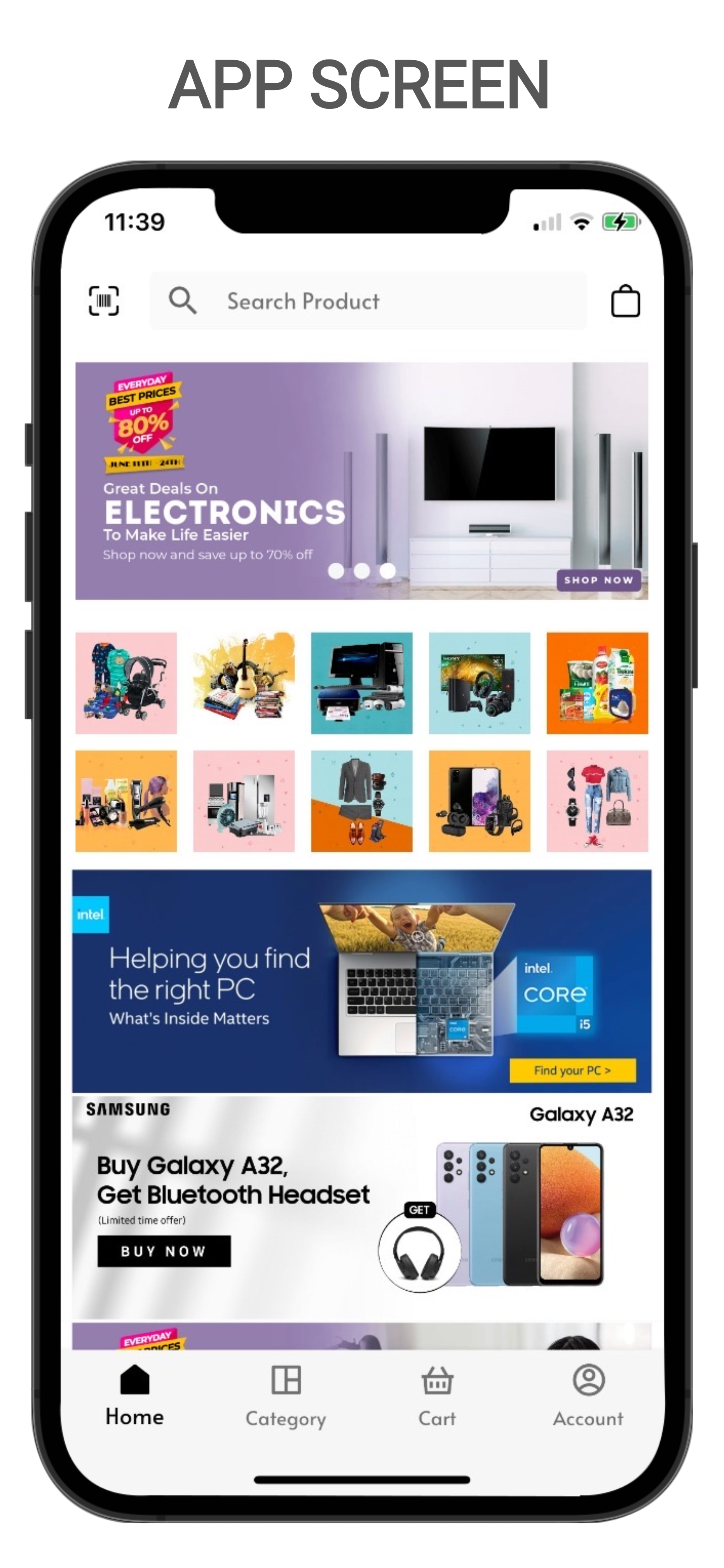
Home screenshot screenshot-1.png.

RTL screenshot screenshot-2.png.

Category screenshot screenshot-3.png.

Cart screenshot screenshot-4.png.

Checkout screenshot screenshot-5.png.
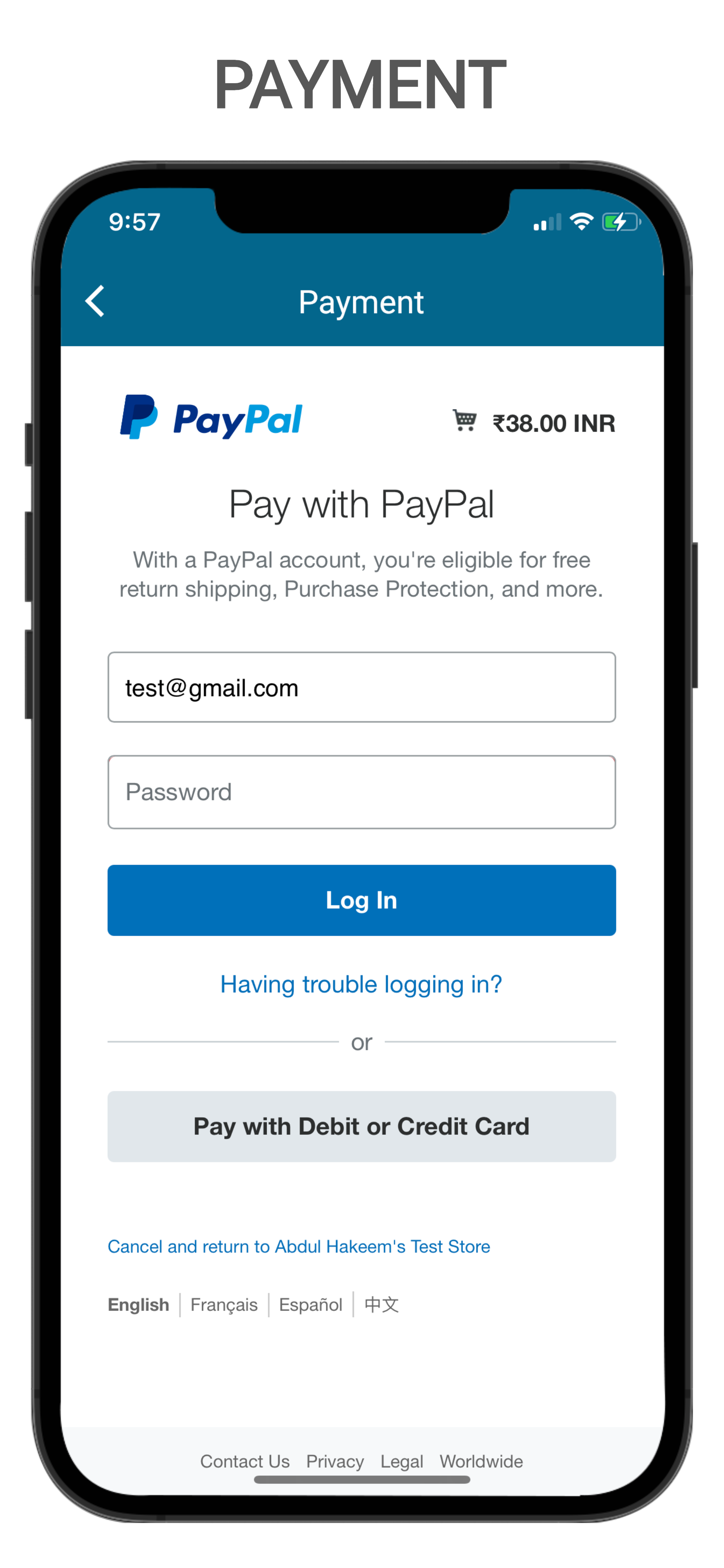
Payment screenshot screenshot-6.png.

Account screenshot screenshot-7.png.

Design app screenshot screenshot-8.png.

Design app screenshot screenshot-9.png.
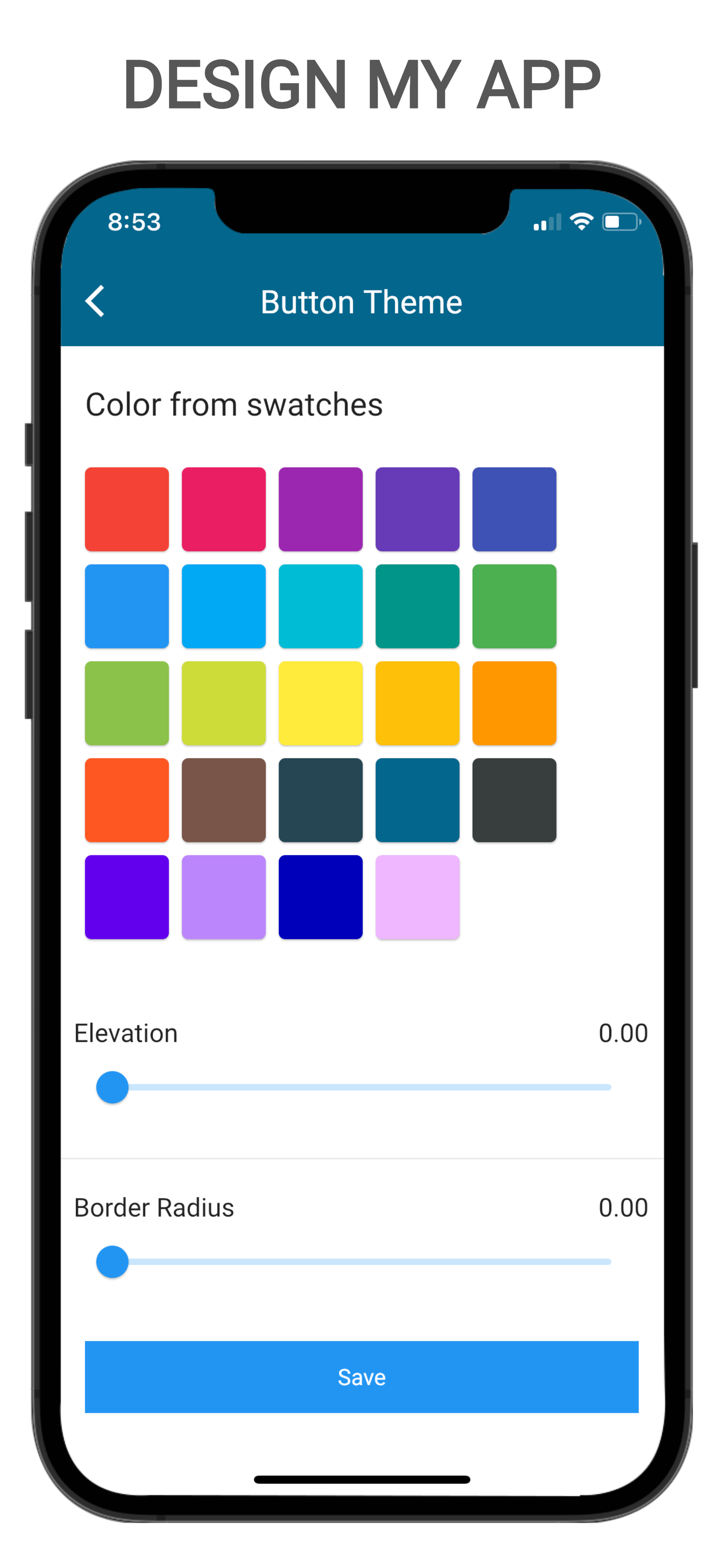
Design app screenshot screenshot-10.png.

Template screenshot screenshot-11.png.

Template screenshot screenshot-12.png.
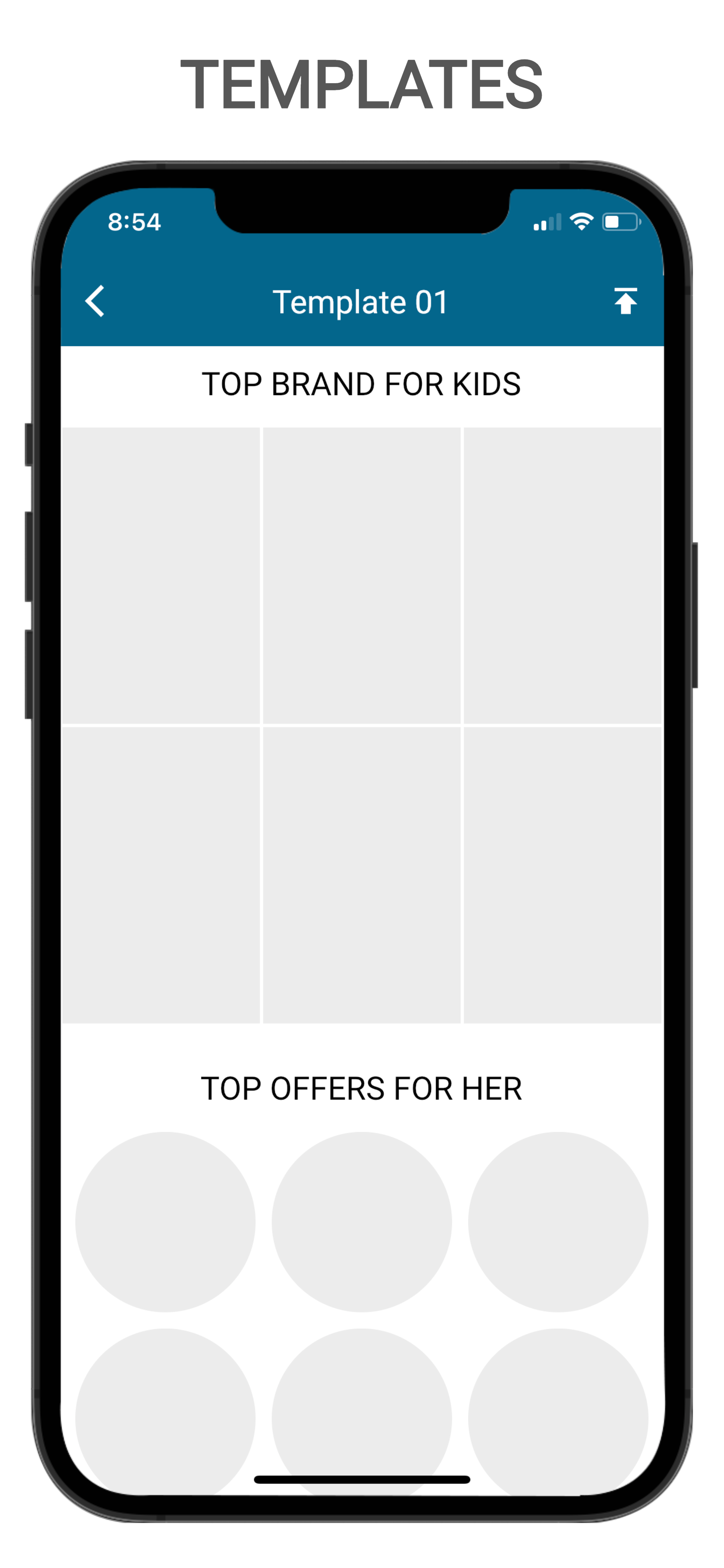
Template screenshot screenshot-13.png.
Template screenshot screenshot-14.png.

Template screenshot screenshot-15.png.

Template screenshot screenshot-16.png.
Changelog
1.0.1
- Initial release.
1.0.2
- WordPress Post.
1.0.3
- Bug fix.
1.0.4
- Bug fix.
1.0.5
- My Templates.
- Build app for wordpress blog.
1.0.6
- Bug fix
1.0.7
- WooCommerce Reward and points
1.0.8
- WooCommerce order status
1.0.9
- Native razorpay pyament
- Firebase chat
1.0.10
- Bug fix
- Firebase chat
1.0.11
- App Pages
1.0.12
- Bug fix
1.0.13
- Bug fix
1.0.14
- Bug fix
1.0.15
- Bug fix
1.0.16
- Bug fix
1.0.17
- Bug fix
1.0.18
- Bug fix
1.0.19
- Bug fix
1.0.20
- Bug fix
1.0.23
- Security fix