

Builderall for WordPress
Bring Builderall’s powerful tools to your WordPress site a drag and drop page builder, popups, social proof, and more.
Plugin info
Maintenance & Compatibility
Maintenance score
Maintained • Last updated 179 days ago • 8 reviews
Is Builderall for WordPress abandoned?
Likely maintained (last update 179 days ago).
Compatibility
Languages
Similar & Alternatives
Explore plugins with similar tags, and compare key metrics like downloads, ratings, updates, support, and WP/PHP compatibility.
Description
Supercharge your WordPress site with Builderall.
This plugin connects your site to the Builderall platform, unlocking an entire suite of marketing and engagement tools—all without leaving WordPress.
✅ Drag-and-drop Builder – Build and publish stunning pages with Builderall’s visual editor.
✅ Social Proof Popups – Increase trust and conversions with real-time visitor activity alerts.
✅ Exit-Intent Popups – Capture leads before they leave your site.
✅ Live Chat Support – Add real-time communication to improve user engagement.
✅ More Supercharge Tools – Access even more tools from your Builderall Supercharge Bundle, all in one plugin.
Whether you’re a creator, entrepreneur, or small business owner, this plugin gives you the power of Builderall directly inside your WordPress workflow.
Try it now and elevate your website experience—without switching platforms.
Installation
- Navigate to Plugins > Add New
- Click Upload plugin and upload
builderall-cheetah-for-wp.X.X.X.zipor search for “Builderall Builder for WordPress” - Install and activate the plugin
Frequently Asked Questions
Review feed
This website builder is amazing!
Perfect for everyone!
Screenshots
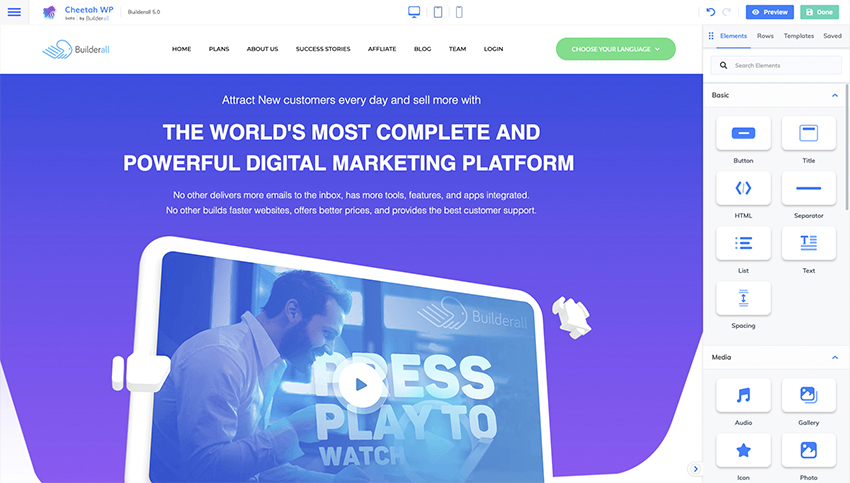
Editor main area
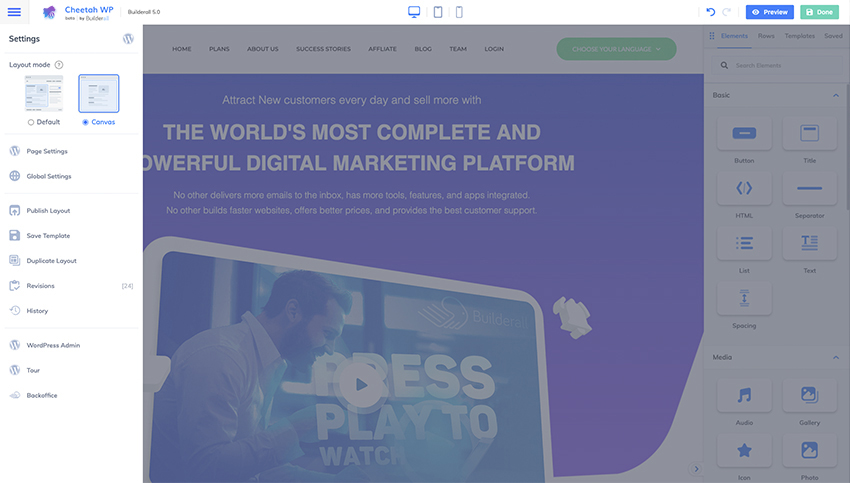
Menu and Canvas mode
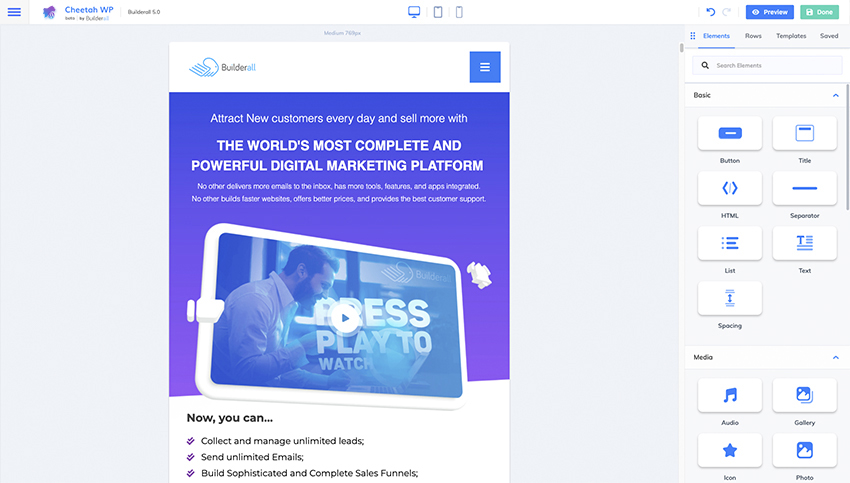
Tablet editing

Mobile editing
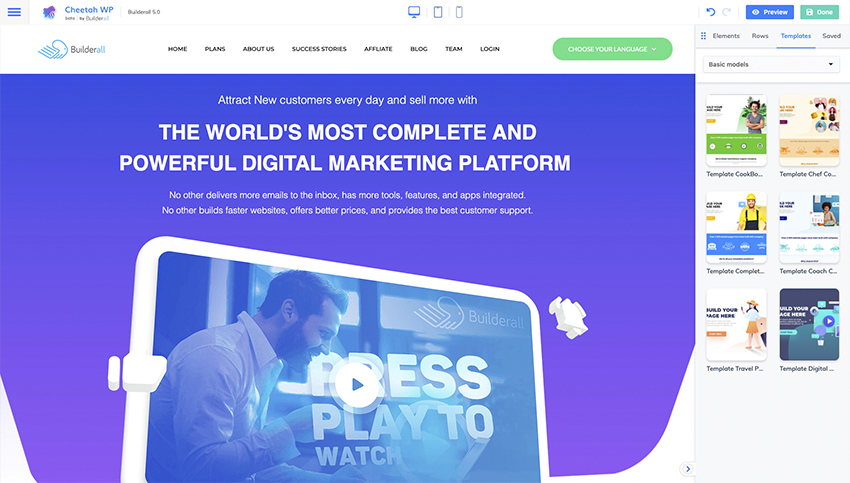
Templates gallery
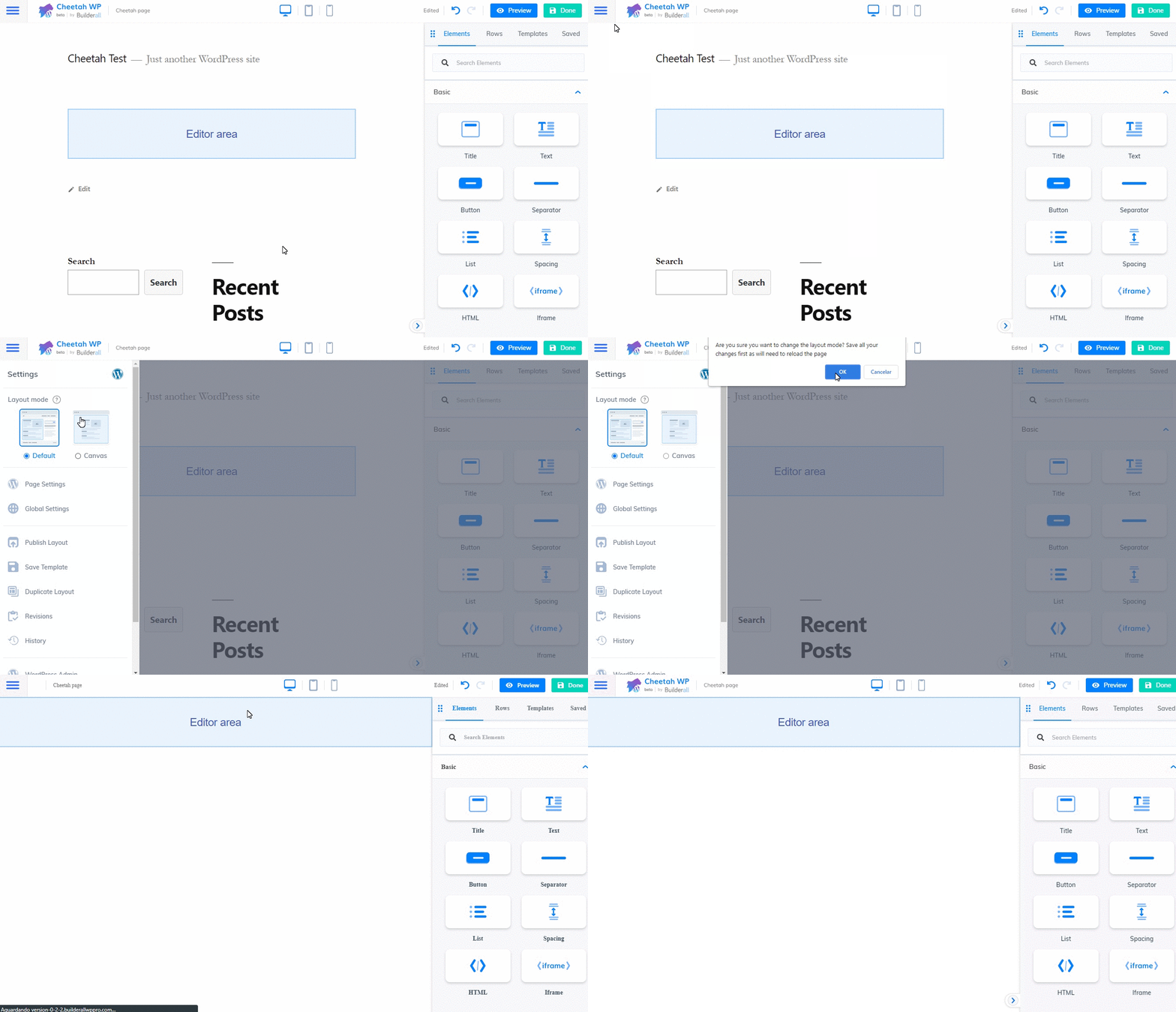
Activating Canvas Mode
Changelog
3.0.0
- New: In addition to a page builder, the plugin now allows you to enable a bundle of marketing tools
- Improvement: Better organization of menus and administrative tabs
- Fix: creating page without title
2.0.5
- Added support to WordPress 6.7.1
2.0.4
- Performance improvement in Supercheckout element
2.0.2
- Fix: security fixes
2.0.1
- Improvement: allow webp image upload
- Fix: image alt text not showing
- Fix: button color conflict
2.0.0
- New: Cheetah Builder for WordPress is now Builderall Builder for WordPress!!
- New: Slideshow – select to show Thumbs or Buttons bar (Previous, Thumbs, Caption, Play/Pause, Fullscreen and Next) and position top or bottom
- New: Slideshow Caption – text for link Read More and Less, number of words show in the caption and strip HTML tags
- New: Slideshow Overlay – show icons in overlay bar, hide this bar on mouse move and delay to hide
- New: Slideshow Thumb – pause on click, transition speed, horizontal spacing, image width and image height
- New: UTM Bindings – if your Mailingboss form page has UTM parameters, they will be sent to the lead record automatically
- Improvement: choose default image for post
- Improvement: Spanish translation texts
- Fix: automatic close menu on mobile
- Fix: incompatibility on scroll animation
1.1.0
- New: Facebook Pixel integration
- New: Recaptcha v2 in Mailingboss form
- Improvement: reload button for popups, footers and headers list in page settings
- Improvement: new settings for Sticky video: close button, position, size, margin and toggle on mobile
- Improvement: integrations admin tab
- Improvement: menu item text color on hover
- Bug: automatic resizing of fixed-width images on mobile
- Bug: when applying template with Mailingboss list already configured
- Bug: “Sticky” (and “Autoplay” for embeds) video option doesn’t work
- Bug: fixed duplicate loading of page scripts
- Bug: word wrap on pricing table features
1.0.1
- Improvement: integrations adjusts
1.0.0
- Improvement: Implemented caching of Mailingboss form fields structure
- Improvement: template listing performance
- Fix: All available templates were not displayed
- Fix: Dynamic loading of nested element dependencies
- Bug: Menu items don’t align right on mobile
- Bug: loading element assets inside popup
0.6.1
- Improvement: background image in the progress element
- Improvement: option to hide mailingboss form labels and choose placeholder content
- Bug: fixed carousel image aspect ratio
- Bug: fixed Builderall media pagination
- Bug: fixed responsive option for float button
- Bug: field font was lost when saving
- Bug: required mailingboss checkbox field was not validated
- Some code and usability improvements
0.6.0
- New: Progress Bar element
- New: Counter element
- New: Carousel element
- New: Floating Buttons element
- Improvement: Action to redirect to a URL when timer element runs out
- Improvement: You can configure whether you want to create new pages in canvas mode or in default mode
- Improvement: Builderall watermark with affiliate link
- Bug: Button icon position in the posts element
0.5.0
- New: Map element
- Improvement in the accordion element: option to expand first item and stay open/close others when someone is open
- Improvement in the posts element: select which fields show to post/pages(date, hour, author comments and category) and product (category and price).
- Improvement in the price table: added ribon option
- Improvement: added rem, vh and % units at iframe height
0.4.3
- Improvement: popup and video action on button, image and card elements
- Improvements in the price table: container gradient, text editor in features list, icon position and size, spacing between prices and resources
- Improvements in the List element: text editor and change position icons
- Release of resources for free users
- Bug: fixed action URL for Mailingboss 5.0 forms
0.4.2
- Improvement: display WooCommerce product price in Posts element
- Improvement: alphabetical order of the row categories
- Improvement: increased the limit of features of the price table
- Improvement: allows to edit the slug of the user templates
- Improvement: added way to display site debug information for support cases
- Bug: posts element button text does not update
- Bug: listing themes instead of WooCommerce products
0.4.1
- Improvement: alignment and RTL in the price table features
- Improvement: allow to show only one group in all Bookings
- Improvement: removed limitation on the number of popups displayed in the selection
- Bug: Mailingboss hidden fields were not being hidden after publishing
- Bug: Was not loading elements styles that are inside the popup
0.4.0
- New: Posts element
- Improvement: usability of the font selector
- Improvement: font weight and italic font in inline text
- Improvement: increased the limit of downloaded themes
- Improvement: alpha and removal of colors from the hamburger menu
- Bug: WordPress widgets are not working
0.3.0
- New: Supercheckout element
- Bug: minor fixes on conflicts with themes
0.2.3
- Improvement: display tour step number
- Improvement: line categories dropdown
- Improvement: alphabetical order in elements search
- Improvement: setting number of columns for Mailingboss form
- Improvement: feedback when token becomes invalid
0.2.2
- Improved listing of templates
- Improved compatibility with php 5.6 and 7.0
- Improvement: Popup action when clicking an image
- Improvement: Button to reload menus, calendars, mailingboss lists, video hostings and webinars without reloading the editor
0.2.1
- Improvement: color picker with default color palette
- Improvement: ordering of elements in the sidebar
- Improvement: templates fetch optimization
- Improvement: popup size setting per popup
- General layout improvements
- Bug: fixed gradient background preview on shape
0.2.0
- New: Canvas mode and Default mode
- New: global background and margin settings
- New: page background and margin settings
- New: tour
- New: spacing element
- New: iframe element
- Improvement: organization of page settings
- Improvement: photo placeholder
- Improvement: color picker layout
- Improvement: templates preview and versioning
- Improvement: refactoring in the template cache method
- Bug: fixed inline editor
- Bug: style conflicts with Twenty Twenty-One
- Bug: fixed background preview
- Plugin Screenshots
0.1.3
- Bug Fixes
0.1.2
- Cover photo and icon
0.1.1
- Initial release.