

Bulk Post Update Date
Change the Post Update date for all posts and pages in one click. This will help your blog in search engines and your blog will look alive.
Plugin info
Maintenance & Compatibility
Maintenance score
Possibly abandoned • Last updated 608 days ago • 18 reviews
Is Bulk Post Update Date abandoned?
Possibly abandoned (last update 608 days ago).
Compatibility
Similar & Alternatives
Explore plugins with similar tags, and compare key metrics like downloads, ratings, updates, support, and WP/PHP compatibility.
Description
Change the Post Update date for all posts and pages in one click. This will help your blog in search engines and your blog will look alive. Do this every week or month.
Why Change the Update/Modified Dates of posts or Pages?
With massive increasde in blogs and content, now search engines like Google do rank the newly added or modified content higher than the older one. If the article was published in the past, Google thinks it is no longer relevent and de-ranks that. It is recommended by SEO experts that you should update the content regularly.
If you update the posts manually, it would require a lot of effort weekly. If you have articles 500+ imagine how much time it would take you to do manually? This plugin will assist you in this regard and with only one click you are good to go.
Features
- Update Posts Modified date in bulk
- Update Pages Modified date in bulk
- Update Any Custom Post Type dates in bulk
- Update Post Comments dates in bulk
- It Randomly distributes dates so it look realistic in the eyes of search engines
- Select Custom Interval or Date Range
- Apply on posts from specific categories
- Apply on specific pages
- Option to change Published Date or Modified Date
Support
- Community support via the support forums at WordPress.org.
Installation
There are 3 methods to install this plugin
1. Search ‘Bulk Post Update Date’ in WordPress plugins repo and click install.
2. Download this zip file and upload to your WordPress add new plugin page.
3. Clone this repo and upload the files to your WordPress installation plugins folder via FTP.
After you have installed the plugin, activate the plugin and go to Settings >> Bulk Post Update Date and click Update
Frequently Asked Questions
Yes, It is perfectly fine to use this plugin, as it almost emulate the human activity with it’s random timestamps but look for google updates and use it on your own risk.
Yes. You can access this from ‘Settings > Bulk Post Update Date’.
Yes, I would love to. You can contact me via my website or my donation page.
Review feed
Outstanding
Screenshots
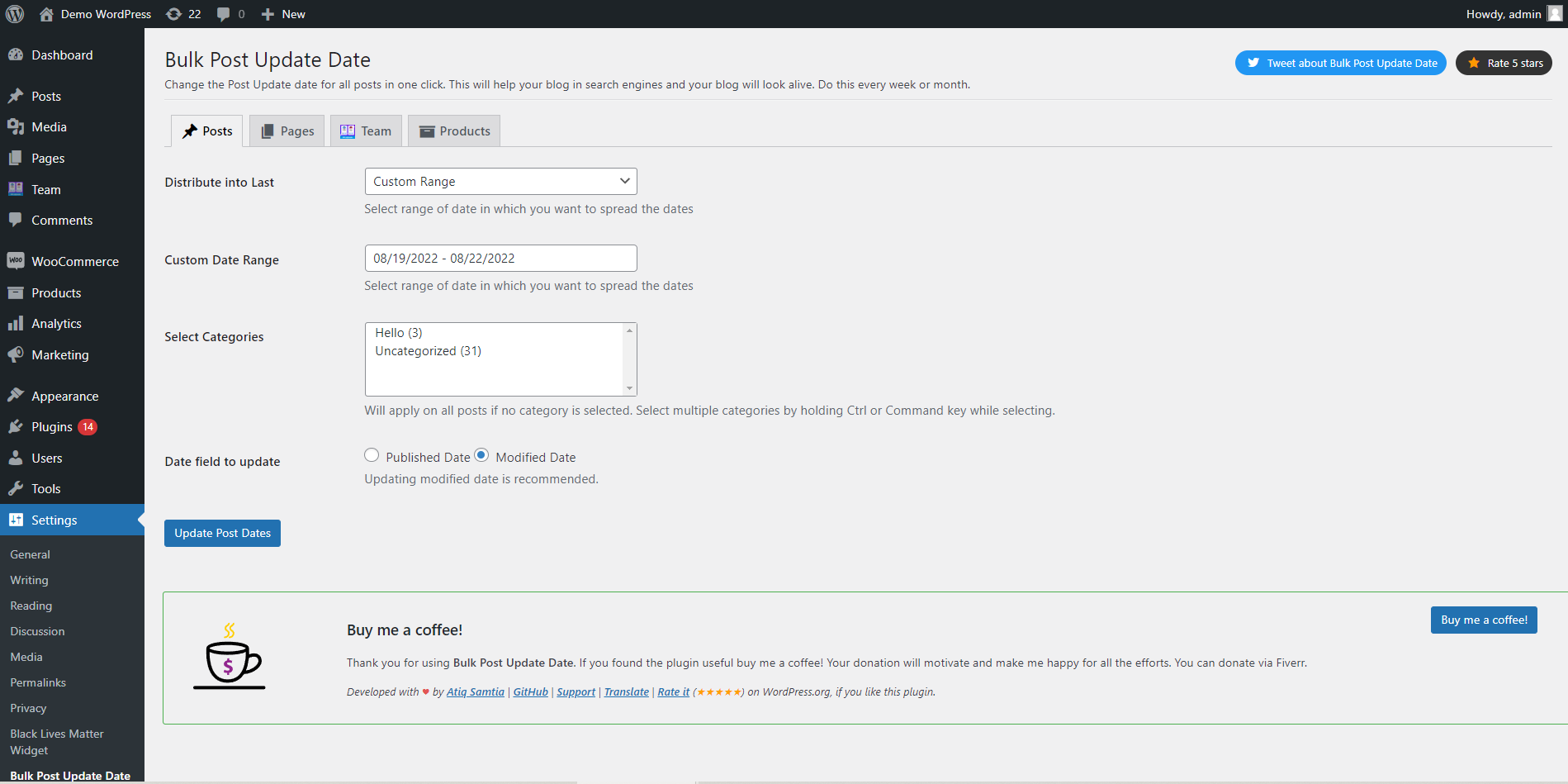
Apply on Posts
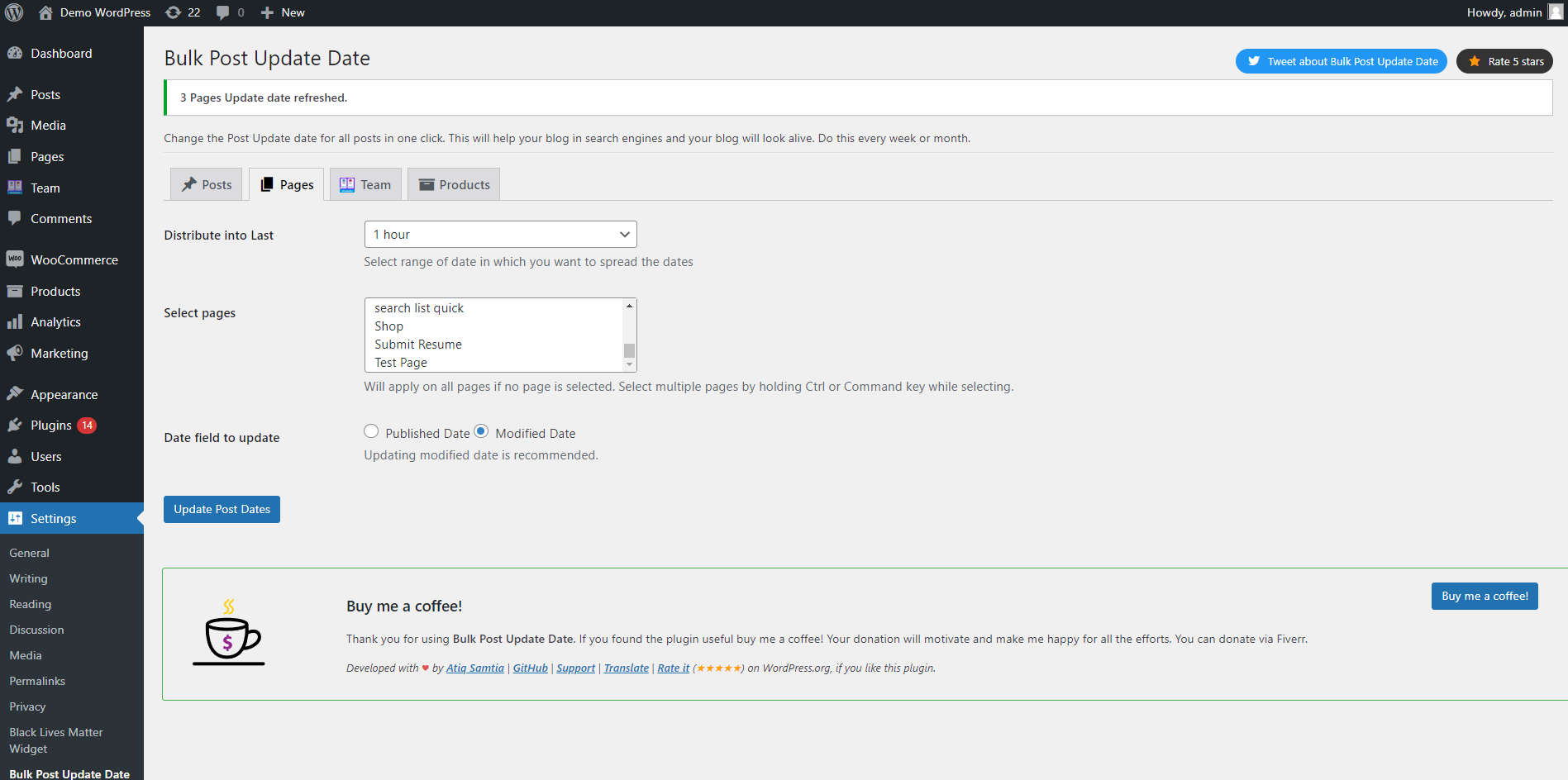
Apply on Pages
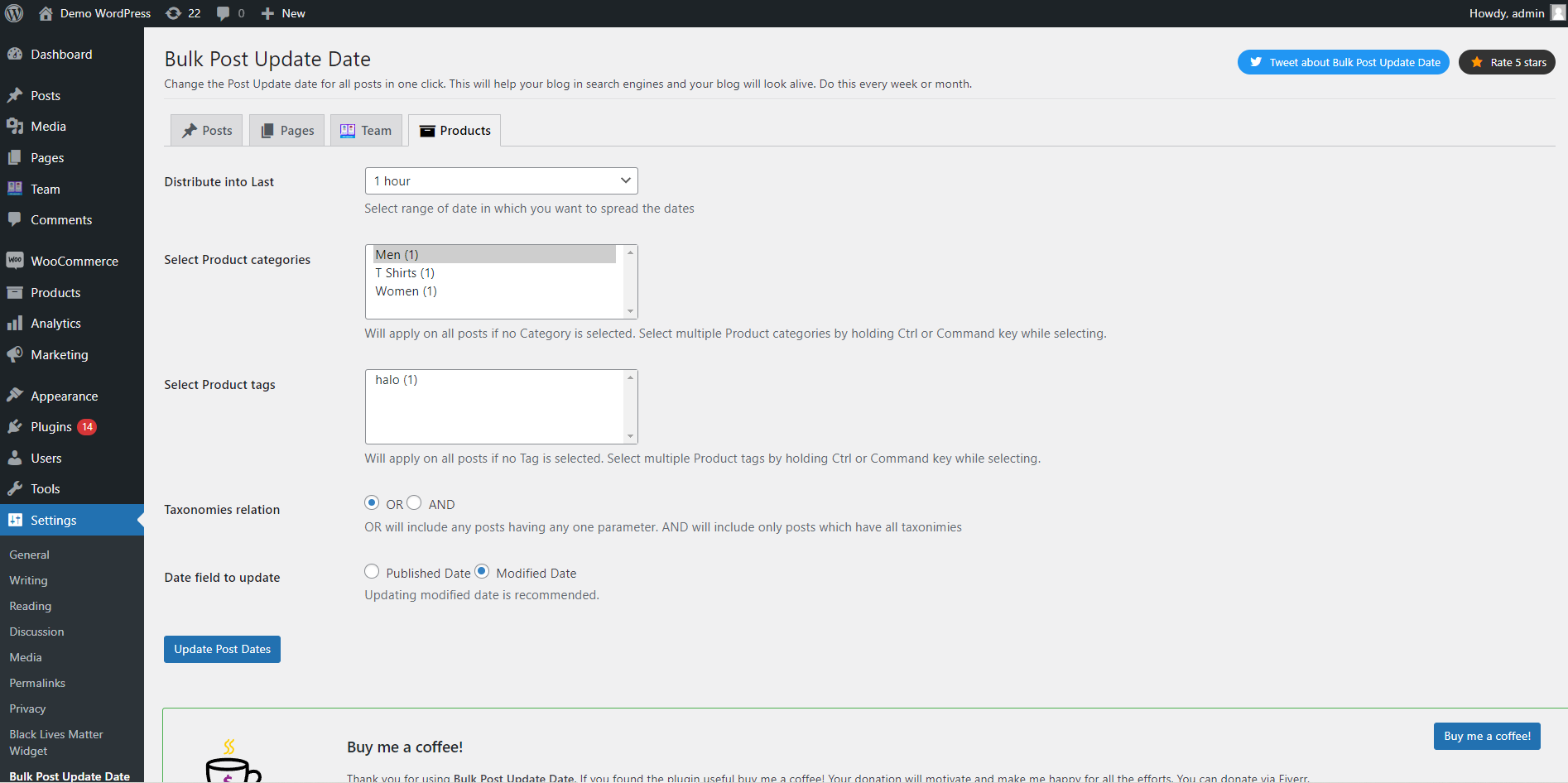
Custom Post Type Supported
Changelog
1.5.0
- Post Comments date update added.
1.4.0
- Custom Post Types support added.
1.2.0
- Update Post published dates as well.
1.2.0
- Added pages support
1.1.3
- Added Translation support
1.1.2
- Added support for Uncategorized
1.1.0
- Added support for custom interval
- Added support for custom date range
- Added support for Categories
1.0.0
- Initial release.