

Button Block – Get fully customizable & multi-functional buttons
Get multi-functional buttons
Plugin info
Maintenance & Compatibility
Maintenance score
Stale • Last updated 352 days ago • 6 reviews
Is Button Block – Get fully customizable & multi-functional buttons abandoned?
Likely maintained (last update 352 days ago).
Compatibility
Languages
Similar & Alternatives
Explore plugins with similar tags, and compare key metrics like downloads, ratings, updates, support, and WP/PHP compatibility.
Description
Get multi-functional buttons. The Button Block plugin comes up with many useful styling options that make you happy to build responsive, interactive, stylish buttons in a few clicks.
Features
-
Download: Download files with this button easily.
-
Icon: Add icon with button text.
-
Tooltip: Show tooltip text on button hover.
-
Size: Make the button small, medium, large, extra large also full width.
-
3D: Make button 3D with just single click.
-
Animation: Lots of animation style with duration.
-
Hide Menu: Hide Button block option from admin menu.
Pro Features
-
Button Action: Use the button as a link or popup trigger.
-
rel Attribute: Add the rel/relation attribute to the anchor link.
-
referrer-policy Attribute: Add the Referrer Policy attribute to the anchor link.
-
Download File Name: For the download, enter a custom name for the download file.
-
Icon Position: Set the icon position to the left or right.
-
Tooltip Position: Choose a different position for the tooltip.
-
Hide on Devices: Hide on various devices (desktop, tablet, and mobile).
-
Popup Content: Show Image, Audio, Video, Block Content, Document(.pdf, .doc, .docx, .xls, .xlsx), and Iframe.
-
Security Features: Login, Password , Email Required.
How to use
- First, install the Button Block plugin
- Add the Button Block from the block category called “Widgets” in the Gutenberg editor.
- You can change block settings from the right-side settings sidebar.
-
Enjoy!
-
For installation help click on Installation Tab
Feedback
- Did you like this plugin? Dislike it? Have a feature request? Please share your feedback with us
⭐ Check out the Parent Plugin of this plugin-
🔥 b Blocks – Best gutenberg blocks collections for WordPress.
⭐ Check out our other WordPress Plugins-
🔥 Html5 Audio Player – Play .mp3, .wav, and .ogg audio files in WordPress.
🔥 Html5 Video Player – Best video player plugin for WordPress.
🔥 PDF Poster – A fully-featured PDF Viewer Plugin for WordPress.
🔥 Document Embedder – Embed Word, Excel, PowerPoint, Apple Pages, Psd, Pdf and more.
🔥 3D Viewer – Display interactive 3D models on the webs.
🔥 Advanced Post Block – Display your Posts, Custom Post Content and Blogs in a professional way!
Installation
From Gutenberg Editor:
- Go to the WordPress Block/Gutenberg Editor
- Search For Button Block
- Click on the Button Block to add the block
Download & Upload:
- Download the Button Block plugin (.zip file)
- In your admin area, go to the Plugins menu and click on Add New
- Click on Upload Plugin and choose the
button-block.zipfile and click on Install Now - Activate the plugin and Enjoy!
Manually:
- Download and upload the Buttons Block plugin to the
/wp-content/plugins/directory - Activate the plugin through the Plugins menu in WordPress
Frequently Asked Questions
Yes, Button Block is a free Gutenberg block plugin.
Yes, it will work with any standard WordPress theme.
Yes, you can change block settings from the Gutenberg block editor’s right sidebar.
You can use unlimited times as you want.
You can post your questions on the support forum here
Review feed
Screenshots
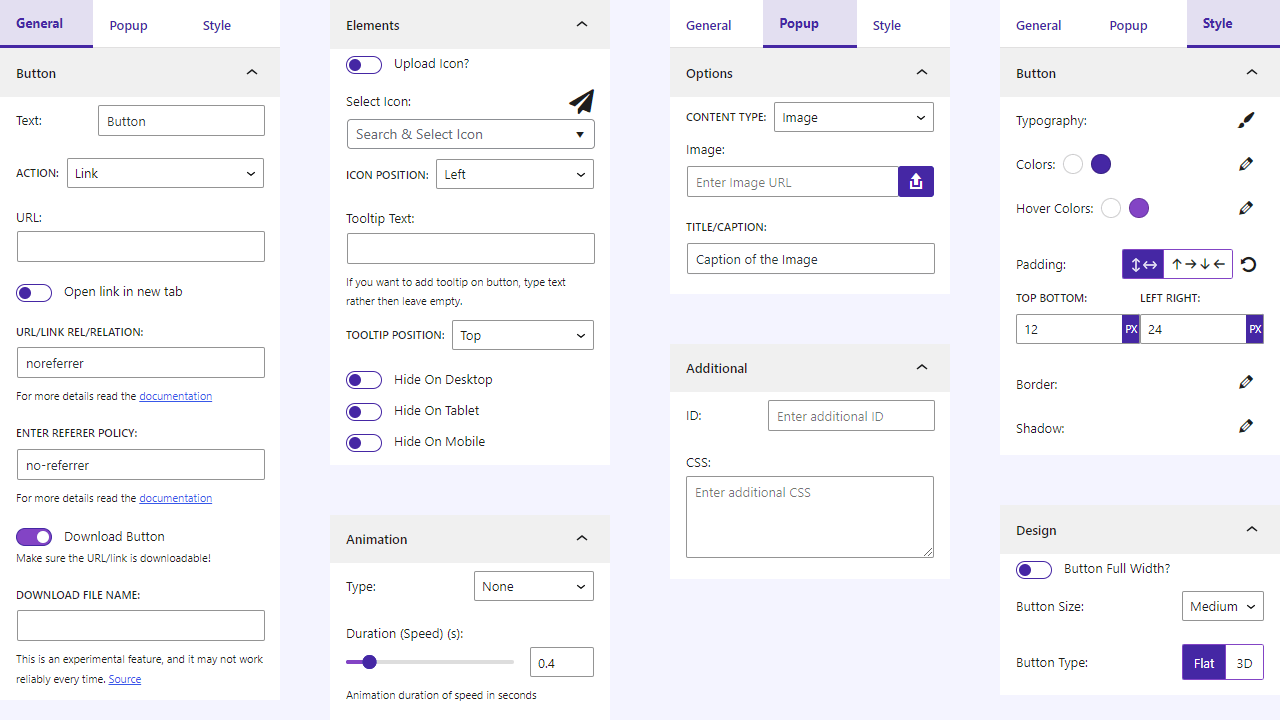
Settings
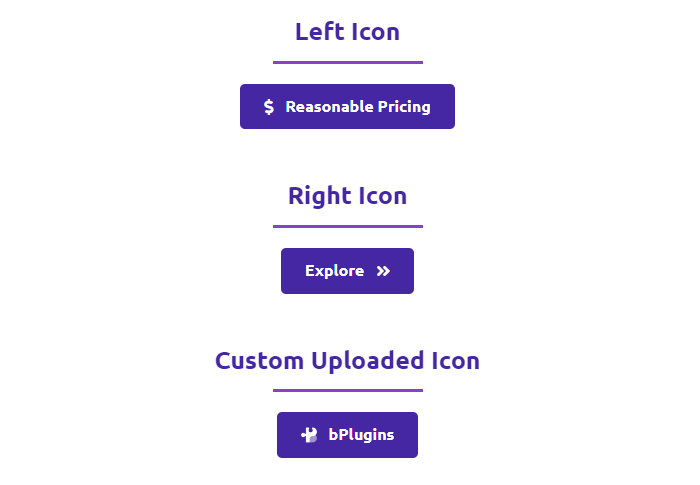
Icons

Tooltips
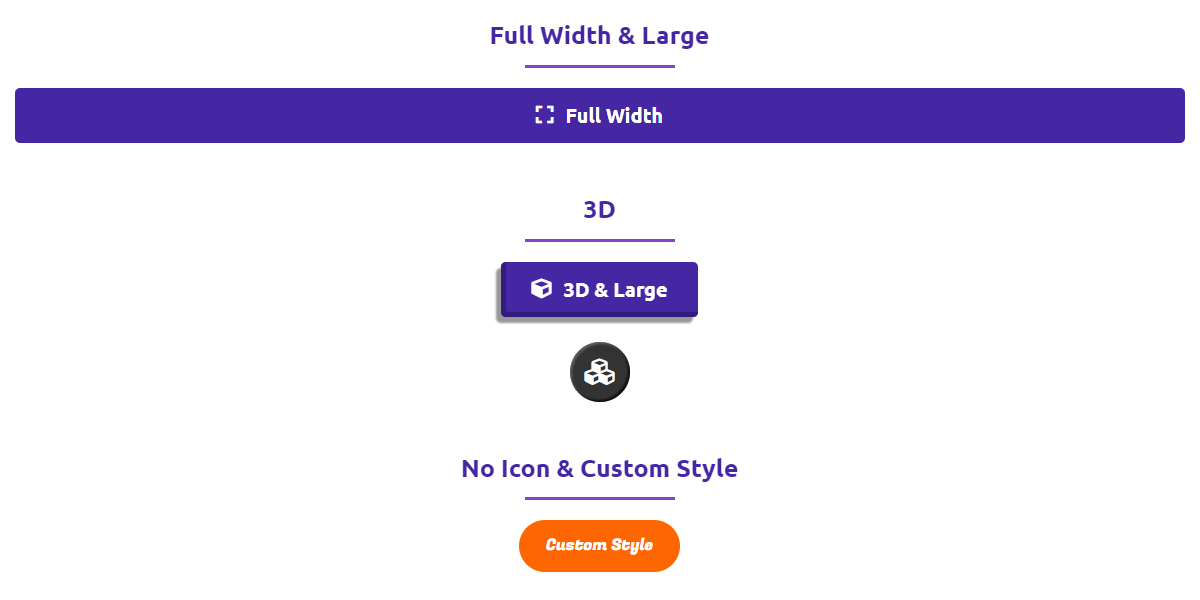
Customized

Popup- Image

Popup- Audio
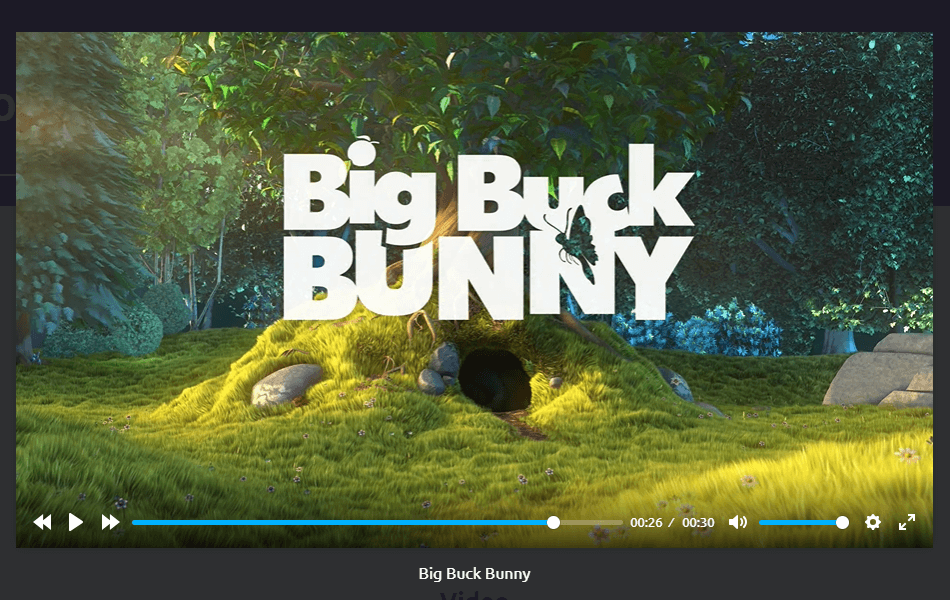
Popup- Video
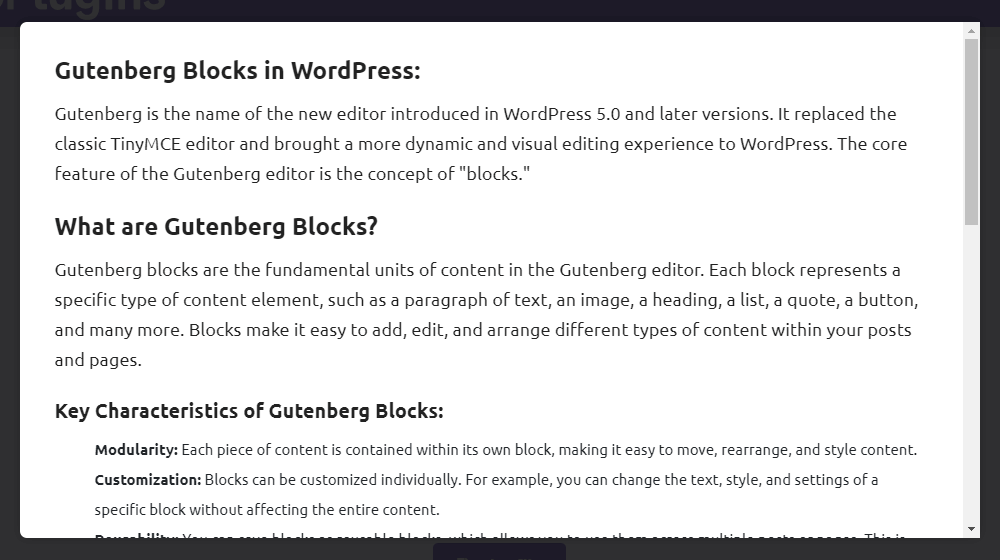
Popup- Content

Popup- Document
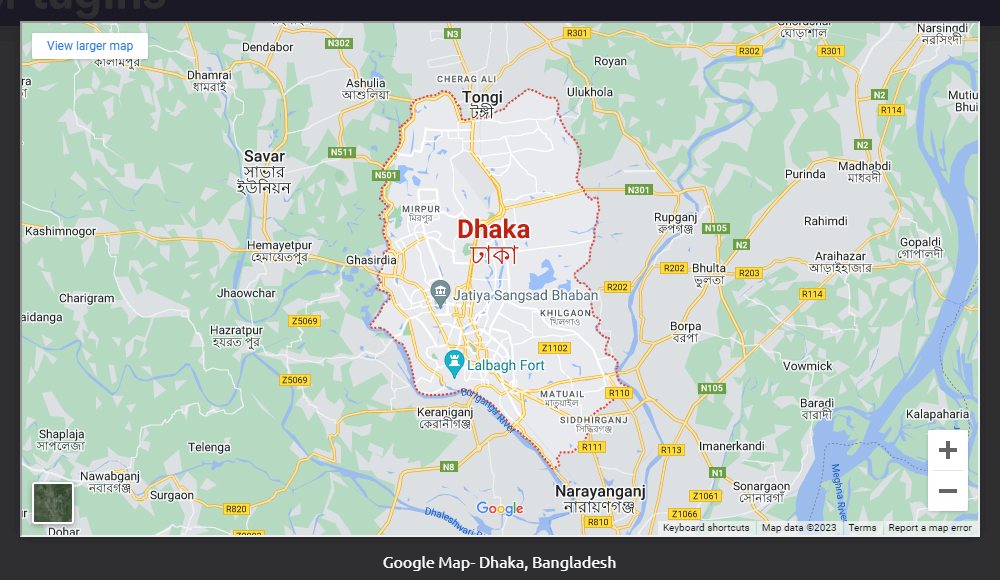
Popup- IFrame
Changelog
1.2.0 – 3 Mar 2025
- URL sanitize.
1.1.9 – 21 Feb 2025
- Text sanitize.
1.1.8 – 27 Jan 2025
- Update SDK.
1.1.7 – 25 Jan 2025
- Fix security issue for button text.
1.1.6 – 16 Dec 2024
- Fix security issue for duplicate post.
1.1.1 – 3 Feb 2024
- Fix activation issue.
1.1.0 – 22 Jan 2024
- General improvements and optimizations.
1.0.9 – 21 Dec 2023
- Update SDK
1.0.8 – 23 Sep 2023
- Update download option notice.
1.0.7 – 20 Sep 2023
- Update SDK and Premium Handling
1.0.6 – 17 Sep 2023
- Open the popup by clicking on the button.
- Add rel, and referrer policy attributes.
- Download file name feature
- Icon and Tooltip Position
- Hide on Devices
1.0.5
- Add option for ID and CSS
- Not load scripts if block is not used.
1.0.4
- Fix editor script load in frontend
1.0.3
- Reduce asset load
1.0.2
- Upload custom icon feature
1.0.1
- Add translate feature
1.0.0
- Initial Release.