
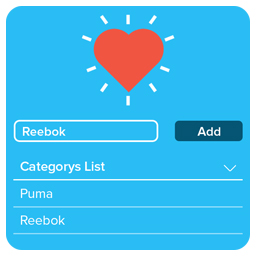
Categorize your Wishlist for Woocomerce,Posts & Custom Post Types
With this WooCommerce wishlist you can add any product to your wish list. Why should such an amazing feature only be restricted to the eCommerce websi …
Plugin info
Maintenance & Compatibility
Maintenance score
Possibly abandoned • Last updated 2659 days ago
Is Categorize your Wishlist for Woocomerce,Posts & Custom Post Types abandoned?
Possibly abandoned (last update 2659 days ago).
Compatibility
Similar & Alternatives
Explore plugins with similar tags, and compare key metrics like downloads, ratings, updates, support, and WP/PHP compatibility.
Description
With this WooCommerce wishlist you can add any product to your wish list. Why should such an amazing feature only be restricted to the eCommerce websites? To break this stereotyping and to improve more facilities for other forms of websites; may it be blog websites, news websites or any other type of websites. Possibilities are endless with “Categorize Your Wishlist For Woocomerce” Wishlist plugin.
“Categorize Your Wishlist For Woocomerce” allows your website users to add their own customized Wishlists. Giving the freedom to personalize their own wishlist buttons to the extent that they can change its text, font, color, positioning, background and much more.
The user gets the freedom to add their own labels which makes it easier for the user to bifurcate their needs properly.
The best part is that a user can add an unlimited number of wishlist labels and also add an unlimited number of posts in each of those labels which could be used for an indefinite period of time.
The user has a choice between three templates for viewing their posts in the wishlist which consist of a list view, grid view and post view.
The admin of the website can select which labels to be features to the users. The admin also gets to observe which posts are the most favorite among the users in a list format with ranking and statistics of how many users have put those post on their wishlist.
“Categorize Your Wishlist For Woocomerce” plugin not only supports WooCommerce like its prevailing competitors but also gives far more by offering compatibility with any other website that wants to use its services.
User’s Wishlist Listing Page
Add below shortcode ti display all wishlist with favourited posts by wishlist
[cwwpcpt-favourite-posts-list]
Compatibility
We understand that every plugin has to be fully compatible with every pre-existing plugins to maintain smooth working of the website with the addition to new features offered by our plugin. As this plugin mainly concerns with WooCommerce plugin we have made sure that it works with all WooCommerce plugins including but not limited to the ones mentioned below:
• WooCommerce Subscription
• WooCommerce Product Bundles
• WooCommerce Booking
• WooCommerce Gift Cards
• WooCommerce Product Table
• WooCommerce Composite Products
As we mentioned that it is not just limited to WooCommerce but to almost any website we have made sure that it remains compatible with all other existing WordPress plugins. To name a few:
• WP Rocket
• WP Super Cache
• W3 Total Cache
• Comet Cache
• WP Fastest Cache
Features
• Unlimited Wishlist labeling with an unlimited addition of posts in each label.
• You can customize every button by your own choice.
• Full compatibility with existing plugins for WordPress and WooCommerce.
• Add to cart button is built in the wishlist.
• Selection from 3 templates for viewing posts in the wishlist.
• WPML support
• Responsive & retina ready
• Popular product statistics for Admin
• Customizable wishlist table
• Wishlist Privacy
If you need support create a topic on support forum
Installation
- Unzip into your
/wp-content/plugins/directory. - Activate the plugin through the ‘Plugins’ menu in WordPress
- update all settings related to plugin if you want customization
- Add above shortcode for Wishlist listing
Frequently Asked Questions
Review feed
Screenshots
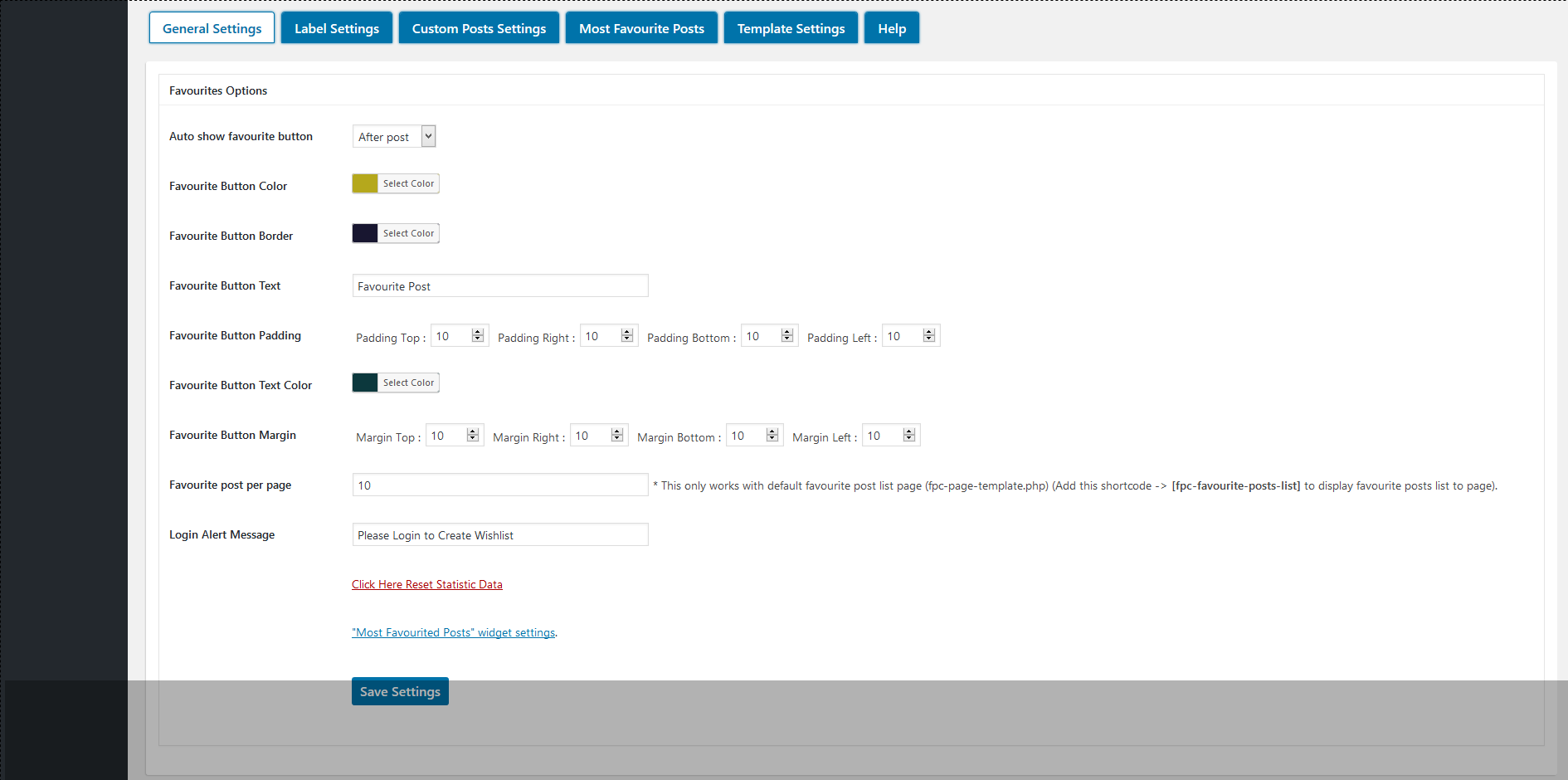
General Settings

Label Settings

Custom Posts Settings

Most Favourite Posts

Template Settings