
Category Filter Block
Just a simple category filter block with the Interactivity API support.
Plugin info
Maintenance & Compatibility
Maintenance score
Stale • Last updated 364 days ago • 1 reviews
Is Category Filter Block abandoned?
Likely maintained (last update 364 days ago).
Compatibility
Similar & Alternatives
Explore plugins with similar tags, and compare key metrics like downloads, ratings, updates, support, and WP/PHP compatibility.
Description
The category filter block allows you to filter posts displayed with the standard Query Loop block by category, without page refresh. The Interactivity API is fully supported.
Features
✅ The category filter can be displayed as links or as a select dropdown field.
✅ You can display a post count number near each category.
✅ Custom All Categories text
✅ Works without page refresh (AJAX + Interactivity API)
Pro features
✅ Custom taxonomies are supported.
✅ Sort categories (terms) in the filter alphabetically, by post count, or in a custom order.
✅ The filter can be displayed as buttons with the possibility of style customization (color, background color, border, border radius, etc).
Installation
Automatic Install
- Log into your WordPress dashboard and go to Plugins → Add New
- Search for “Category Filter Block”
- Click “Install Now” under the “Category Filter Block” plugin
- Click “Activate Now”
Manual Install
- Download the plugin from the download button on this page
- Unzip the file, and upload the resulting
category-filter-blockfolder to your/wp-content/pluginsdirectory - Log into your WordPress dashboard and go to Plugins
- Click “Activate” under the “Category Filter Block” plugin
Frequently Asked Questions
Review feed
Screenshots
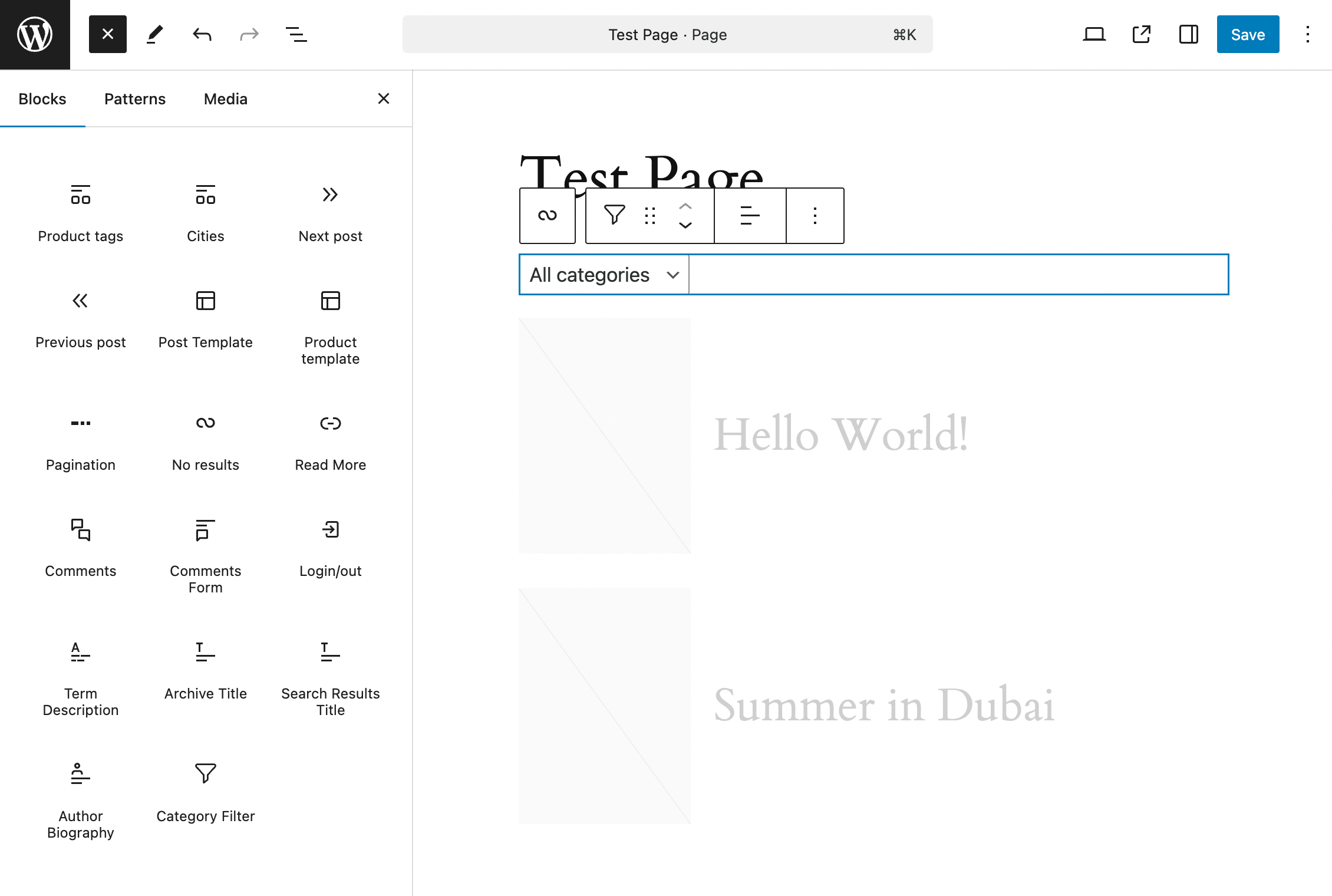
Category Filter block in the Inserter
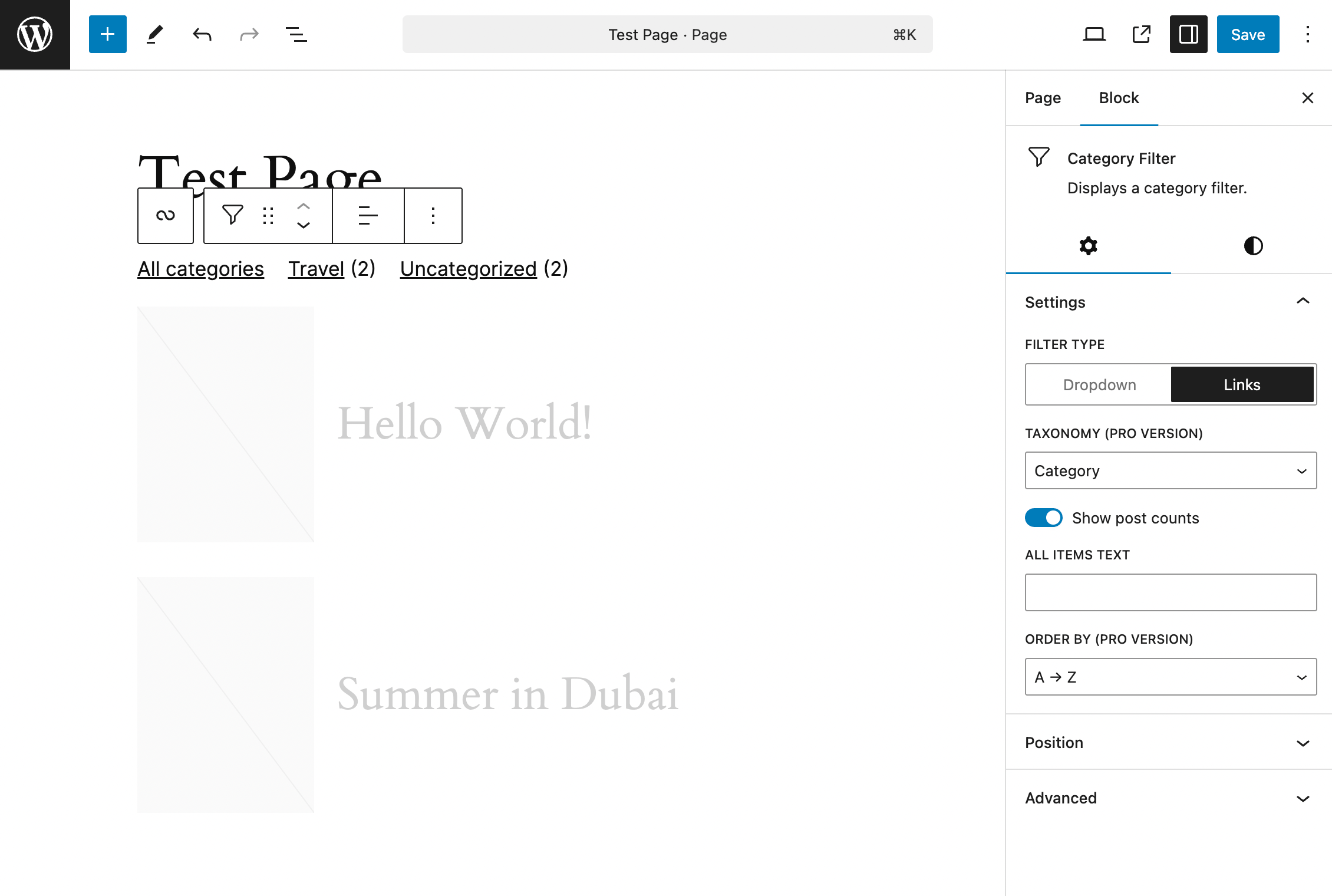
Category Filter block settings
Changelog
1.0
- Initial release