

CedCommerce Connector for TikTok Shop
This plugin enables seamless integration with TikTok Shop, providing advanced features like managing products listing and order synchronization.
Plugin info
Maintenance & Compatibility
Maintenance score
Stale • Last updated 254 days ago
Is CedCommerce Connector for TikTok Shop abandoned?
Likely maintained (last update 254 days ago).
Compatibility
Similar & Alternatives
Explore plugins with similar tags, and compare key metrics like downloads, ratings, updates, support, and WP/PHP compatibility.
Description
Maximize your sales potential on TikTok Shop with CedCommerce’s powerful TikTok integration app, tailored for eCommerce businesses aiming to expand their reach. This app provides a smooth connection between WooCommerce and TikTok, simplifying online selling through automation.
Save time with one-click bulk uploads and real-time inventory management, ensuring your products are always available to millions of potential customers. Enhance operational efficiency with customizable product templates and a centralized order management dashboard. Its user-friendly interface and robust features simplify online selling by automating essential tasks for peak performance.
Main features
-
One-Click Bulk Upload
Upload your entire product catalog to TikTok Shop with just a few clicks. This feature guarantees accuracy and saves valuable time, enabling you to focus on growing your business. -
Automated Inventory Management
Keep your stock levels synchronized in near real-time across both TikTok Shop and WooCommerce. Regular updates and threshold inventory notifications ensure you never miss a sale due to stockouts. -
Simplified Product Listing
Streamline the process of listing products on TikTok Shop. Reach millions of potential customers, reducing errors and maintaining consistency across your listings. -
Advanced Category Template
Increase your operational efficiency with customizable product profiles. Organize your offerings with ease, making product management on TikTok Shop more intuitive and effective. -
Near Real-Time Synchronization
Stay ahead with instant updates of product prices and inventory levels. This synchronization ensures that your TikTok Shop and eCommerce store data are always accurate and up to date. -
Advanced Order Management
Manage all your orders from TikTok Shop from a single, centralized dashboard. This comprehensive order management system enhances customer satisfaction by making order processing smoother and more reliable.
External API
This plugin uses external APIs (https://tiktok-api-backend.cifapps.com/(endpoint), https://tiktok-app-backend.cifapps.com/(endpoint)) to facilitate seamless integration with TikTok Shop.The API enables advanced features such as managing product listings, order synchronization. For more information about the API, please visit Cedcommerce Privacy Policy Page (https://cedcommerce.com/privacy-policy).
Installation
Automatic installation
Automatic installation is the easiest option as WordPress handles the file transfers itself and you don’t need to leave your web browser. To do an automatic install of Product Auto Share, log in to your WordPress dashboard, navigate to the Plugins menu and click Add New.
In the search field type “CedCommerce Connector for TikTok Shop” and click Search Plugins. Once you’ve found our CedCommerce Connector for TikTok Shop plugin you can view details about it such as the point release, rating and description. Most importantly of course, you can install it by simply clicking “Install Now”.
Manual installation
The manual installation method involves downloading our CedCommerce Connector for TikTok Shop and uploading it to your webserver via your favourite FTP application. The WordPress codex contains instructions on how to do this here.
Frequently Asked Questions
Navigate to the ‘Product Upload’ section and follow the guided steps to upload your products to TikTok Shop.
Ensure your notification preferences are configured in the ‘Activities Notification’ section to receive timely updates.
Review feed
Screenshots
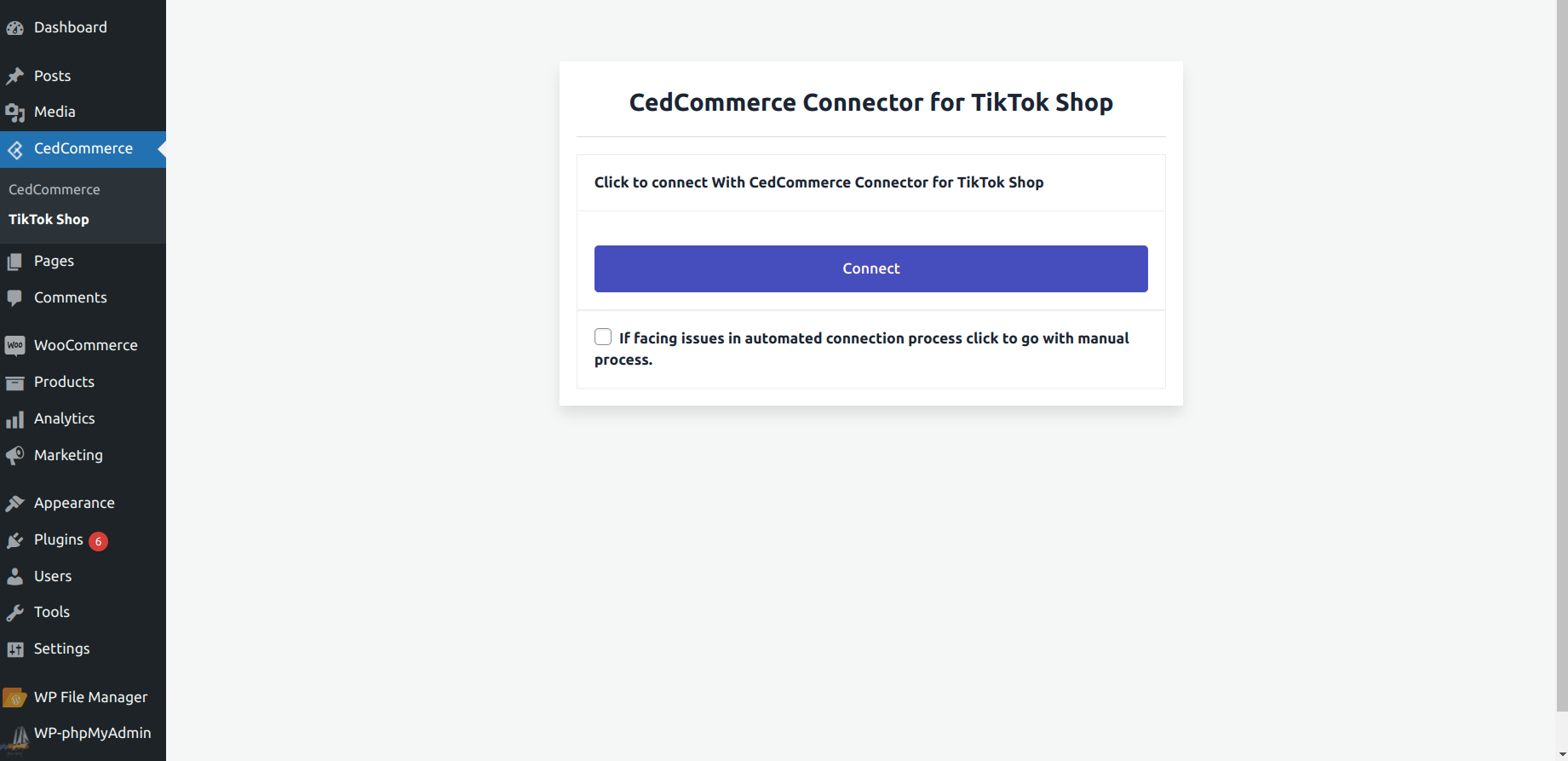
App Onboarding Flow.
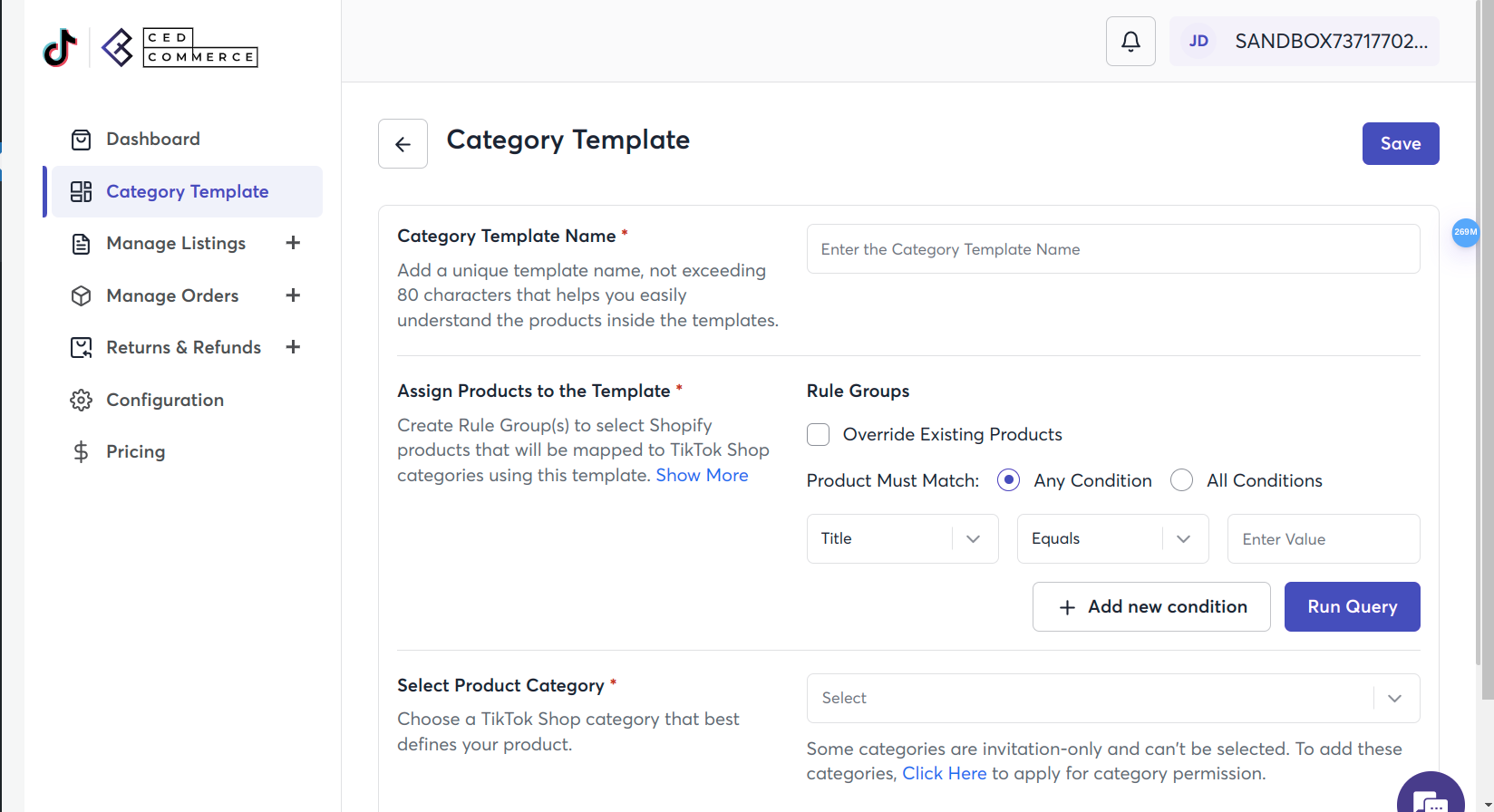
Category Template.
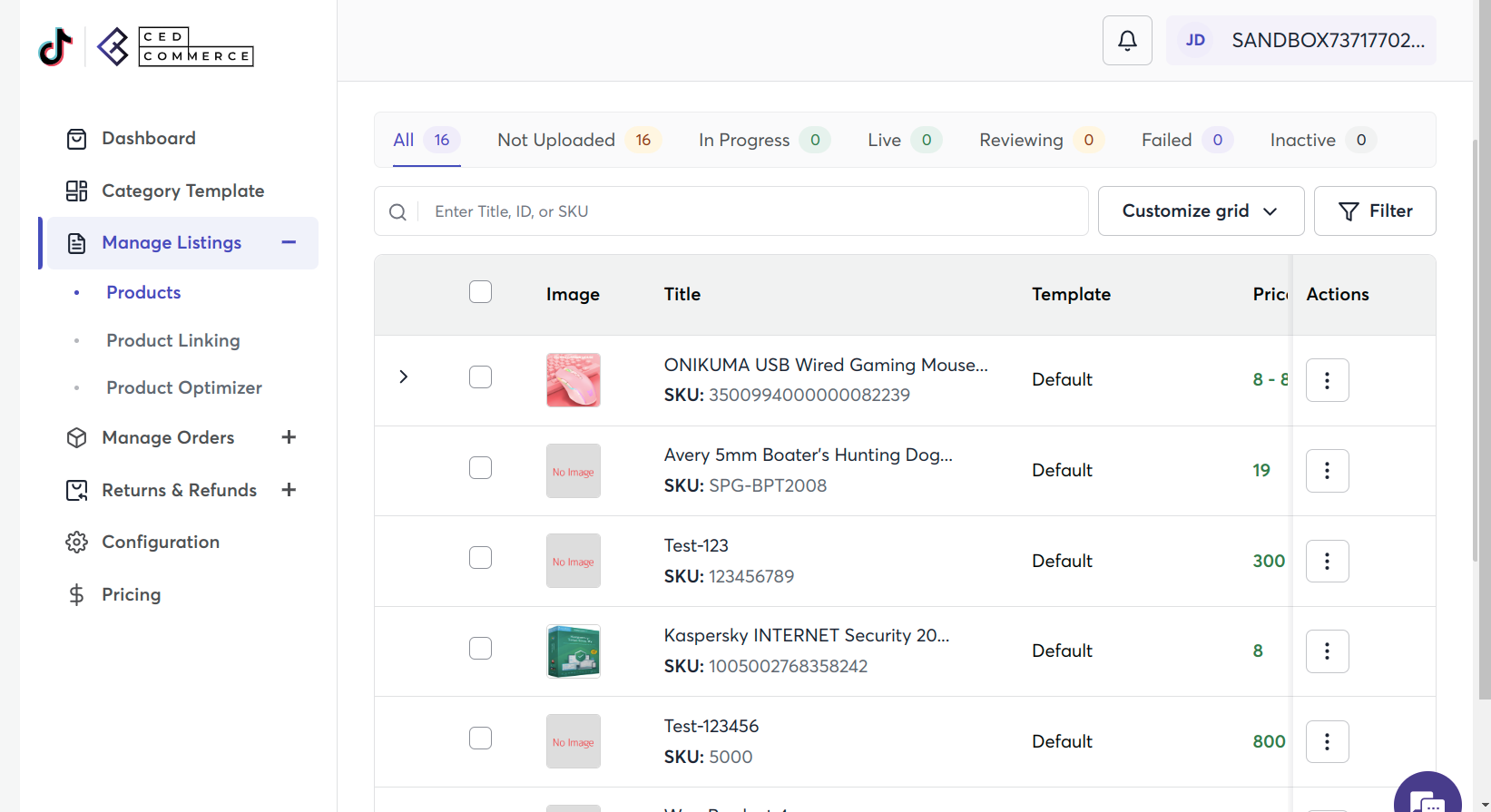
Product Section.
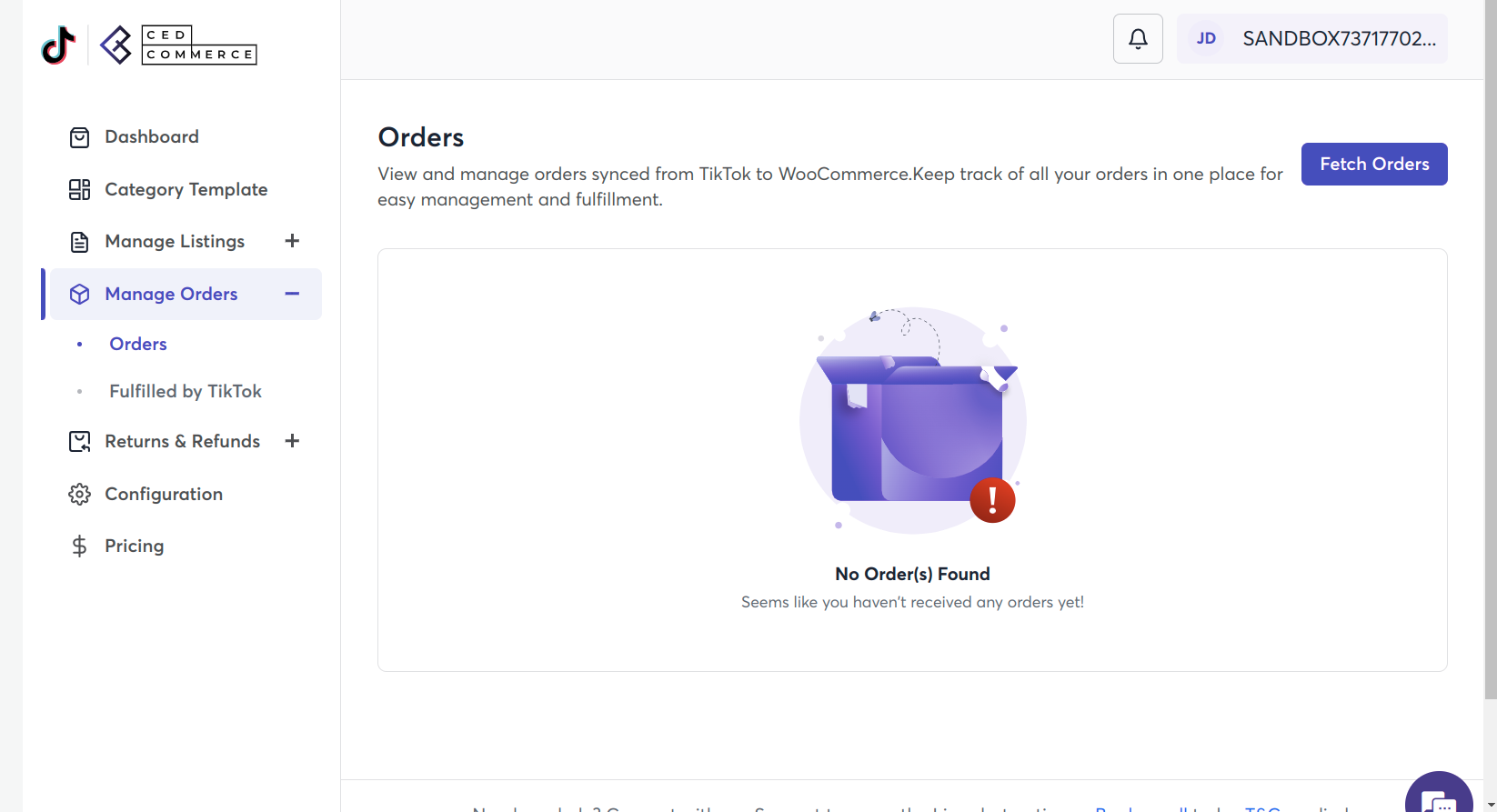
Order Section.
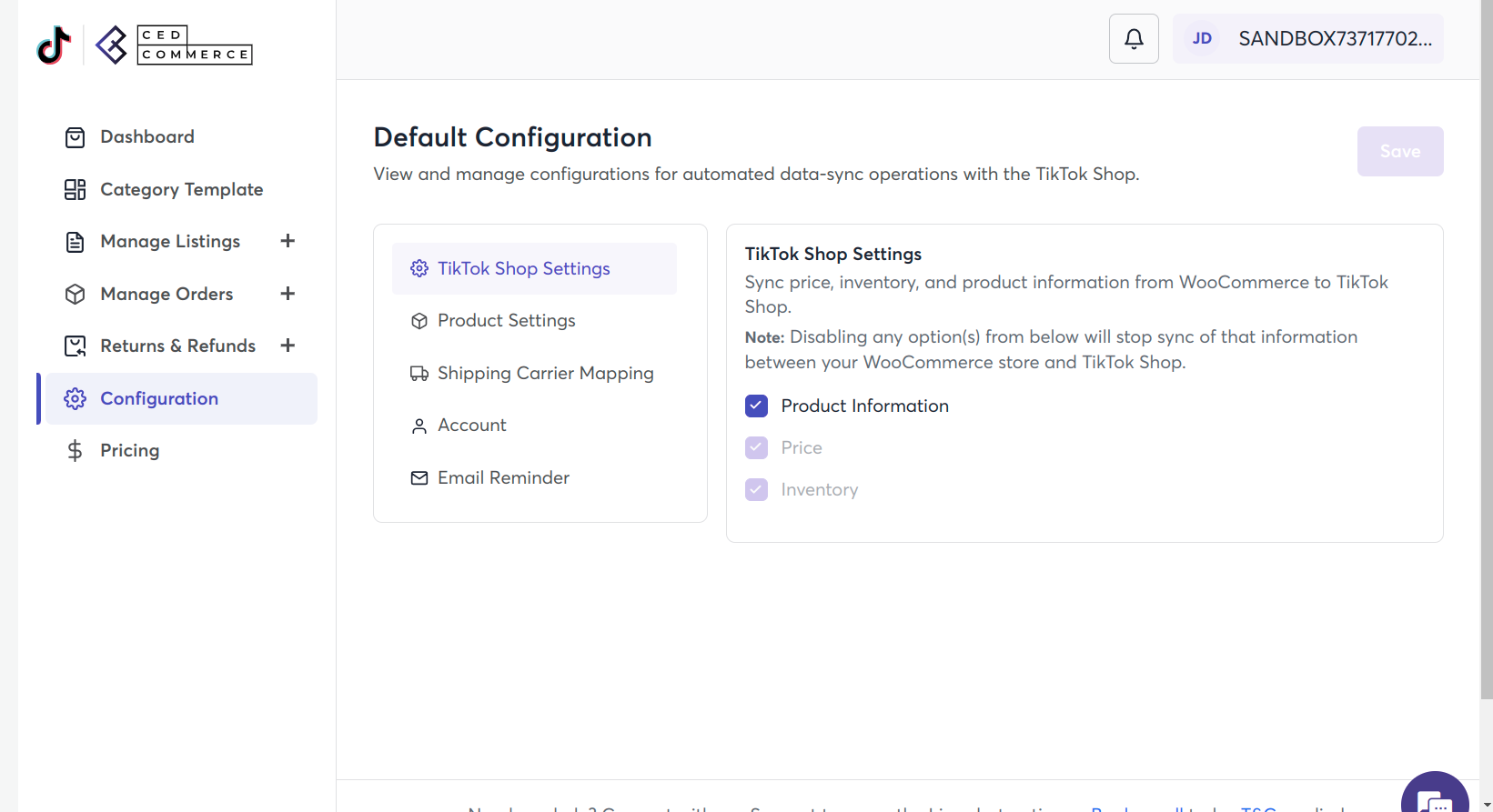
Configuration Section
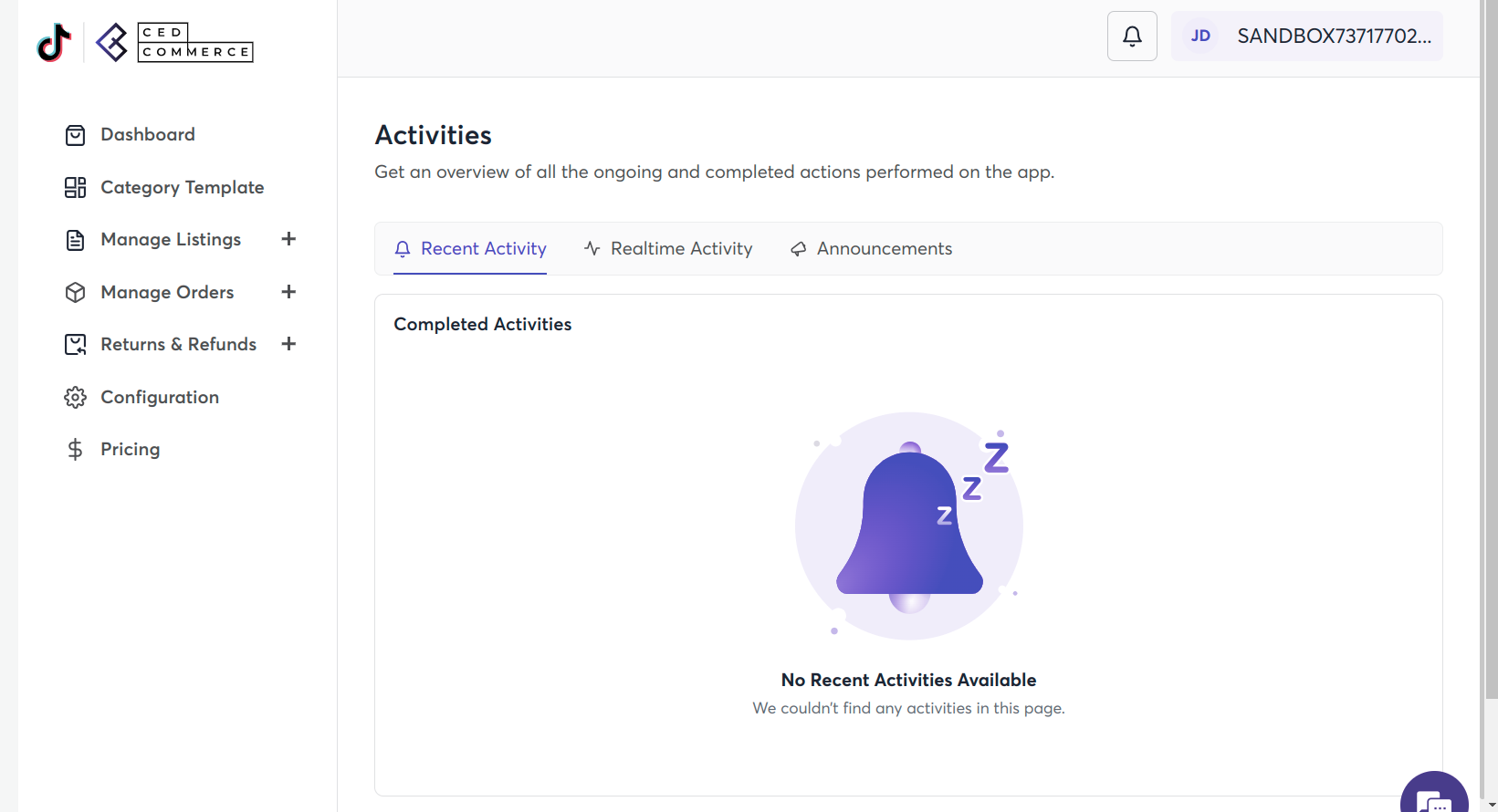
Activities Section
Changelog
1.0.0
- First version
1.0.1
- updated shipping label download functionality