

Change Colors for WooCommerce
Change Colors for WooCommerce will help you to change woocommerce colors, default styles like button colors and other Woocommerce Elements.
Plugin info
Maintenance & Compatibility
Maintenance score
Possibly abandoned • Last updated 1405 days ago
Is Change Colors for WooCommerce abandoned?
Possibly abandoned (last update 1405 days ago).
Compatibility
Similar & Alternatives
Explore plugins with similar tags, and compare key metrics like downloads, ratings, updates, support, and WP/PHP compatibility.
Description
Change Colors for WooCommerce will help you to change woocommerce colors, default styles like button colors and other Woocommerce Elements.
Installation
From your WordPress dashboard
- Visit ‘Plugins > Add New’,
- Search for ‘Change Colors for WooCommerce’ and install the plugin,
- It will also need ‘One Click Demo Import’ plugin so install that too
- Activate both of the plugin from your Plugins page.
Frequently Asked Questions
Change Colors for WooCommerce will help you to change woocommerce colors, default styles like button colors and other Woocommerce Elements.
After you have installed the plugin, go to Dashboard/Appearance/Customizer/ Woocommerce Colors. There you will find various options to change colors of various Woocommerce Elements. See the Screenshot section that shows various options or watch or video guide.
Review feed
Screenshots
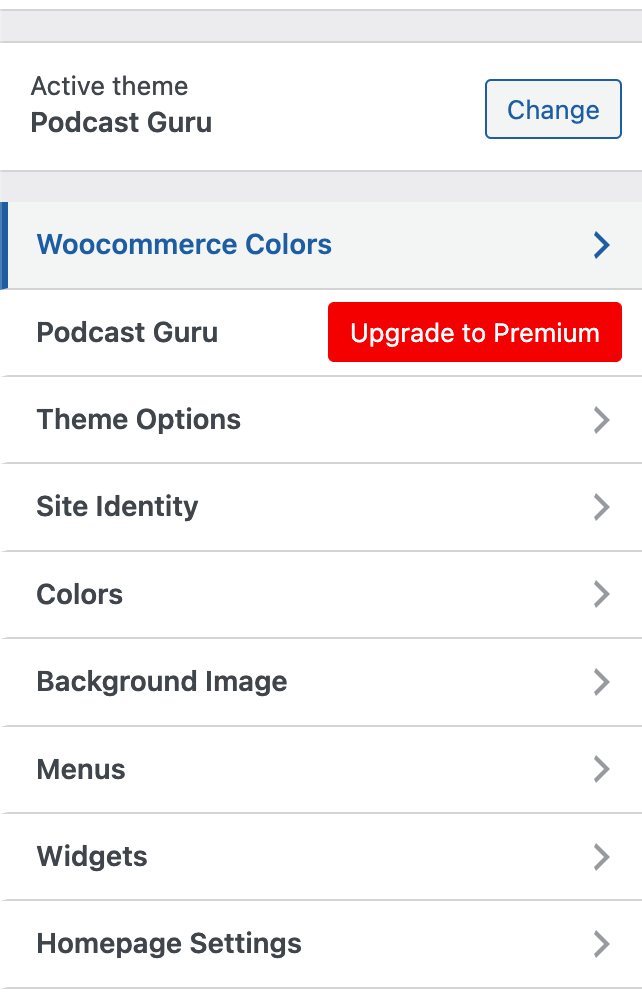
Go to Dashboard/Appearance/Customizer

Various Settings of this Plugin
Changelog
1.0.0
* Initial Release