

Change Login Page Logo
A simple and easy way to change WordPress login logo, using Change Login Page Logo plugin you can change logo image, logo width, height and logo URL.
Plugin info
Maintenance & Compatibility
Maintenance score
Possibly abandoned • Last updated 648 days ago • 1 reviews
Is Change Login Page Logo abandoned?
Possibly abandoned (last update 648 days ago).
Compatibility
Similar & Alternatives
Explore plugins with similar tags, and compare key metrics like downloads, ratings, updates, support, and WP/PHP compatibility.
Description
Change Login Page Logo lets you change the default WordPress login page logo image. It also allows you to change logo width, logo height, bottom margin of logo and logo URL.
By default WordPress add its own logo to the login page. If you are sharing the login URL with users, subscribers or even your own team members, it makes sense to have your own branding and change default login logo.
Features include:
- Change Login Logo Image. Select image from WordPress media or use external image
- Customize Logo Image Width. Logo width in pixel
- Customize Logo Image Height. Logo height in pixel
- Customize Logo Bottom Margin. Adjust the spacing between logo and login form
- Change Logo Link. This link will open on the click of logo
Translations/Languages:
This plugin is translation ready and is available in the following languages:
- English
Installation
From your WordPress dashboard
- Visit ‘Plugins > Add New’
- Search for ‘Change Login Page Logo’
- Activate ‘Change Login Page Logo’ from your Plugins page.
From WordPress.org
- Download ‘Change Login Page Logo’ plugin.
- Upload the ‘change-login-page-logo’ directory to your ‘/wp-content/plugins/’ directory, using your favorite method (ftp, sftp, scp, etc…)
- Activate ‘Change Login Page Logo’ from your Plugins page.
Frequently Asked Questions
- Download and activate ‘Change Login Page Logo’ plugin
- Navigate to Settings > Change Login Logo
- Select desired logo image
- Save settings
- Download and activate ‘Change Login Page Logo’ plugin
- Navigate to Settings > Change Login Logo
- Enter the desired logo URL in ‘Logo Link’
- Save settings
Yes, this plugin has full translation and localization support.
You can contact me using Contact Form
Review feed
Working perfectly with WordPress 5.7
Screenshots

Settings Page - Here you can manage login logo settings.
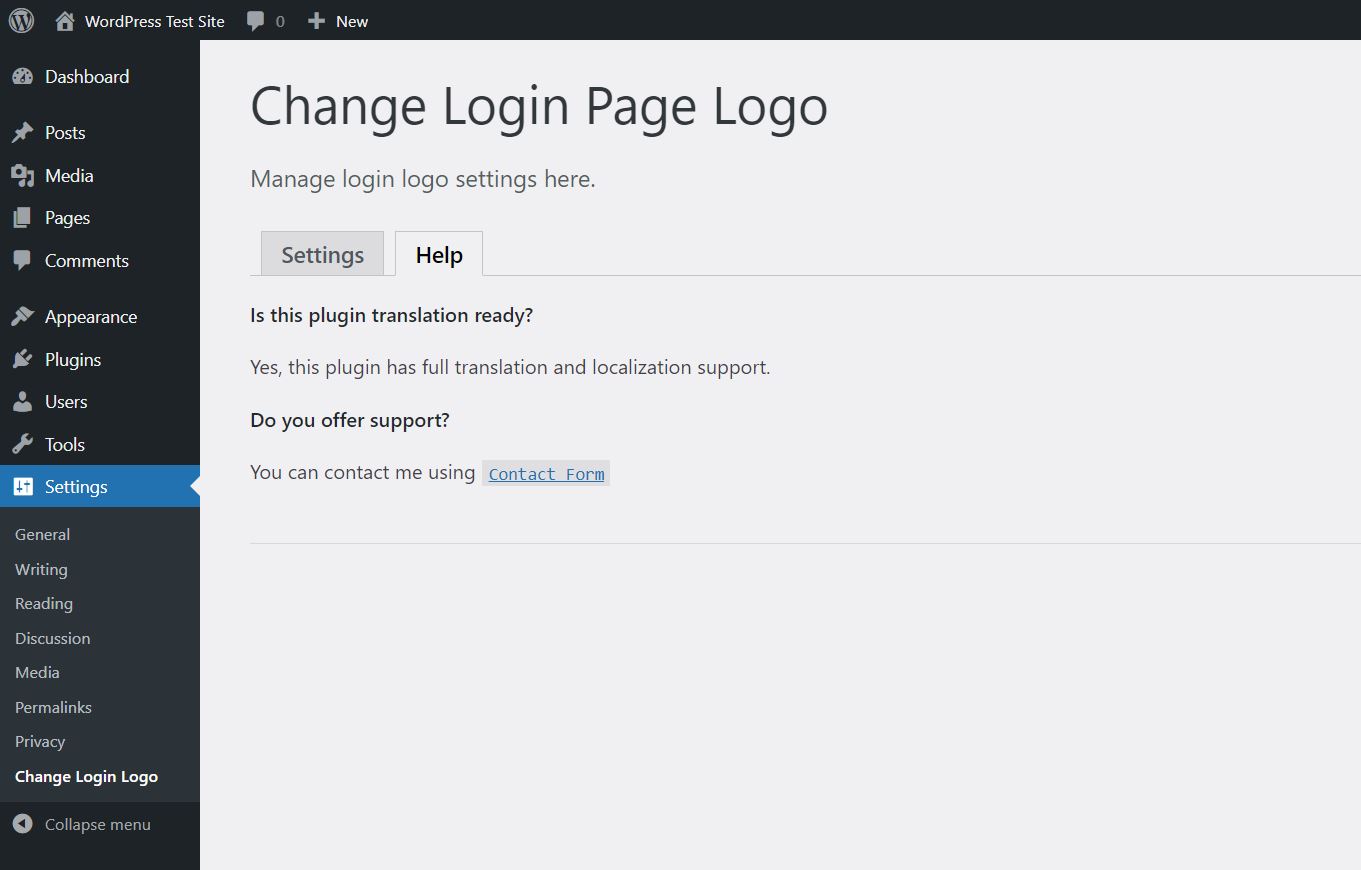
Help Page - List of FAQ and support contact information.

WordPress Login Page - Changed login logo.
Changelog
1.0.0
Initial release
1.0.1
Tested with WordPress 5.7.2 version
1.0.2
Tested with WordPress 5.9 version
1.0.3
Tested with WordPress 6.5.4 version