

Chative Live chat and Chatbot
Chat & sell directly on your store with AI and automation.
Plugin info
Maintenance & Compatibility
Maintenance score
Possibly abandoned • Last updated 450 days ago • 6 reviews
Is Chative Live chat and Chatbot abandoned?
Possibly abandoned (last update 450 days ago).
Compatibility
Similar & Alternatives
Explore plugins with similar tags, and compare key metrics like downloads, ratings, updates, support, and WP/PHP compatibility.
Description
Chative is a messaging platform that allows businesses to interact with customers across multiple websites and social media outlets while seamlessly gathering all conversations in one place
Install live chat to your WordPress site instantly
Add a live chat widget to your website. Freely customize to increase your brand identity. Reduce bounce rate, and encourage visitors to stay connected with you.
Convert visitors to paid customers
You have all the information you need to deliver a personalized shopping experience, increasing satisfaction and driving repeated purchases.
Attract customers right on your website
Easily set up a popup chat to actively engage with visitors, greet and interact with them in real time.
Measure your business performance to improve your customer service
Easily understand your customer’s needs and behavior with reports about chat volume, response time, what they usually talk about, team performance, etc.
Automate your support and sale process with AI Assistant
Seamlessly collaborate with AI Assistant during the conversation. Automate repetitive tasks such as giving a product tour, answering FAQs, offering discount codes, collecting info, etc.
Segment customers for effective retarget campaigns
Capture and manage customer data such as their last order, their favorite items, their requirements,… right inside the inbox.
Chative aims to help your business optimize the support workflow and increase customer experience at once. Instead of spending all day supporting customers, your staff can now automate common questions, and repeated processes, so that you can focus more on building customer relationships and achieving sales goals.
Installation
To add live chat to your websites:
- Log into your WordPress admin dashboard.
- Go to Plugins on the left sidebar.
- Click Add New and search “Chative” with the search bar.
- Install the plugin and activate it.
- The live chat icon will appear on the left sidebar of your WP admin panel.
- Go to Chative plugin and enjoy! :).
Frequently Asked Questions
Review feed
Screenshots

Streamline Communication With Omni-Channel Inbox.

Easy Collaboration, Better Productivity.

Express Brand Personality With Powerful customization.

Optimize Business Results With In-dept insights.

Full-page Chat For An Engrossed Experience.

Stay Mobile. Never Miss A Chat.
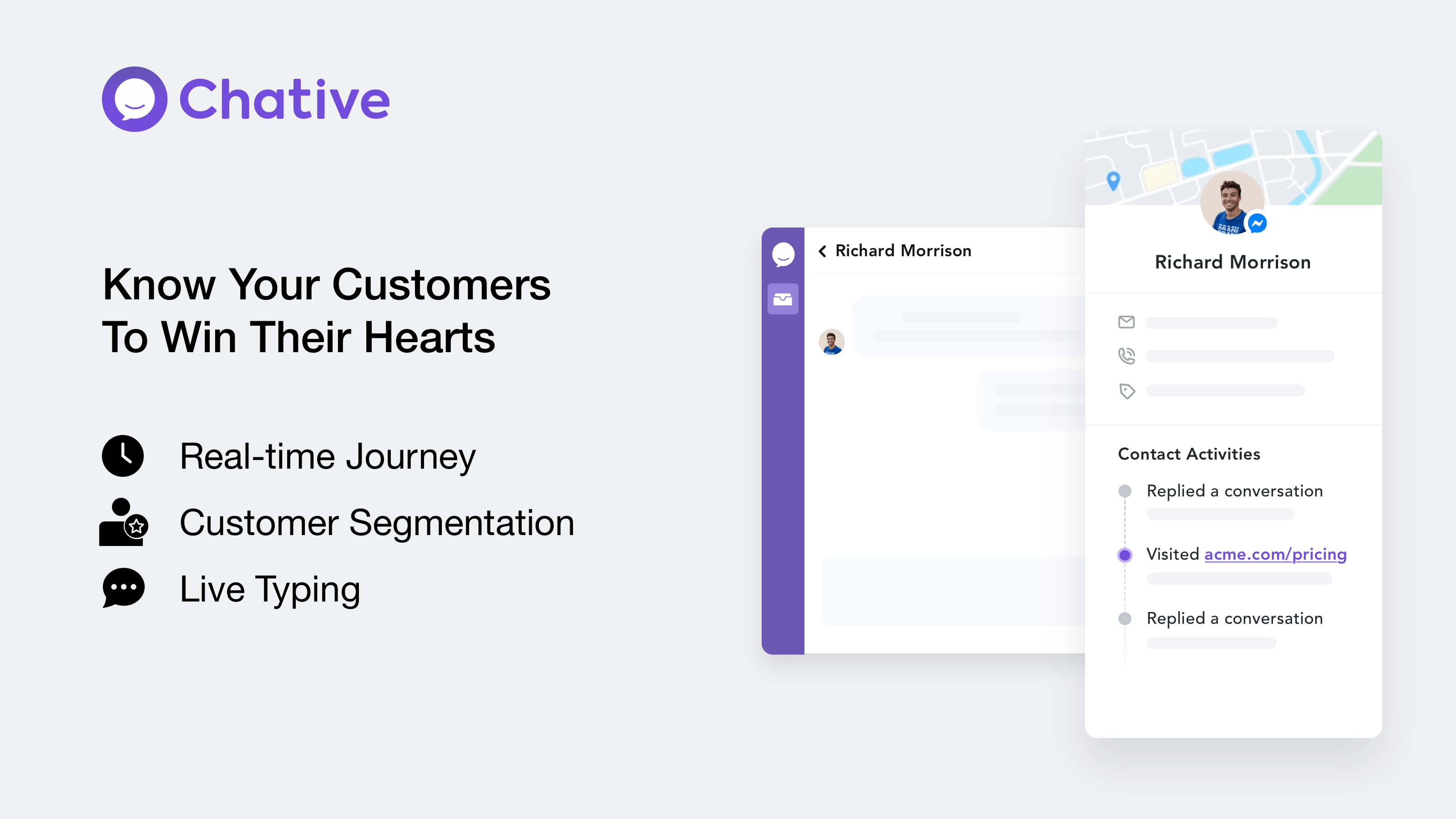
Know Your Customers To Win Their Hearts.

Replace Contact Form With Real-time Interactions.

Scale Up Easily With Powerful Chatbots.
Changelog
1.2
- Update Security plugin & Tested up to WordPress 6.7
1.1
- Tested up to WordPress 6.4
1.0.3
- Chative WordPress plugins
1.0
- Initial release.