

Chrissy
This plugin will add a speech recognition navigation to your front-end website.
Plugin info
Maintenance & Compatibility
Maintenance score
Possibly abandoned • Last updated 2142 days ago
Is Chrissy abandoned?
Possibly abandoned (last update 2142 days ago).
Compatibility
Similar & Alternatives
Explore plugins with similar tags, and compare key metrics like downloads, ratings, updates, support, and WP/PHP compatibility.
Description
Chrissy will make your website more interactive!
She will provide your visitors with the ability to just mention the name of the page which they want to visit from the menu and she’ll bring them there.
Example: Go to Blog
Using the Google Speech Recognition API to catch precisely the User Voice Input, Chrissy is the first Voice Driven Navigagor in the WordPress world!
Of course she knows that not all of the browsers support the Speech Recognition API, so she’ll relieve her self only to visitors who are using Chrome and Chrome on Android.
And since Chrissy is one great thing, I would like to tell you that you can join the contribution and make it greater with your ideas using the links from bellow ⬇️
Try live demo at GeroNikolov.com or
Join the contributions!
Installation
This section describes how to install the plugin and get it working.
e.g.
- Upload the plugin files to the
/wp-content/plugins/plugin-namedirectory, or install the plugin through the WordPress plugins screen directly. - Activate the plugin through the ‘Plugins’ screen in WordPress
- Use the Settings->Plugin Name screen to configure the plugin
- (Make your instructions match the desired user flow for activating and installing your plugin. Include any steps that might be needed for explanatory purposes)
Frequently Asked Questions
Review feed
Screenshots

Welcome screen
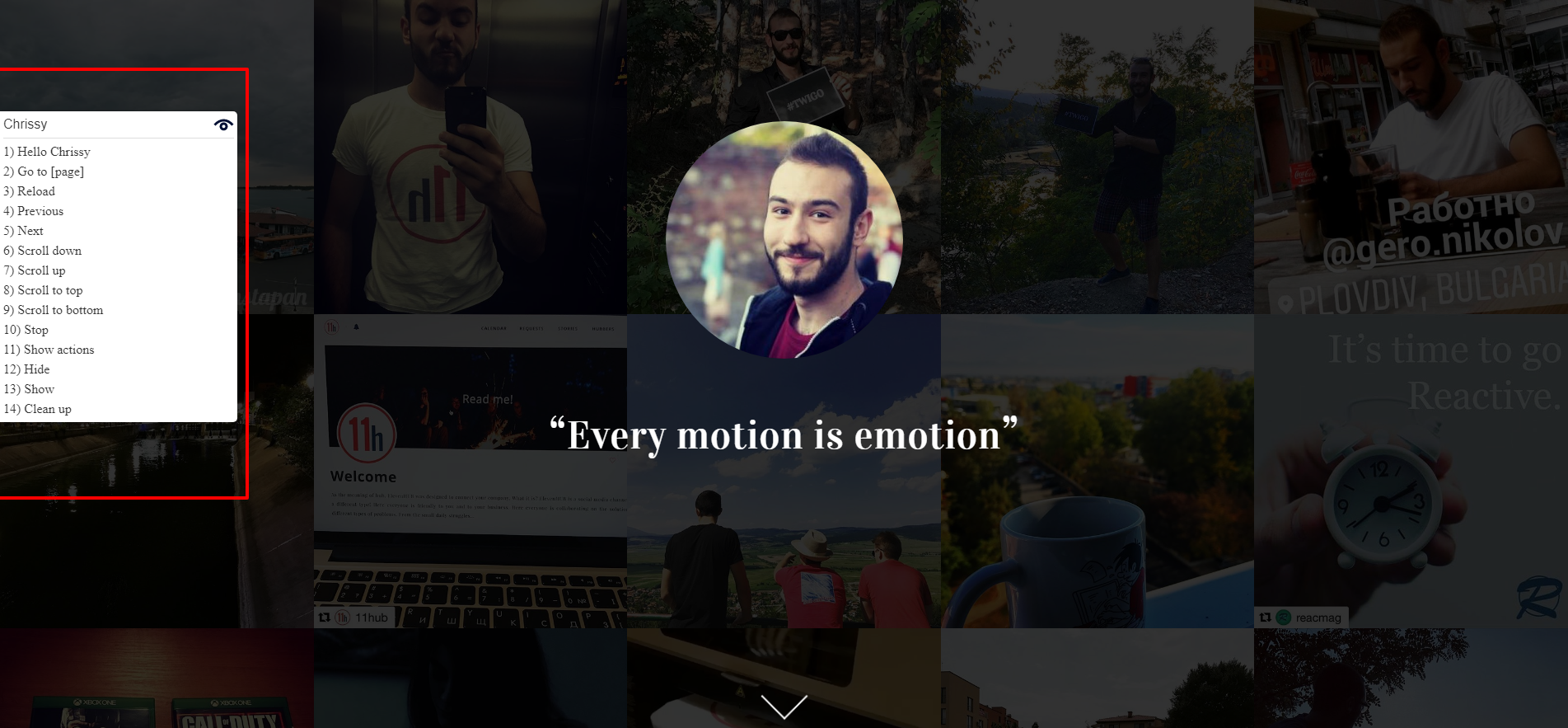
Try "Show actions"

"Hey Chrissy"

Hidden view of Chrissy