

Classic Editor and Classic Widgets
Disables Gutenberg editor totally everywhere and enables Classic Editor and Classic Widgets.
Plugin info
Maintenance & Compatibility
Maintenance score
Maintained • Last updated 170 days ago • 5 reviews
Is Classic Editor and Classic Widgets abandoned?
Likely maintained (last update 170 days ago).
Compatibility
Similar & Alternatives
Explore plugins with similar tags, and compare key metrics like downloads, ratings, updates, support, and WP/PHP compatibility.
Description
The free Classic Editor & Classic Widgets plugin helps you to easily disable Gutenberg editor totally everywhere and enables Classic Editor and Classic Widgets.
Classic Editor and Classic Widgets plugin enables old-style WordPress Classic Editor for “Edit Post” with TinyMCE (WYSIWYG), Meta Boxes (Custom Fields), and others. Once activated, this plugin hides all functionality available in the new Gutenberg block editor.
What does this plugin do?
- Disables the Gutenberg Editor
- Enables WordPress Classic Editor
- Enables Classic Widgets
Features
- Disable Gutenberg totally
- Disable Gutenberg for any post type
- Editor Switcher
- Choose Editor for each Post
- Choose Default Editor
- Choose Widgets Editor
- Full Support Advanced Custom Fields (ACF)
- Hide plugin menu item
- Enable/Disable frontend Gutenberg styles
- WooCommerce compatible
- WPML Compatible
- Polylang compatible
Also, you will be able to use old-style Classic Widgets under Appearance > Widgets and Appearance > Customize > Widgets. There is no need to setup any configuration.
By default, this plugin hides all functionality available in the new Gutenberg block editor without setting up any extra options.
Upgrade to Pro Version
Classic Editor and Classic Widgets PRO plugin provides more additional features. Go to the Next Level with Pro Version. Pro plugin works together with this Free Plugin and does not need any re-installation or deactivation of Free version.
Premium Features
- Choose Editor for User Roles
- Choose Editor for Custom Post Types
- Remember Last used Editor
- Displaying Post States
- Exclude Posts/Pages by Autocomplete
- Premium Support
More Powerful Plugins
Dynamic XML Sitemaps for Google
Developed with love by WP Grim
Installation
This section describes how to install the plugin and get it working.
- Upload the plugin files to the
/wp-content/plugins/directory, or install the plugin through the WordPress plugins screen directly. - Activate the plugin through the ‘Plugins’ screen in WordPress
- Please find more details on Plugin Installation in documentation
Frequently Asked Questions
This plugin doesn’t have any Settings. It works with activating the plugin.
Review feed
Screenshots
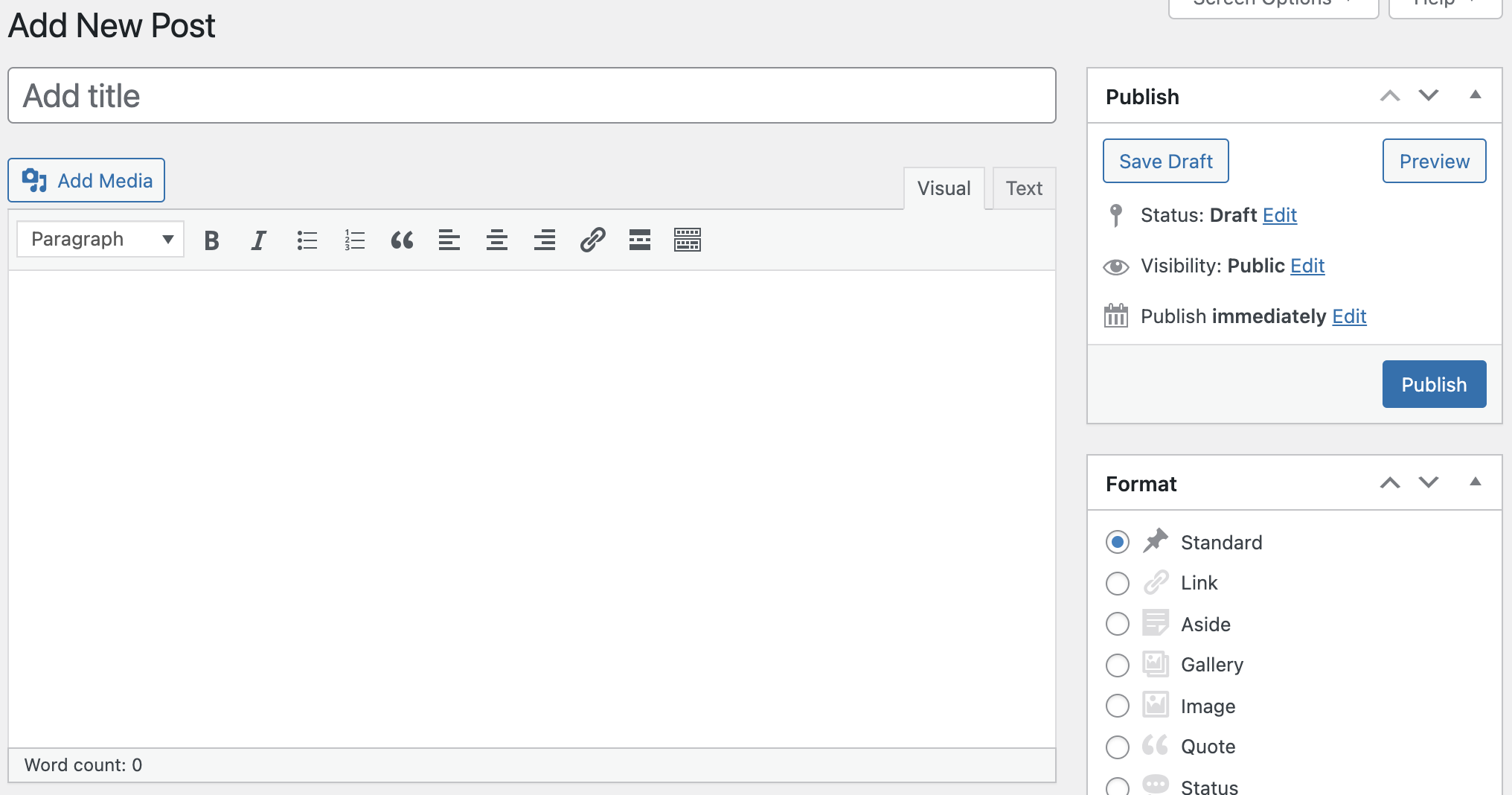
Posts/Pages Classic Editor

Widgets Classic Editor
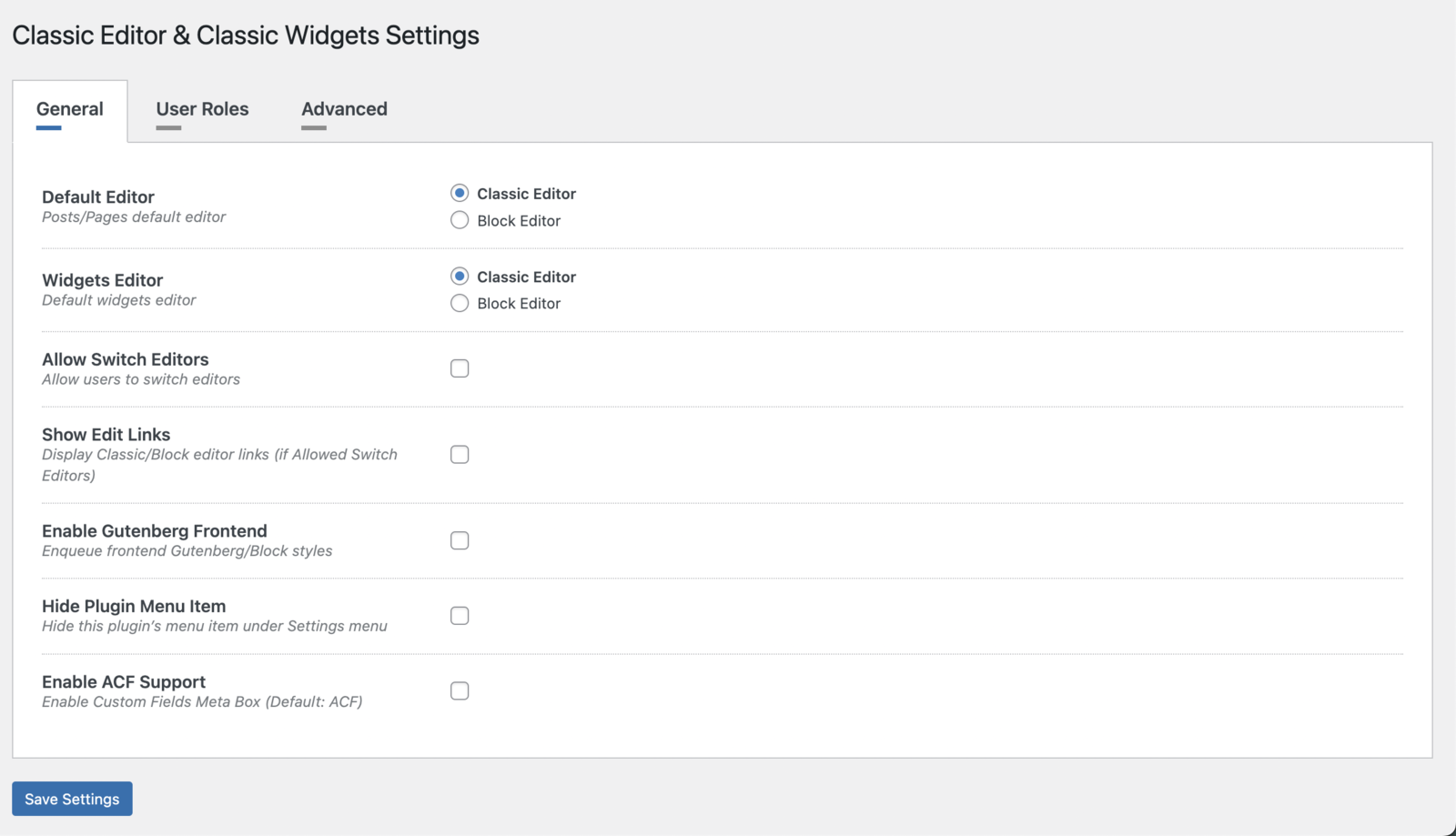
Settings Page
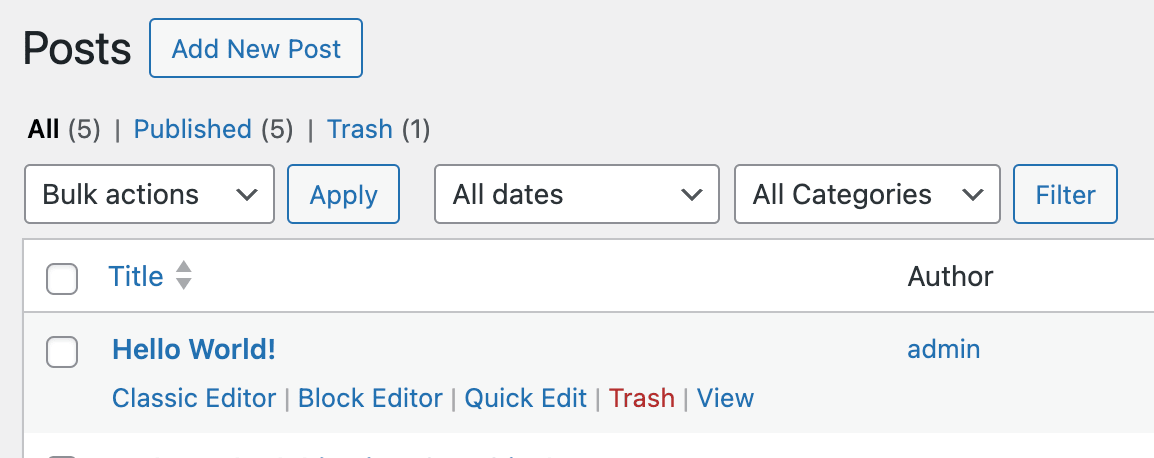
Action links to choose an Editor
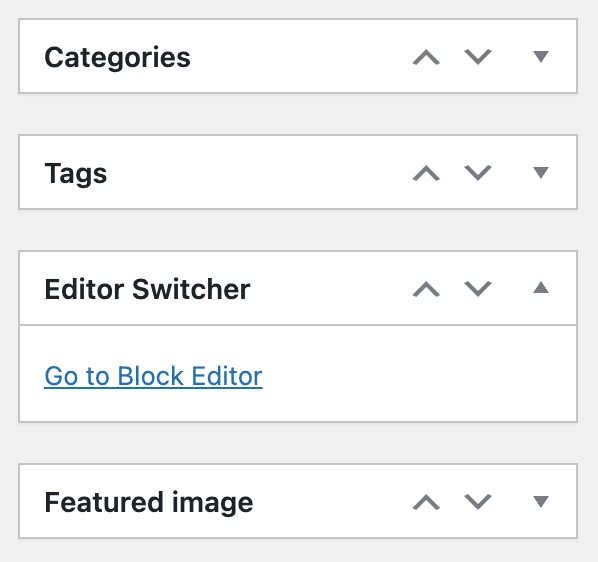
Go to Block Editor link

Go to Classic Editor link
Changelog
1.4.7 – 2025-10-13
- Appearance > Widgets Editor Switcher button added
1.4.6 – 2025-08-12
- WordPress 6.8.2 compatible
1.4.5 – 2025-04-15
- WordPress 6.8 compatible
1.4.4 – 2025-02-07
- WordPress 6.7.1 compatible
- UI/UX improvements
1.4.3 – 2024-11-13
- WordPress 6.7 compatible
1.4.2 – 2024-09-06
- Vulnerability fix
1.4.1 – 2024-09-03
- WordPress 6.6.1 compatible
- Pro plugin dependency added
1.4.0 – 2024-07-16
- WordPress 6.6 compatible
1.3.9 – 2024-06-17
- WordPress 6.5.4 compatible
- Minor bug fixes
1.3.8 – 2024-05-08
- WordPress 6.5.3 compatible
- Go to Classic Editor link issue fixed
1.3.7 – 2024-03-25
- WordPress 6.5 compatible
- Language files added
1.3.6 – 2024-03-04
- PHP 8.2 compatibility improved.
1.3.5 – 2024-01-29
- UI/UX improvements.
1.3.4 – 2024-01-24
- WooCommerce compatibility improved.
- WPML compatibility improved.
1.3.3 – 2024-01-05
- Readme updated.
1.3.2 – 2024-01-03
- UI/UX improvements.
1.3.1 – 2023-11-06
- WordPress 6.4 compatible.
1.3.0 – 2023-08-31
- WordPress 6.3.1 compatible.
- Minor bug fixes.
1.2.9 – 2023-08-07
- WordPress 6.3 compatible.
1.2.8 – 2023-06-09
- Minor bug fixes.
1.2.7 – 2023-04-22
- stripslashes() Passing null parameter issue fixed.
1.2.6 – 2023-03-26
- Security update.
1.2.5 – 2023-03-22
- WordPress 6.2 compatible.
1.2.4 – 2023-02-06
- Minor bug fixes.
1.2.3 – 2022-12-29
- Minor bug fixes.
1.2.2 – 2022-11-27
- WordPress compatibility update.
1.2.1 – 2022-10-30
- WordPress 6.1 compatible.
1.2.0 – 2022-09-17
- New features added.
- Minor bug fixes.
1.1.1 – 2022-05-13
- WordPress 6.0 compatible.
1.1.0 – 2022-04-06
- Settings Page added.
- Choose Default Editor feature added.
- Choose Widgets Editor feature added.
- Allow Switch Editors feature added.
- Show Edit Links feature added.
- Enable Gutenberg Frontend feature added.
- Hide Plugin Menu Item feature added.
- Enable ACF Support feature added.
1.0.6 – 2022-03-31
- Try Gutenberg Panel removed.
1.0.5 – 2022-03-27
- Readme updated.
1.0.4 – 2022-02-07
- WordPress 5.9 compatible.
1.0.3 – 2021-11-21
- WordPress compatibility update.
1.0.2 – 2021-10-03
- New Improvements.
1.0.1 – 2021-07-27
- Readme updated.
1.0.0 – 2021-07-08
- Release.