

Classic Menus for Block Themes
Short Description: Re-enable the legacy menu management system alongside block-based WordPress themes.
Plugin info
Maintenance & Compatibility
Maintenance score
Possibly abandoned • Last updated 543 days ago • 1 reviews
Is Classic Menus for Block Themes abandoned?
Possibly abandoned (last update 543 days ago).
Compatibility
Similar & Alternatives
Explore plugins with similar tags, and compare key metrics like downloads, ratings, updates, support, and WP/PHP compatibility.
Description
Classic Menus for Block Themes restores the legacy menu management system, allowing you to create and manage multiple menus alongside block-based WordPress themes. This plugin re-establishes the “Appearance > Menus” page and integrates classic menus with the Site Editor.
Features:
– Manage multiple classic menus alongside block-based navigation.
– Easily switch between block-based and classic menu systems.
– Use custom menu IDs or names for flexibility in displaying menus across the site.
License
This plugin is licensed under the GPLv2 or later. For more information, see GPL License.
Author
Developed by Pixelvise: https://pixelvise.com
Installation
- Upload the plugin files to the
/wp-content/plugins/classic-menus-for-block-themesdirectory, or install the plugin through the WordPress plugins screen directly. - Activate the plugin through the ‘Plugins’ screen in WordPress.
- Navigate to Appearance > Menus to create and manage your menus.
Frequently Asked Questions
No, this plugin works alongside block-based menus, so you can use both systems.
Yes, you can create multiple menus through the “Appearance > Menus” screen and use them anywhere in your block theme.
Review feed
Screenshots
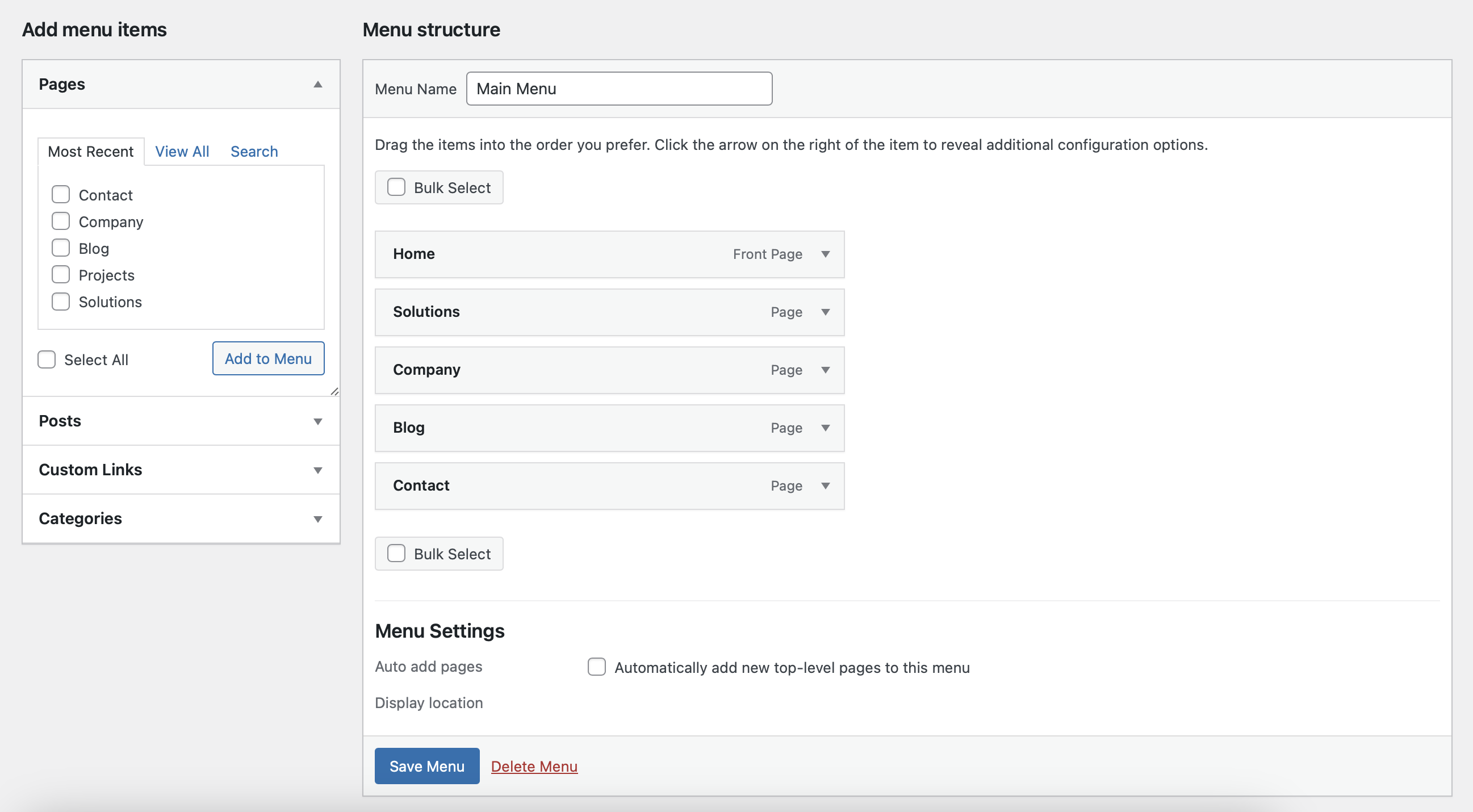
Classic menu management system alongside block themes.
Changelog
1.1
- Added support for multiple menus by name or ID.
- Improved compatibility with block themes.
1.0
- Initial release.