

Clinked Client Portal
The Clinked Client Portal plugin is a great addition to the popular Clinked application - a branded, feature rich client portal.
Plugin info
Maintenance & Compatibility
Maintenance score
Possibly abandoned • Last updated 431 days ago • 8 reviews
Is Clinked Client Portal abandoned?
Possibly abandoned (last update 431 days ago).
Compatibility
Similar & Alternatives
Explore plugins with similar tags, and compare key metrics like downloads, ratings, updates, support, and WP/PHP compatibility.
Description
Clinked – The white-label client portal for business.
Clinked is simple and secure client communication and collaboration tool which integrates with your website using a simple widget.
You can manage, share and discuss content for your projects & teams, while keeping track on activities and timelines.
Clinked makes client and team collaboration easy no matter how small or big your organisation is.
You can start collaborating, sharing files, organizing tasks & events within minutes.
See our pricing at https://clinked.com/pricing/
BENEFITS:
- Share files in your own branded client portal
- Easy to use – set-up in minutes
- White-label platform – including customized URL, web and mobile app
- Everything in one place – Files, Notes, Chat, Tasks, Events
- Secure bank-grade security
- No set up costs, only pay per user after 3 users
SHARE FILES:
- Store files in folder structures, including Google files
- View files and videos instantaneously without downloading the files first
- Files & folders can easily be moved and copied to other folders and sub-folders
- Keep track of latest file updates and related comments via the Activity Streams
- Get notifications when specific content & activities are updated via the Following functionality
- File version control enables you to access and restore previous versions of documents
MANAGE PROJECTS:
- Activity dashboard on individual project/group and account levels
- Task management – including assigning, status and approvals
- Universal search, finding keywords inside any files
- Integrate comments & discussions with shared content
- Notifications via email, push notifications & RSS
COLLABORATE:
- Real-time Group Chat
- Notes (Wiki — online editor)
- Task Management & Progress
- Events & Team Calendar & iCal integration
- Discussions forums
- Version History
- Reply by email
- Threaded comments / Feedback
- @mention messaging
- Tag Cloud
SECURE ENVIRONMENT:
- 256 bit SSL in transit & AES encryption at rest
- FISMA and FIPs certified
Installation
If you don’t already have an account visit our website and sign up for a free trial.
From your WordPress dashboard
- Visit ‘Plugins > Add New’
- Search for ‘Clinked’
- Activate Clinked Client Portal from your Plugins page.
- Include the shortcode
[clinked-login-button portal_url="https://app.clinked.com/"]in the desired page, whereportal_urlparameter is your account login page URL.
From WordPress.org
- Download Clinked Client Portal plugin.
- Upload the ‘clinked-client-portal’ directory to your ‘/wp-content/plugins/’ directory, using your favorite method (ftp, sftp, scp, etc…)
- Activate Clinked Client Portal from your Plugins page.
- Include the shortcode
[clinked-login portal_url="https://app.clinked.com/"]in the desired page, whereportal_urlparameter is your account login page URL.
Frequently Asked Questions
Review feed
Screenshots
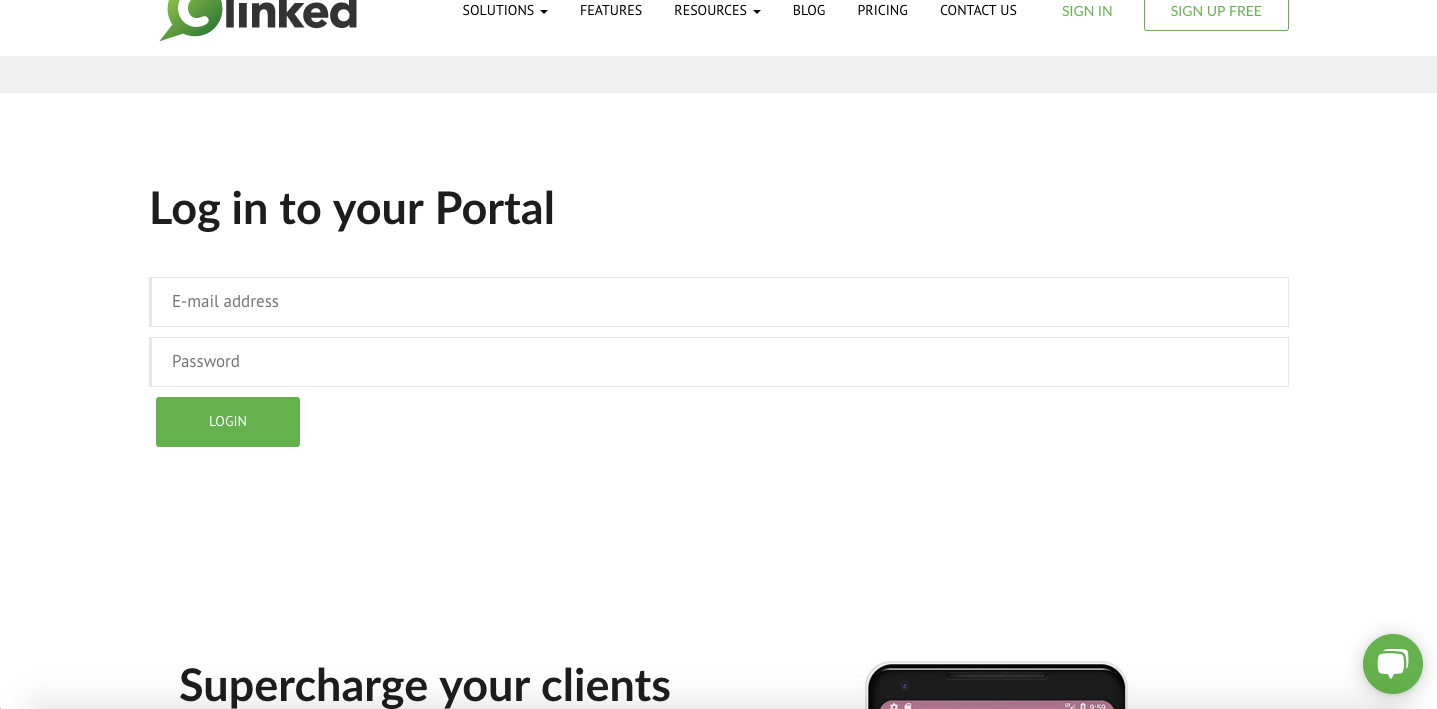
Generated login form
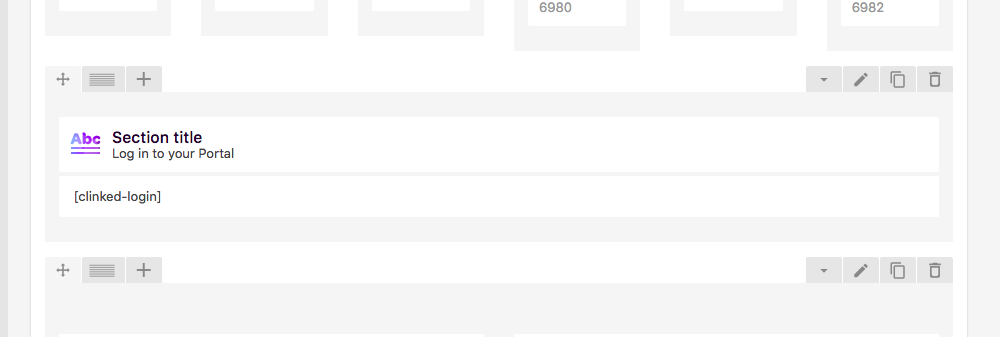
Shortcode on a page - Admin Interface
Changelog
1.0
- Added Clinked login shortcode and widget.
1.1
- Tested with WP5.
1.2
- Fixed description.
- Updated a logo.
1.3
- Aditional attributes to customize the login form.
1.6
- Unable to login when ‘^’ in password or username
1.9
- Login button for Clinked portal.
- The login form is depricated, please use the button instead.
1.10
- XSS bugfixes