

Cloudflare Stream Video
Cloudflare Stream is an easy-to-use, affordable, on-demand video streaming platform. The Stream video plugin for WordPress lets you upload videos to C …
Plugin info
Maintenance & Compatibility
Maintenance score
Possibly abandoned • Last updated 1516 days ago • 6 reviews
Is Cloudflare Stream Video abandoned?
Possibly abandoned (last update 1516 days ago).
Compatibility
Languages
Similar & Alternatives
Explore plugins with similar tags, and compare key metrics like downloads, ratings, updates, support, and WP/PHP compatibility.
Description
- Block native player
- Multiple playback options
- Distribute videos with unique URLs or embed code
- Per minute pricing
- Adaptive bitrate streaming
- Video storage included
- Workflow integration with webhooks
- REST API support
Developers
- This plugin lets you easily add block native videos to your WordPress sites
Marketers
- Stream videos natively without ads or recommended videos
- Minimal streaming costs based on engagement and views
Site Owners
- Easily add videos to your pages with no technical or video expertise needed
* Please Note *
This plugin requires an account on Cloudflare.com to upload and stream videos. Existing Cloudflare Stream users will be able to retrieve videos from their Stream library from the WordPress editor. Currently only users with the “administrator” role can leverage some features.
Installation
- Signup for a free or paid account on Cloudflare.com
- Change your DNS settings to Cloudflare
- Enable Stream from the Cloudflare dashboard
- Install the Stream for WordPress plugin
- Add API exchange keys
Frequently Asked Questions
1) Do I need a Cloudflare account to use this plugin?
Yes. Sign up for a free or paid Cloudflare plan that maps to your site’s domain address. Once your account is activated, you can obtain the API key to enable the plugin.
2) Is there a cost to use this plugin?
Stream charges for storage and views based on minutes. Storage costs $5 per thousand minutes worth of video content. As videos get watched, incremental costs of $1 per thousand minutes viewed apply. These costs are in addition to any other Cloudflare free or paid subscription plan you signed up.
3) My site is already connected to Cloudflare, can I use this?
Yes. If you are already a Stream user you only need to activate the plugin using the API key. If you haven’t enabled Stream yet, login to your Cloudflare account and enable the feature to receive an API activation key for the plugin.
4) Can I use this plugin to deliver live streams?
No. Stream only supports on-demand video streaming.
5) How is this different from using an embedded YouTube player link?
Stream lets you own and control the video viewing experience and is ideal for videos that require a paid subscription.
Review feed
Screenshots
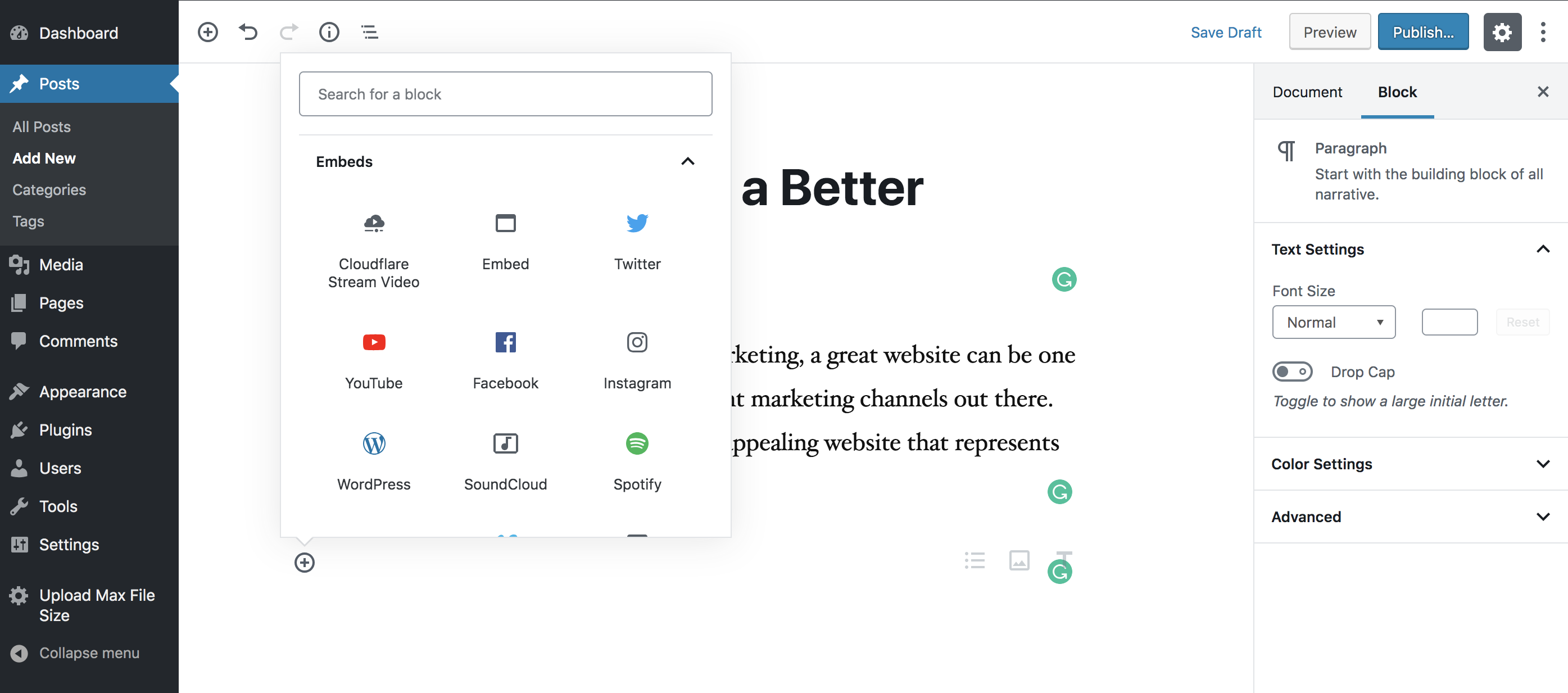
Uploading a video

Browsing the Cloudflare Stream Library
Changelog
1.0.3
- TUS uploader fix to support large files.
1.0.2
- Restores Javascript-based uploader client for TUS protocol for users with the administrator role.
1.0.1
- Security Patch – Removes Javascript-based uploader client for TUS protocol in preparation for PHP-based client.
- Updates Heap Analytics application ID.
1.0
- First release of Stream Plugin for WordPress