

CM Business Directory – Optimise and showcase local business
Create and manage a business directory with this business listings plugin. List businesses, add details, and help users find services.
Plugin info
Maintenance & Compatibility
Maintenance score
Stale • Last updated 195 days ago • 11 reviews
Is CM Business Directory – Optimise and showcase local business abandoned?
Likely maintained (last update 195 days ago).
Compatibility
Similar & Alternatives
Explore plugins with similar tags, and compare key metrics like downloads, ratings, updates, support, and WP/PHP compatibility.
Description
Pro Plugin Page | Videos | Demo | User Guide | Add-ons
With this WordPress Business Directory plugin, you will be able to easily create a comprehensive business listing based on categories.
With our WordPress Business Directory plugin, you can effortlessly create a WordPress directory listing akin to Yelp, Yahoo, or Yellow Pages.
Directory Listing Plugin Index Page
The directory index page features a comprehensive list of all businesses, complete with search functionality and additional filtering options.
Admins have full control over the appearance and functionality of the index page, ensuring a seamless user experience.
Directory Listing Plugin Business Page
Each business created by the plugin have a business page which can include business name, logo, images, videos, business description, contact information, links and your own additional infromation.
Directory Plugin Premium Editions
The Business Directory Plugin Premium editions includes even more powerful features, such as: Google maps support, payment integration using WooCommerce and Easy Digital Downloads, support for each business to manage his own listing and much more.
WordPress Listing Plugin Introduction Video
Business Directory Listing Plugin Basic Features
- Create directory categories.
- Display all businesses in a directory list format.
- Create a business page for each business.
- Include business description and pitch.
- Include business logo.
- Include business address.
- Include additional business info.
- Filter results by business category.
- Includes a user-friendly Setup Wizard for quick and easy plugin configuration.
Pro Version Features
Pro Version Detailed Features List | Demo Site
- Include additional business info and social media links.
- Include attaching files and documents.
- Allow business owners to post and manage information about their business page.
- Allow user to claim existing business.
- Admin can moderate newly posted businesses via a dashboard.
- Ask users to pay for submitting, claiming and editing their business listing.
- Support ads (AdSense, etc.).
- Export/import businesses.
- Ability to create additional custom fields.
- Additional taxonomies.
- Ability to add Google maps to a business page within directory plugin.
- Search support.
- Option to search the business web directory by zip and location.
- Tags Support.
- Assign and display badges for businesses.
- More design options for business page and index page.
- Advertise in search results.
- Promote businesses from the directory listing, including promotion based on zip codes.
- Show working hours for each business.
- WhatsApp Integration.
- Permalink Settings.
- Editable Labels.
- Support Booking Calendar Integration.
- Related business widget.
- Include a form builder.
- Include a levels builder.
- Shotcodes support for category, tag and single business view.
Add-ons and Extensions
- CM Business Directory Community Add-on
- CM Business Directory Payments Add-on
- CM Map Locations
- CM Product Directory
Follow Us
Blog | Twitter | LinkedIn | YouTube | Pinterest | Facebook
Suggested Plugins by CreativeMinds
List of all WordPress Plugins by CreativeMinds
- CM Tooltip Glossary – Easily creates a Glossary, Encyclopaedia or Dictionary of your website’s terms and shows them as a tooltip in posts and pages when hovering. With many more powerful features.
- CM Download Manager – Allows users to upload, manage, track and support documents or files in a download directory listing database for others to contribute, use and comment upon.
- CM Answers Plugin – A fully-featured WordPress Questions and Answers Plugin that allows you to build multiple discussion forum systems Just like StackOverflow, Yahoo Answers and Quora, Now with MicroPayments and Anonymous posting support.
- CM Restrict Content – A full-featured, powerful membership solution and content restriction plugin for WordPress. Support access by role to content on your site.
Installation
- Upload the plugin folder to the
/wp-content/plugins/directory. - Activate the plugin through the ‘Plugins’ menu in WordPress.
- Define your directory settings – for example how many businesses will show in the index page.
- Create your first business page.
Note: You must have a call to wp_head() in your template in order for the footnote js and css to work properly. If your theme does not support this you will need to link to these files manually in your theme (not recommended).
Frequently Asked Questions
There is no limit, you can list unlimited businesses.
.
Review feed
Screenshots
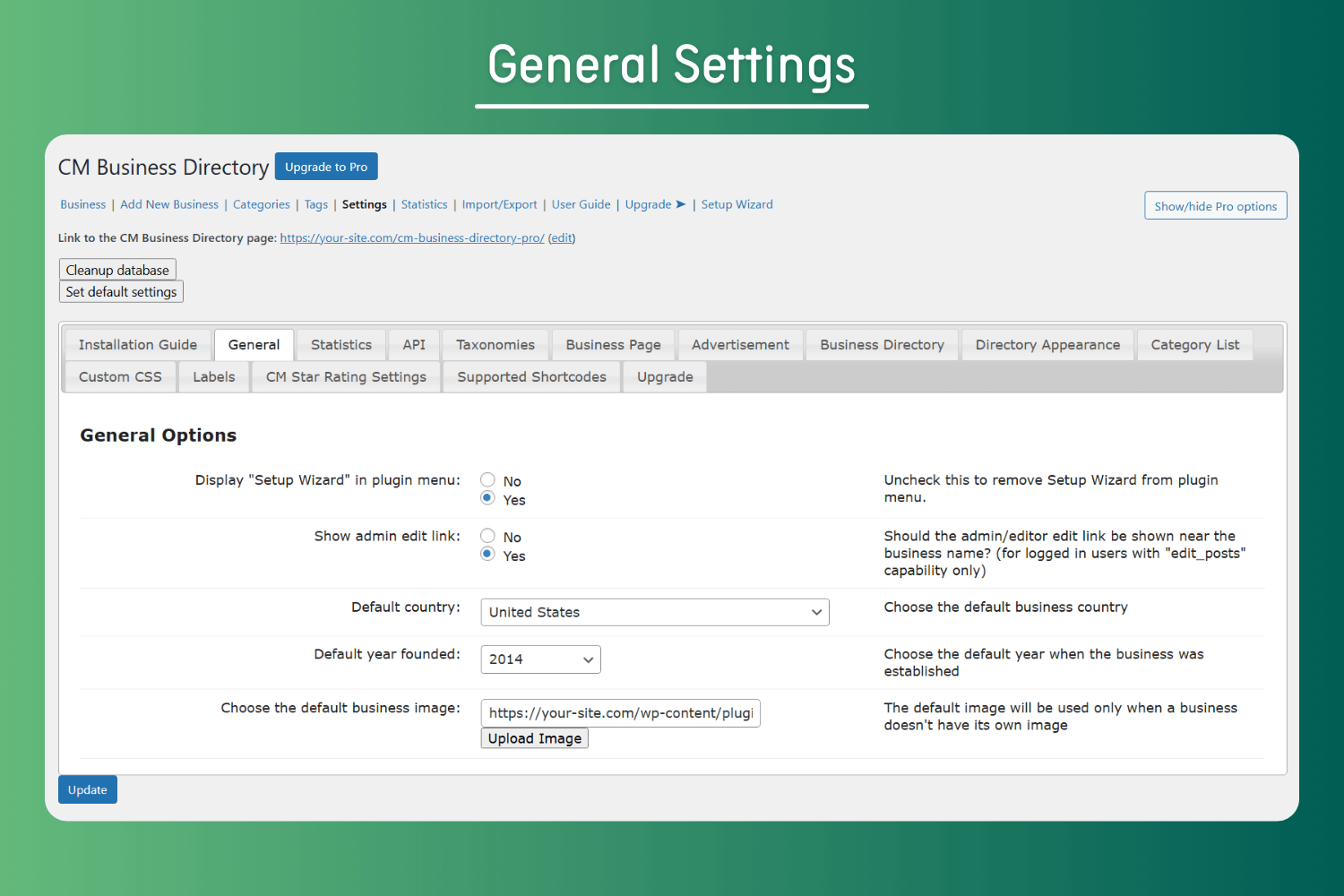
General Settings
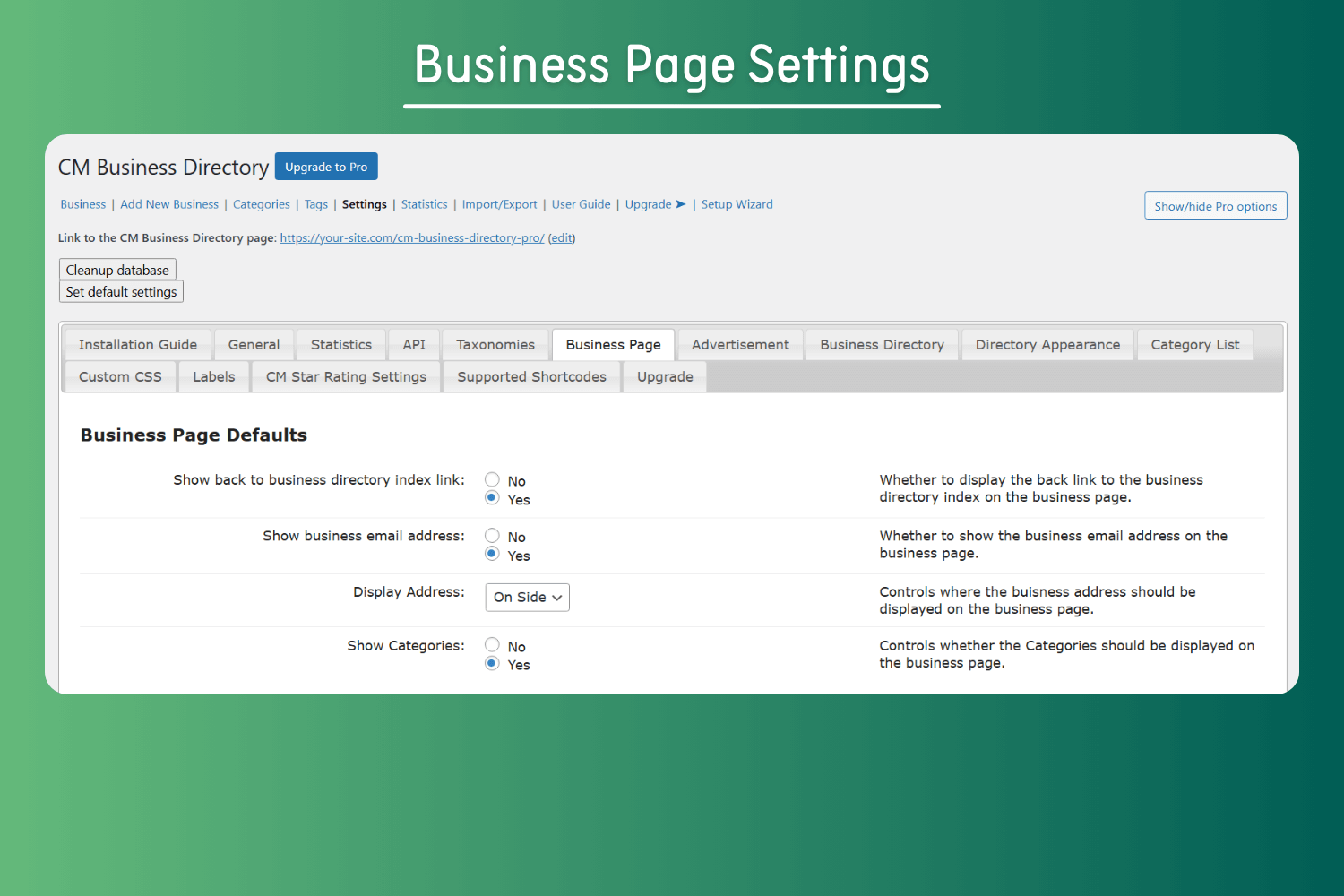
Business Page Settings
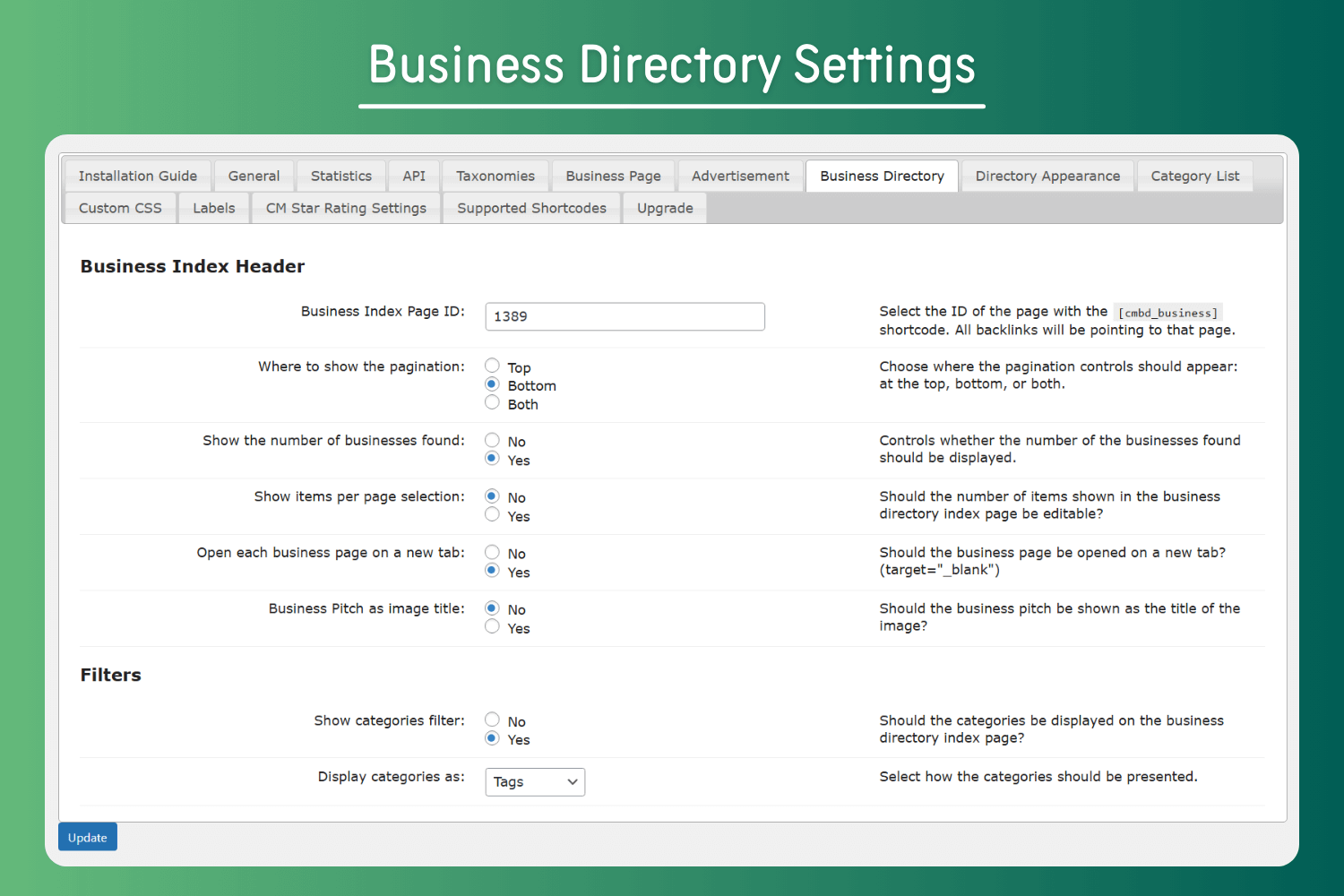
Business Directory Settings
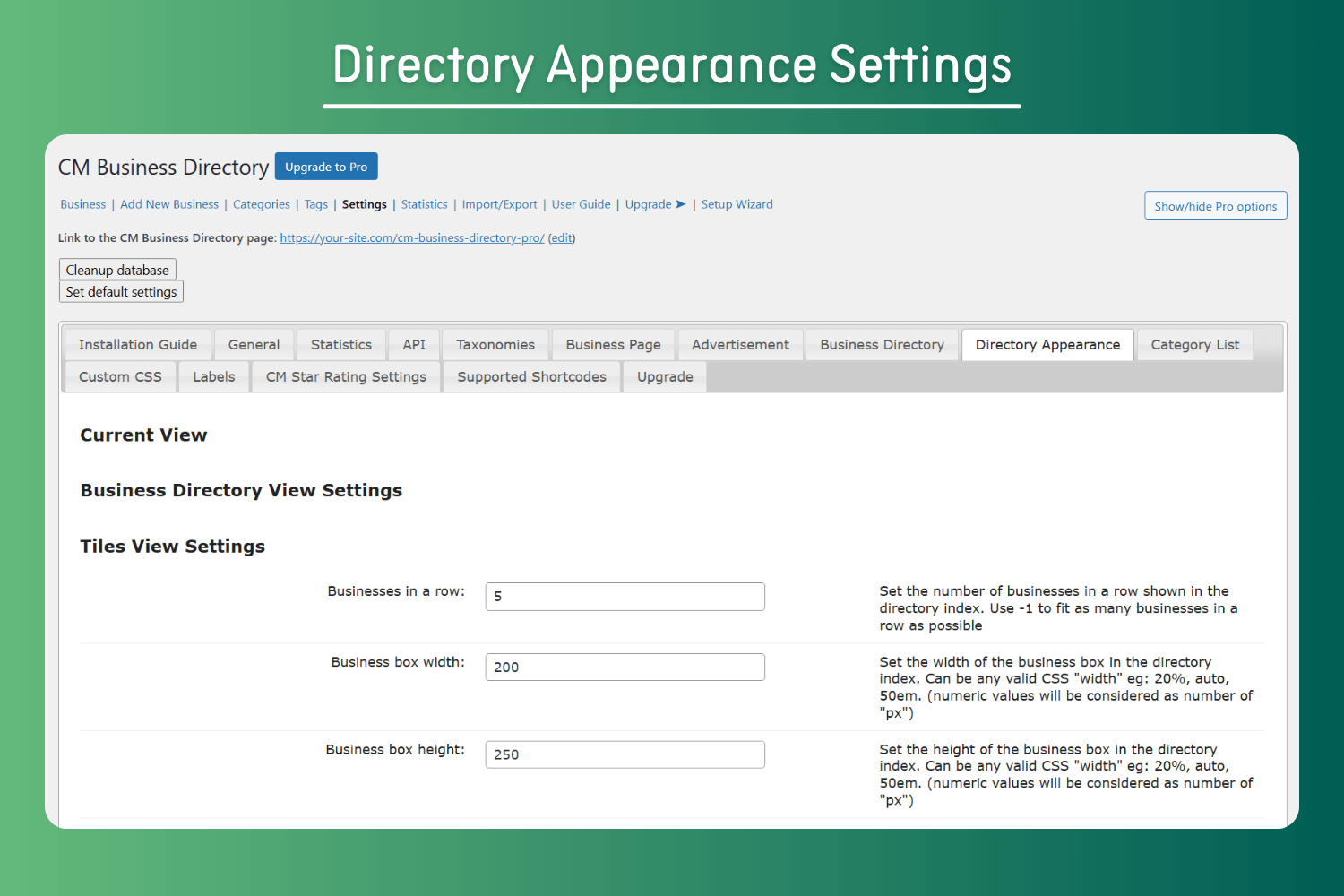
Directory Appearance Settings
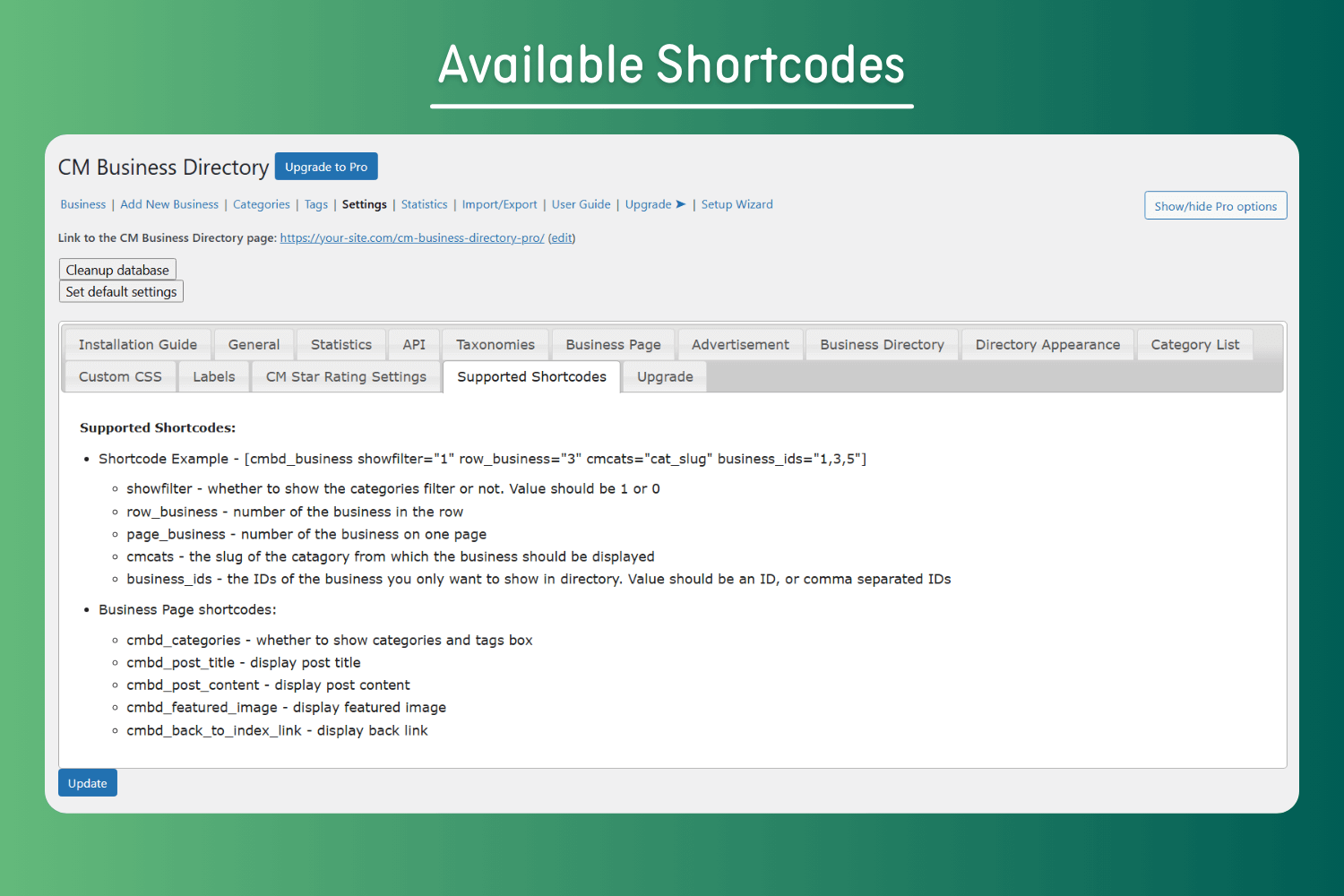
Available Shortcodes
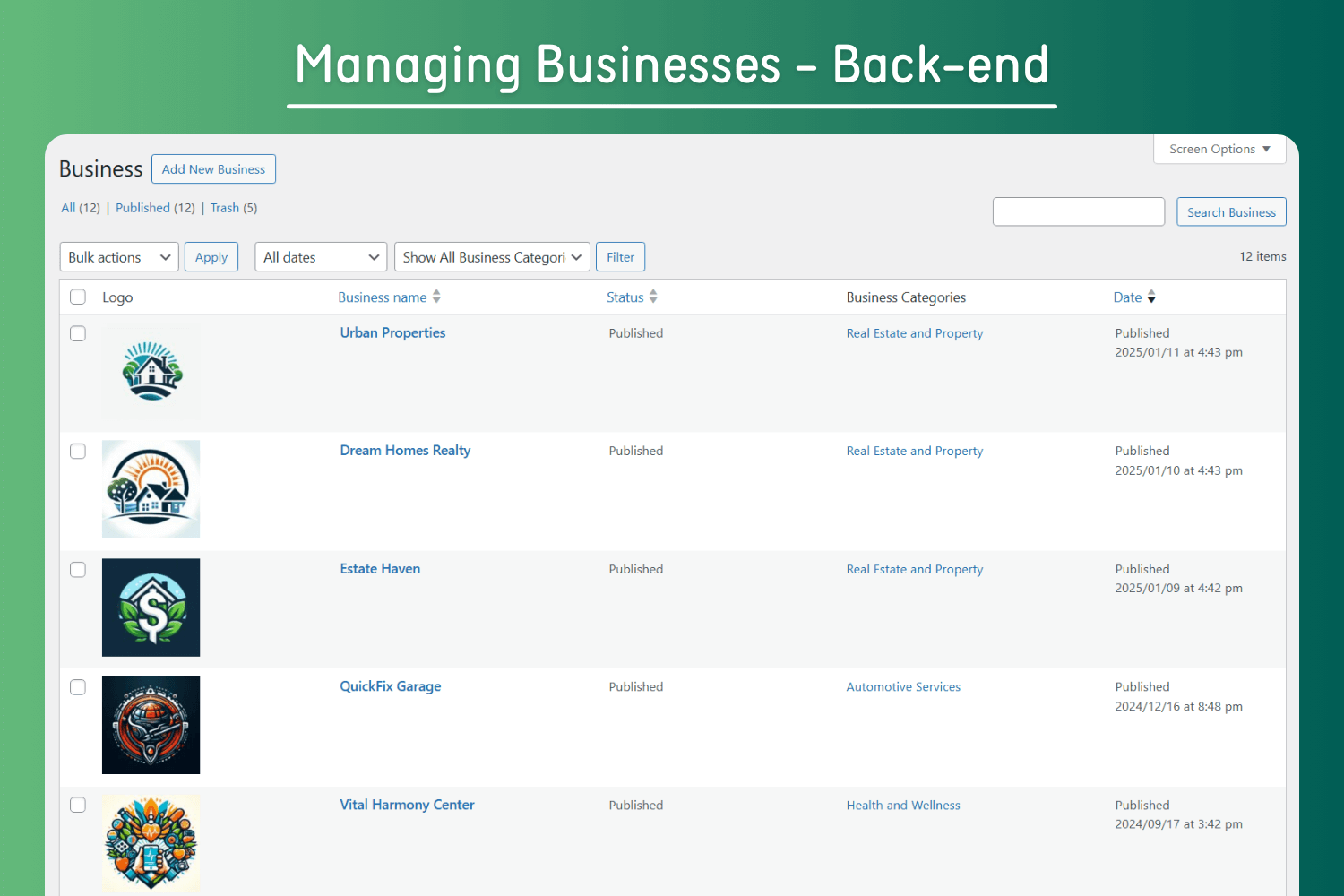
Managing Businesses – Back-end
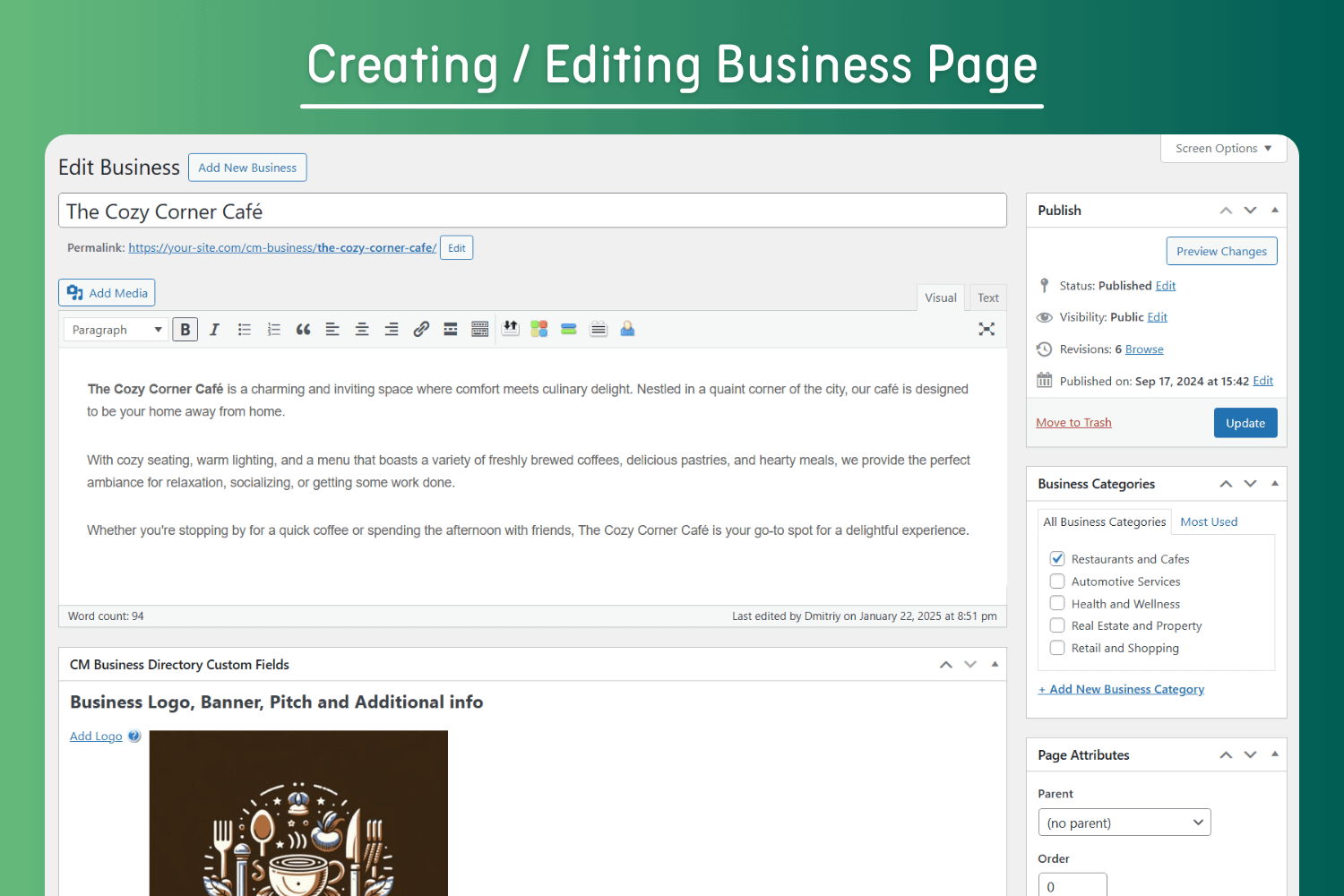
Creating / Editing Business Page
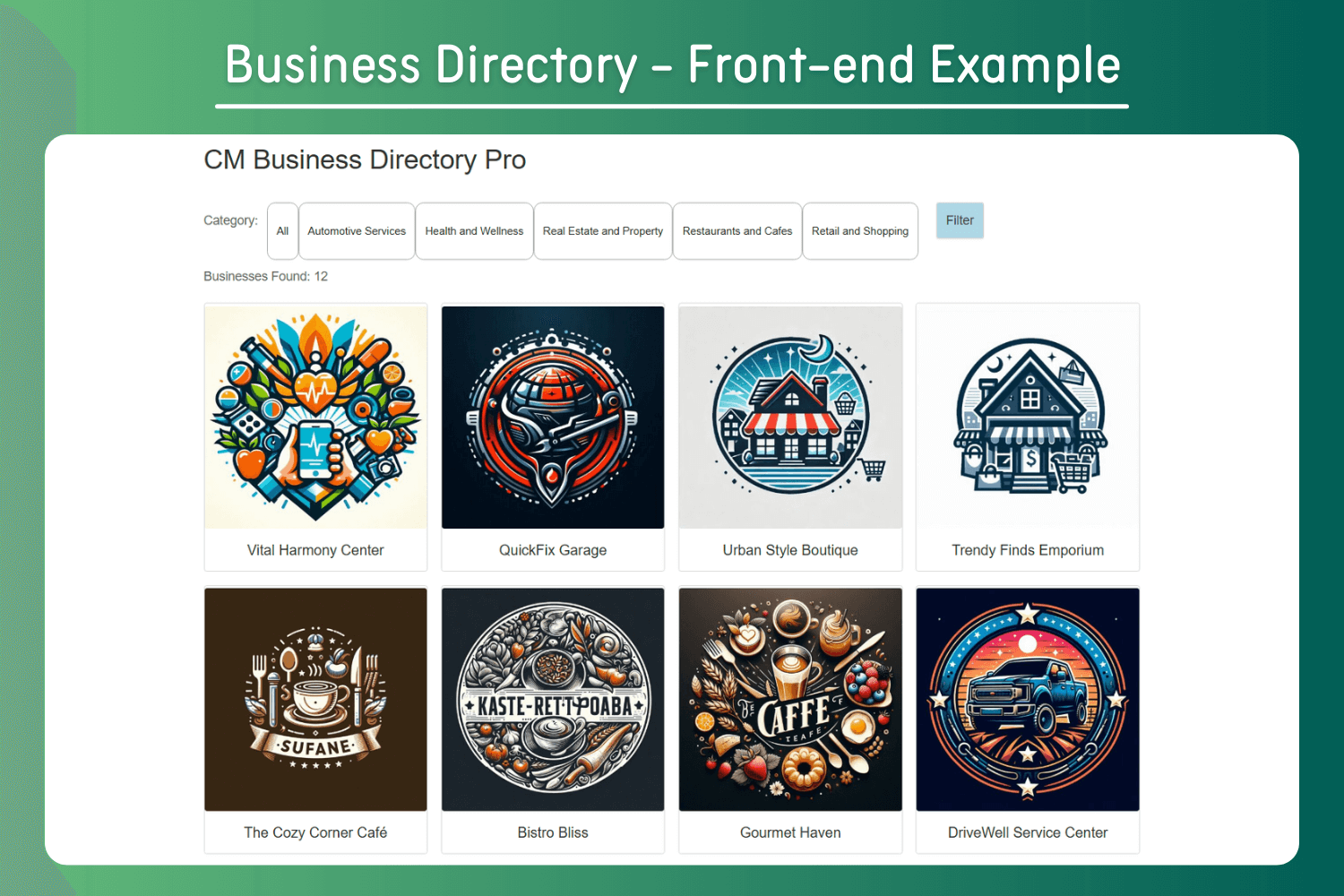
Business Directory – Front-end Example
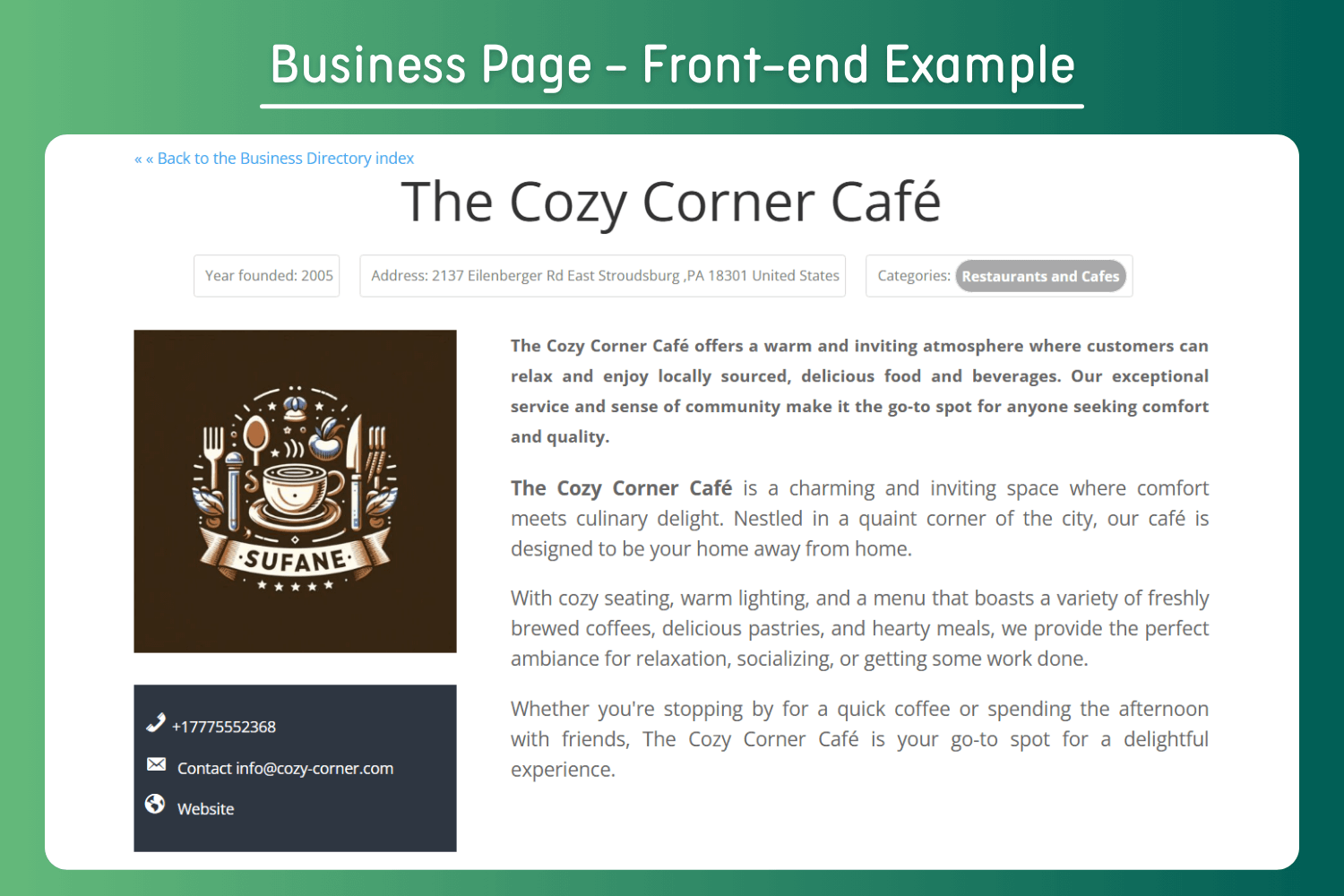
Business Page – Front-end Example
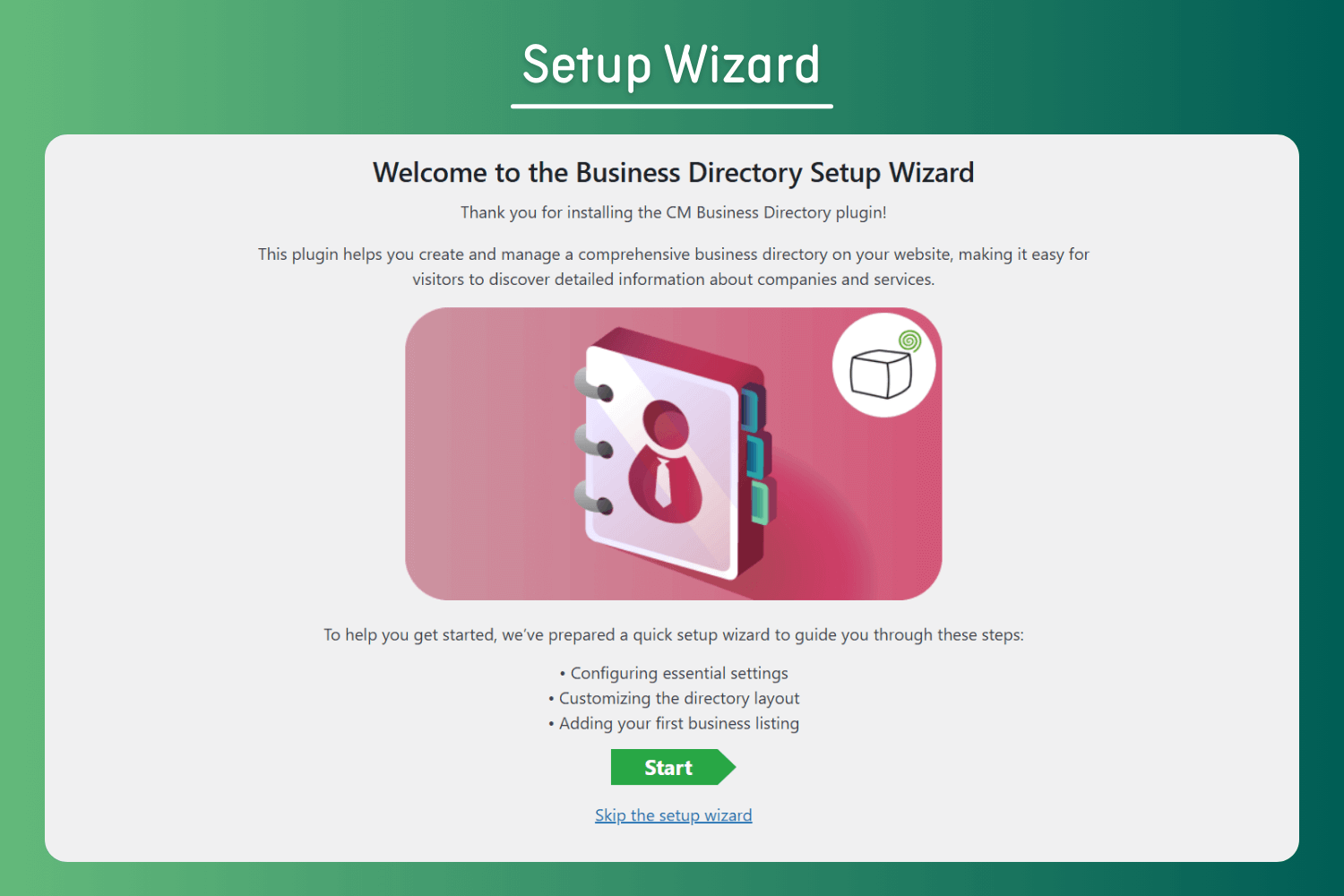
Setup Wizard
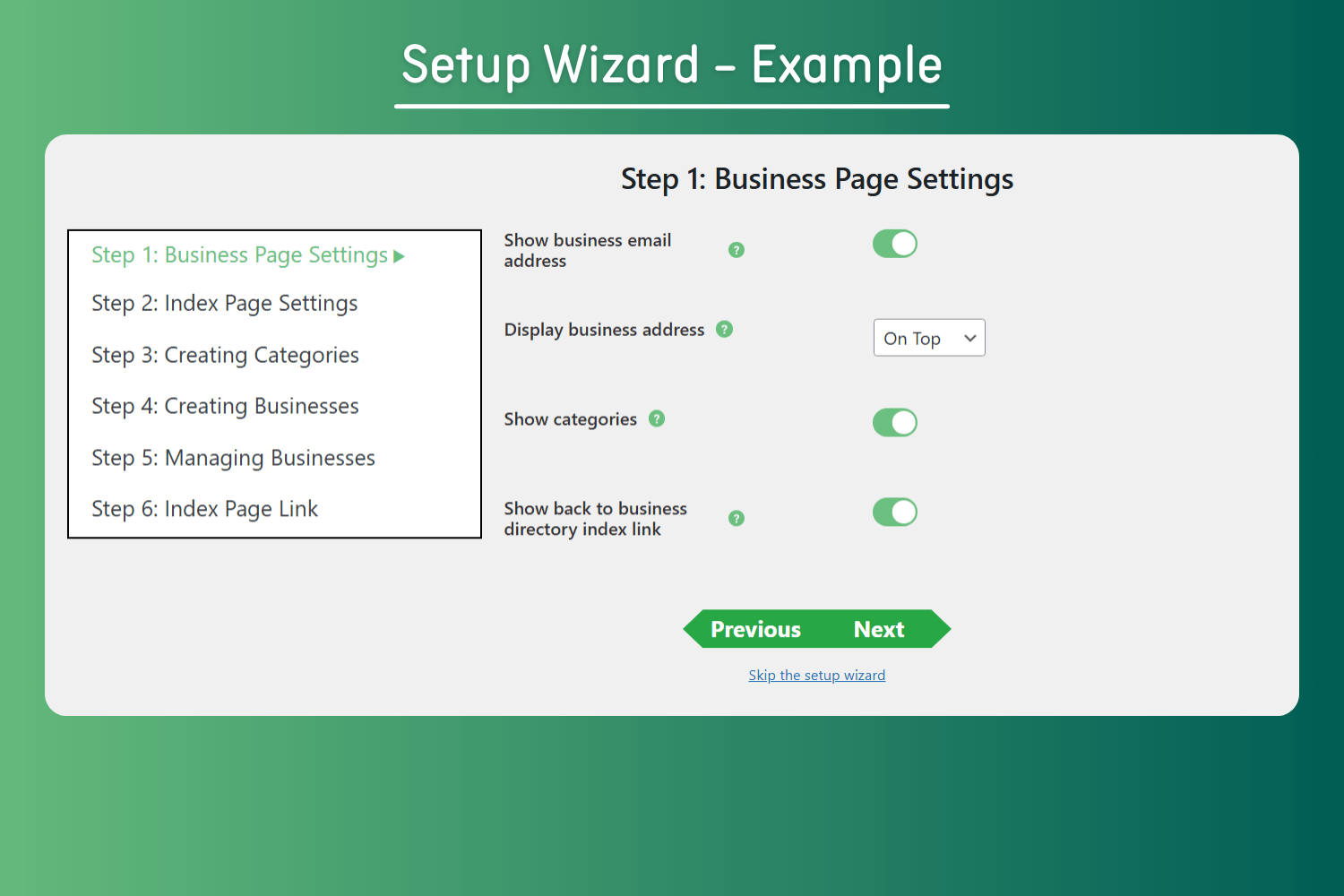
Setup Wizard – Example
Changelog
1.5.3
Release Date: 19 Sep 2025
* Fixed Cross-Site Scripting (XSS) issues with shortcodes
1.5.2
Release Date: 12 Jun 2025
* Added restrictions for deactivating a plugin and send reason should be admin user
1.5.1
Release Date: 15 May 2025
* Updated pricing
1.5.0
- Improved CSS
1.4.9
- Improved JavaScript file
1.4.8
- Improvements
1.4.7
Release Date: 14 Mar 2025
* Updated pricing
1.4.6
Release Date: 05 Mar 2025
* Improvement with tiles view order
1.4.5
Release Date: 12 Jan 2025
* Improvement with content shortcode
1.4.4
Release Date: 08 Jan 2025
* Fixed vulnerability issue
1.4.3
Release Date: 17 Dec 2024
* Added setup wizard
1.4.2
Release Date: 19 Nov 2024
* Fixed security (medium) issue
1.4.1
Release Date: 13 Nov 2024
* Improvement in pro version settings as a showcase
1.4.0
Release Date: 02 Oct 2024
* Added pro version settings as a showcase
* fixed scrutiny issue
1.3.9
Release Date: 18 May 2024
* Fixed security issues
1.3.8
Release Date: 21 December 2023
* Update package info
1.3.7
Release Date: 17 Mar 2023
* Update package info
1.3.6
Release Date: 23 Feb 2023
* Added a code that fixes 404 problems after permalink change automatically
1.3.5
Release Date: 9th Nov 2022
* Replace Internal support links
[View Release Notes in CM Directory Site] (https://www.cminds.com/changelog/?id=53)