

Code Snippets CPT
Tags snippets, code, code snippets, syntax highlighting, shortcode Requires at least: 3.8.0 Tested up to: 4.7.3 Stable tag: 2.1.
Plugin info
Maintenance & Compatibility
Maintenance score
Possibly abandoned • Last updated 3285 days ago • 8 reviews
Is Code Snippets CPT abandoned?
Possibly abandoned (last update 3285 days ago).
Compatibility
Similar & Alternatives
Explore plugins with similar tags, and compare key metrics like downloads, ratings, updates, support, and WP/PHP compatibility.
Description
A WordPress plugin for elegantly hosting, managing, and displaying code snippets. Own your own data!
Adds a custom post type for managing your code snippets with taxonomies for classifying the snippets. Embed snippets with syntax highlighting to posts or pages via a handy shortcode insert button that allows you to pick from the most recent snippets. Syntax highlighting provided by the Prettify javascript library and the Ace Editor.
Features:
- Host your own snippet library.
- Button for easy-copying of snippet (disable with:
add_filter( 'dsgnwrks_snippet_do_click_to_copy', '__return_false' )). - Button to enable full-screen snippet view (disable with:
add_filter( 'dsgnwrks_snippet_enable_full_screen_view', '__return_false' )). - Two frontend render engines, prettify (with 2 themes) or Ace (with 32 themes).
- WordPress editor shortcode button for embedding snippets in your content, and creating/editing those snippets on the fly.
- Live (tinymce) previews of the snippets in your content editor.
- Programming language picker (for syntax).
- Snippet tags and categories.
Feel free to fork or contribute on Github.
Installation
Frequently Asked Questions
Installation Instructions
- Upload the entire
/code-snippets-cptdirectory to the/wp-content/plugins/directory. - Activate Code Snippets CPT through the ‘Plugins’ menu in WordPress.
- Create a snippet.
- Insert a snippet shortcode via the snippet tinymce button.
Review feed
The only code snippet plugin you need
Outstanding - Does What it Says, and Does it Well
Screenshots
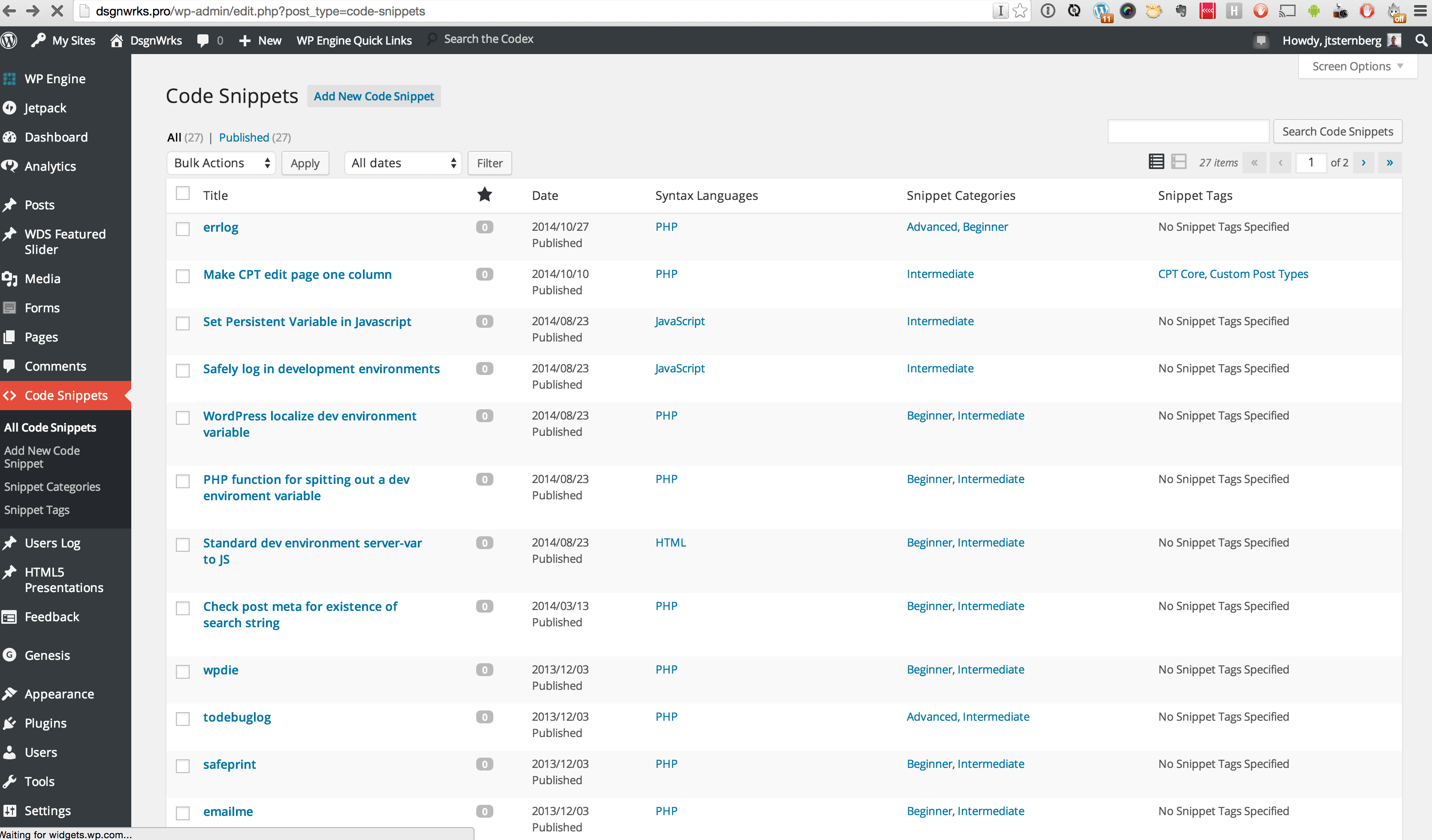
Code Snippets admin listing
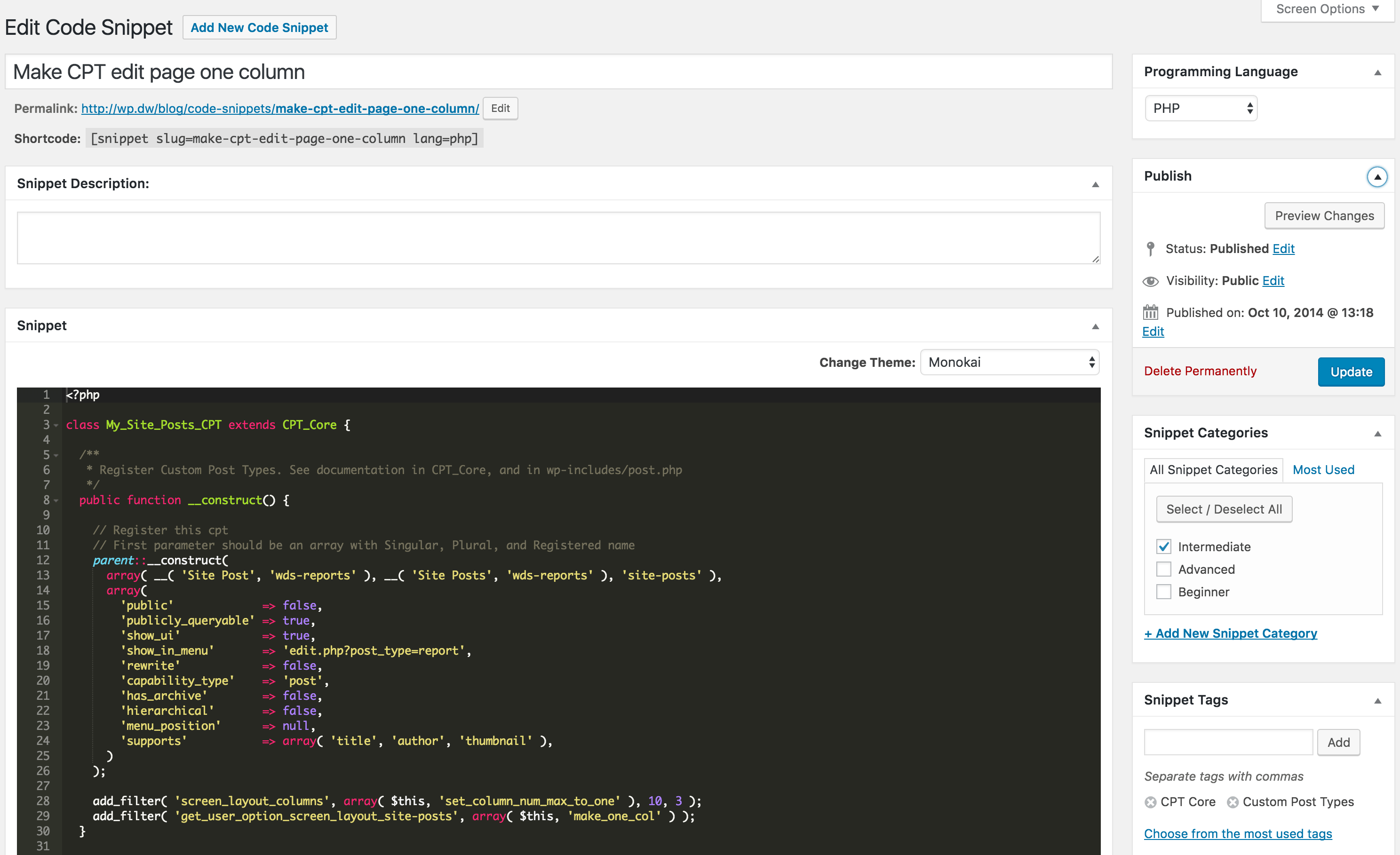
Editing code snippet

Code snippet shortcode in a post

Code snippet insert button/modal
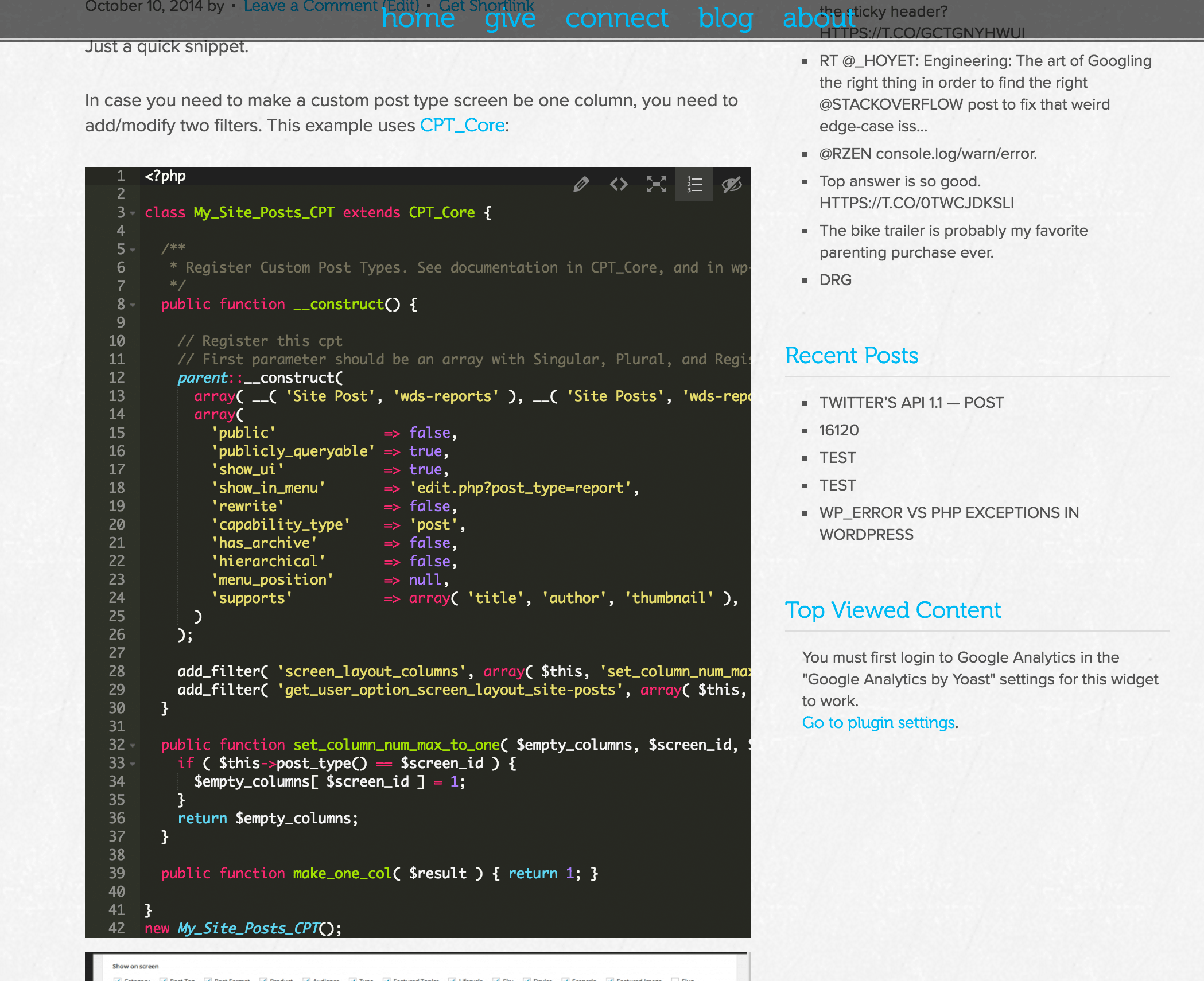
Front-end snippet view, using Ace with the monokai theme

Full-screen snippet view

Snippet easy-copy window

Inline snippet editor
Changelog
2.1.0
- Fix issue with double trailing slashes on
DWSNIPPET_URLcausing resources to no load under some circumstances.
2.0.9
- Fix issue with calling
wp.mcewhen it doesn’t exist (in instances where only quicktags are enqueued).
2.0.8
- Fix ACE frontend to honor the ‘Display Line Numbers’ setting. Fixes #29.
2.0.7
- Fix “Uncaught Error: Call to undefined function post_categories_meta_box()” occurring when not on post-pages. Fixes #28.
2.0.6
- Update snippet-copy URL so that it doesn’t 404 when nonce is expired, and also
noindex,nofollowthe snippet-copy pages when the nonce has expired.
2.0.5
- Enable native copy functionality available in newer browsers. Props ramiabraham, #27.
- Clean up styles a bit for full-screen view.
- Clean up Ace front-end view.
2.0.4
- Fix bug causing the shortcode button not to insert the snippet when in visual mode.
2.0.3
- The front-end script needs to load in the footer so that
wp_localize_script()works as expected. - Better styling for the full-width view and the buttons in the full-width view
2.0.2
- Better Ace editor support for inline php snippets (i.e. no opening
<?phptag). - Minify css files.
2.0.1
- Use Ace editor for the snippet add/edit shortcode modal.
2.0.0
- Button for opening modal for easy-copying of snippet.
- Button to enable full-screen snippet view.
- (When using Ace frontend) Button to toggle line-numbers.
- (When using Ace frontend) Button to collapse/minify the snippet.
- (When logged-in) Button to edit Snippet.
- View individual snippet pages, and link to full-screen snippets.
- Live (tinymce) previews of the snippets in your content editor, and edit them in place.
- Option to choose the front-end display theme and render engine (prettify or Ace).
- Ace editor on the snippet-edit page, and option to use the Ace render engine on the front-end. Props JayWood (#22).
- Add new snippets on the fly via the shortcode button (vs having to leave your post and to create them). Props JayWood (#22).
1.0.5
- Add C# as available language.
1.0.4
- BUG FIX: Remove ‘html_entity_decode’ around snippet output, as it will cause the page display to break under certain circumstances.
1.0.3
- Replace shortcode button’s usage of ids with slugs because ids can change during a migration.
- Added filter, ‘dsgnwrks_snippet_display’.
- Better handling of WordPress-converted html entities.
- By default, convert tabs to spaces for better readability. Can be disabled with:
remove_filter( 'dsgnwrks_snippet_content', 'dsgnwrks_snippet_content_replace_tabs' ); - Added title attribute to
preelement to display title of snippet on hover.
1.0.2
- Add more languages
- Add lang parameter to shortcode attributes.
- Use selected snippet language to set the shortcode lang parameter.
- Allow shortcode to specify line number to start with
1.0.1
- WP editor buttons for inserting snippet shortcodes
1.0.0
- First Release