

CodePen Embedded Pens Shortcode
Allows the use of a special shortcode [codepen_embed] for embedding Pens from CodePen.
Plugin info
Maintenance & Compatibility
Maintenance score
Possibly abandoned • Last updated 503 days ago • 6 reviews
Is CodePen Embedded Pens Shortcode abandoned?
Possibly abandoned (last update 503 days ago).
Compatibility
Similar & Alternatives
Explore plugins with similar tags, and compare key metrics like downloads, ratings, updates, support, and WP/PHP compatibility.
Description
Allows the use of a special shortcode [codepen_embed] for embedding Pens from CodePen.
You can learn more about CodePen here and about this plugin here.
Basic Usage
[codepen_embed height=300 theme_id=1 slug_hash='jwGBh' user='arasdesign' default_tab='html' animations='run']
  See the Pen Flat minion by Amin Poursaied (@arasdesign) on CodePen
[/codepen_embed]
The Point
-
You can use shortcodes in the “Visual” editor. CodePen Embeds are copy-and-paste HTML that don’t work when using the editor that way. If you ever use the Visual editor in WordPress, you’ll probably want to use this plugin.
-
You can set a default theme, or override any theme set via Shortcode attribute.
-
Hopefully eventually this plugin will have more functionality. Like have a fancy UI for picking Pens to embed and more control over the HTML output.
Installation
For old school manual installation people: copy the folder “codepen_embed” into the /wp-content/plugins/ folder. Then go to the Plugins area of the Admin and activate. Otherwise, search for “CodePen Embed” from the admin area of your WordPress site in Plugins > Add New.
Frequently Asked Questions
CodePen is a web app that allows anyone to create things with HTML, CSS, and JavaScript.
Shortcodes are clean! You can already copy and paste JavaScript or iframe code to embed a Pen onto a WordPress page, but you need to make sure to be in the “HTML” tab of the writing area. If a user is in the “Visual” (default) tab, the embed code will not work. Short codes will work either way.
You can also manage the default theme of the embeds with this plugin.
Review feed
Screenshots
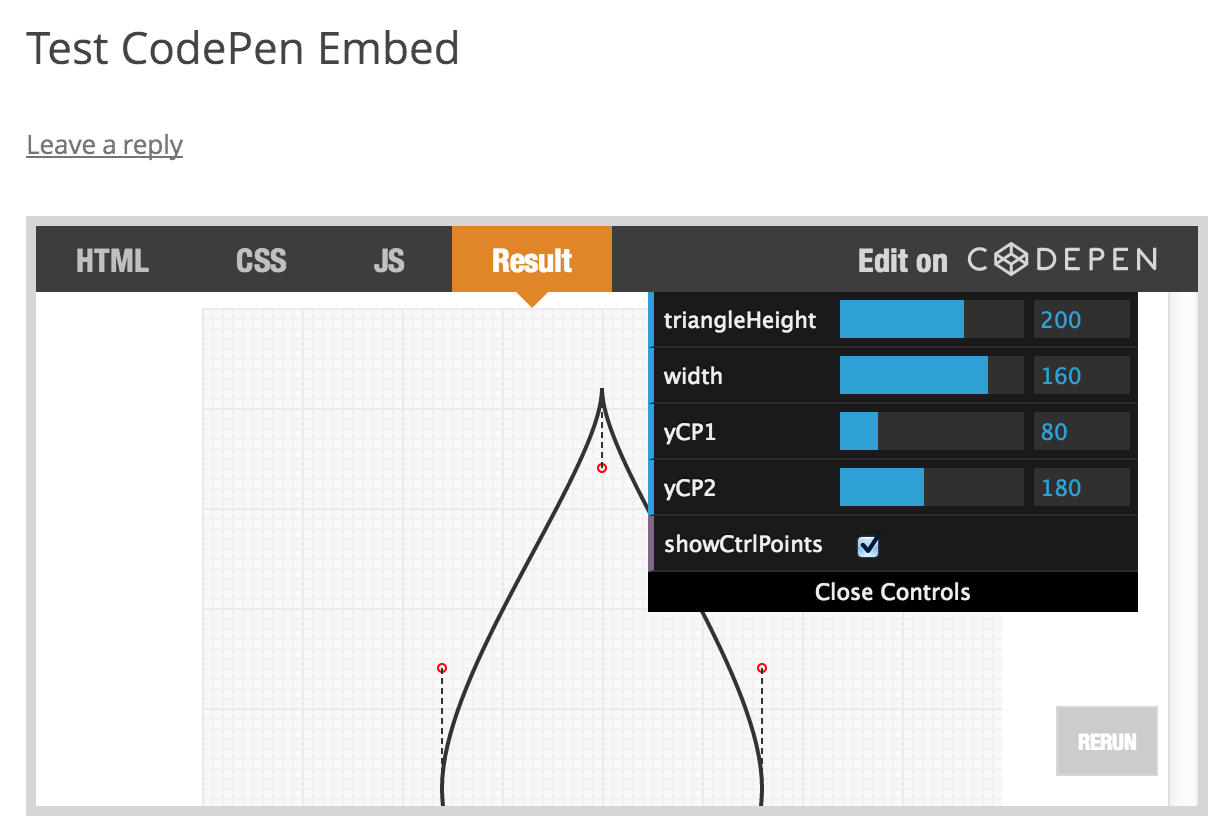
An Embedded Pen

Settings Page
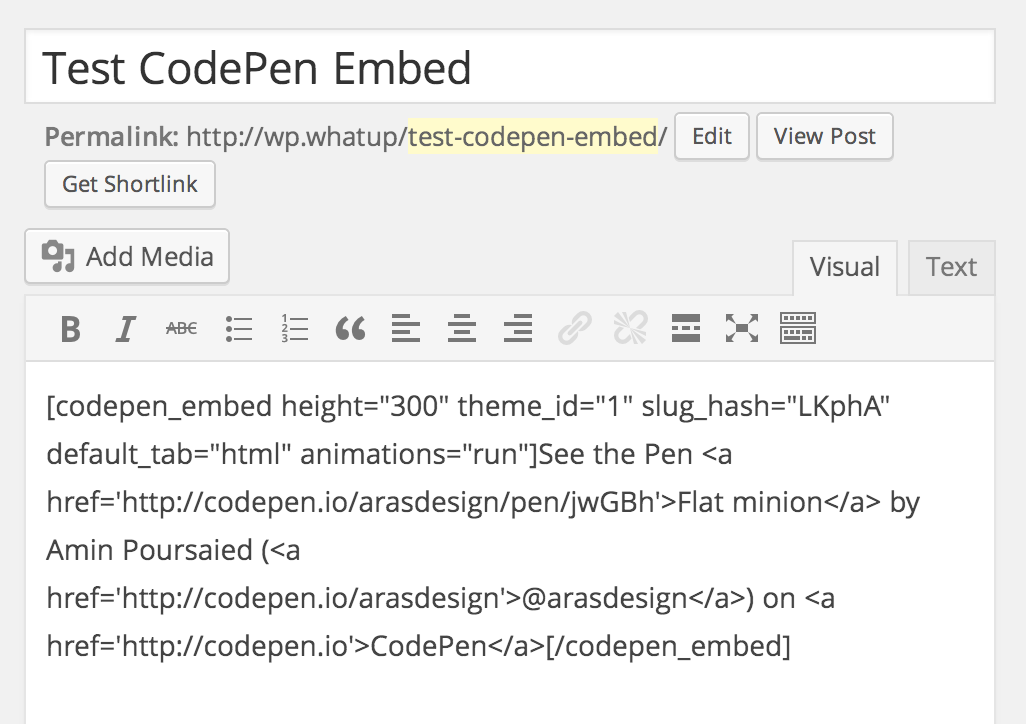
Editor with Shortcode
Changelog
- 0.1 – Beta
- 0.2 – Adding line_numbers attribute
- 0.3 – Default for
data_animationsis nowrun, as documented. - 0.4 – Added
previewattribute. Removed line numbers attribute. - 0.5 – Defaulting to v2 of Embeds by default
- 0.6 – Make sure
theme_id="light"andtheme_id="dark"work. - 0.7 – Making sure
data_edtiablesupport editable embeds.- 0.7.1 – Fixing naming thing
- 0.8 – Updating location of CodePen’s embed script
- 1.0.2 – Bug fixes
- 1.0.3 – Bug fixes