Plugin info
Maintenance & Compatibility
Maintenance score
Maintained • Last updated 128 days ago
Is CodingBunny Easy Duplicate Post abandoned?
Likely maintained (last update 128 days ago).
Compatibility
Similar & Alternatives
Explore plugins with similar tags, and compare key metrics like downloads, ratings, updates, support, and WP/PHP compatibility.
Description
Duplicate page and post plugin provides functionality to create a clone of page or posts. You can duplicate pages, posts and custom post by single click and it will be saved as draft.
Duplicate page and post doesn’t have a lot of features that other plugins have, but it also is lightning fast by comparison.
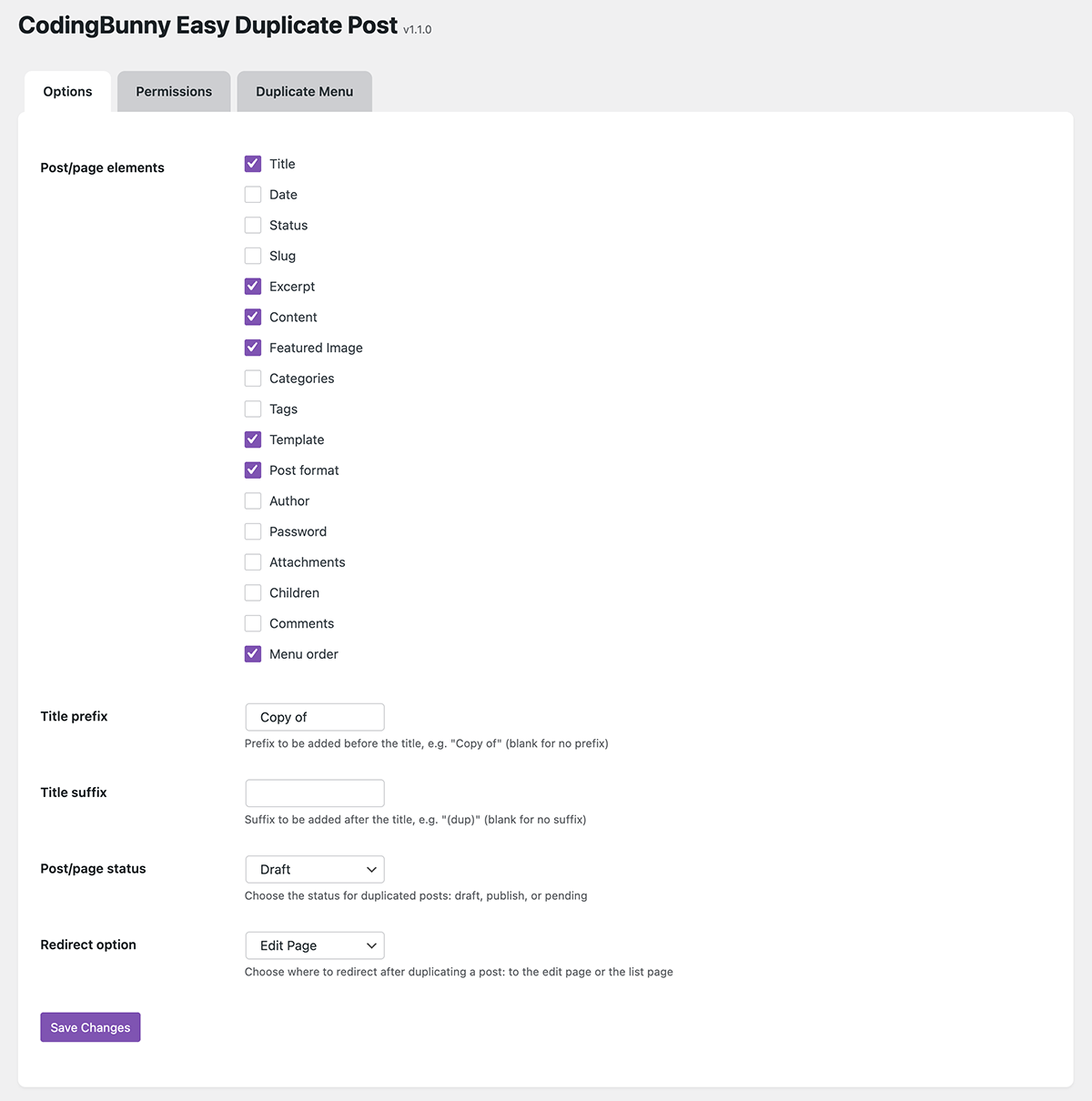
Major features of this plugin include
- Create a clone of particular page.
- Create a clone of particular post.
- Create a clone of particular custom post(CPT).
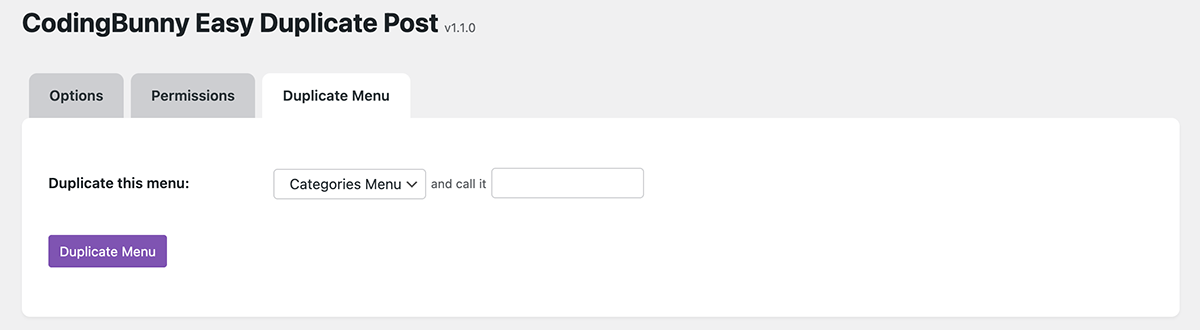
- Create a clone of particular menu.
- Option to select Post/Page Elements to copy.
- Option to add Title Prefix.
- Option to add Title Suffix.
- Option to select duplicate Post/Page Status.
- Option to Redirect after click on Clone.
- Option to select Allowed User Role Permission.
- Option to select Allowed Post Type Permission.
Installation
The plugin is simple to install:
- Download coding-bunny-easy-duplicate-post.zip
- Unzip
- Upload coding-bunny-easy-duplicate-post directory to your /wp-content/plugins directory
- Go to the plugin menu page and activate the plugin
Frequently Asked Questions
- Activate the plugin through the ‘Plugins’ menu in WordPress.
- Then Create New Post/Page Or you can use old one.
- Now go to all pages or all posts page on your dashboard.
- Hover your cursor over any page or any post on dashboard section, you’ll see a “Click here to clone” Button.
- After you click on “Clone” link, then duplicate post/page will be created and saved as draft, make the changes you wish and hit publish.
User can easily duplicate the posts, pages or the custom posts with single click. It saves user’s time to re-create the same post or page again.
1.1.2: 2025-11-14
– Fix: Minor issues fixed
1.1.1: 2025-05-26
– Fix: Minor issues fixed
1.1.0: 2025-04-02
– New: Added the ability to duplicate menus
1.0.2: 2025-02-05
– Fix: Solved conflict with WooCommerce
1.0.1: 2025-01-30
– Improvement: Small fixes
1.0.0: 2025-01-25
– New: Initial Release